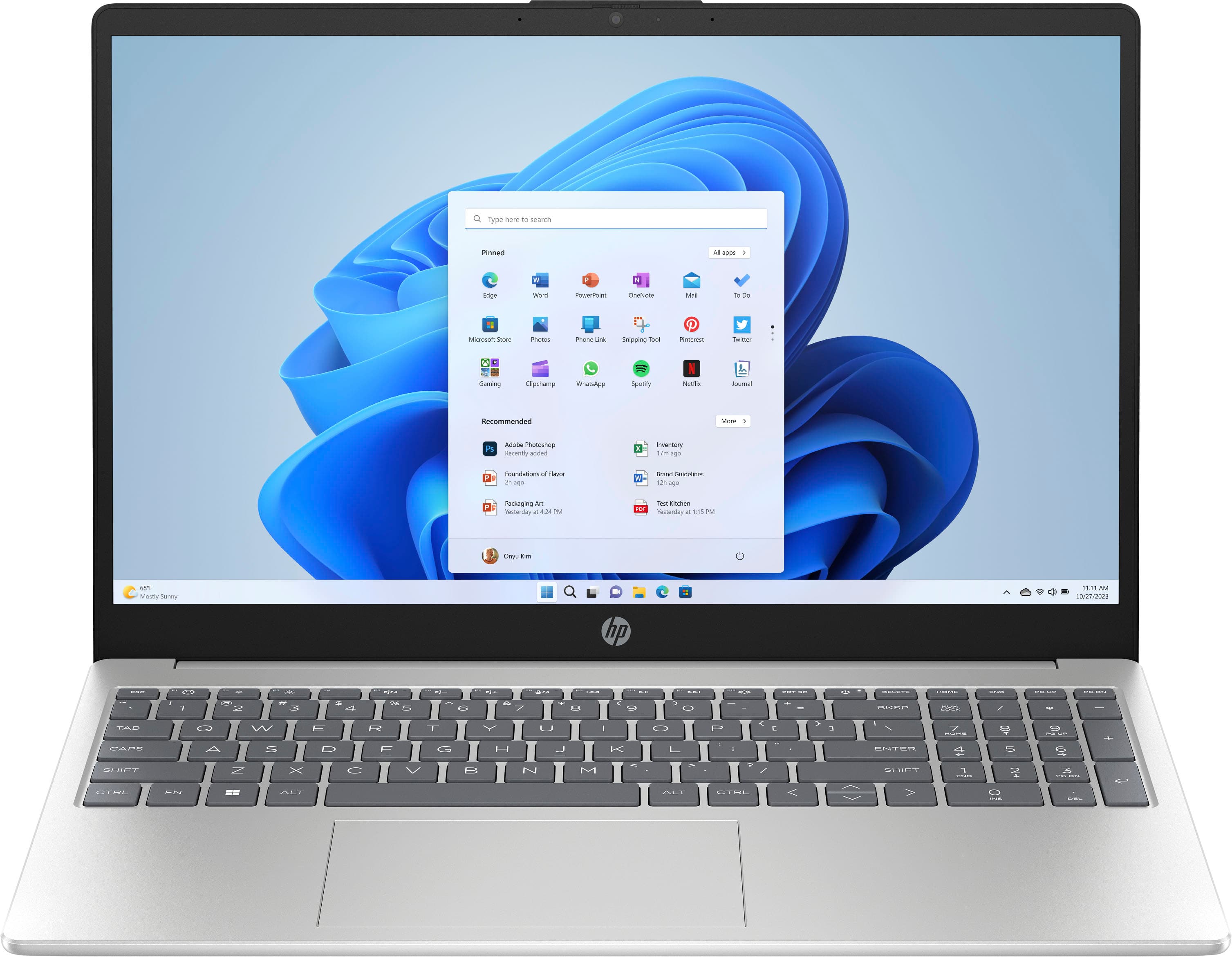
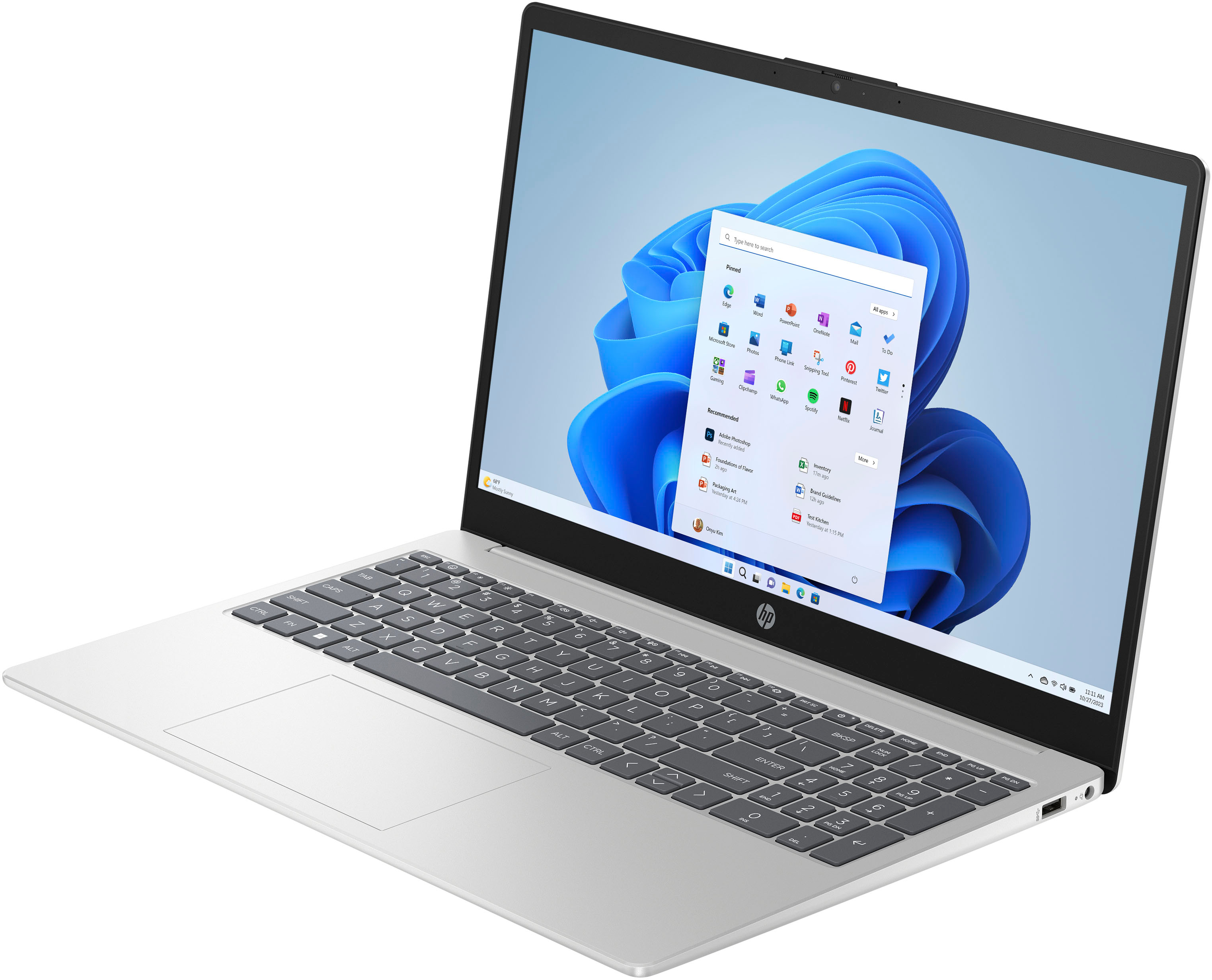
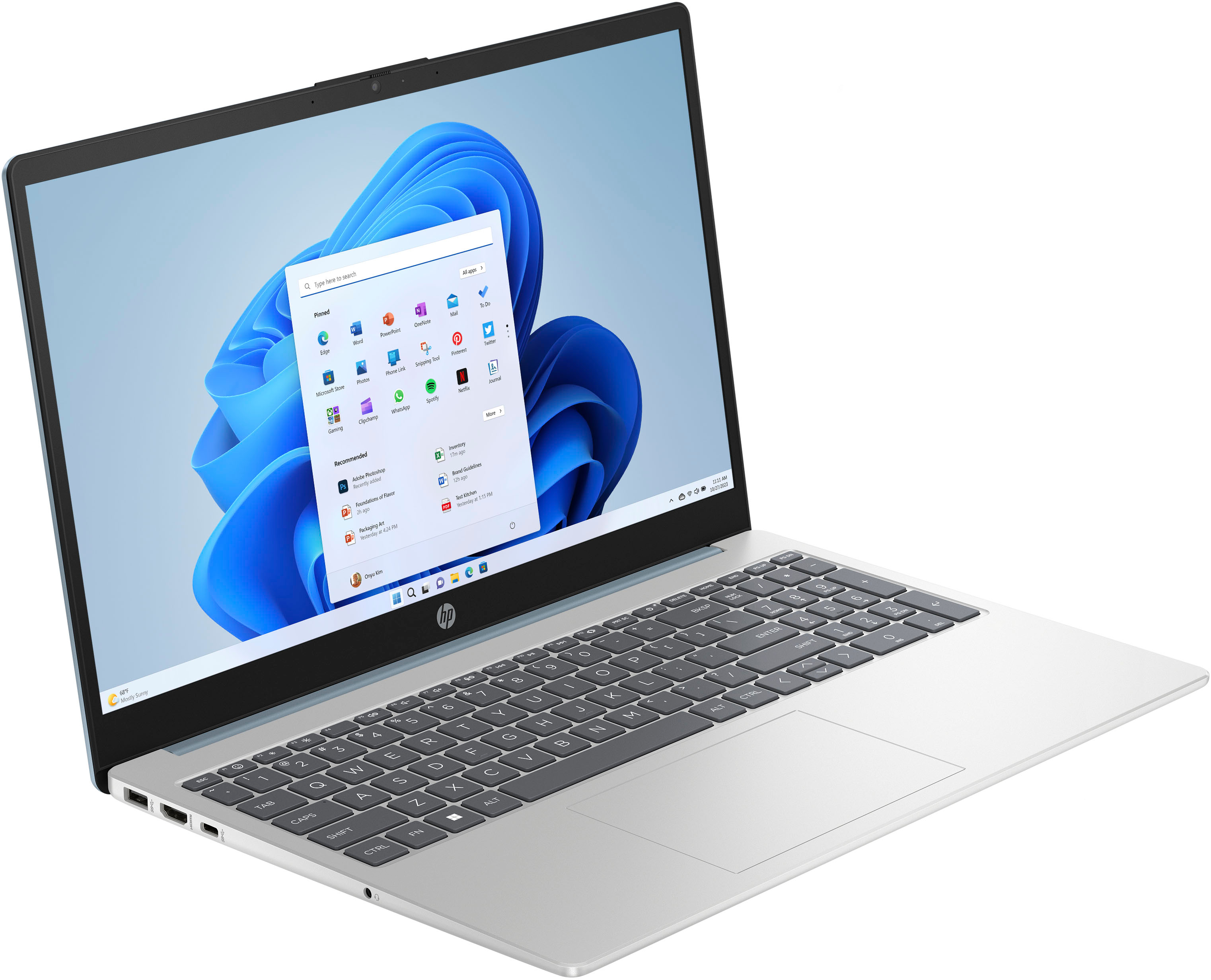
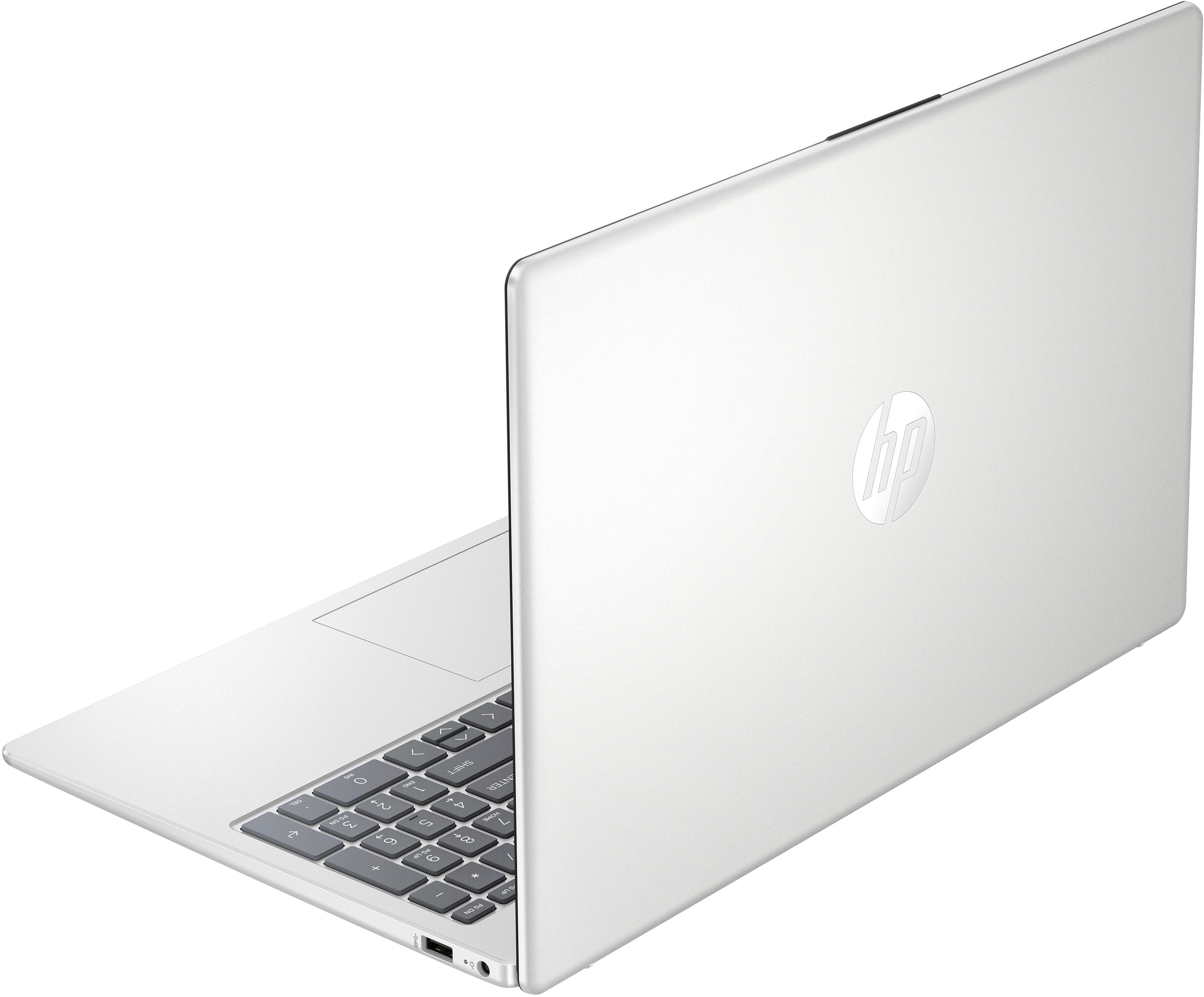
A:AnswerThank you for the question. This laptop will serve the purpose, however, you might want to consider using cloud storage (25GB Dropbox storage is included free for 12 months.) or connecting an external drive to augment storage.
A:AnswerThank you for your question. As system requirements for software constantly change, we are unable to answer questions about software compatibility or performance. What is compatible today may not be in a few months. Please check the software manufacturer's website for the most current system recommendations.
A:AnswerHello Rugani, and thank you for your question. This laptop has a Bluetooth 5.3 wireless card, allowing you to connect any of your compatible Bluetooth devices, like your headphones.
A:AnswerThank you for your question. You should charge your new laptop until the battery reaches 100%. Times will vary depending on how much charge your battery arrives with. It is not possible to overcharge your battery.
A:AnswerI don't think 16gb would be enough to successfully host several VMs. I guess that'll depend on what you're running on those VMs and how much load they'll handle. Docker with 16gb is a pain ... I can't see several VMs running without performance hits. Perhaps something with a better processor could help alleviate some of that.
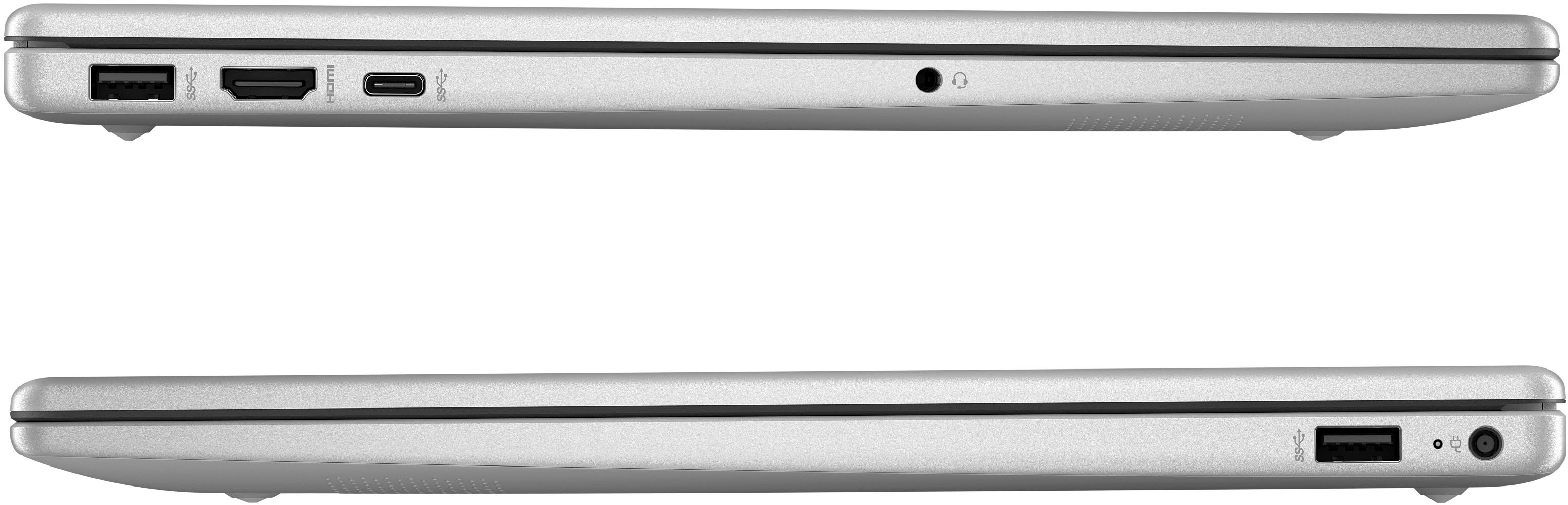
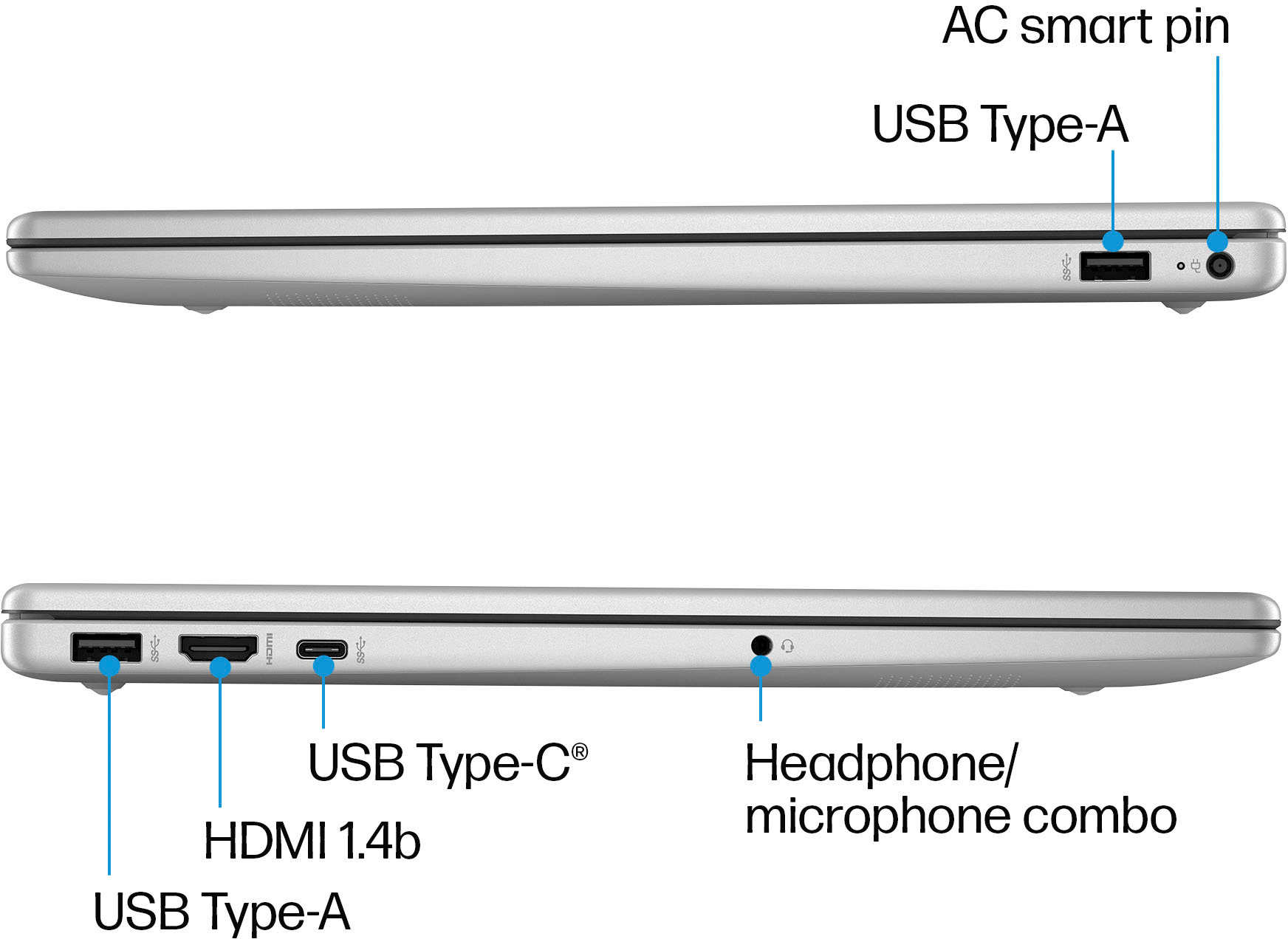
A:AnswerThanks for your question! You can use either a USB-C or USB-A cable for the laptop ports that has the appropriate iPhone end cable (lightning or USB-C, depending on the model), for your iPhone to transfer photos to this HP 15.6" Full HD Laptop.
A:AnswerHi there. Thank you for your question! This laptop will not come with nor support a USB-C power adapter. It will come with a 45 W HP Smart AC power adapter that will use a 4.5mm barrel connector.
A:AnswerThank you for the question. The 15-fc0093dx laptop does not have an additional SSD bay, however, you can change the supplied SSD to one of more capacity.
A:AnswerThank you for the question. Yes, if your TV has an HDMI-in port. You can connect the laptop and the TV will display whatever you want from the laptop - like a large monitor.