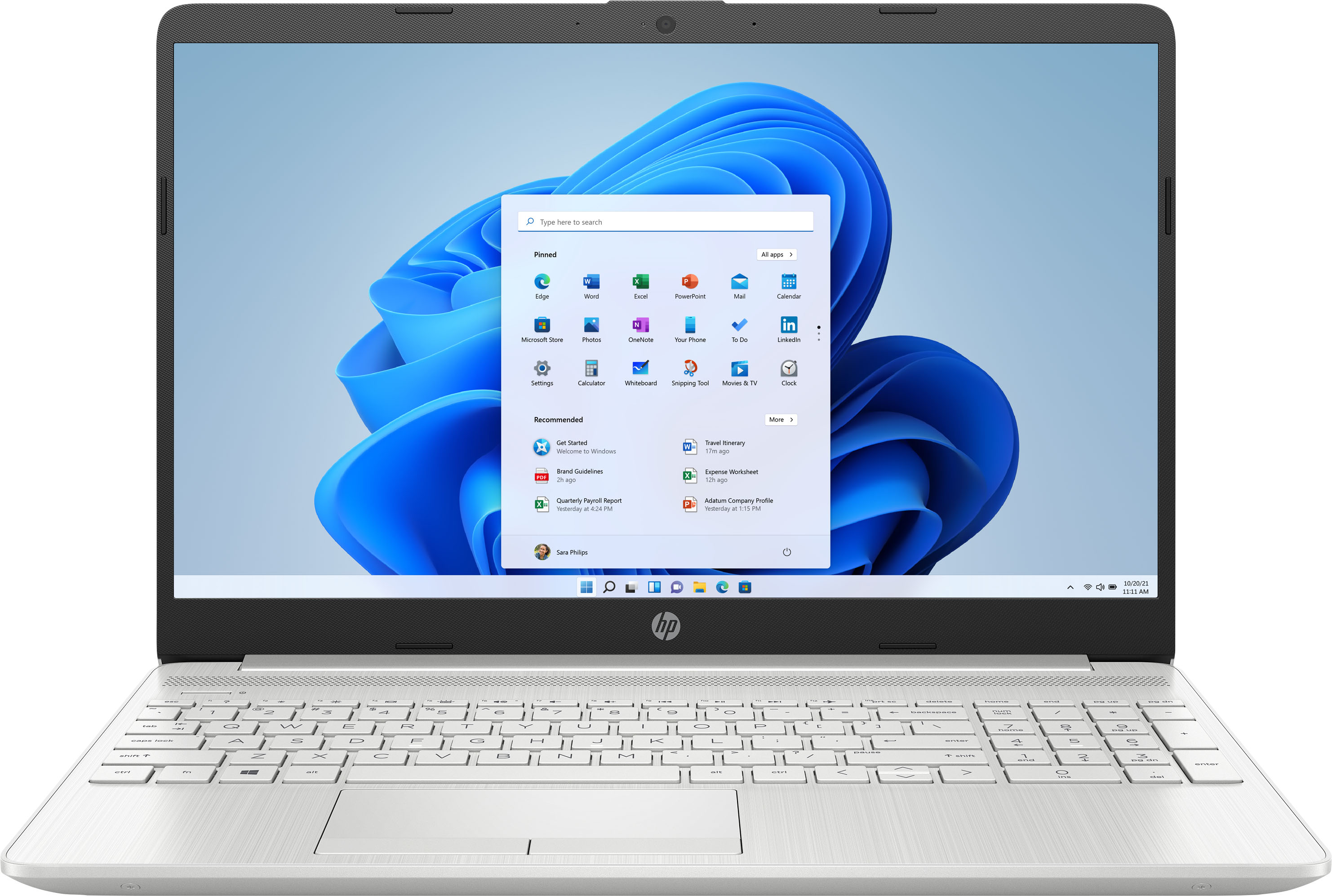
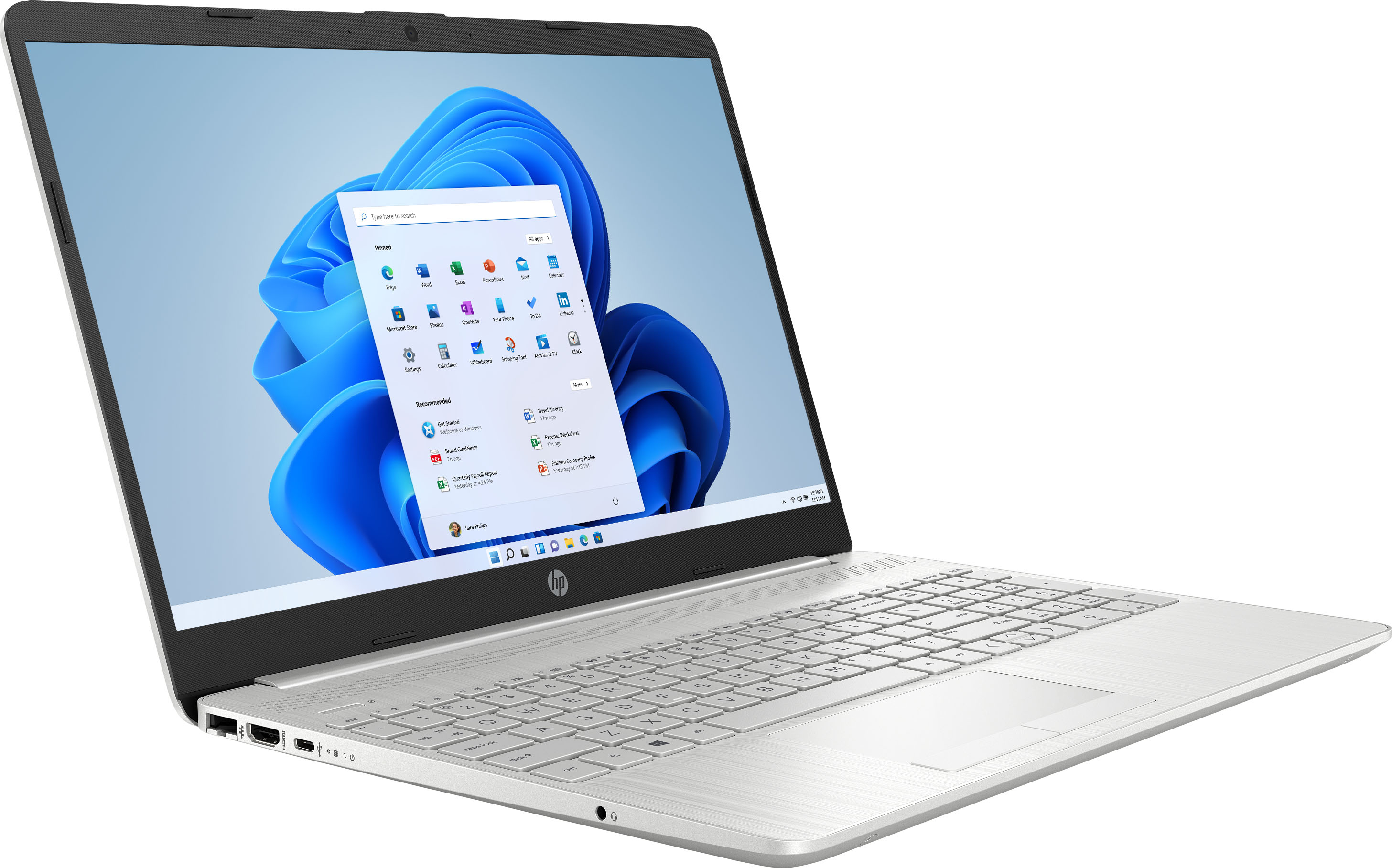
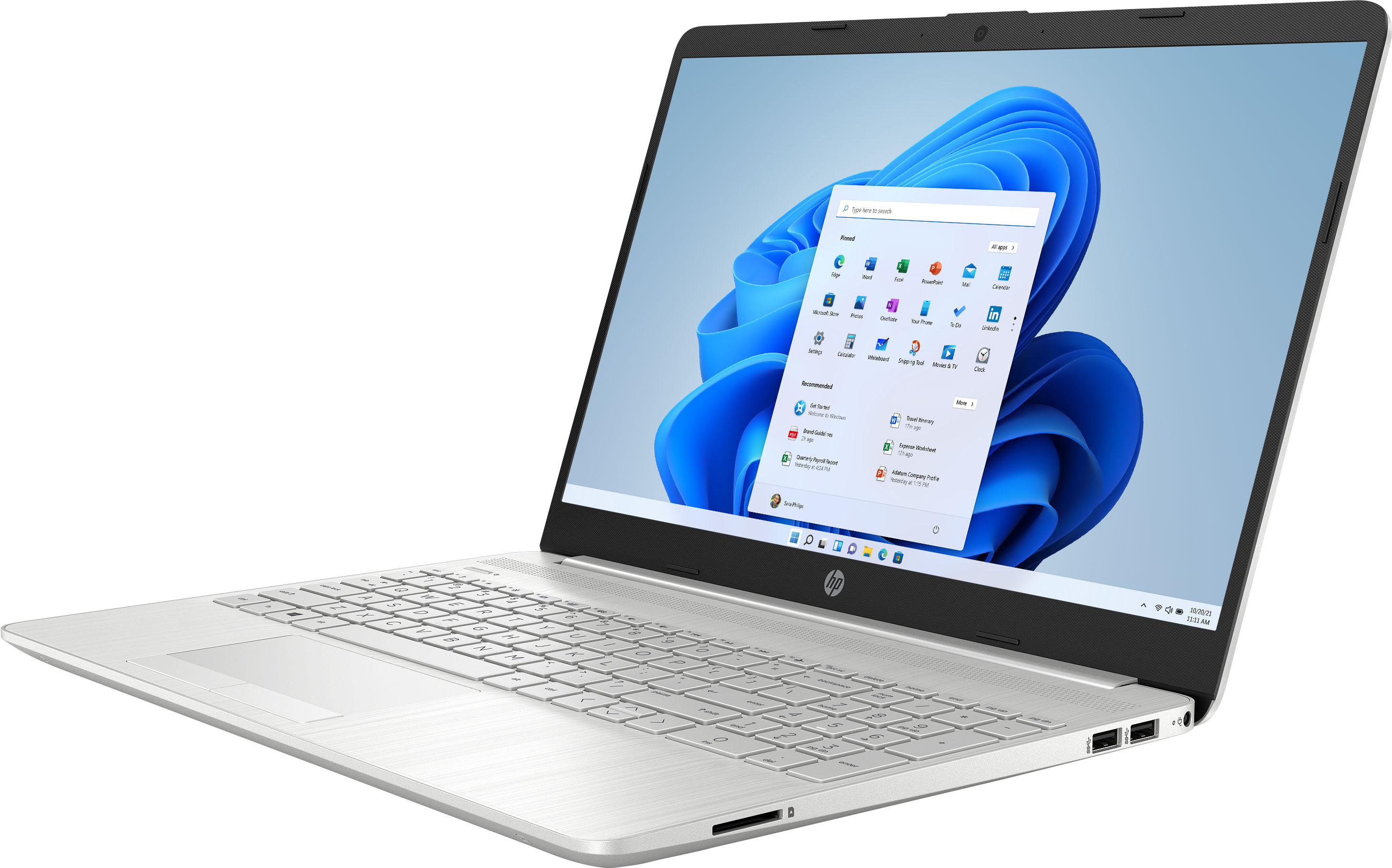
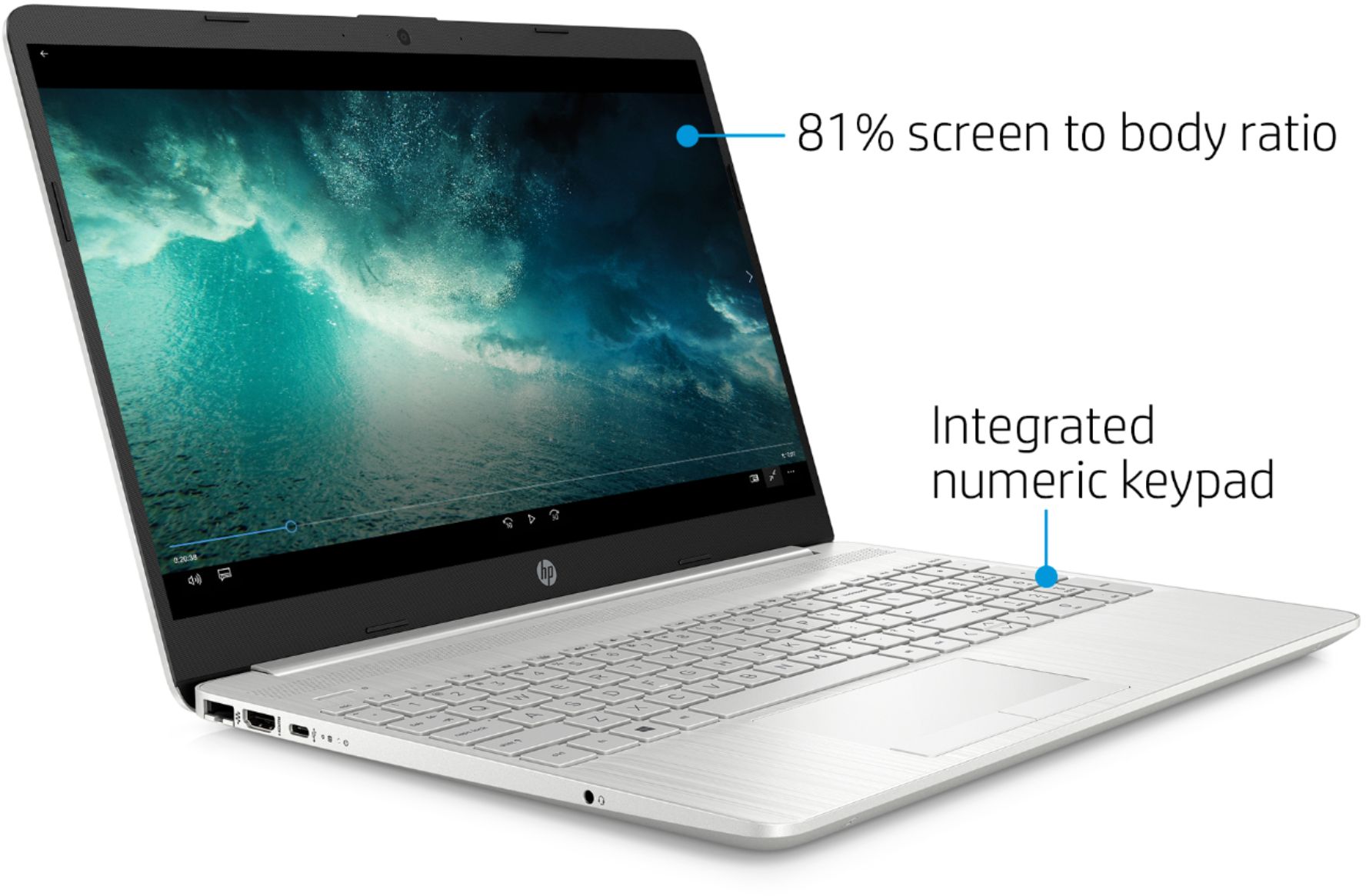
A:AnswerYes there is a webcam, it is OK quality but you will need to like to stare at your reflection in the screen while talking if you use it. There is a ton of glare in the screen itself (feels like looking in one of those fitness mirrors) and it does not fit standard anti glare screen protectors because of the bezel set of the display (there is an edge inside the display).
A:AnswerYes, the 1 TB hard drive and the 128 GB SSD are two different drives. The operating system would be on the SSD which would help the laptop start up faster and help the overall performance. You can use the 1 TB for more storage.
A:AnswerS mode is Windows version of safe, where you can only buy things from the Microsoft Store, and only use Microsoft Edge. Although there are some benefits it would be recommended, to turn off S mode in settings
A:AnswerI've had my laptop on for approximately six hours while watching videos and still have had 35% battery life left. I'm sure I could have stayed on for another two to three hours if I wanted. I am very pleased with the HP 15-GW0035DX and would recommend to my friends.
A:AnswerNo, this laptop does not have the 360 degree hinge. You will want to look for "x360" or "2-in-1" in the description of the laptop to find one that has that capability.
A:AnswerShould be possible on any machine, really. i.e if you can do it on one windows10 PC, no reason you shouldn't be able to on another. S-mode does not impact boot, really, and it's easy to turn off from the windows store.