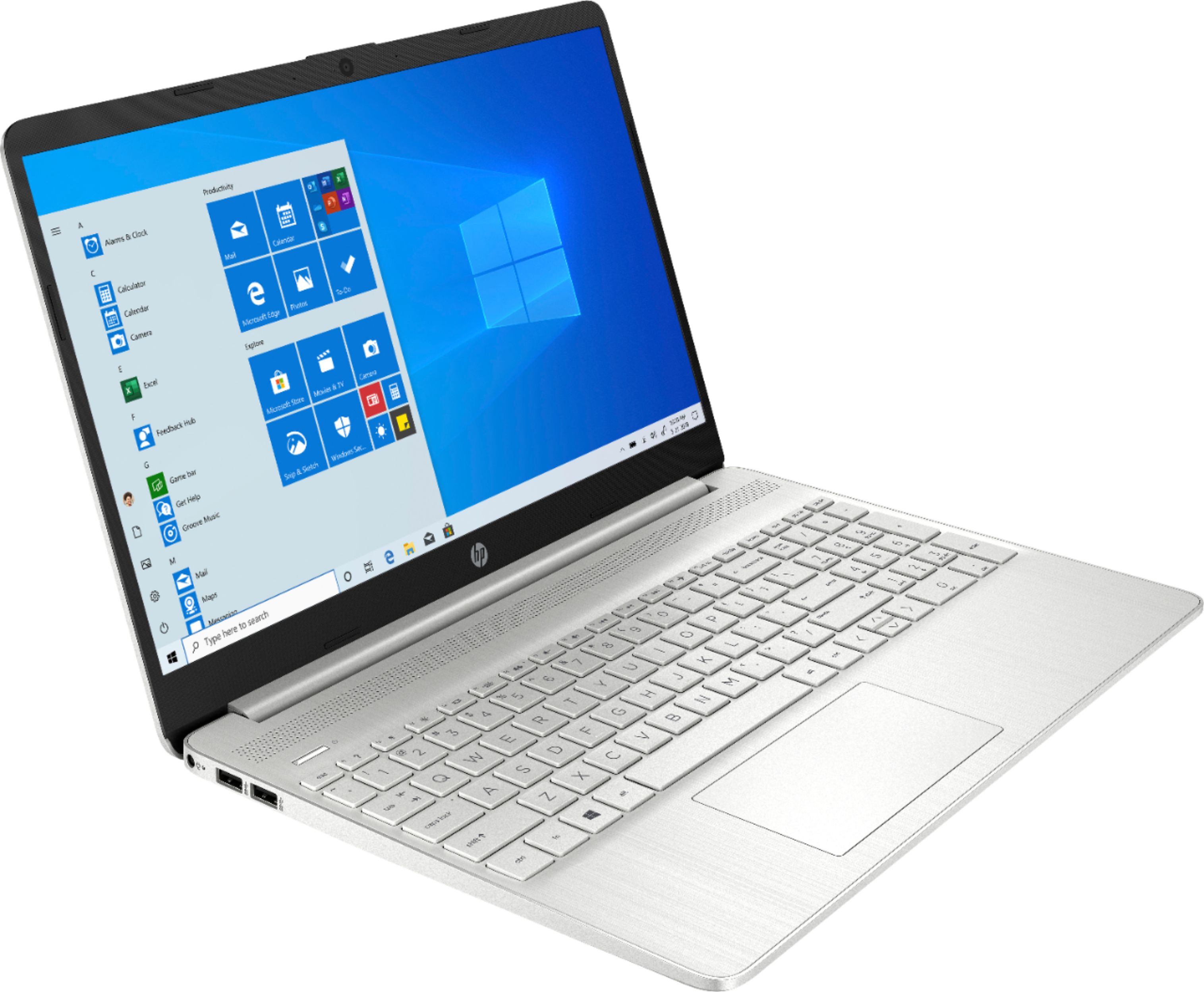
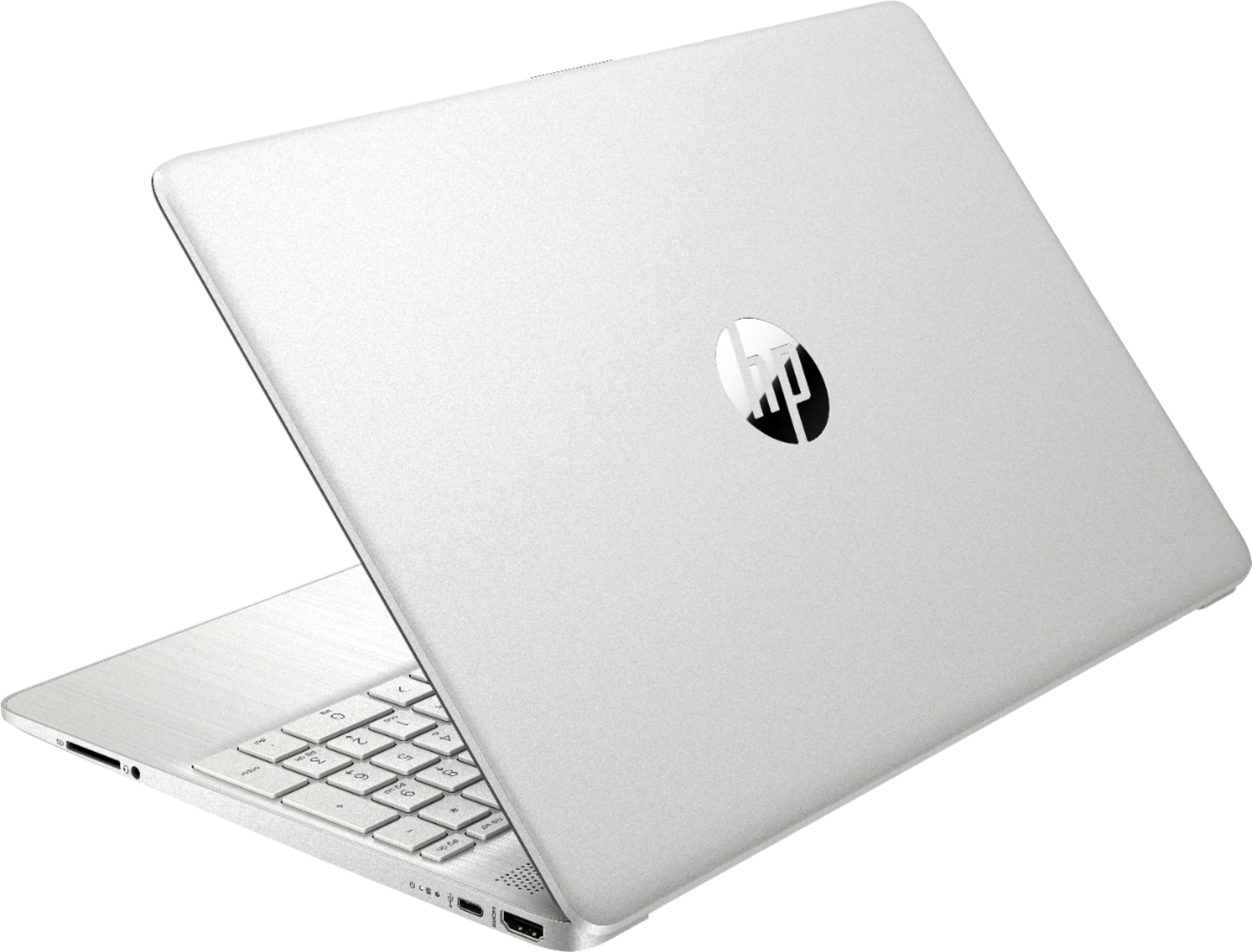
A:Answeryou can easily remove it from windows s mode to windows home. costs nothing , and allows you to install open office or whatever you want. it comes with a free month of office 365 :( thats it.
they are monthly and year subscriptions now, and vary based on if you want a family account or induvial
A:AnswerIt comes with a 30 day trial of Office 365. After that, you'll either need to purchase it, or if you have an existing license, you'll need to contact Microsoft to get the license transferred over to the new computer.
A:AnswerWhen you purchase a computer through a retailer, it comes in a set configuration. If you want a laptop with a 512 gigabyte drive, you'll need to either order one with that size, or contact the Best Buy Geek Squad to see about the cost and time needed to replace the drive it comes with with the one with a higher capacity.
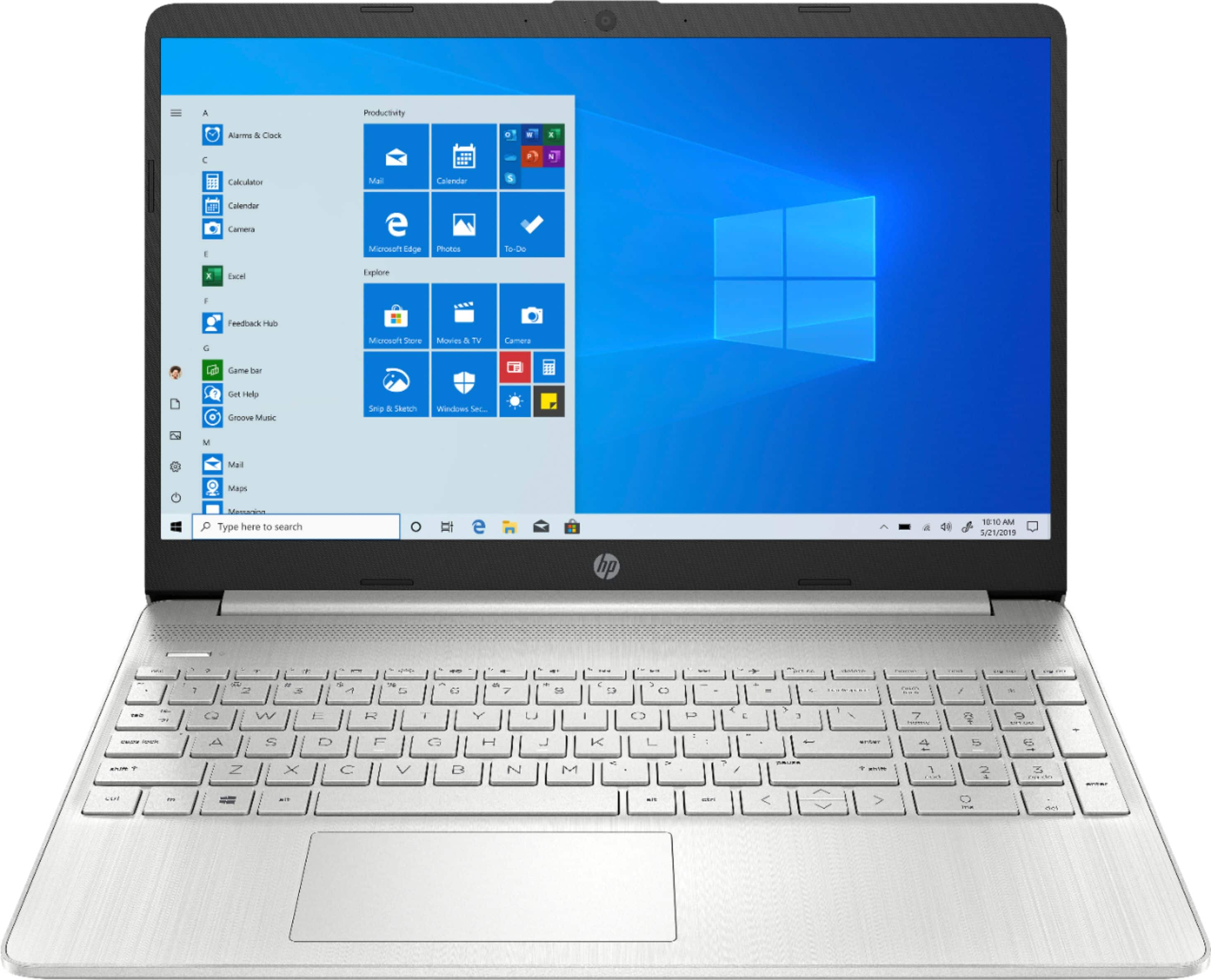
A:AnswerThe computers that come to Best Buy has a fixed configuration. You'd need to either get a system that has a 512 GB SSD, or contact Best Buy's Geek Squad for a quote on the price of the drive and labor to install it.
A:Answer"S Mode" is a high security version of Widows 10. Among the security features is that it only allows you to download and install apps that have been verified by Microsoft and are available from the Windows Store. Microsoft has not given a specific reason why they don't allow you to switch back.
A:AnswerVery likely there is a "preview" of MS Office 365 installed on it, which are the common applications. If you want to use it you will have to eventually pay the usage fee, every month or yearly. There are discounts for college students. Just search online for details.