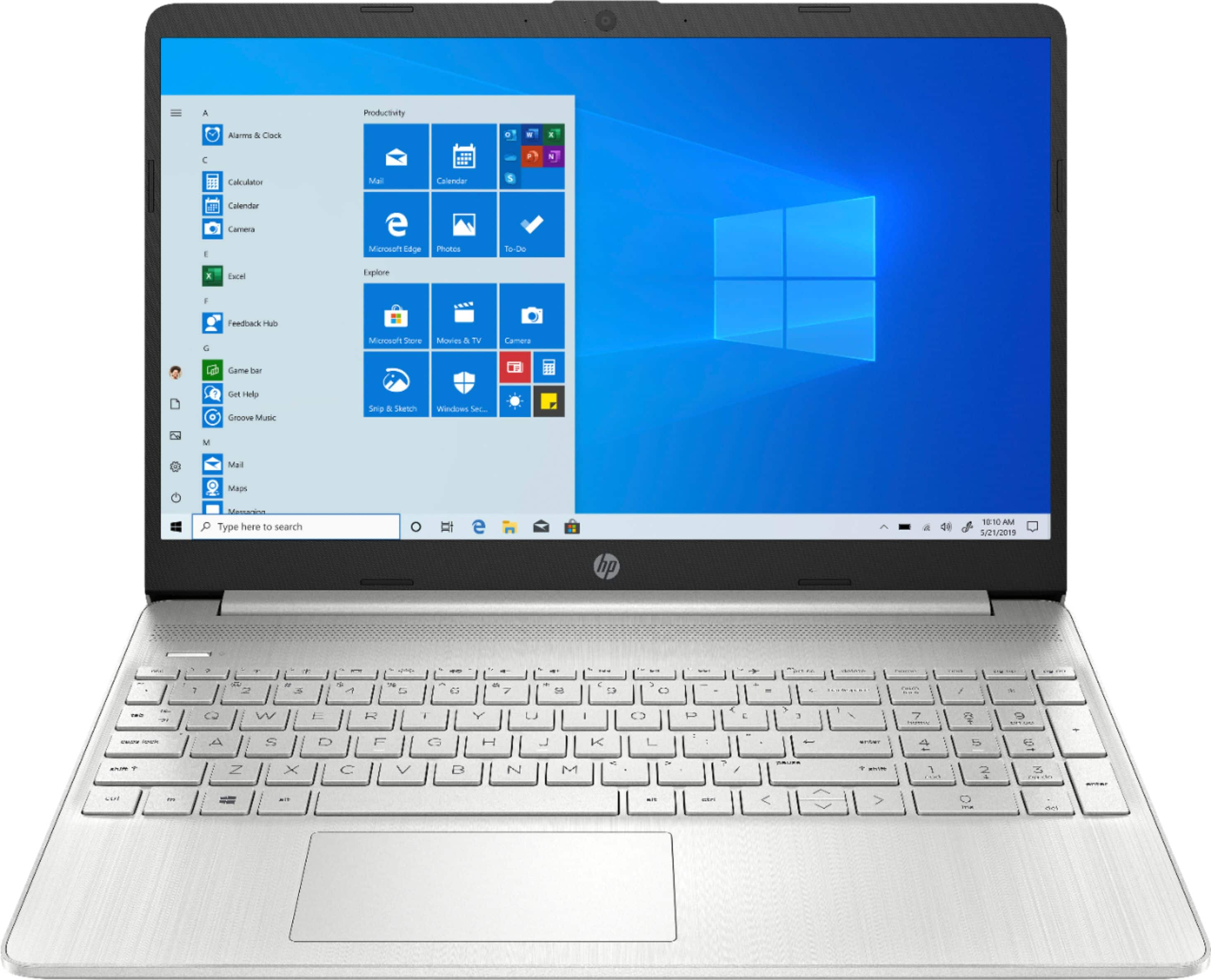
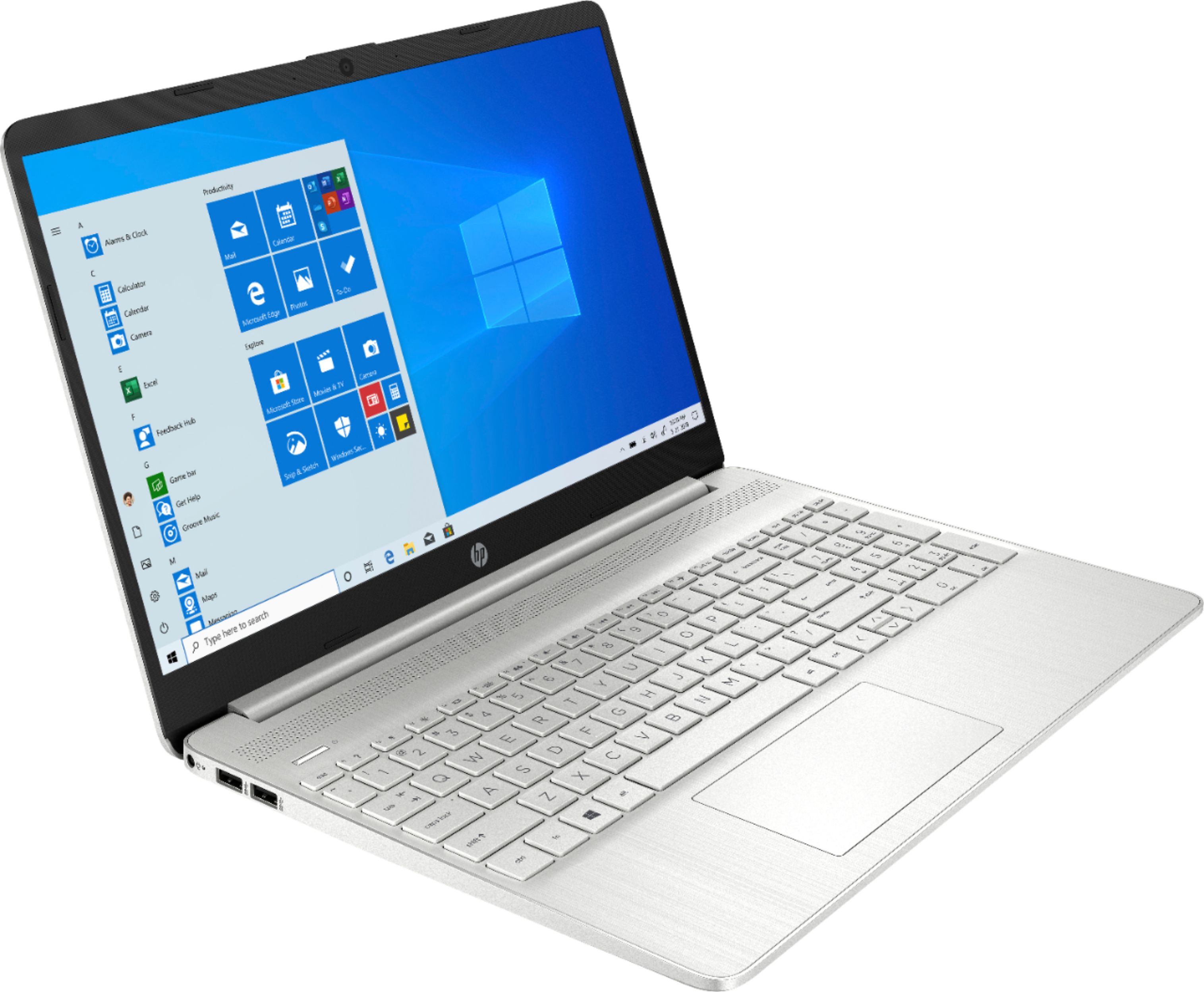
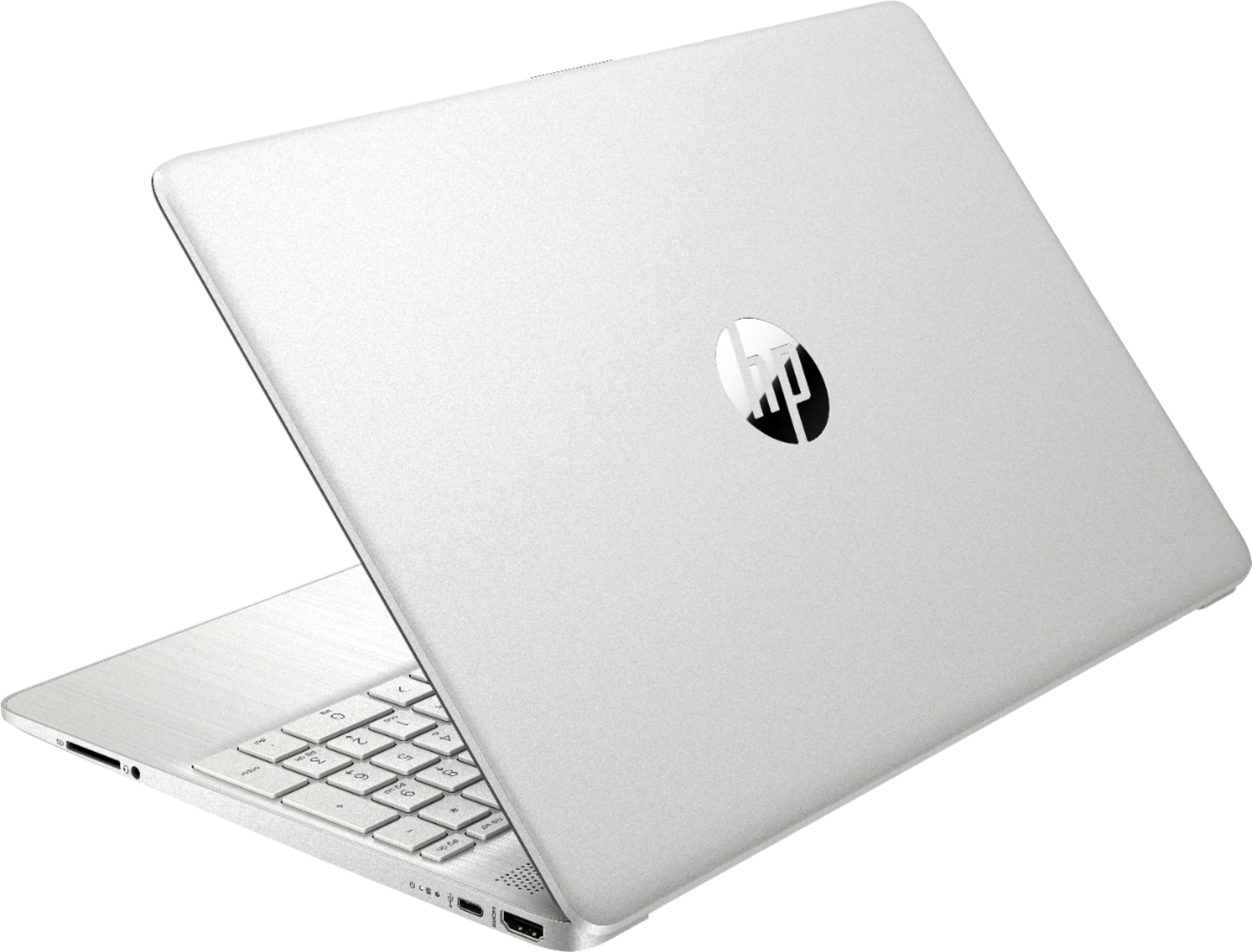
A:AnswerThe HP Laptop - 15-ef0023dx does not have an optical (CD/DVD) drive. You would need to either download your software for installation or use an external optical (CD/DVD) drive connected via USB.
A:AnswerYou can use an HDMI splitter to set up 2 external monitors on a laptop with one HDMI port.
Here is an example of one:
https://www.bestbuy.com/site/rocketfish-2-output-hdmi-splitter-with-4k-and-hdr-pass-through-black/5986903.p?skuId=5986903
A:AnswerThe price of the security software will depend on exactly which package you buy. A year of Microsoft 365 does run $69.99. You can purchase Office 2019 for a one time price of $149.99. Once you buy it, it's yours to use for as long as you want.
A:AnswerWithout knowing more, it's impossible to say. The HP support team should be able to determine if there's something physically wrong, or just something in the configuration that needs to be changed.
A:AnswerThis and other Envy models come with Windows 10 S mode enabled. The operating system just acts as a "locked down, MS stuff only allowed" version. This is easily modified to a regular Windows 10 setup. Check YouTube or anywhere online for instructions. This will open up the OS to using non-Microsoft specific software. Just use your favorite search engine "disable Windows 10 S mode" ... easy peasy.
A:AnswerNo.
The ports of m the laptop are:
HDMI
Some form of small charging cable.
SD card port
Headphone jack
Power cord port
2 USB ports.
The laptop operates really well.