A:AnswerThank you for the question. Yes. But music files tend to be large, so you might want to connect external storage (a flash drive or an SSD) via USB. You can also change the internal hard drive to one with more capacity. We recommend that this operation be performed by a professional technician (Geek Squad).
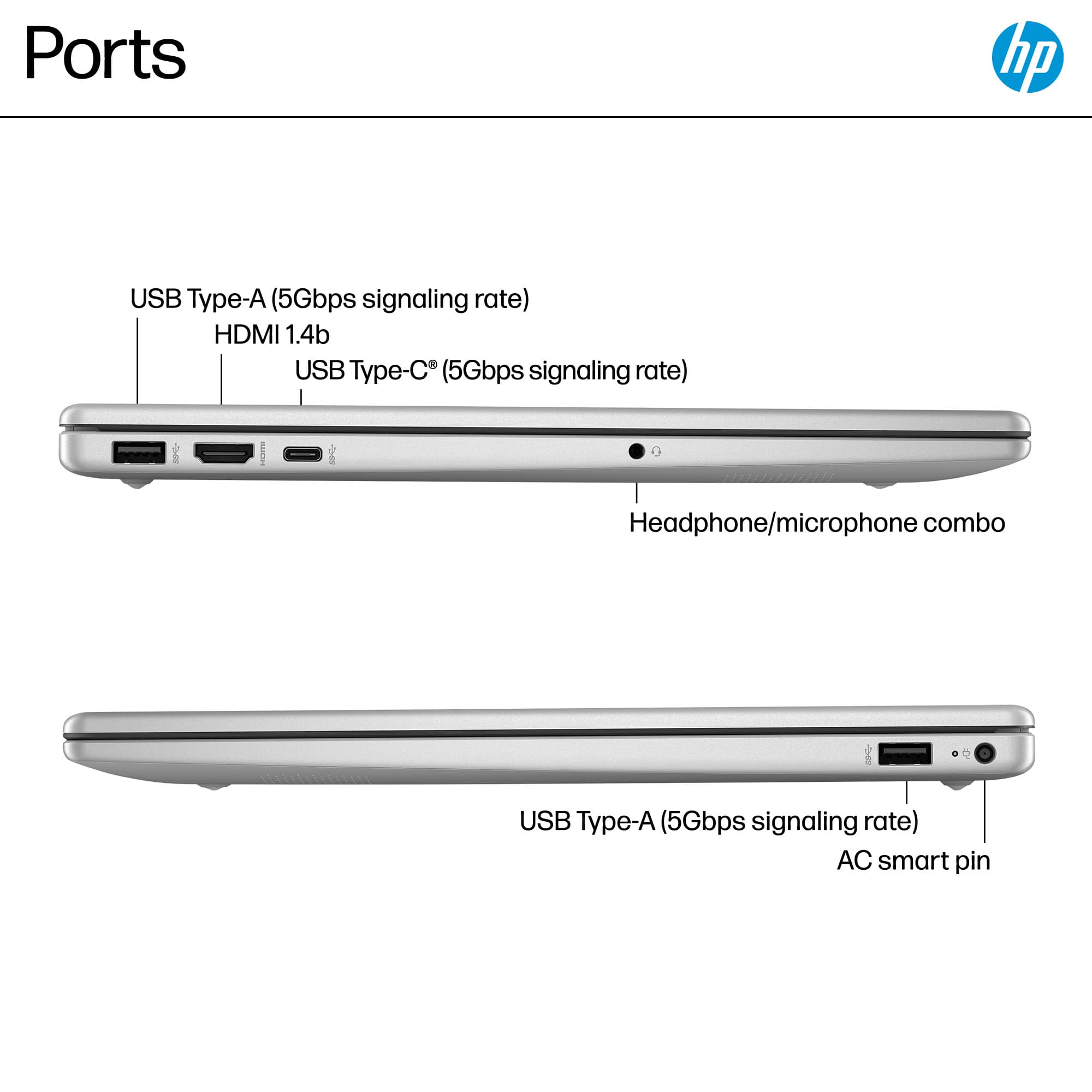
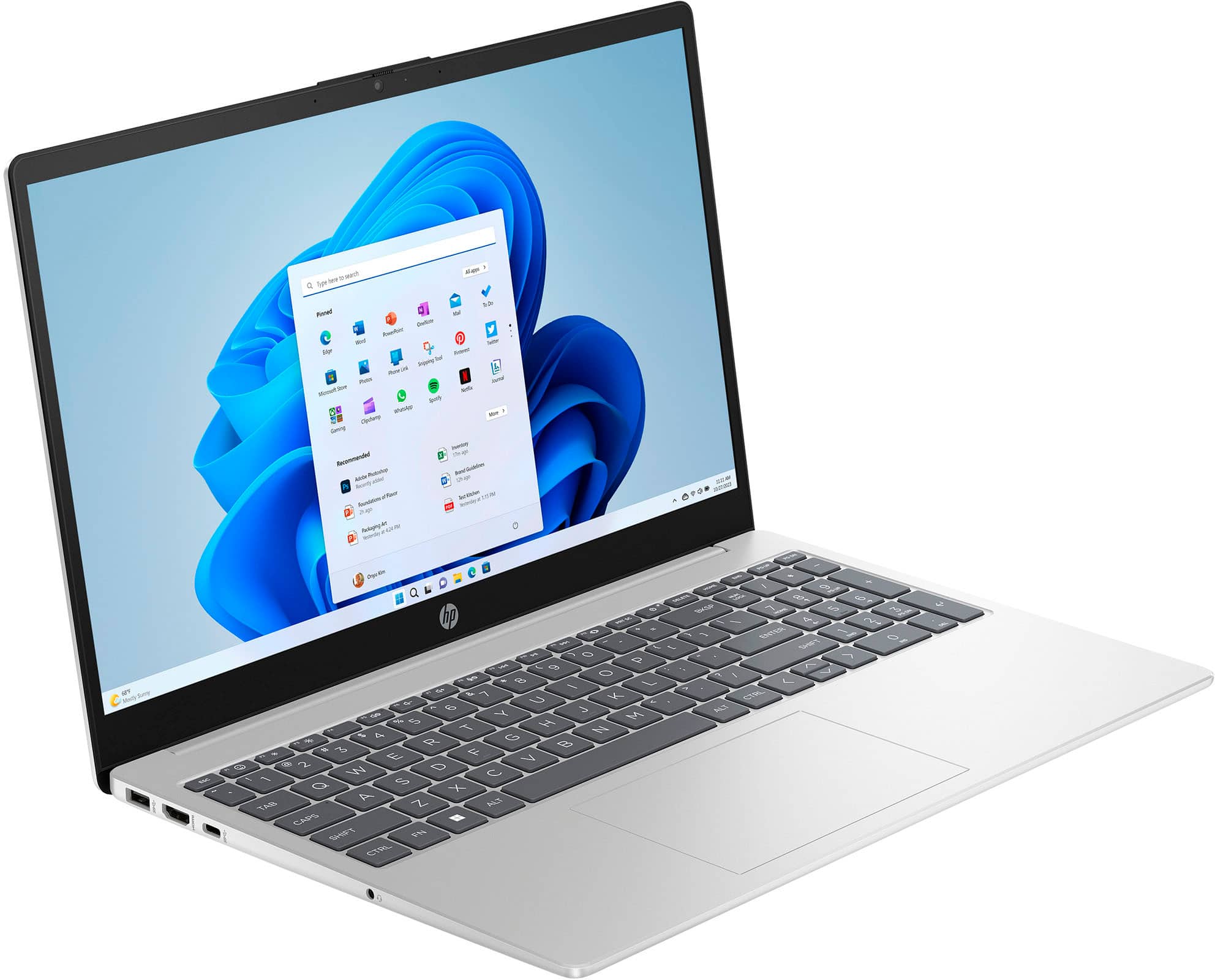
A:AnswerThanks for your question. This laptop would work for editing photos. It does not have an SD card slot. But you can use a USB hub that has an SD card slot with the laptop.
A:AnswerThank you for your question about internet security on this laptop! It comes equipped with a 30-day trial of McAfee LiveSafe. Webroot would need to be purchased separately.
A:AnswerThank you for the question. Yes. There are a few ways that you can do that. Windows Voice Access is built into Windows 11, and allows you to control your computer using voice commands. Search "Voice Access" in the Start menu. If you use Microsoft Office apps like Word or Outlook, the built-in Dictate feature lets you convert speech to text directly within these programs. Google Docs Voice Typing, available in Google Docs, is free and works well for creating documents. You can access it under "Tools" > "Voice Typing" in Google Docs. Dragon Naturally Speaking is a premium option known for its high accuracy and advanced features, including custom voice commands and transcription. The Audionotes App will not only transcribes your speech but also organizes and summarizes your notes, making it ideal for meetings or lectures.
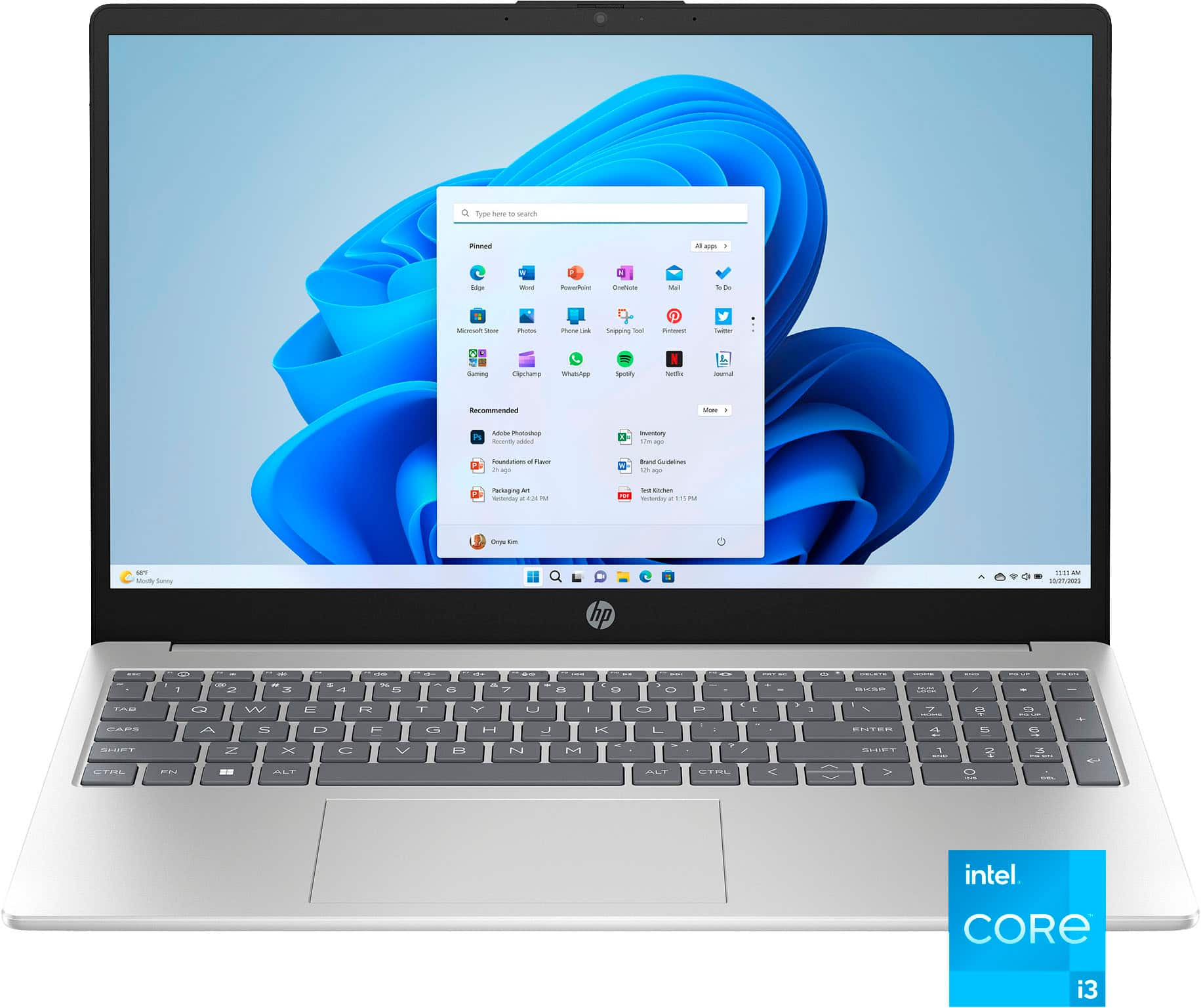
A:AnswerYou plug it in to charge it, or just leave it plugged in. you press the start key and it opens and then the screen leads you through set up, like time and date, country, language, etc.
A:AnswerThis is for " mel," who apparently has trouble distinguishing between an "Answer" and a "Question:" (1) Check that your cables are capable of performing the tasks you want, by connecting them to a system that you know works; (2) Connect one monitor at a time to see if that might be the root of the proglem; (3) Try using the WinKey+P combo to activate projection options.