A:AnswerIf you got it from bestbiy call and ask for the geek squad they'll help assist you. It took me maybe 15 minutes from hold until finished and they helped the whole way.
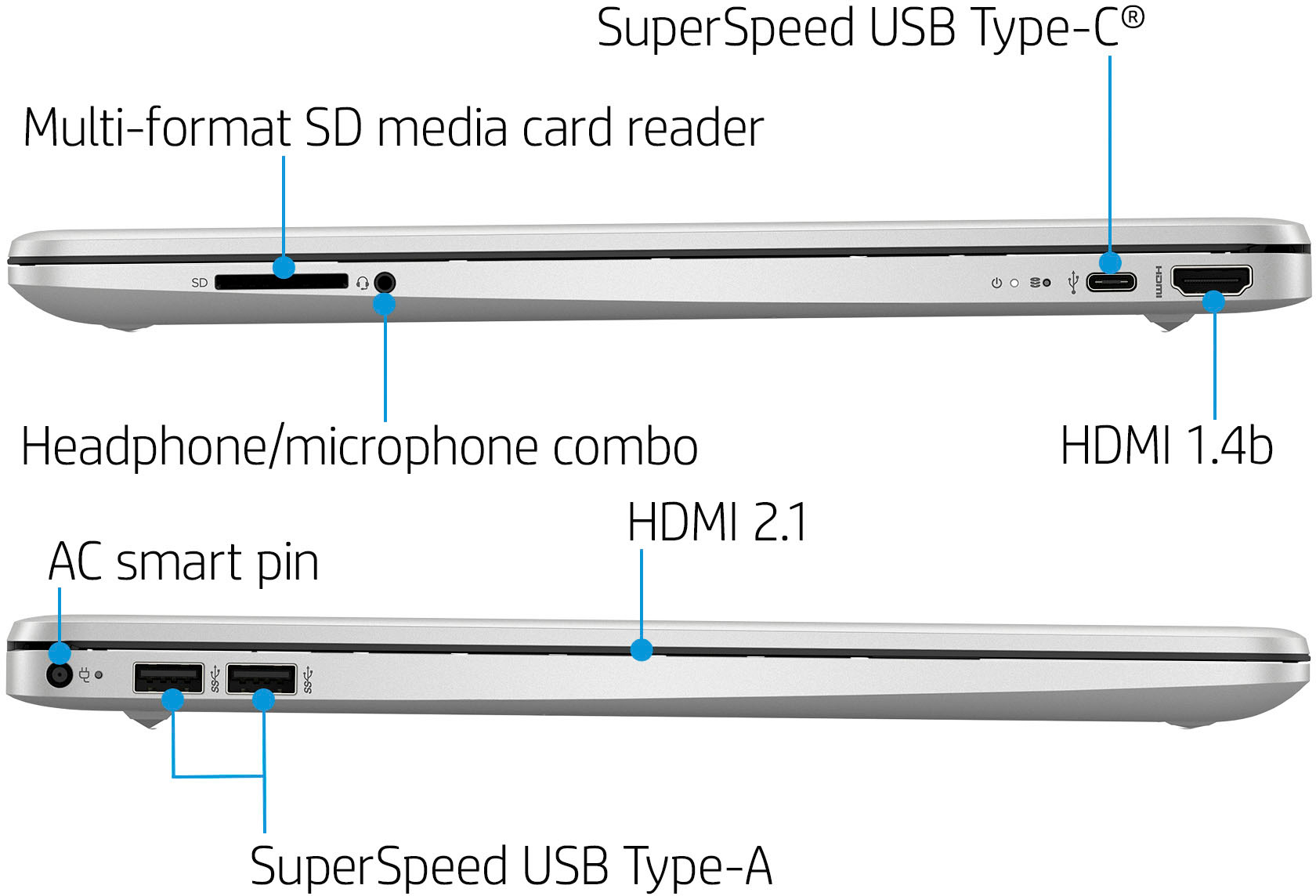
A:AnswerIt the monitor has an HDMI plug, then the computer will be ug and play. If it is an older RGB connection then you will need an adapter. It should connect to your printer as well via USB
A:AnswerThank you for the question. For creating music, we recommend HP premium laptops built on the Intel® Evo™ platform. These models use the latest processors and are designed to be highly responsive. An example: https://www.bestbuy.com/site/hp-envy-x360-2-in-1-15-6-touch-screen-laptop-intel-evo-platform-intel-core-i7-16gb-memory-512gb-ssd-natural-silver/6502179.p?skuId=6502179
A:AnswerHello, it is recommended that you purchase a gaming laptop, such as the HP Omen with a dedicated graphics card and higher powered processor, for use with Oculus Quest 2 due to the software programs you will be utilizing for Oculus Quest 2. Thank you for being an HP customer!
A:AnswerHello, this device is soldered in a very small area and there is not additional space to add an additional SSD or to change the memory. There are other similar models with double the SSD and RAM. Search for it online in the search bar or ask a store associate to assist you and they will be happy to find it for you. Thank you for being an HP customer!
A:AnswerHi Sapphire. Are you asking about design updates for the computer, or software updates for Windows? The HP 15-dy2702dx was introduced in April 2022. Windows checks for updates once a day, at irregular hours, to look for quality updates, feature updates, and Windows Defender definition updates that are normally delivered daily. Microsoft schedules the release of security updates on "Patch Tuesday," the second Tuesday of each month at 10:00 AM PST.
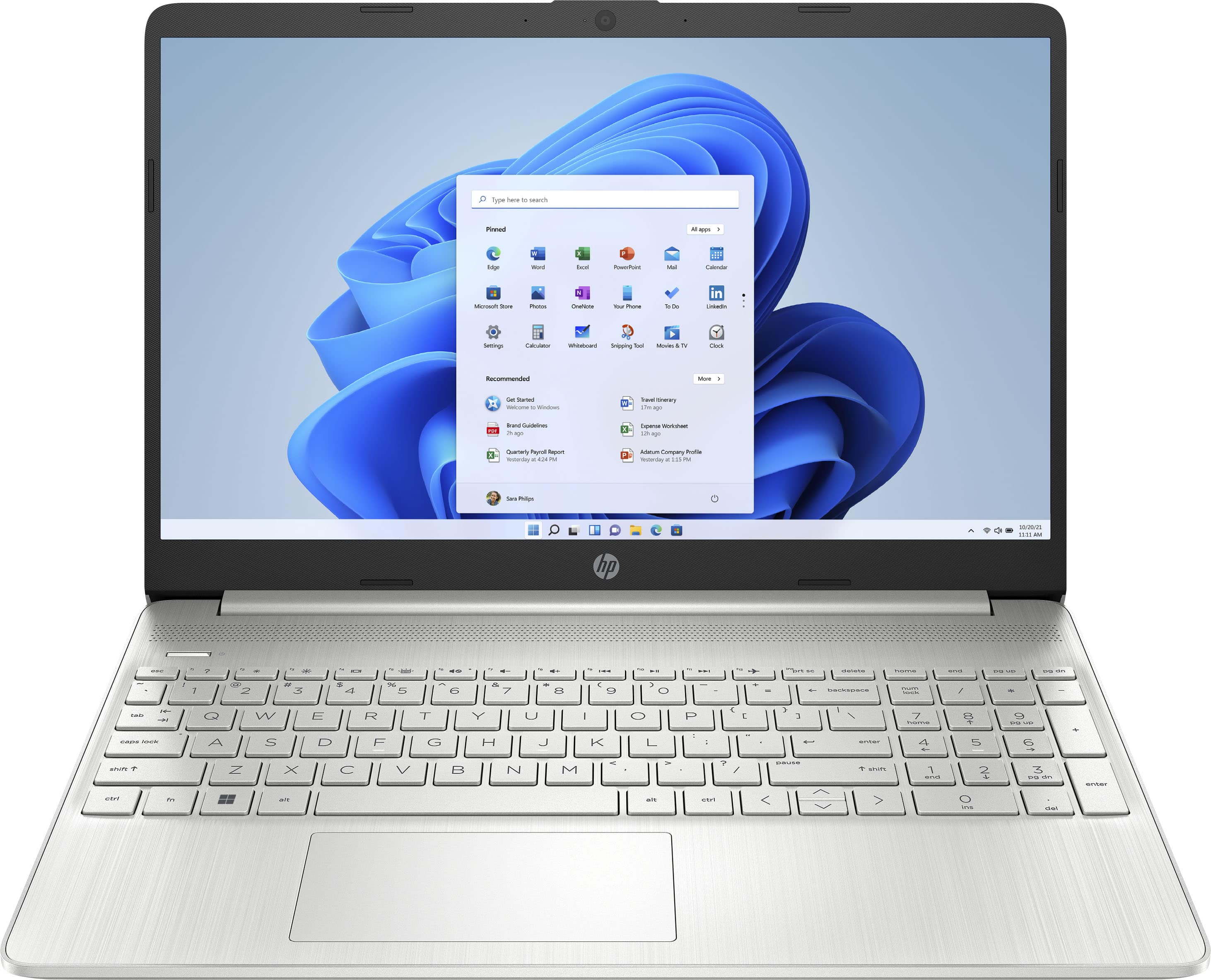
A:AnswerWhen you take the laptop out of Windows 11 S Mode, it will revert to Windows 11 Home. It does not affect your laptop in a negative way. Once you take it out of S Mode, you can not turn it back on.
A:AnswerYou'll need to take it out of "S Mode" first. You can find the directions to do that at https://support.microsoft.com/en-us/windows/switching-out-of-s-mode-in-windows-4f56d9be-99ec-6983-119f-031bfb28a307#WindowsVersion=Windows_11
A:AnswerThank you for the question. The only version of Cricut Design Space on the Microsoft Store is the beginner edition, if that suits your needs, you can install that in Windows 11 S Mode, if you need another version of that software, you would need to switch Windows 11 out of S Mode, it is free to do so.
A:AnswerThank you for the question. No, this is a traditional-form laptop. Models that can rotate are noted as "360", "convertible", or "2-in-1". For example: https://www.bestbuy.com/site/hp-pavilion-2-in-1-14-fhd-laptop-intel-core-i3-8gb-memory-256gb-ssd-space-blue/6502263.p?skuId=6502263
A:AnswerThank you for the question. the HP 15-dy2702dx has Windows 11 in S Mode installed. To use with Respondus, you'll need to take the laptop out of S Mode - a free, simple and efficient change, but not reversible.
A:AnswerYes, they certainly do. The lower-priced laptops are much more likely to have Windows 11 in S Mode. On a computer like this one, you can actually take it out of S Mode if that's your only real objection to a computer like this one. Microsoft has the instructions at https://support.microsoft.com/en-us/windows/switching-out-of-s-mode-in-windows-4f56d9be-99ec-6983-119f-031bfb28a307#WindowsVersion=Windows_11
A:AnswerYea. If you have updated to 11 out of S mode you can download any driver. Not 100% sure if all hardware is compatible with a mode I know some are, you'd have to find the appropriate hardware based on your operating preferences.