A:AnswerGood question. This laptop would be good for mid-level graphics games. Any game that requires a high amount on graphics and a fast laptop and lots of RAM would not run great on this laptop.
I hope this helps.
A:AnswerThe RAM configuration that I had in the unit I received was one 8gb stick and one 4gb stick (total 12gb). The specs online say 16gb is accepted, and I plan on eventually switching out that 4gb stick to an 8gb. Easy enough. You need to remove the whole bottom shell, but it's just scores and is super easy to take off/put back on.
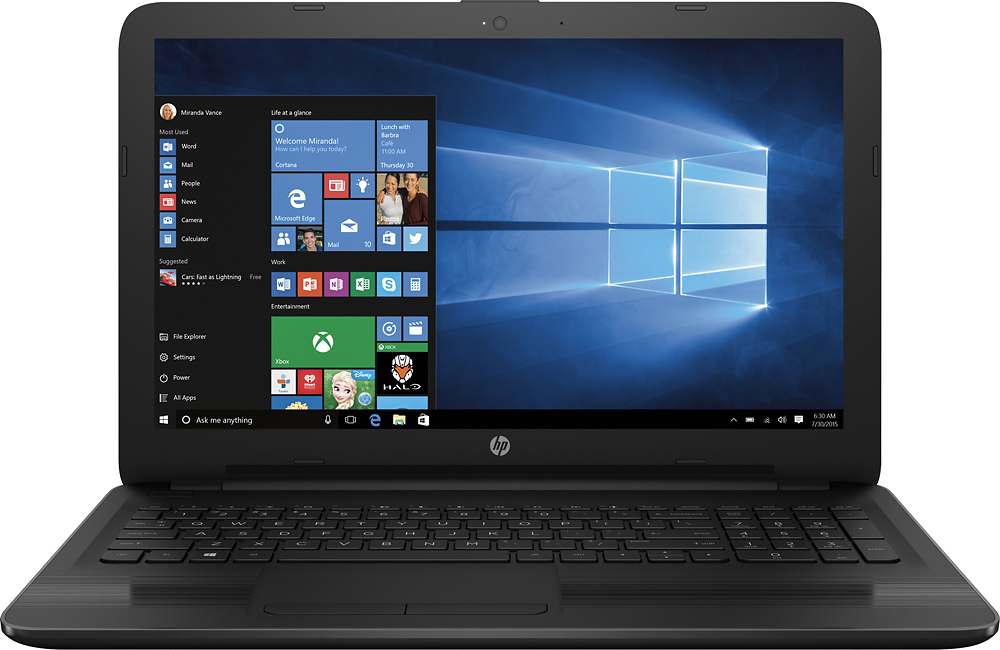
A:AnswerThe screen will always be 1366x768. However, you can connect it to an external monitor with a max resolution of 4096x2304@24Hz. This means that you could hook it up to a 4k display and the laptop will output 4k. it will also run any monitor's resolution under that so yes it will support a 1920x1080p monitor.
A:AnswerThis laptop has all of the recommended requirements for Overwatch except for the graphics card. The game requires a dedicated graphics card for optimal performance. This computer has an integrated graphics card which is not the best option for games. However, this computer will still be able to run the game. You will have to play it in lower settings.
I hope this helps.
A:AnswerGood question. Here are instructions to dual booting the computer with Linux:
http://www.everydaylinuxuser.com/2015/11/how-to-install-ubuntu-linux-alongside.html
I hope this helps.
A:AnswerThis computer should meet all of your need for college. It will also run Sims 4. However, don't expect to run anything much more graphically intensive such as Call of Duty or any other console style games. Sims and Minecraft are about all you'll be able to play with integrated graphics.