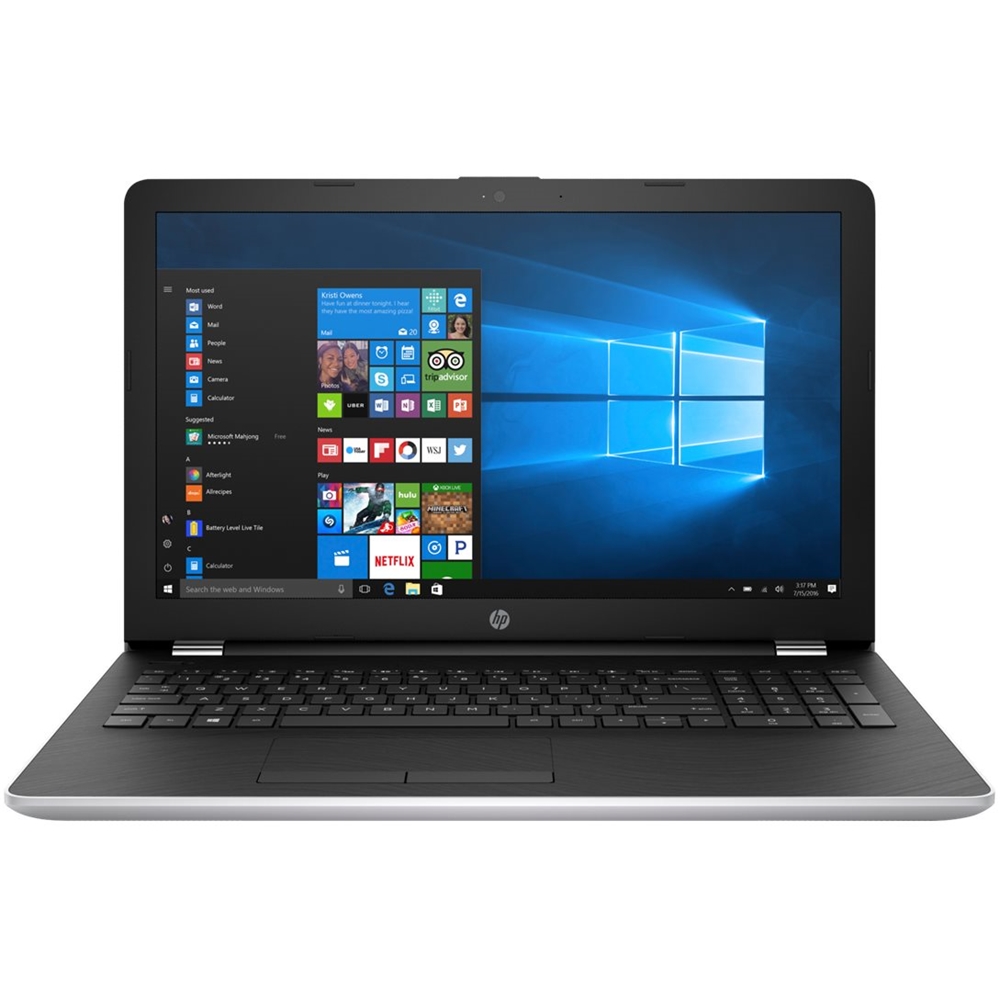
A:Answer Yes, you can disable the touchpad. You would go to the Start Menu, Go to Settings. Then search for mouse settings. Once there, you would click on Additional mouse options. Under the clickpad settings tab, you would be able to select ClickPad disable.