A:AnswerWhen I lived in GA, I had a dual band router but my computer would never attach to the 5G and would always attach to what I thought was the slower connect but I think it was more of a NetGear router issue and not computer issue because I don't use that router anymore because in AZ I now have 40gps speed on my CenturyLink connect and my laptop has great connect at that speed. Probably need to call your router co for tech support. Don't think your laptop is the issue. Sorry couldn't help more.
A:AnswerThe power adapter that came with the laptop says Wide Range Input 110-240. I read on HP tech support that if your power adapter has the wide range input then all you need is the plug adapter so you can plug it into the 220 outlet. Took picture of my power adapter but the print is so tiny that it was too blurry to see so didn't bother to upload.
A:AnswerThe power adapter that came with the laptop says Wide Range Input 110-240. I read on HP tech support that if your power adapter has the wide range input then all you need is the plug adapter so you can plug it into the 220 outlet. Took picture of my power adapter but the print is so tiny that it was too blurry to see so didn't bother to upload.
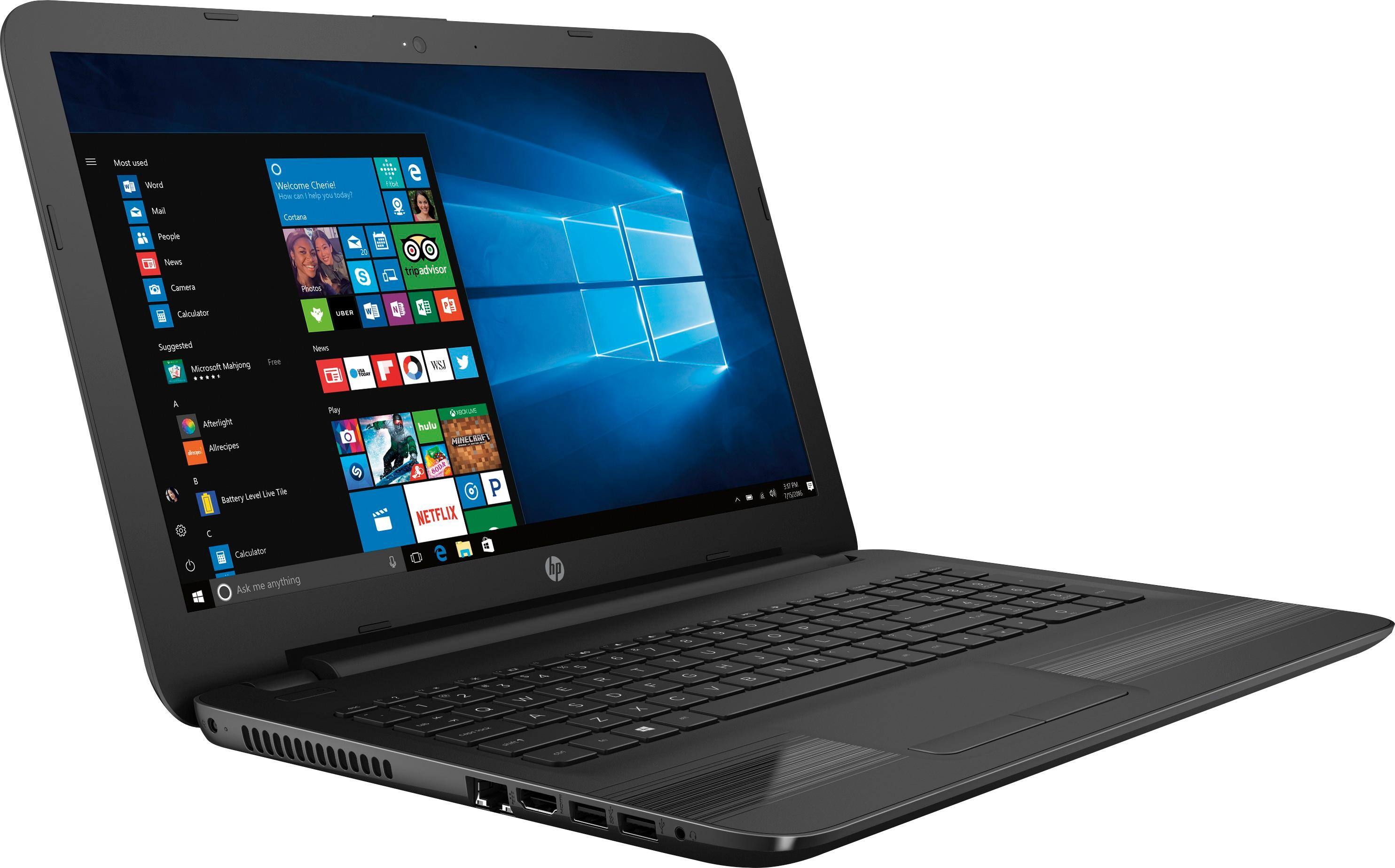
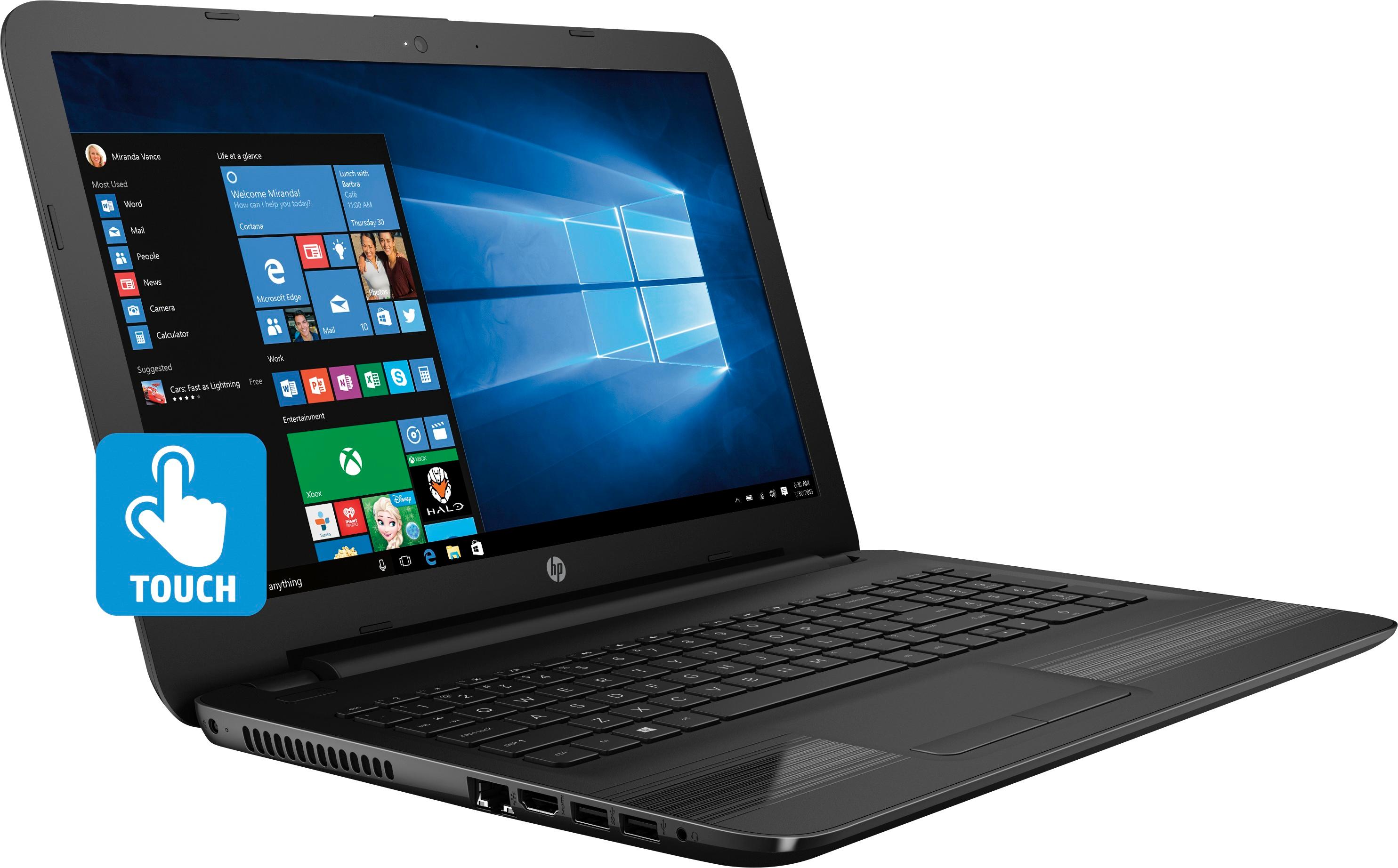
A:AnswerYes, you can use a printer cable, available at most any store that sells electronics. Can also be hooked to your home network using an ethernet cable.
A:AnswerSpeakers are decent. Wouldn't recommend full volume as it then becomes distorted. As long as your internet service is decent streaming live is fine, or cd/dvd/aux.
A:Answerif your asking does it hook up to wifi then yes. it has it in the right hand bottom corner. if you cant get to it that way then go into settings and hit network connection and it will tell you how to hook up to wifi that way
A:Answerhttp://laptoping.com/gpus/product/intel-hd-620-review-graphics-of-7th-gen-core-u-series-kaby-lake-cpus/ . This link talks about the graphics integrated on the processor and I found it useful. Hope it helps.