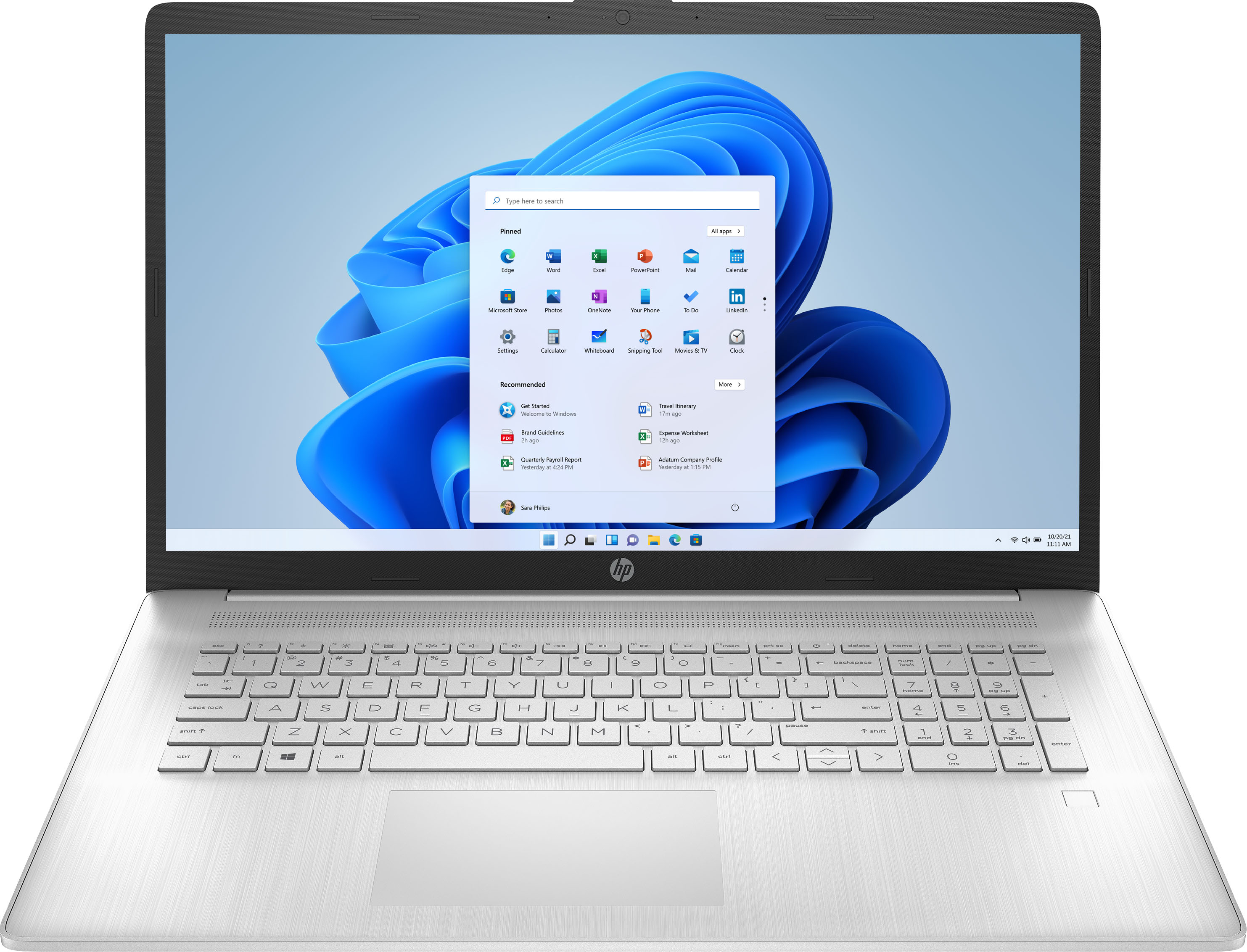
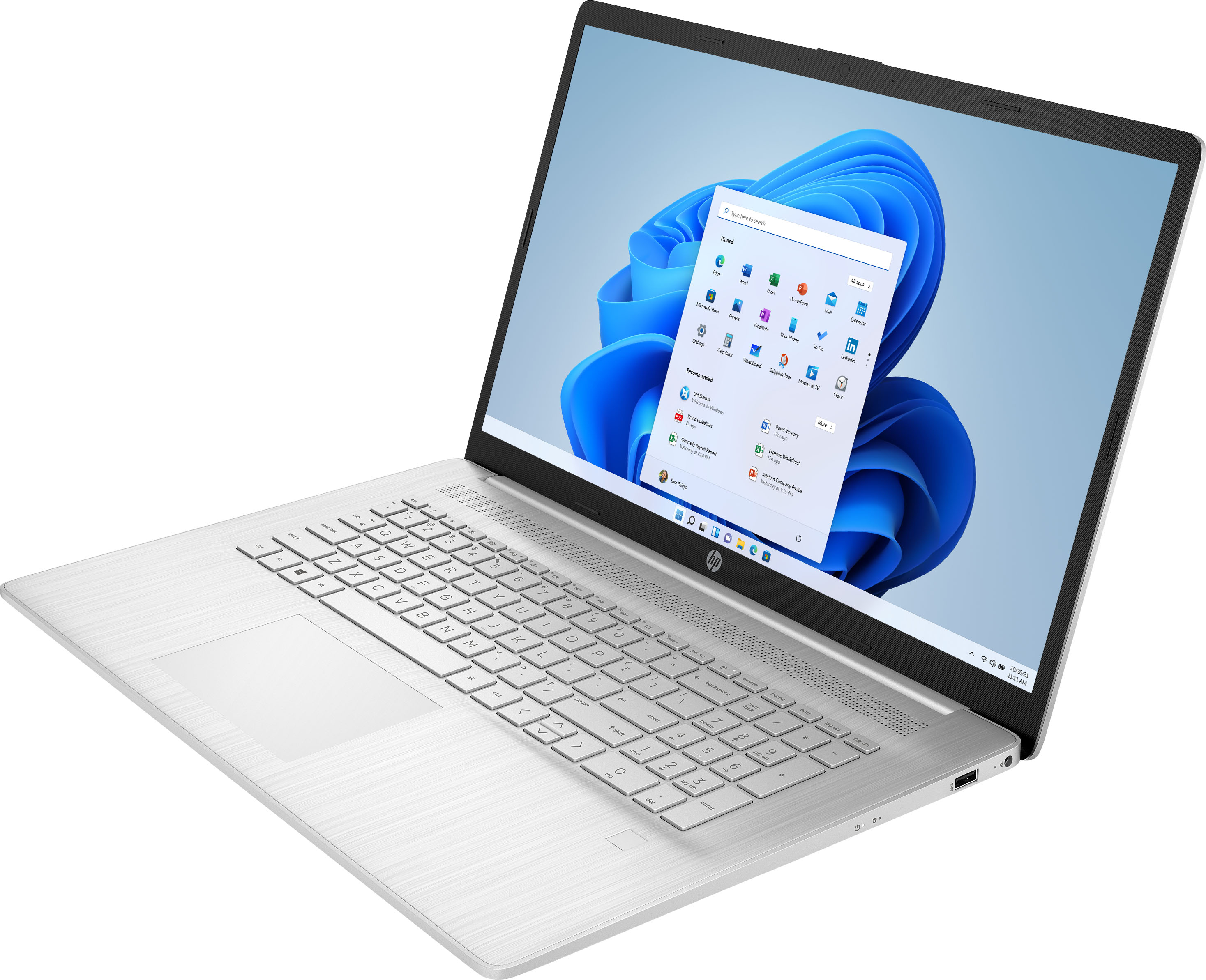
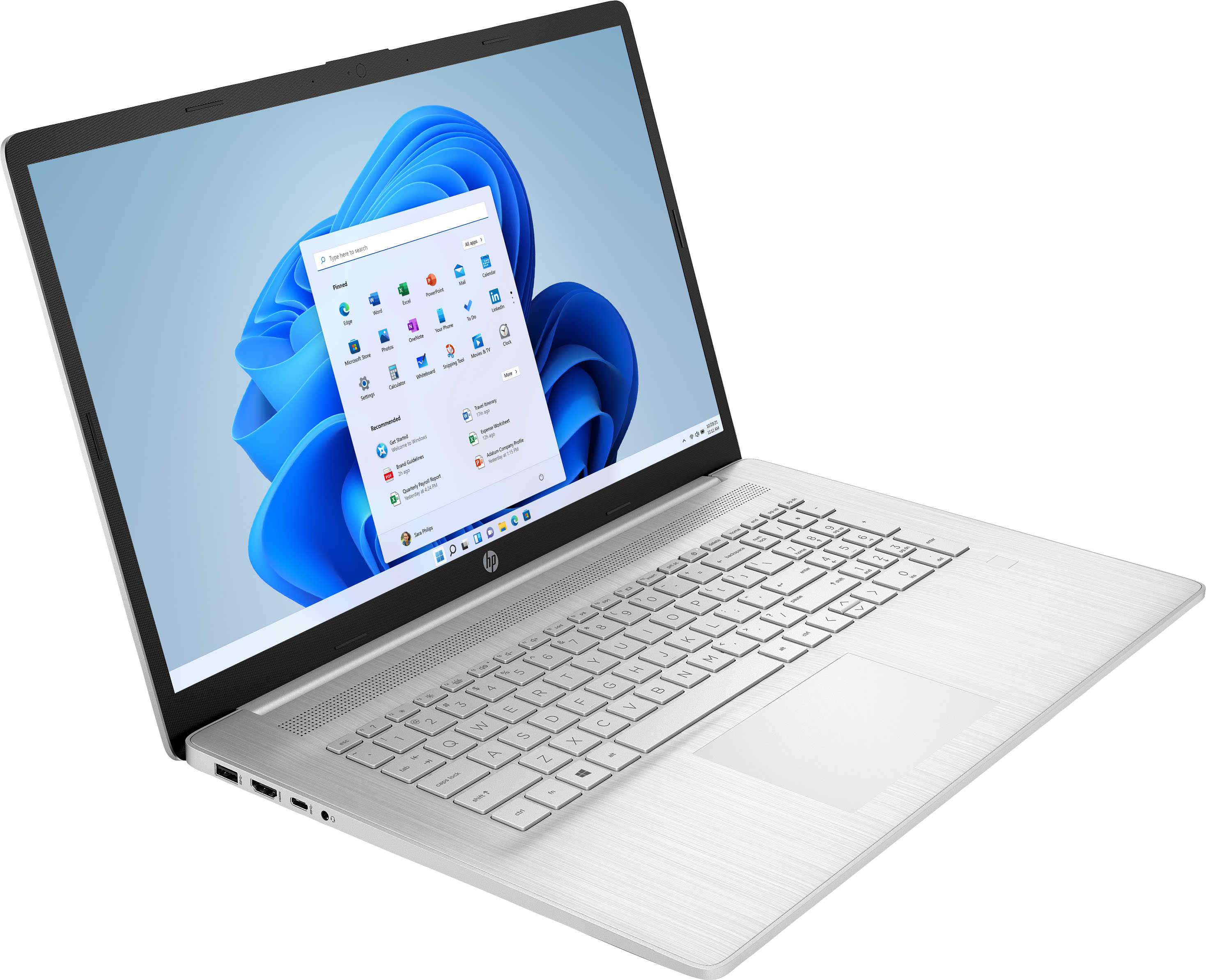
A:Answer Hi Marty! Thanks for the question. You can find this out using the FN+ESC keys (hold FN and touch ESC) to get the serial number of your laptop SN#. (you can also find them in small letters on the bottom of the laptop) You can tell the manufacture date by the 4th, 5th, and 6th characters of the serial number, which will always be numbers. As an example, 0 = the last digit of the year...2020. Now of course it could also be 2010 or 2020, or someday 2030, so you will need to have a ballpark idea of how new the notebook is and what hardware was around at the time. The 5th and 6th digits are the weeks of production during the year. They will always range from 01 - 52.