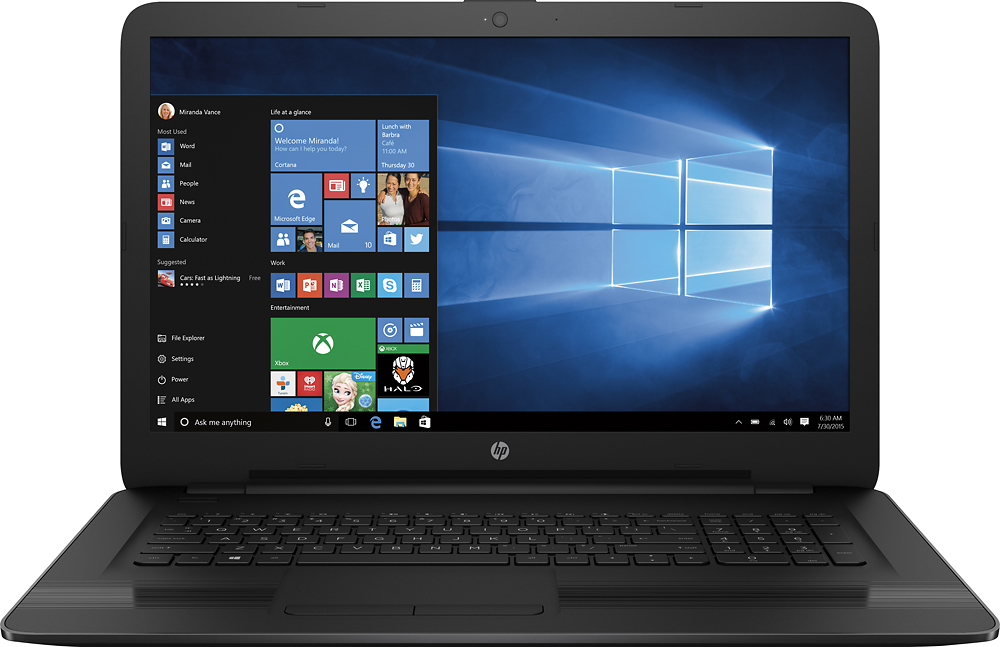
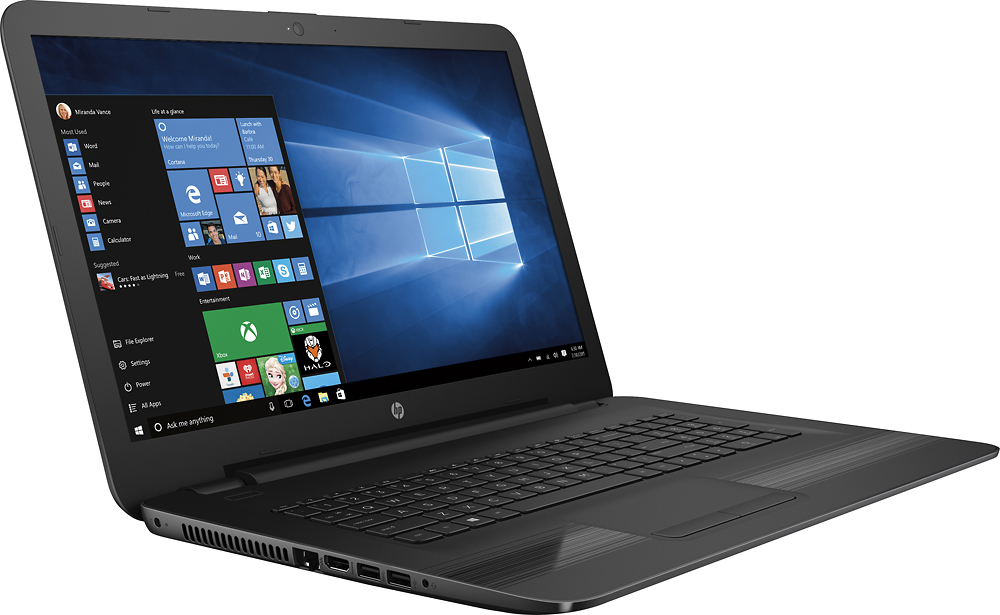
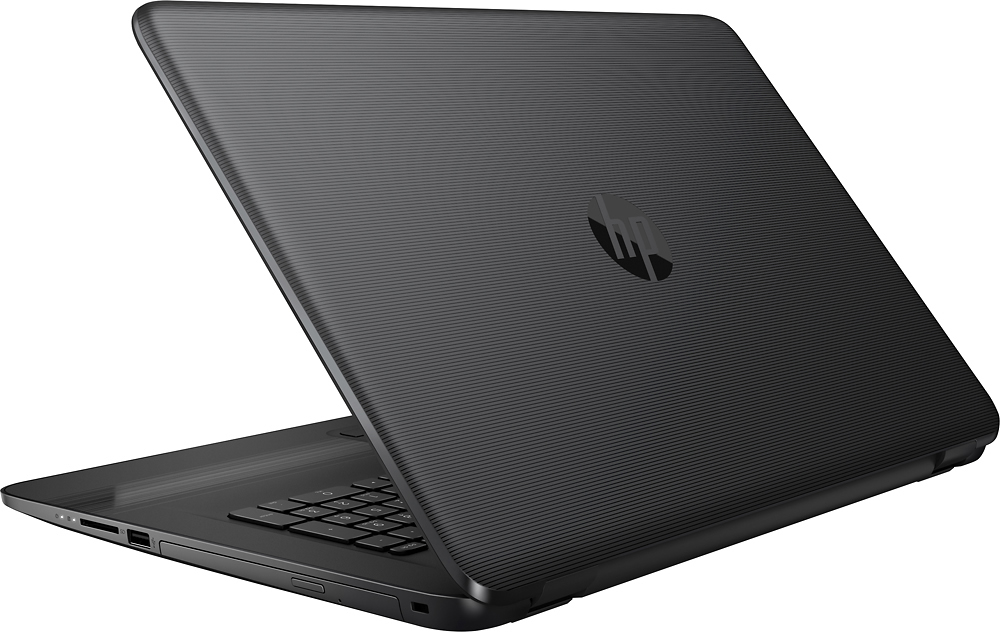
A:AnswerFrom the "specs" listing : Built-in media reader for simple photo transfer Supports SD and MMC memory card formats.
Visible slot on right side, in front of disc drive.
A:AnswerEh, it's alright. Should last you about 4 or 5 hours before you feel uncomfortable with using it without plugging it in. I panic at around 68% personally, and it takes about 45 minutes to an hour to reach 68% on normal usage while web browsing with max brightness.
A:AnswerYes! I use it with a wireless mouse everyday! I have not used a wireless keyboard yet, but the one I have connects with the little usb the same way this wireless mouse does. So I doubt you would have a problem with it!
I love the computer! Hope you get one too :)
A:AnswerThey are on the bottom but towards the front where laptop sits on the rubber base so they are off the ground and bounces sound off hard surface very well. Sounds well on table but would probably be muffled if on soft cushion surface.
A:AnswerIt was 14 screws, and had to take the DVD unit out, remove the rear rubber pads, pry the cover off with 2 flat screwdrivers (no easy task), pull out factory 8gb ram, replace with 2 matching 8gb memory, then put all together again.
A:AnswerThere are two USB ports on the left. So, the one right next to the HDMI port is the USB 3.0. I also bought this laptop about two weeks ago and actually read the instructions about them since I had the same question, too.
A:AnswerYou will have to set your desktop up as a print server. There may also be an option to share your printer on your network, but you will have to set up a home network to do this.
A:AnswerThe computer is capable of video editing and come with iMovie, which would offers basic video editing capability for casual uses. For more sophiscated video editing purpose, will need FinalCut or Photoshop Premiere which are paid softwares from APP store.
A:AnswerYea but it also depends on you home connection.
We live by a bunch of trees and have a lot of ppl hooked up with the wifi and the lag is almost non existent.
A:AnswerI installed a usb wireless network adapter to get 5ghz. It works great. Just plug the usb in. I do have a usb extender adapter so I have more than 2 usb ports.