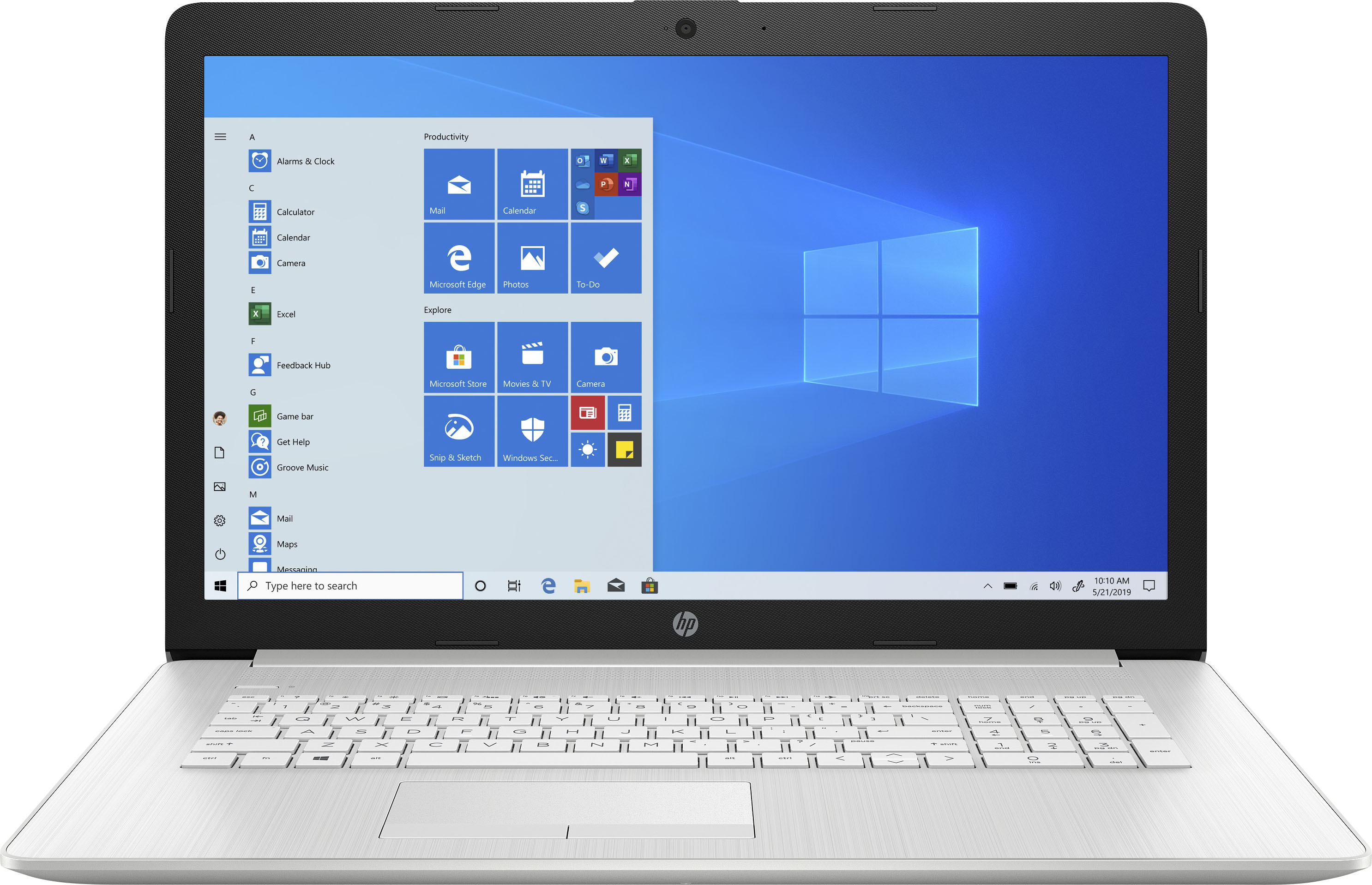
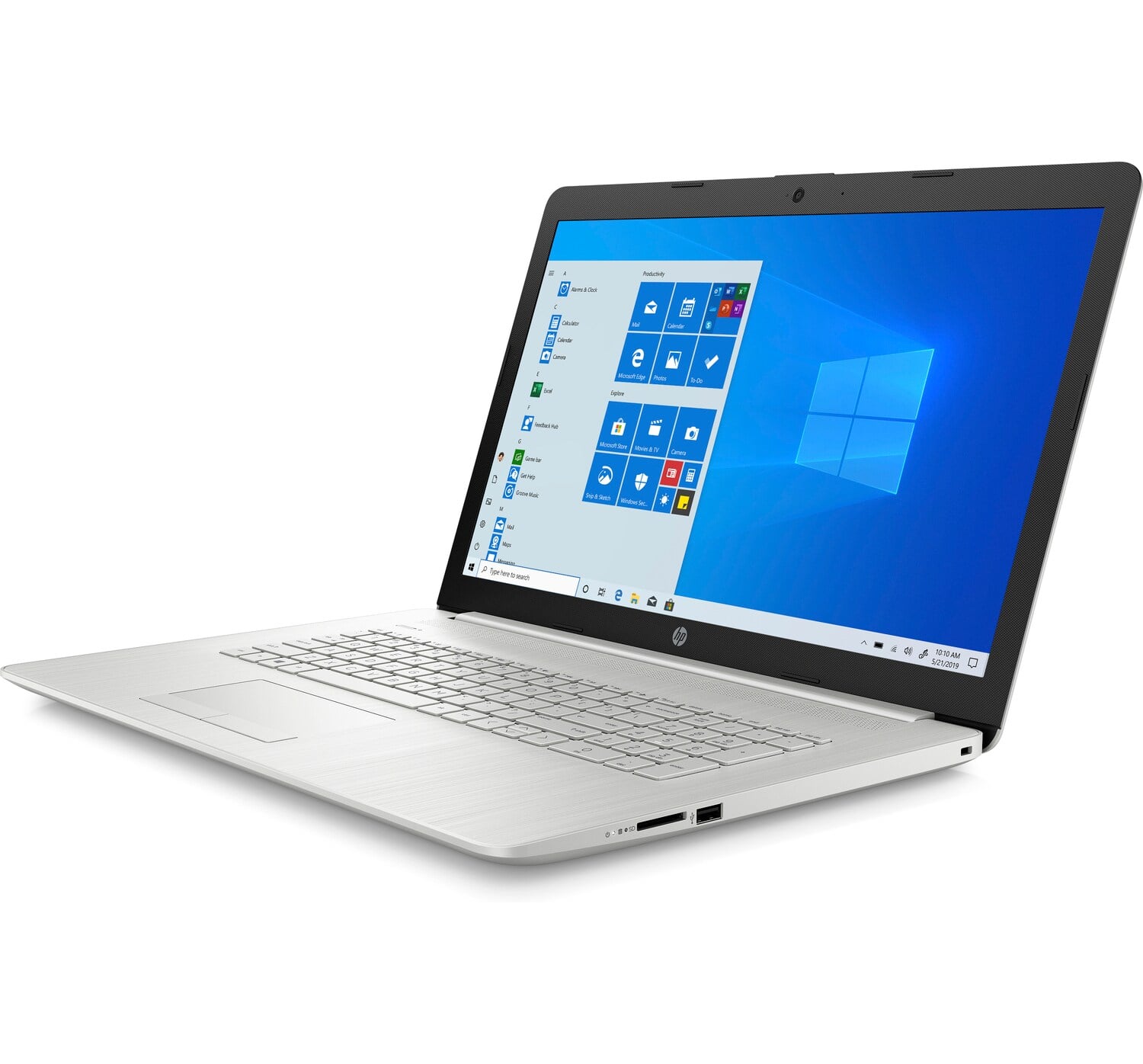
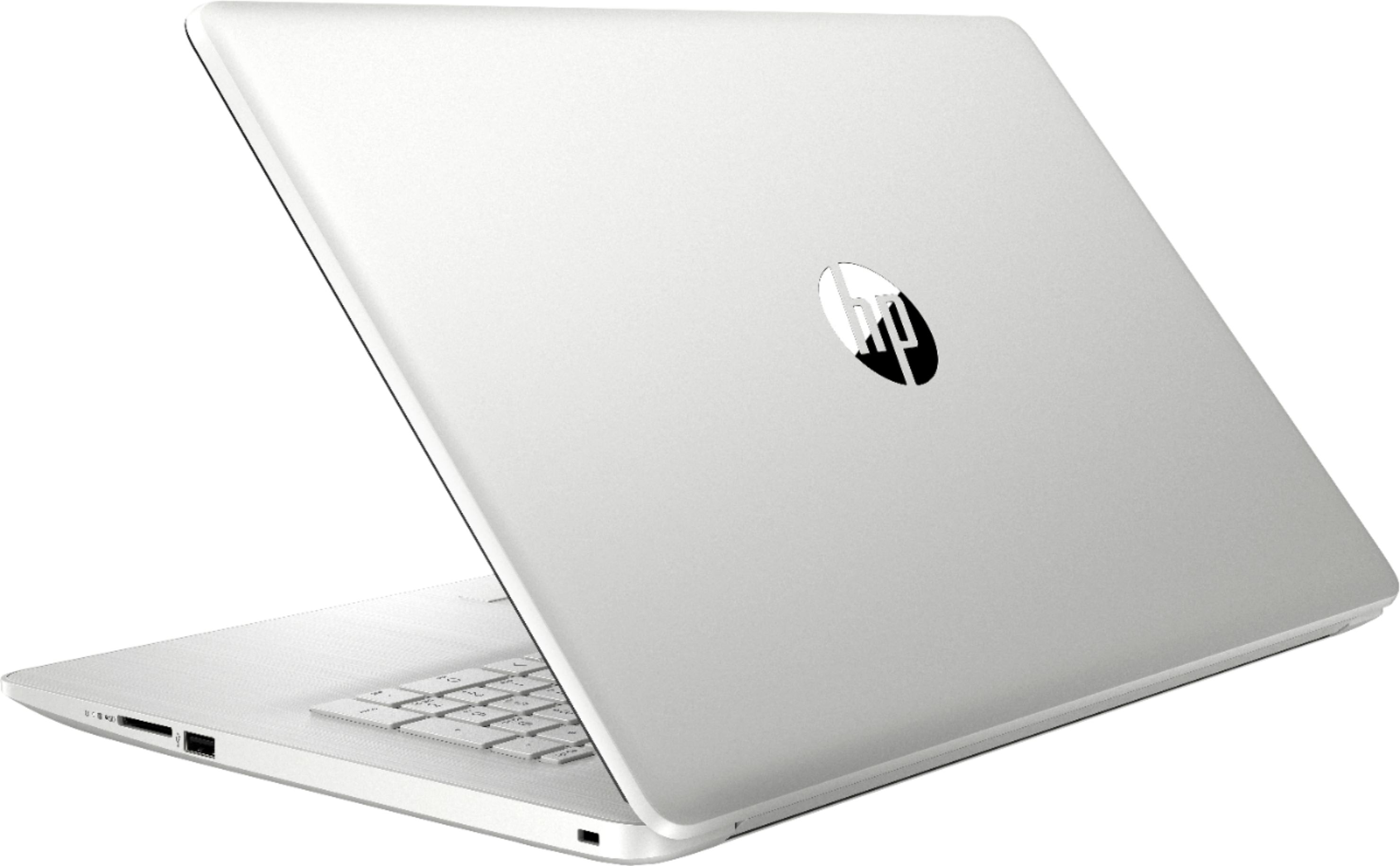
A:AnswerUnfortuantely, there isn't a second slot or drive bay to add a second drive. You'd need to replace the existing drive with a higher capacity one.
A:AnswerThank you for the question. The HP 17-by4633dx comes with Microsoft Windows 10 (free upgrade to Windows 11 included). There is a 1-month trial to Microsoft 365 (formerly Microsoft Office) and one month of McAfee Live Safe.
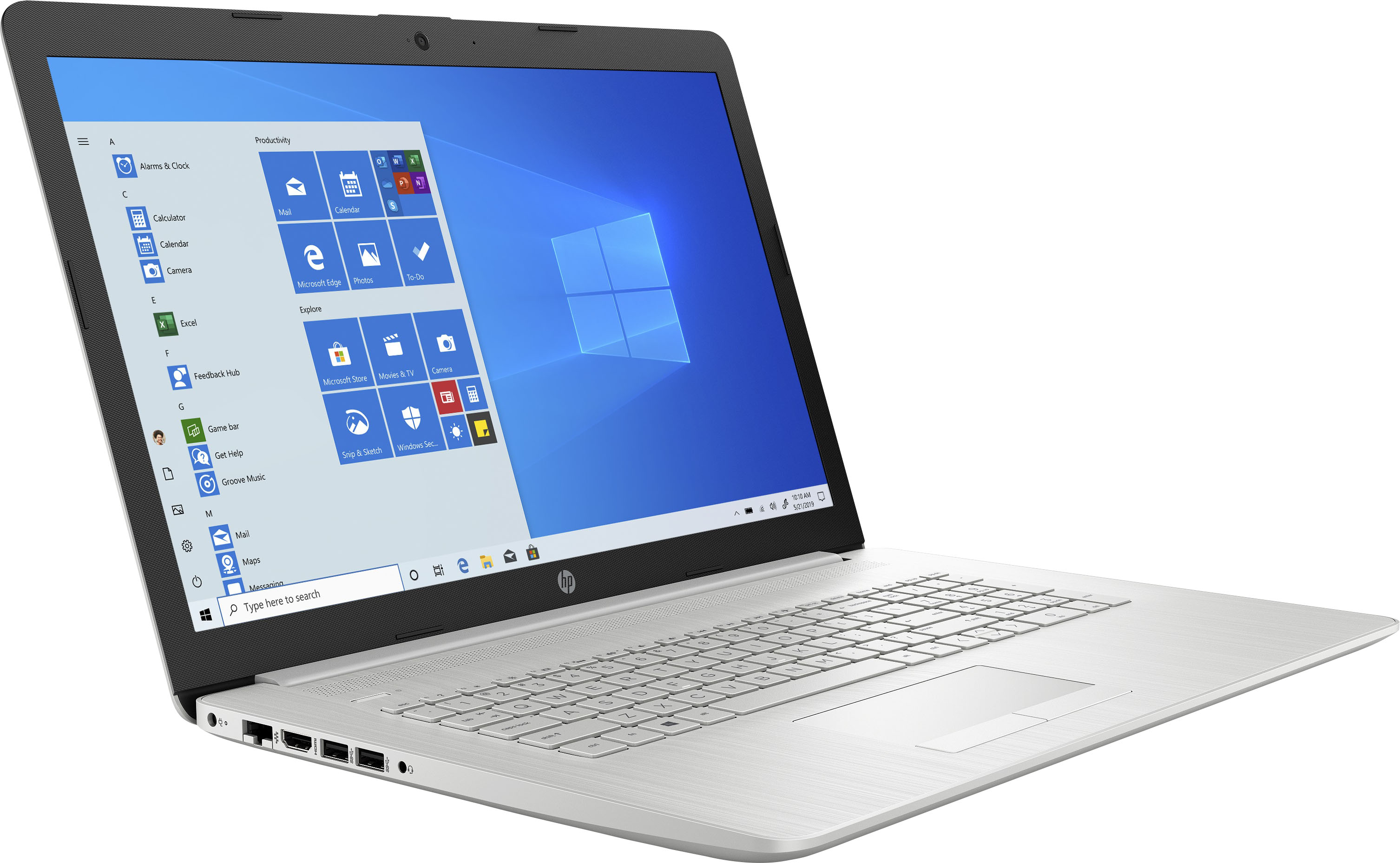
A:AnswerThank you for your question! I recommend connecting one monitor to the laptop's HDMI port and the other monitor to your SuperSpeed USB-A port with this docking station: https://www.bestbuy.com/site/j5create-usb-3-0-mini-docking-station-silver/5901250.p?skuId=5901250
A:AnswerThe computer meets all those physical specs. You'll need to download Chrome or Firefox, because the computer doesn't ship with them, but that's a simple process.
A:AnswerI asked the same question and was told that the cost of a DVD drive is so low that it is cheaper to purchase an external drive then to have it come with the laptop.
A:AnswerThe f3 button on the top row will adjust the screen brightness up. The f2 button will make the screen brightness less. Also, in settings/system/display, you can adjust brightness. Finally, in settings/system/battery, you can adjust some settings that affect brightness. You may also want to look at sleep and hibernation settings in the settings/system/power and sleep area.
A:AnswerThanks for your question! According to the specs, the HP 17-by4633dx laptop has a built-in DVD writer. I will notify HP and Best Buy that some of their photos are wrong.
A:AnswerHello, Bill. This HP Laptop 17-by4633dx does not have a backlit keyboard. The HP Pavilion, Envy, and Spectre laptops with the Intel i5 and i7 processors will have a backlit keyboard. This laptop is an HP laptop. Not a Pavilion, Envy, or Spectre laptop.