A:AnswerIt is best to go first to Zoom.com and download the file from there. You can just click on a Zoom invite link to join in . Works fine here. Good luck.
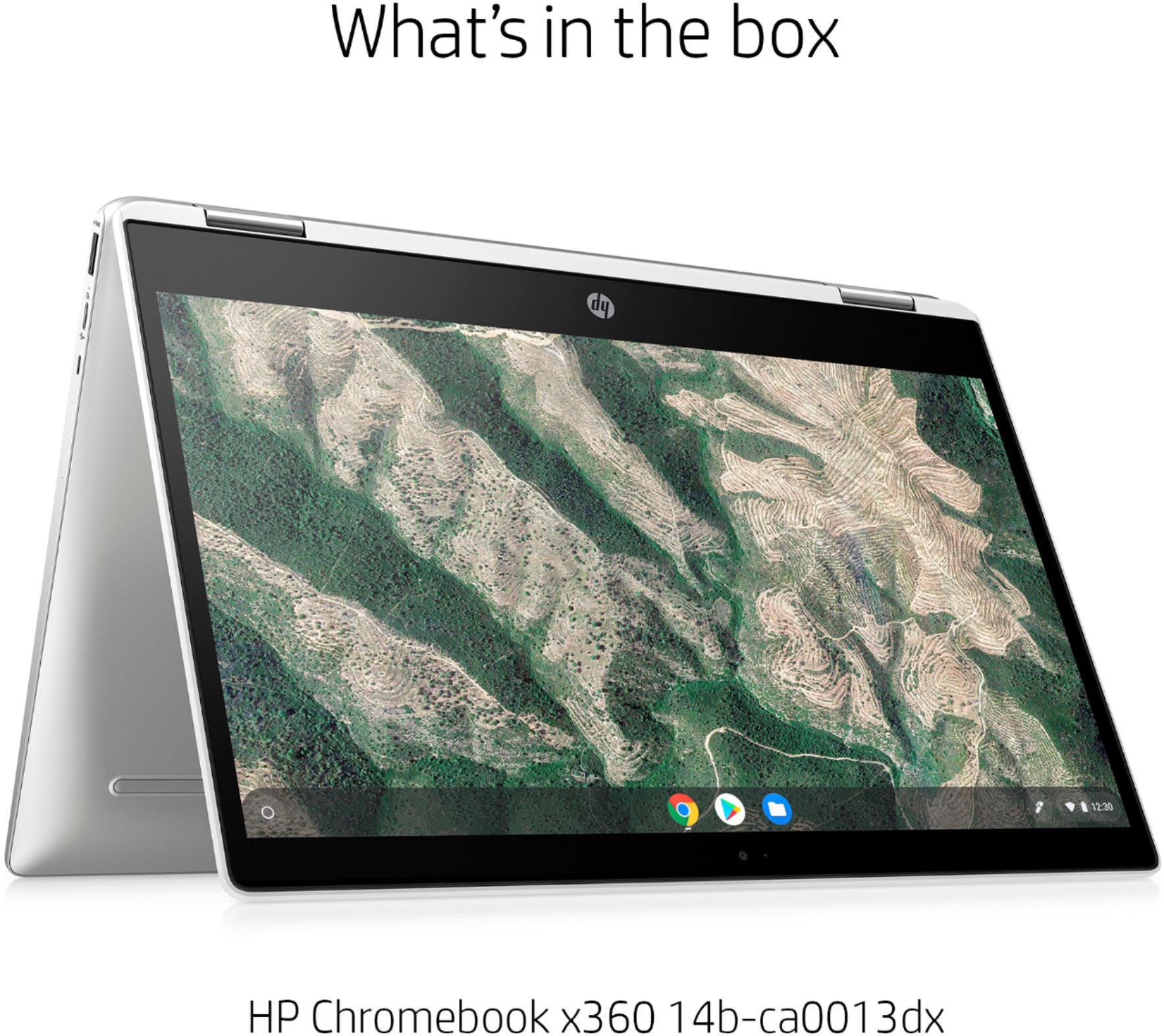
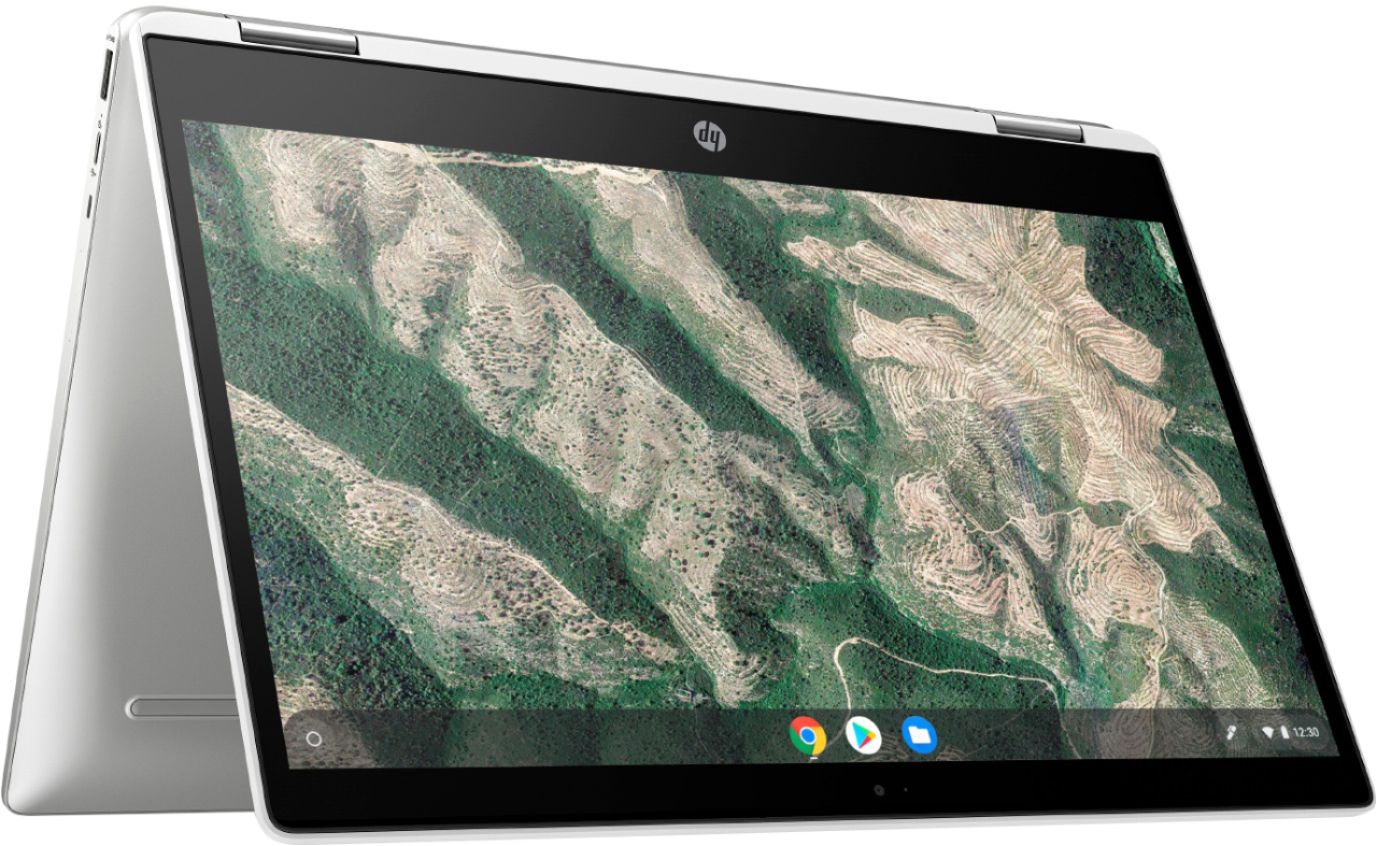
A:AnswerBecause it's a Chromebook, it can only download and run apps that are available from the Chrome Store. Unfortunately, Minecraft is not one of the available apps.
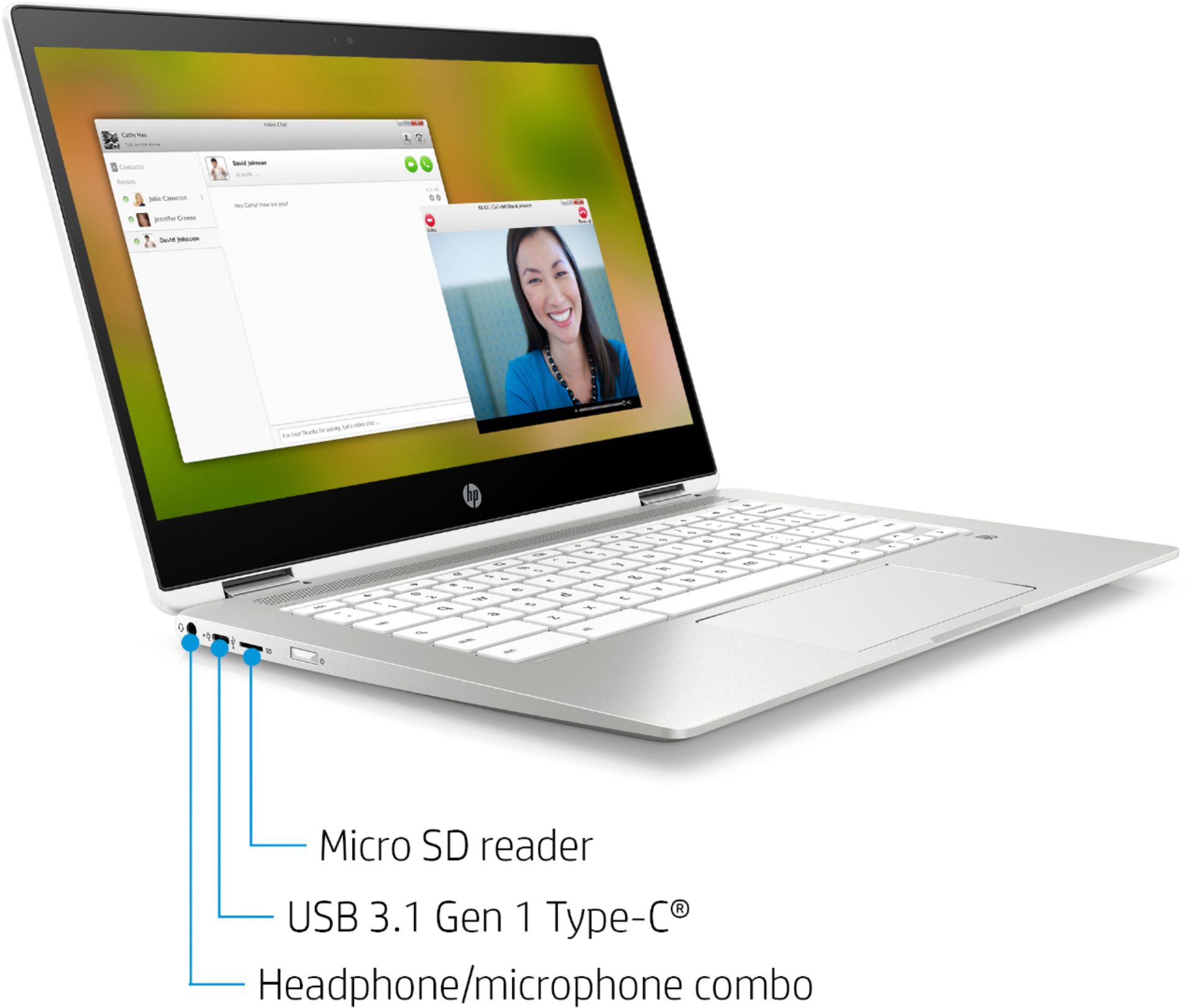
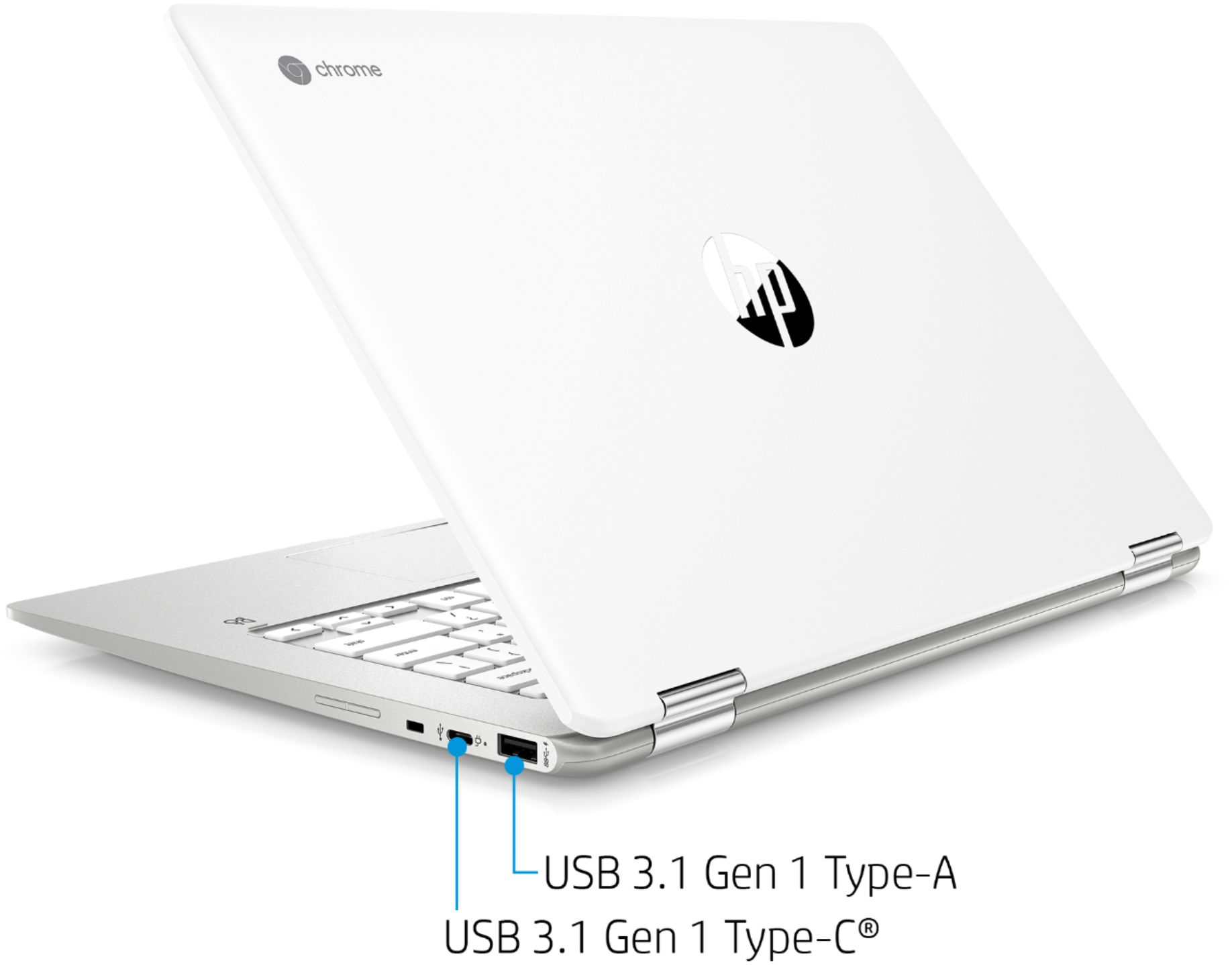
A:AnswerIt's actually quite simple. You can either connect it with a USB printer cable, or if you have WiFi you can put the printer and computer on the same wireless network so they can communicate.
A:AnswerIf you're using your Chromebook at work or school, your device administrator is the owner of your Chromebook. In other cases, the first Google Account used on the Chromebook is the owner. It appears the administrator has disabled the Google Play store.