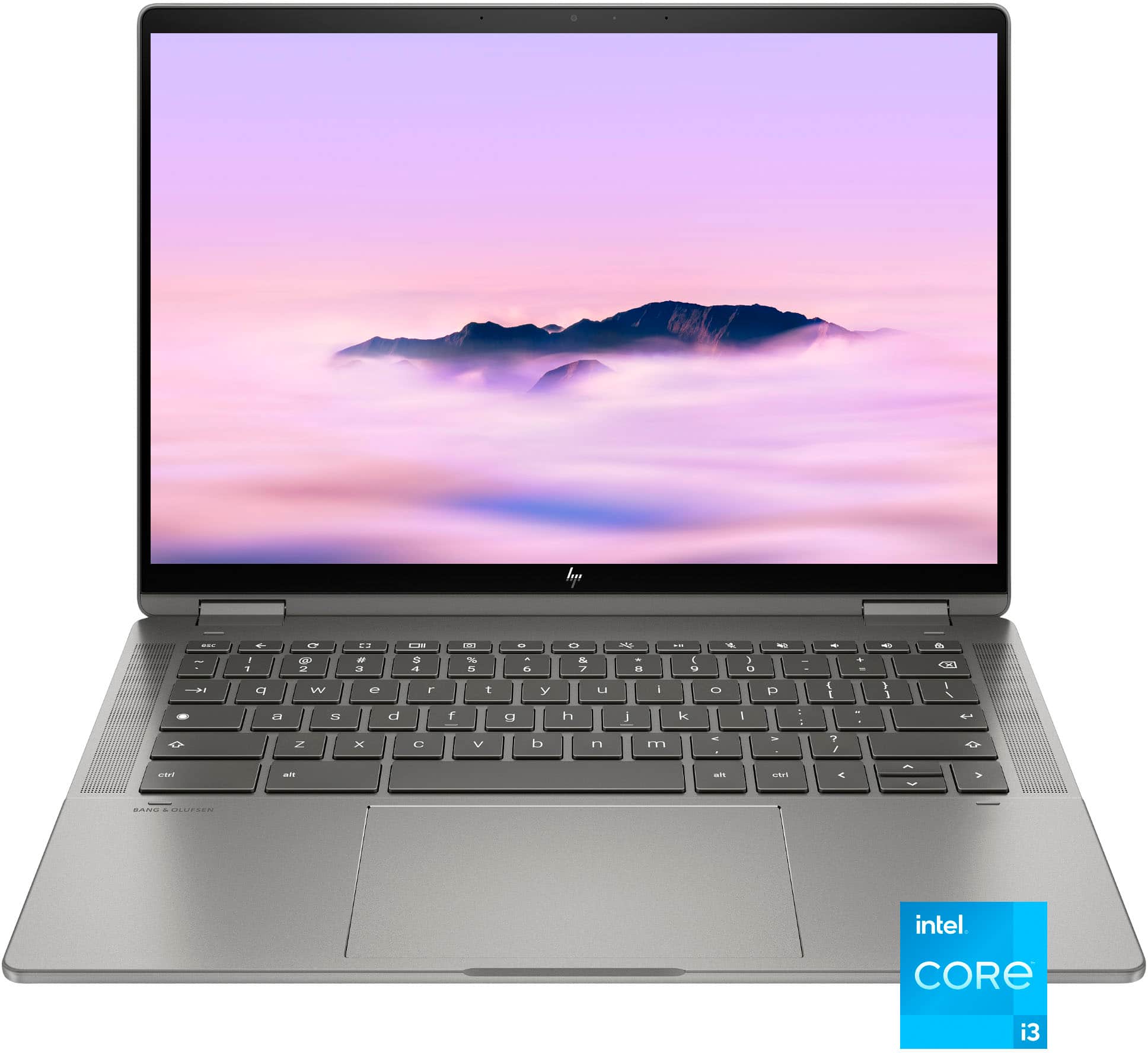
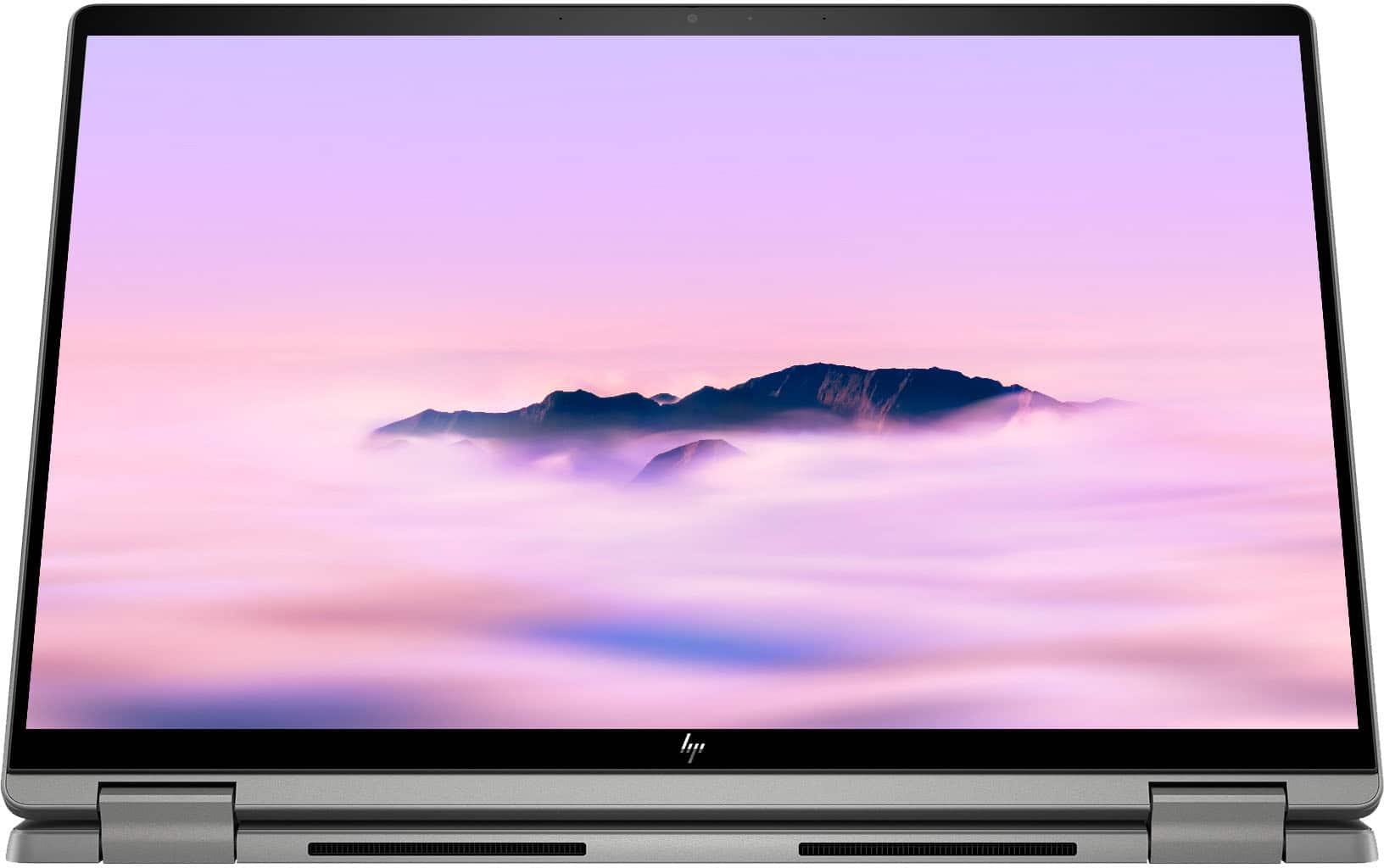
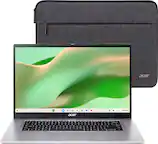
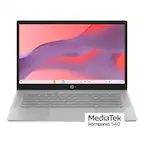
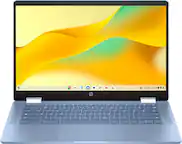
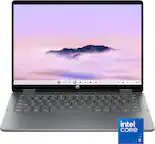
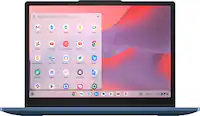
A:AnswerI use it for Zoom Meeting and it works fine. It has a 5 MB pixel webcam, plus the speakers are good. I do not know about the green screen; however, it does have the ability to blur your background, being a chromebook plus.
A:AnswerYou cannot easily change this out for linux like on a Windows PC. But you can change the Debian Linux container for another version of Linux. You will have still jump through some hoops but it can be done. The Debian container works fine however without too much trouble. You can add it by looking in the Advanced Developer Settings.
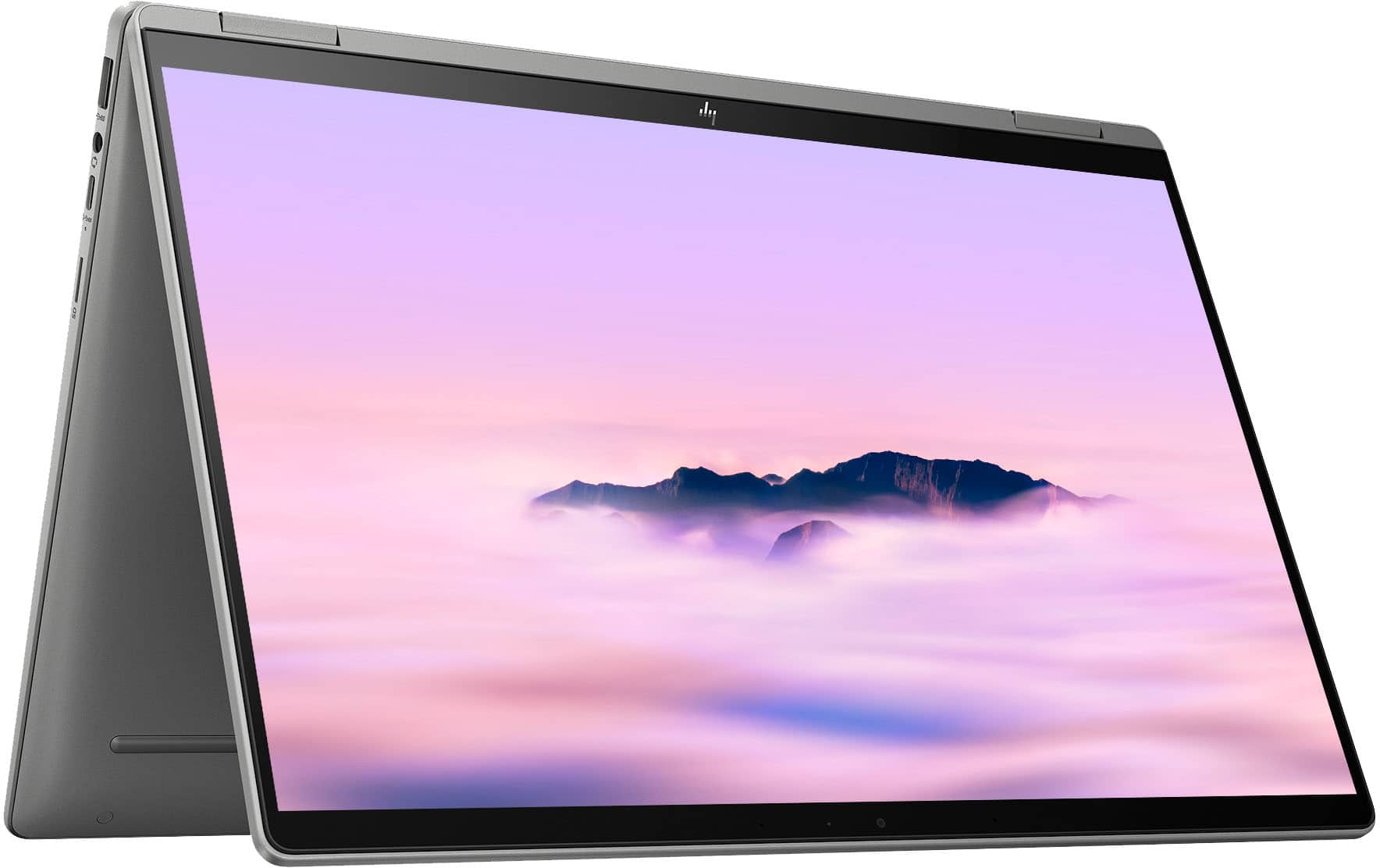
A:AnswerThank you for the question. Yes, you can enable/disable the touch screen using Search+Shift+T. You'll first need to set up keyboard shortcuts, and Google provides instructions for this.
A:AnswerThis Chromebook has good storage for a student that is paper-intensive, such as a humanities or a psychology major. For art or engineering, 1TB is more suitable.
A:AnswerHello. Thanks for your question. According to VUDU, first, you would download the movie in the VUDU app on your smartphone. Then, you will be able to access your downloaded movie offline. It is recommended to connect your Chromebook to the WiFi before you go offline to make sure your library is updated. If you need further assistance, we recommend reaching out to the VUDU customer support team.
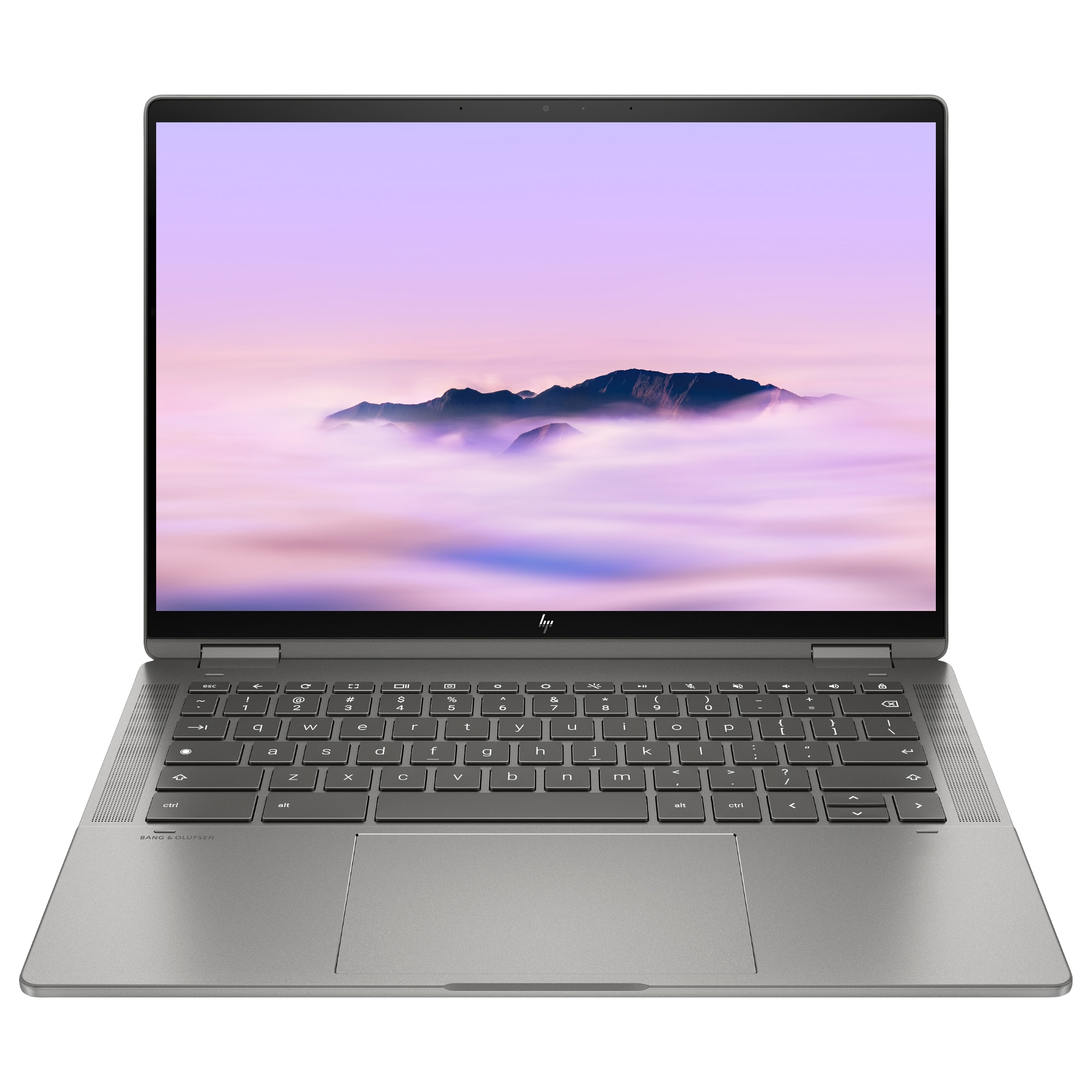
A:AnswerHello, thank you for your question. This model was released in January of 2023, though it's hard to say why you aren't finding accurate review videos. If it helps, the series number for this model is 14c-cd0000.
A:AnswerHello, thank you for your question. This device can have up to 16GB of RAM and a 512 GB (M.2 2280) SSD. However, it is not designed to be upgraded without professional assistance. You can take this model to your local Best Buy Geek Squad to assist you with a professional upgrade.
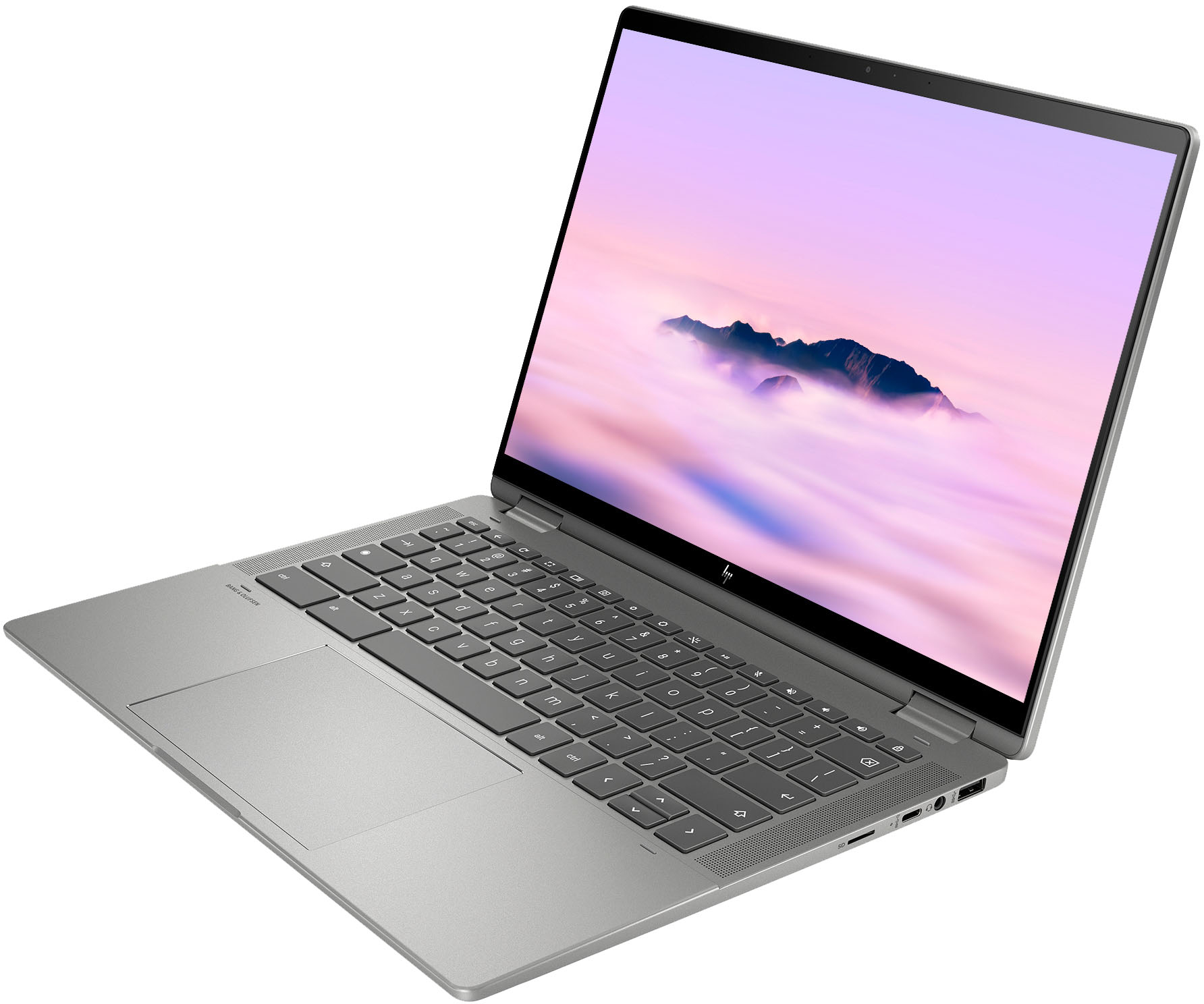
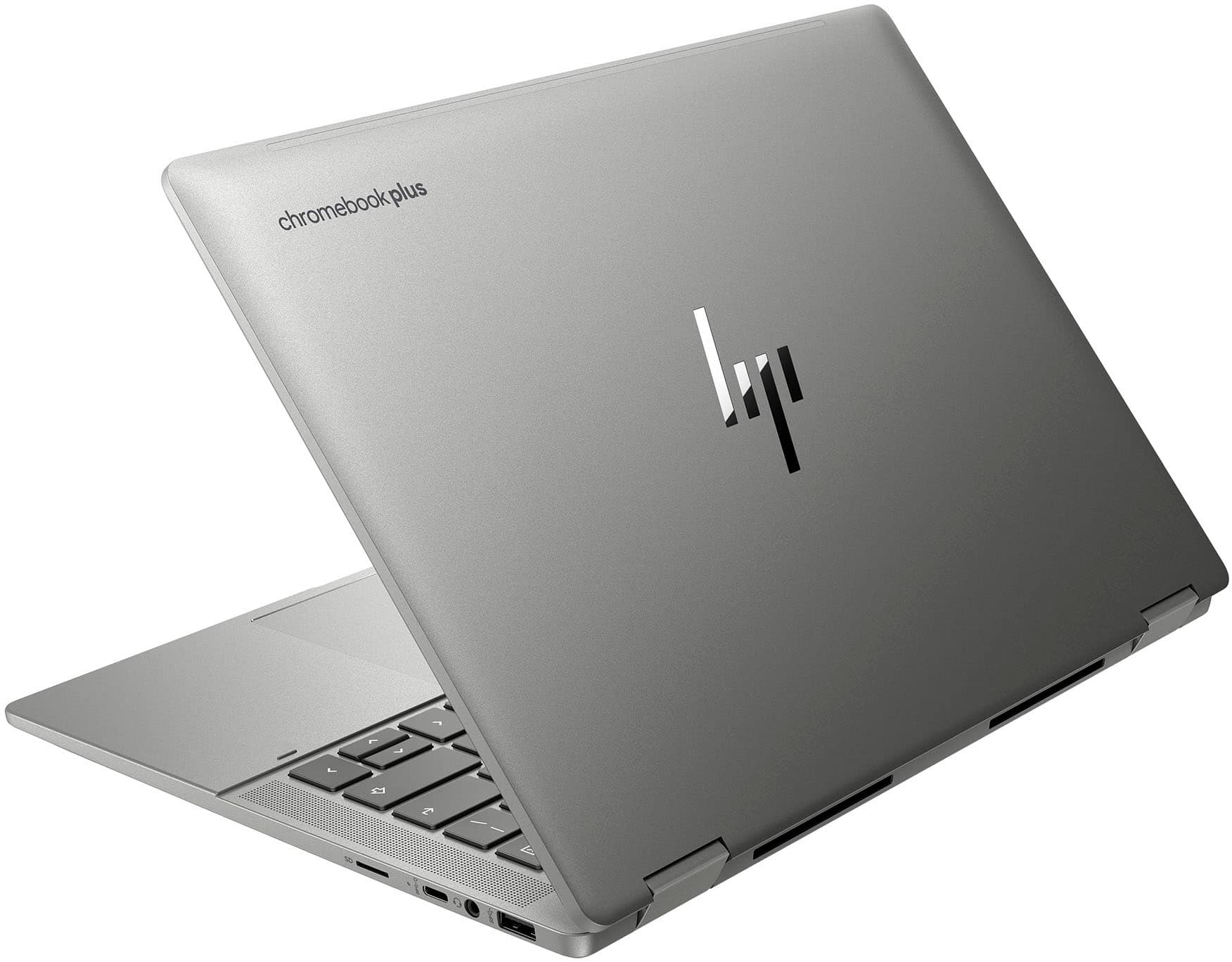
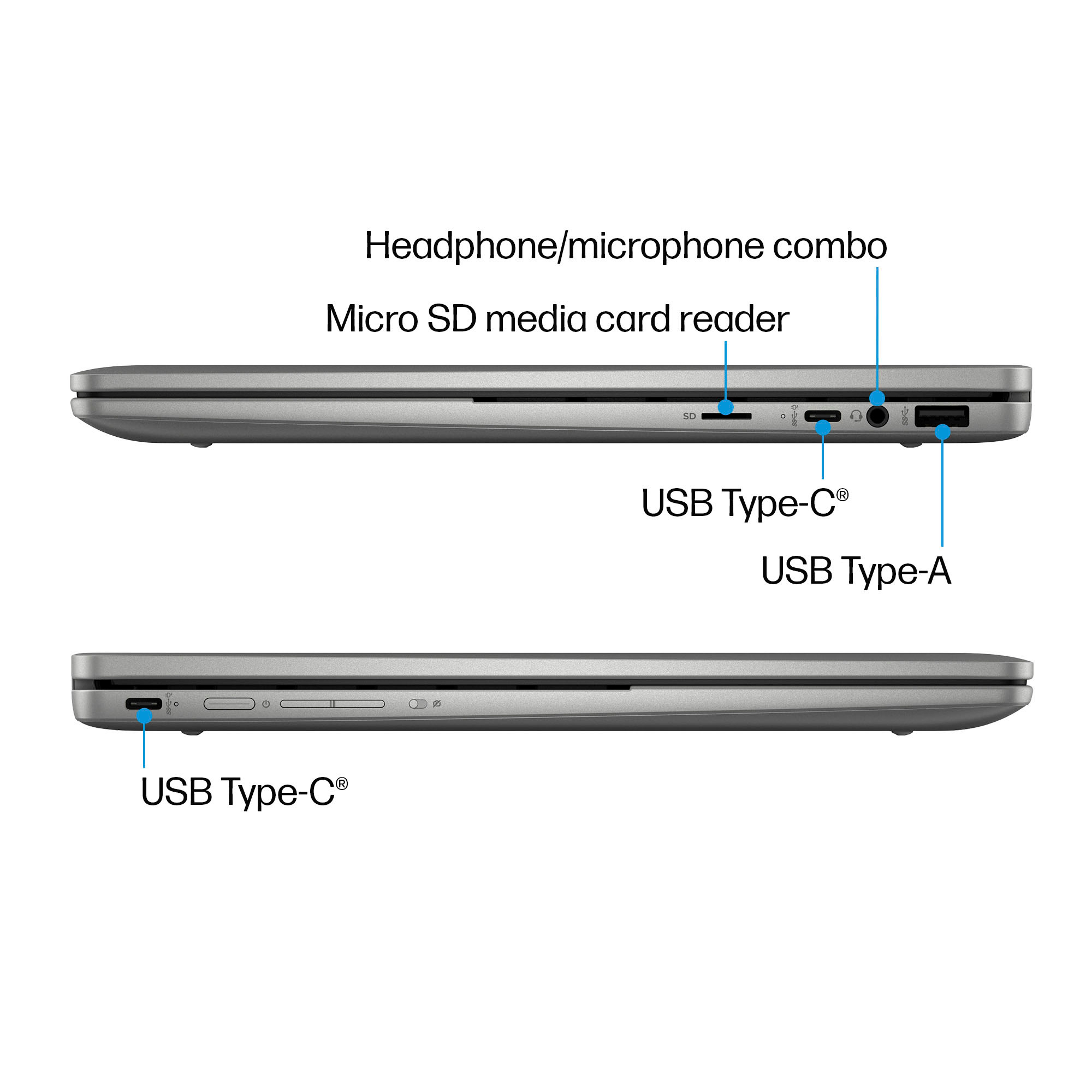
A:AnswerThank you for the question. The HP 14c-cd0053dx Chromebook has a microSD media card reader. If you need a standard card reader, you can connect an external reader via USB.
A:AnswerThis Chromebook has a 1-year limited hardware warranty. Additional information is available at
www.support.hp.com. It also comes with 90 days of limited technical support for software and initial setup (from date of purchase).
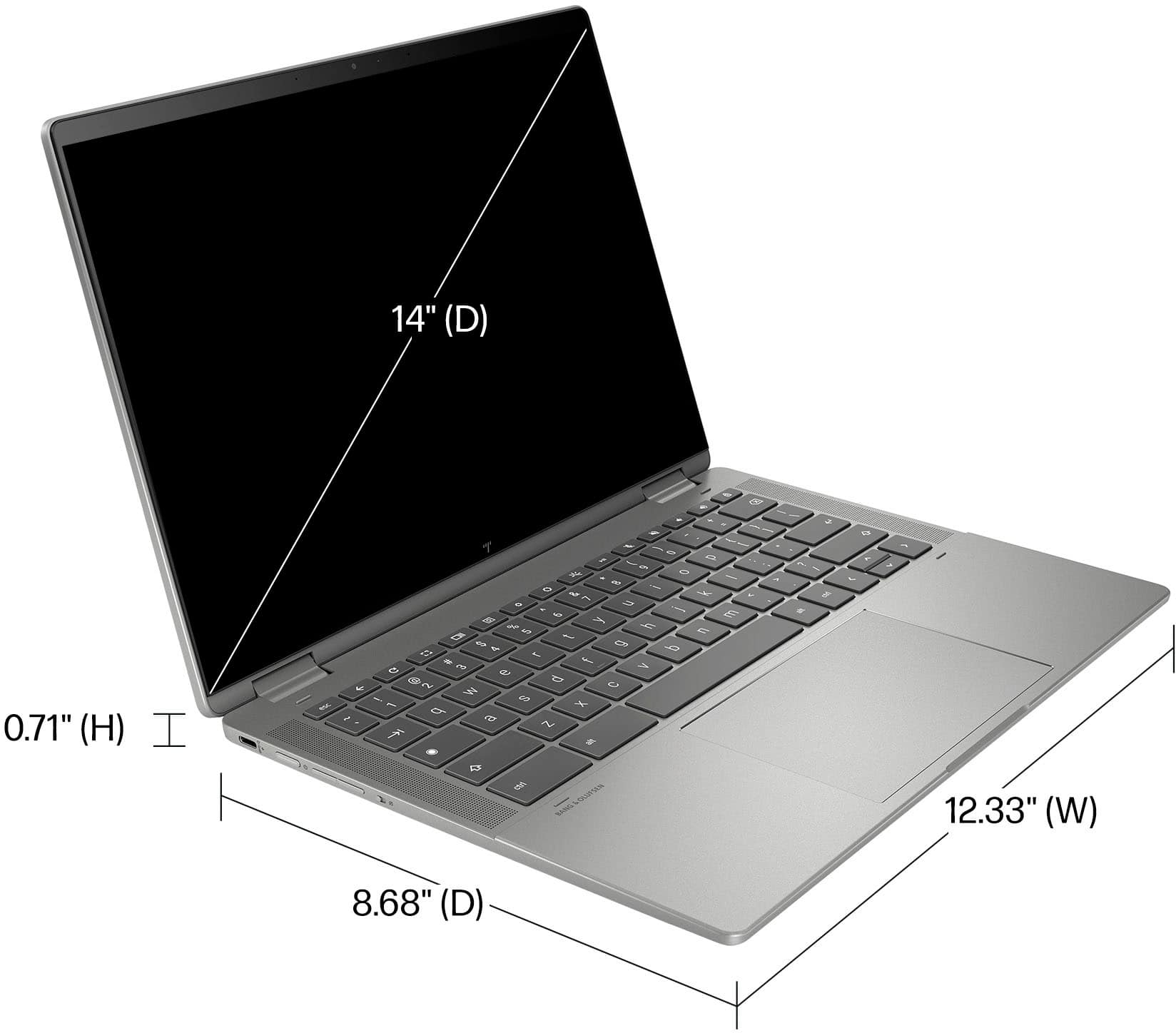
A:AnswerThank you for your question. This model does come with audio by Bang & Olufsen, as well as dual speakers with HP Audio Boost for control over your audio experience.
A:AnswerMany printers will automatically be detected and are supported by Chrome OS devices. However, some are not. A partial list of supported printers is available at https://support.google.com/chromebook/answer/12403345
A:AnswerThe answer to this question from the HP Team is ambiguous, and irrelevant because Chromebooks run ChromeOS and are not compatible with MPP. Here is the answer from the HP site regarding styluses: "Chromebooks use USI pens. Chromebooks are not compatible with MPP pens."