A:AnswerPurchase a DVI-D to HDMI adapter. DVI-D and HDMI are the same digital signals but different form factors. HDMI can send audio signals, but that doesn't matter with a monitor now does it? You can pick these adapters up for a few dollars. Don't purchase a signal converter or DVI-I converter or you'll be wasting time and money.
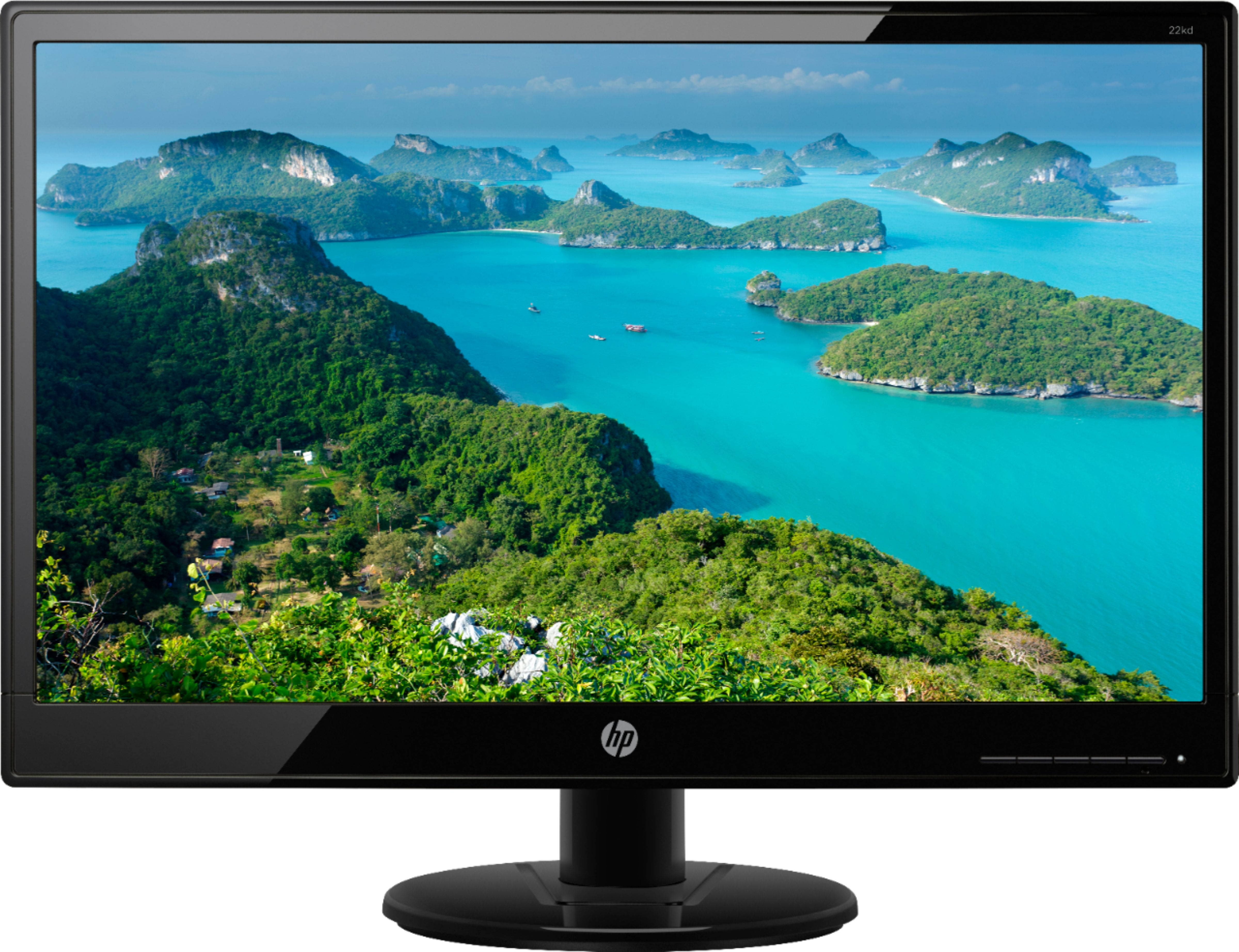
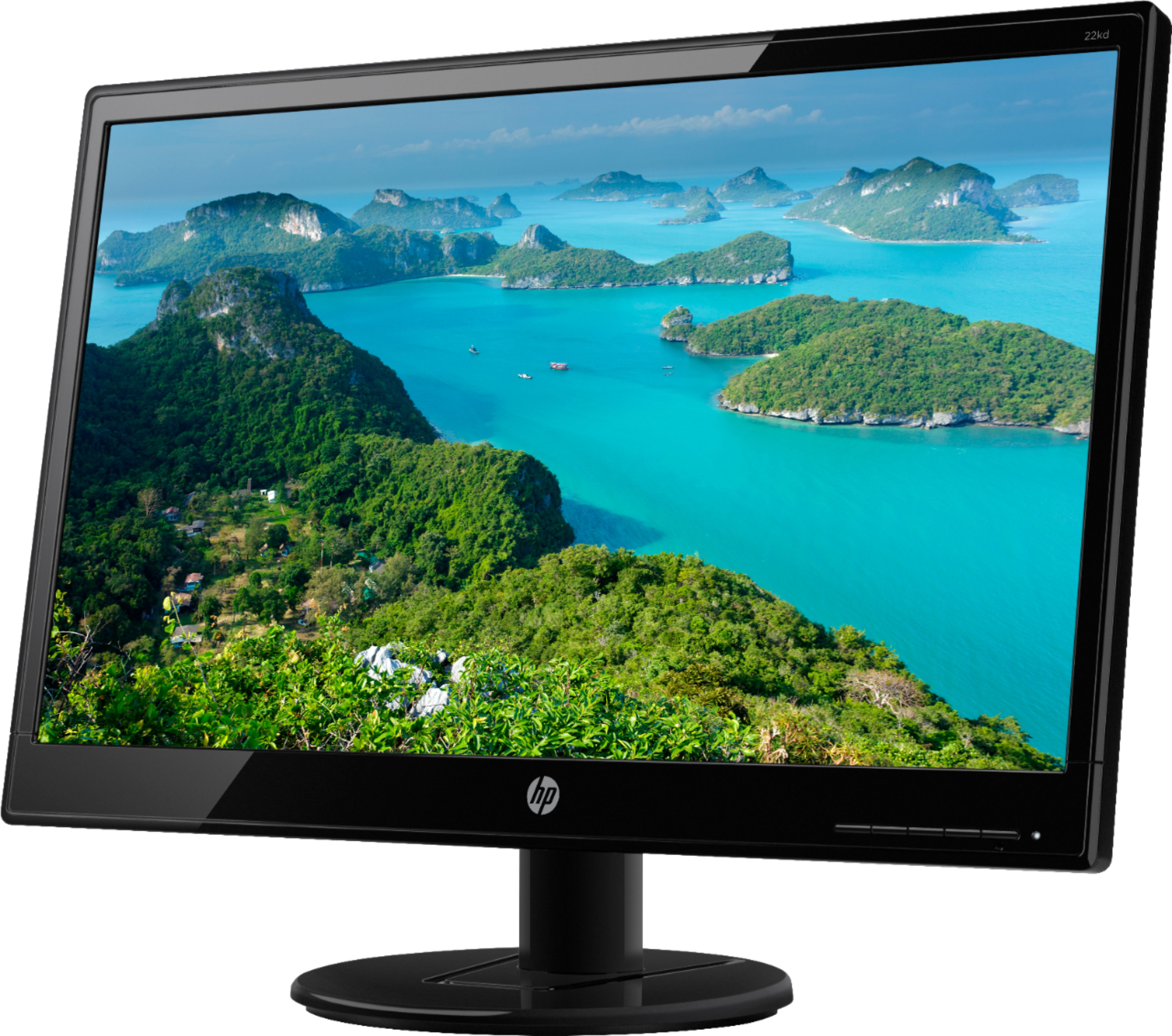
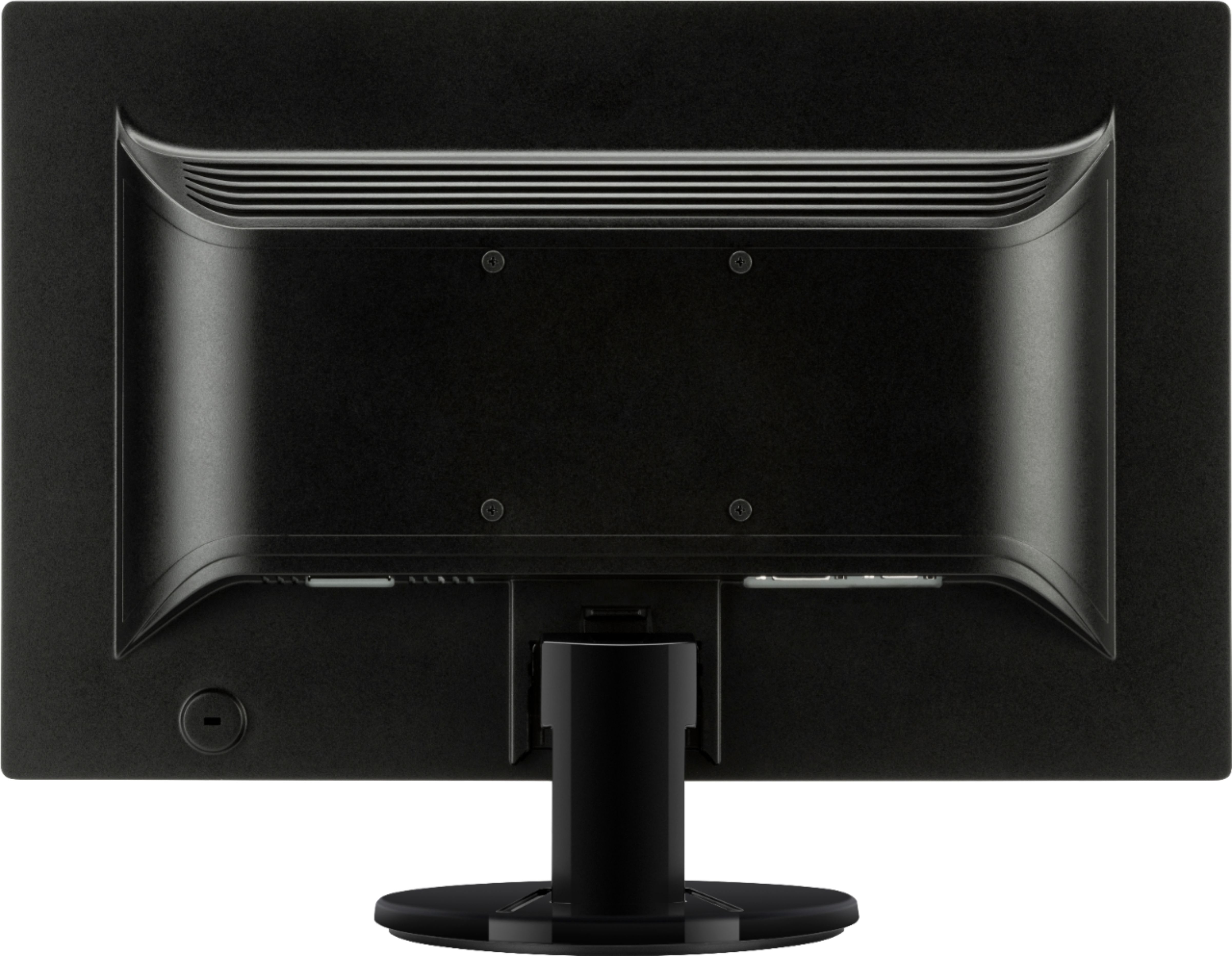
A:AnswerThis monitor has VGA and DVI inputs. Your laptop would need to have one of those ports, or you would have to use an adapter to connect it to the video port you have on the laptop.
A:AnswerThe monitor comes with a VGA cable in the box. If your computer has a VGA video out, then you're set-you can just plug in the included cable. If your computer has an HDMI video output, then you'll need either an adapter or a cable with an HDMI connector on one end and a VGA connector on the other.