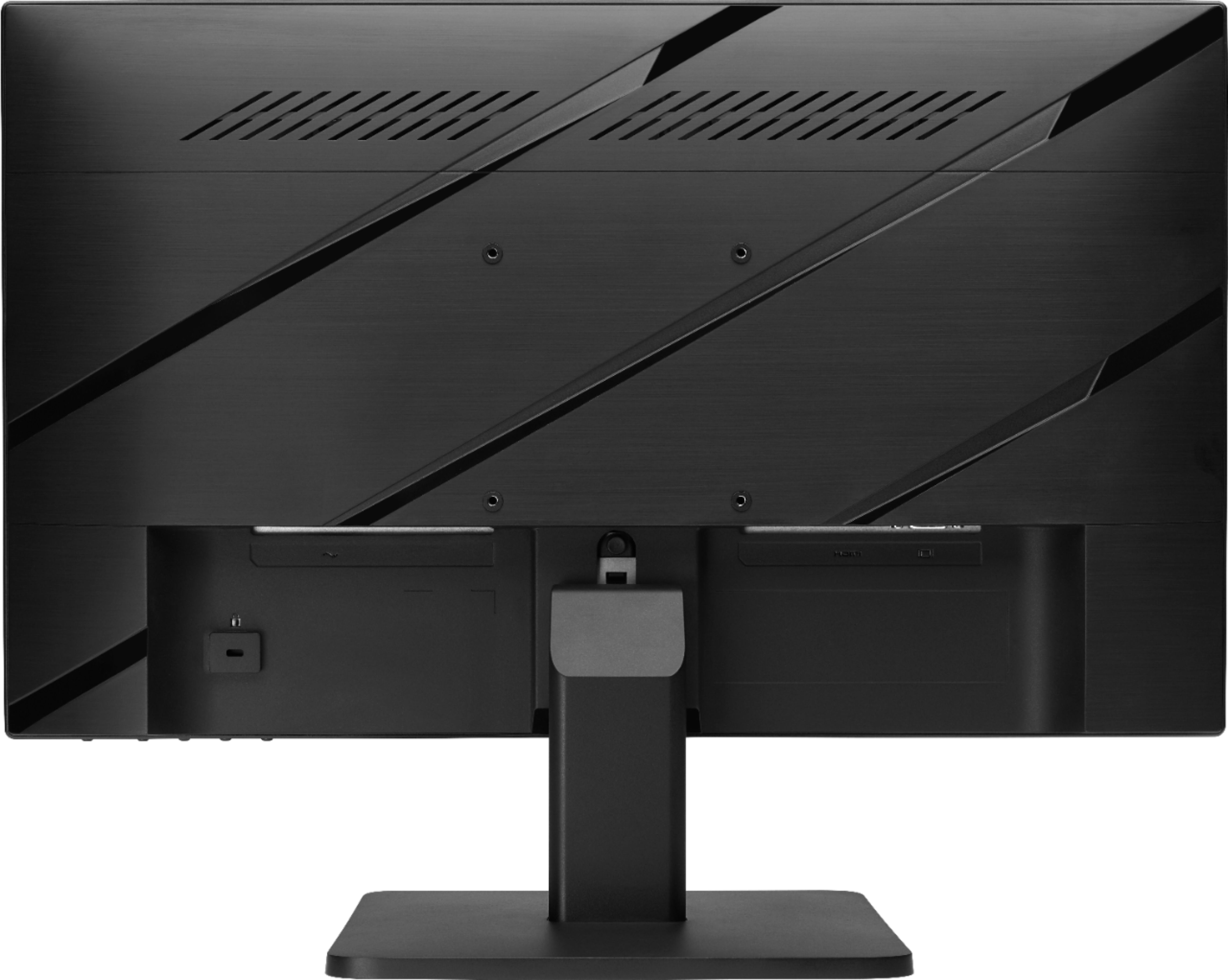
A:AnswerTheoretically this could work if you have a hdmi to DisplayPort cable that supports 1080p 144hz, however I could not find any of these cables online.
A:AnswerYou would use the Menu button on the monitor to adjust audio and you can use your computer volume as well. Here is a link to the User Guide. Page 15 describes this:
http://h10032.www1.hp.com/ctg/Manual/c06445987
A:AnswerIf your GPU can render 144 FPS in every game then this monitor will display 144hz in every game, the monitor does not determine how much FPS you get in game; it simply displays the frames your gpu is rendering.