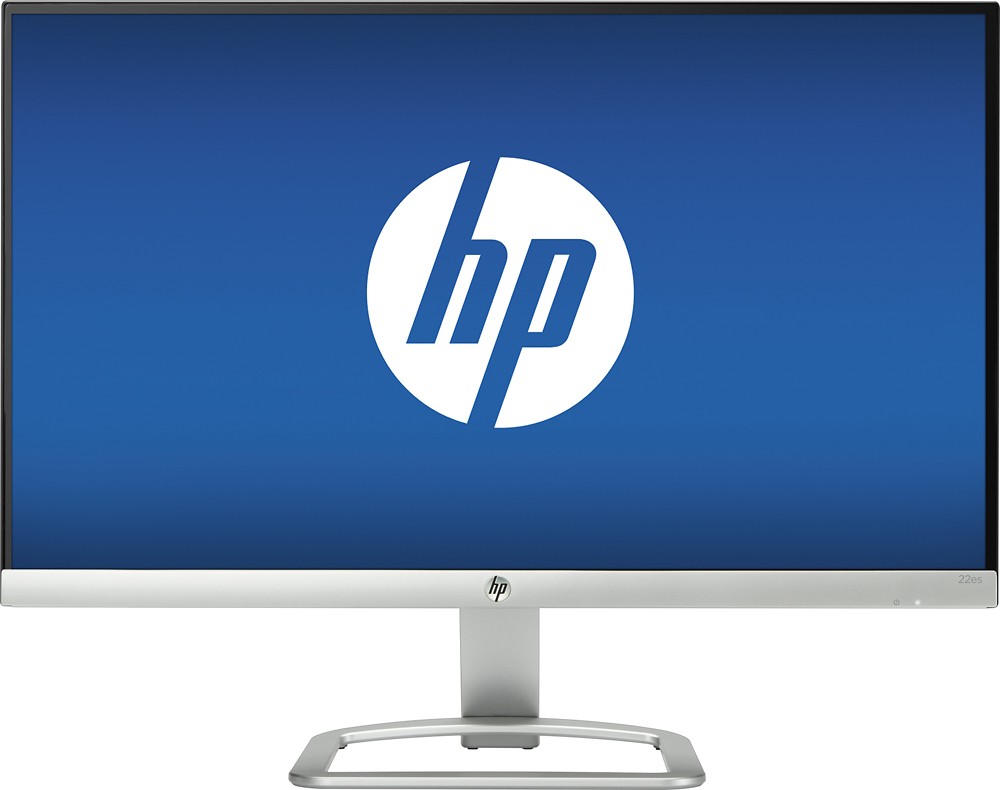
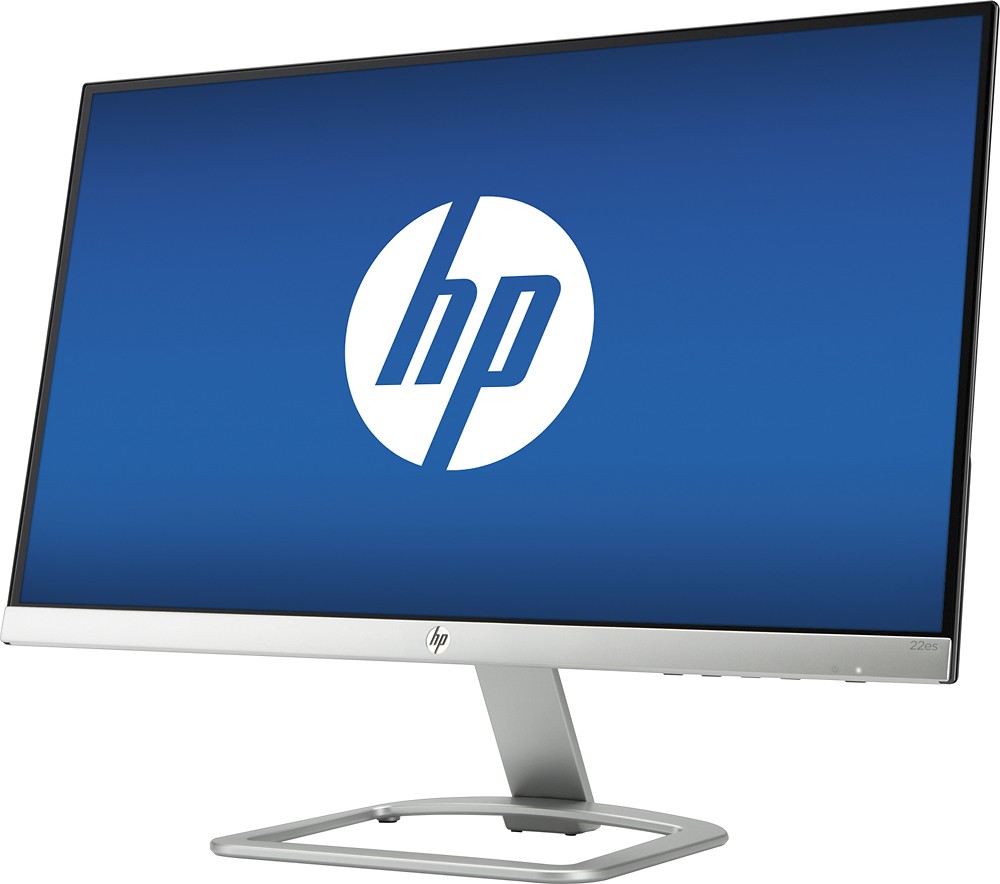
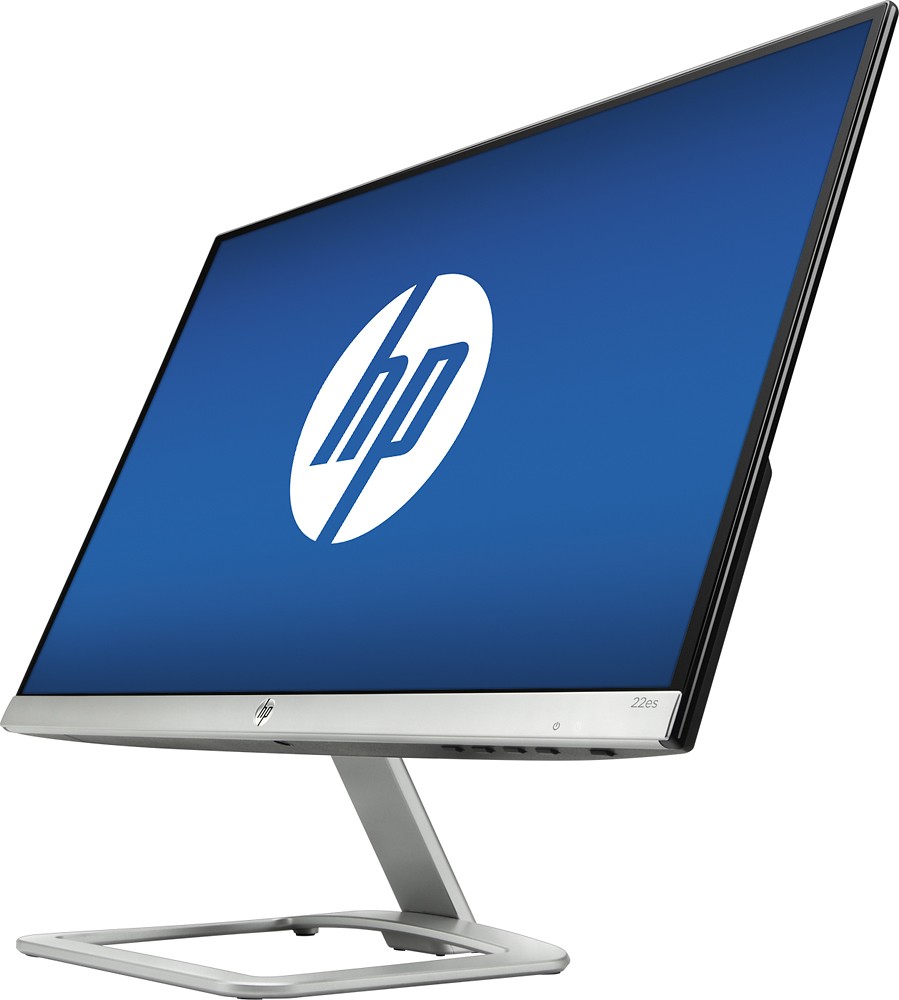
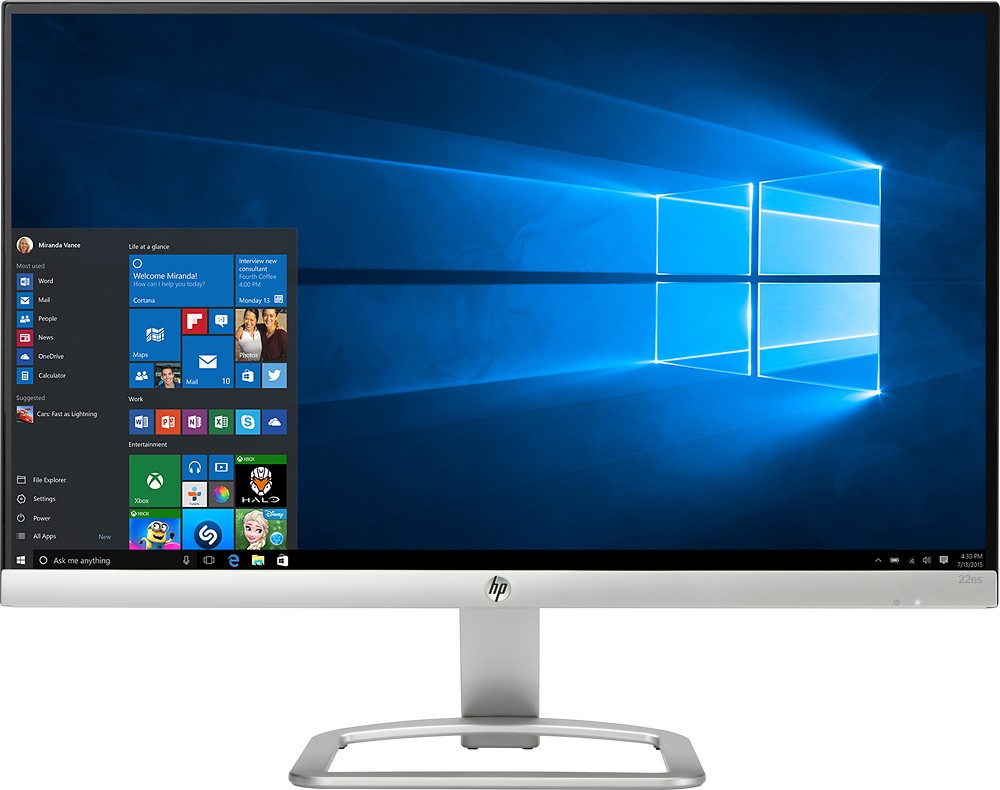
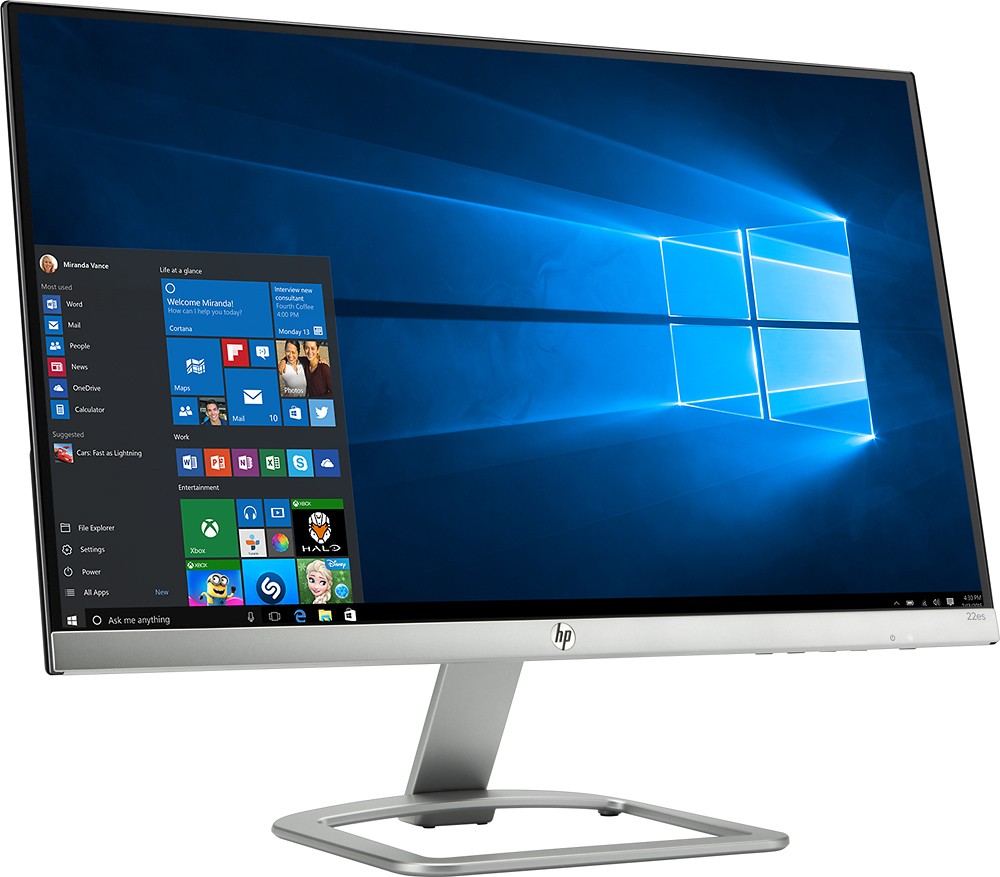
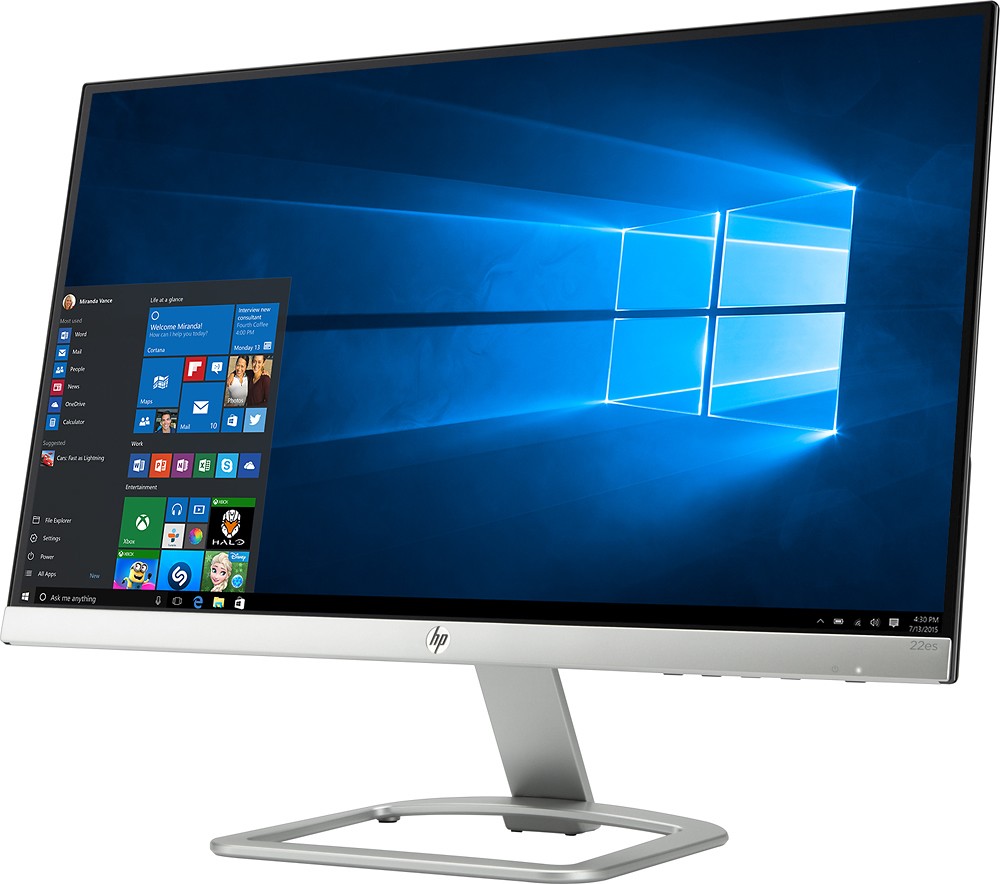
A:AnswerAccording to http://www8.hp.com/emea_middle_east/en/products/monitors/product-detail.html?oid=10402777#!tab=specs , it has an "anti glare" screen. This is described as "The reflectiveness typical with glossy screen surfaces is appreciably reduced with the Low Haze screen enhancement, without losing clarity and contrast of screen imagery" on this page: http://www8.hp.com/emea_middle_east/en/products/monitors/product-detail.html?oid=10402777#!tab=features
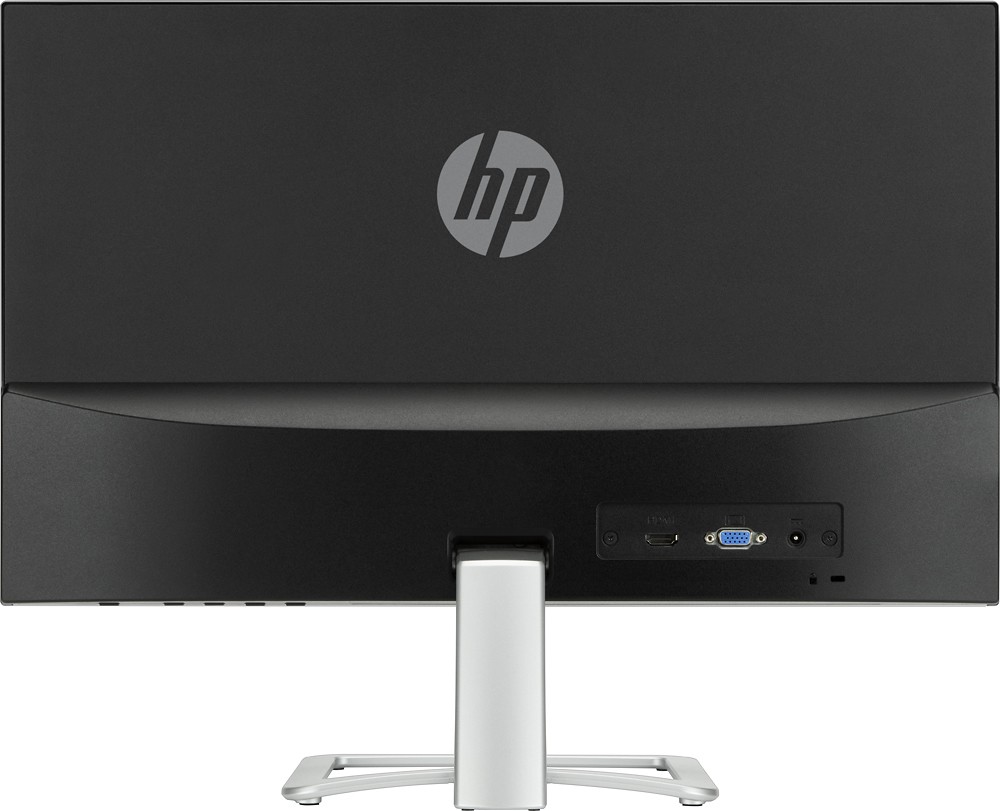
A:AnswerYes, but not through your USB connection. Get a mini display port to HDMI connector and it will work using the mini display port on your Surface Pro 4.