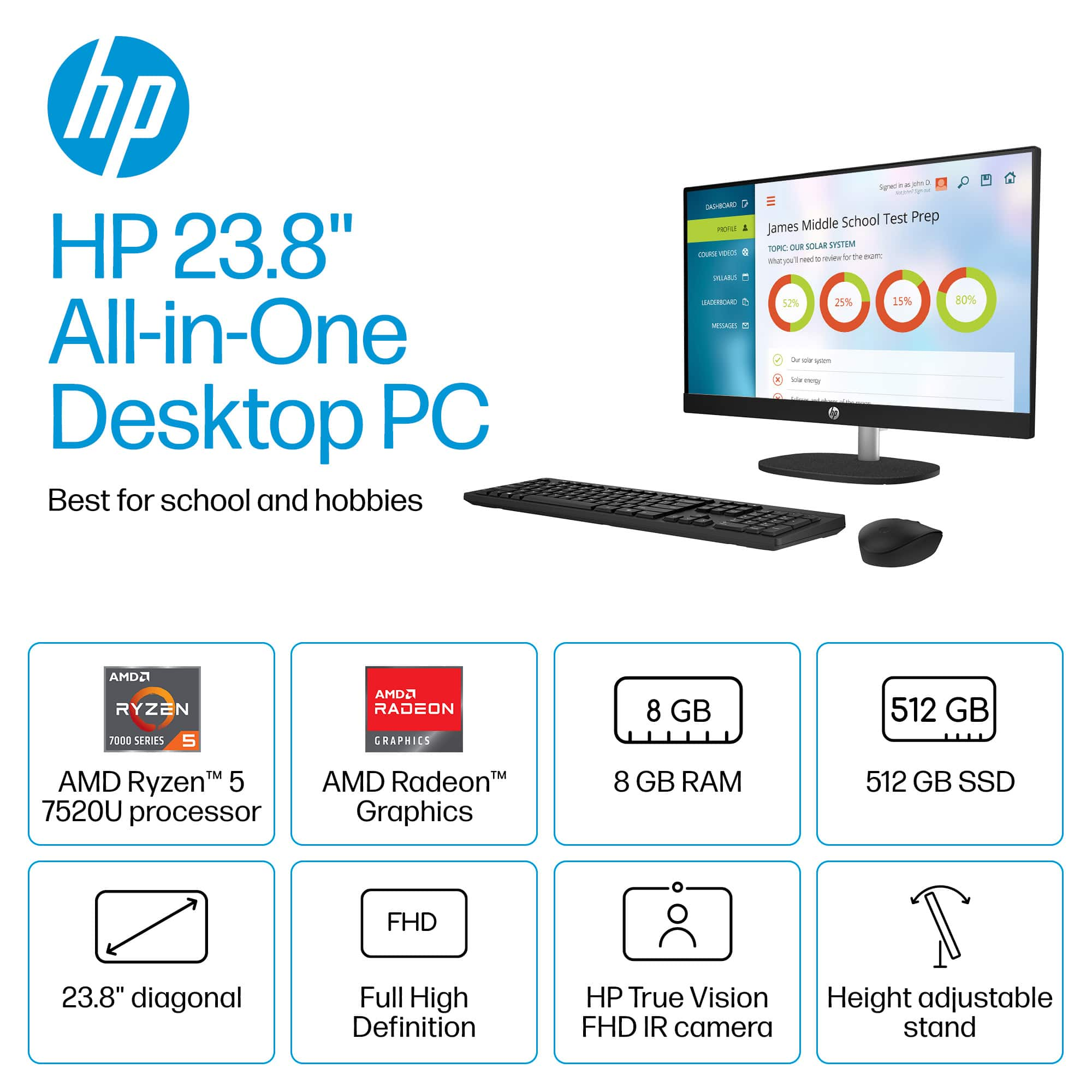
A:AnswerThe HP team answer to this question is not correct. I wanted to upgrade to 16GB ram and upon opening the computer discovered there is no expansion slot to upgrade. In fact the 8GB installed ram is soldered in and CAN NOT be upgraded. Therefore if you want more ram move on from this computer
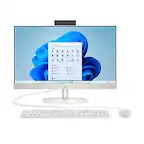
A:AnswerHi David! As configured, the HP 24-cr0124 All-in-One desktop does not have a touch screen and the included keyboard is not backlit. There is a model with a touch screen, please reach out to your local Best Buy to assist you.
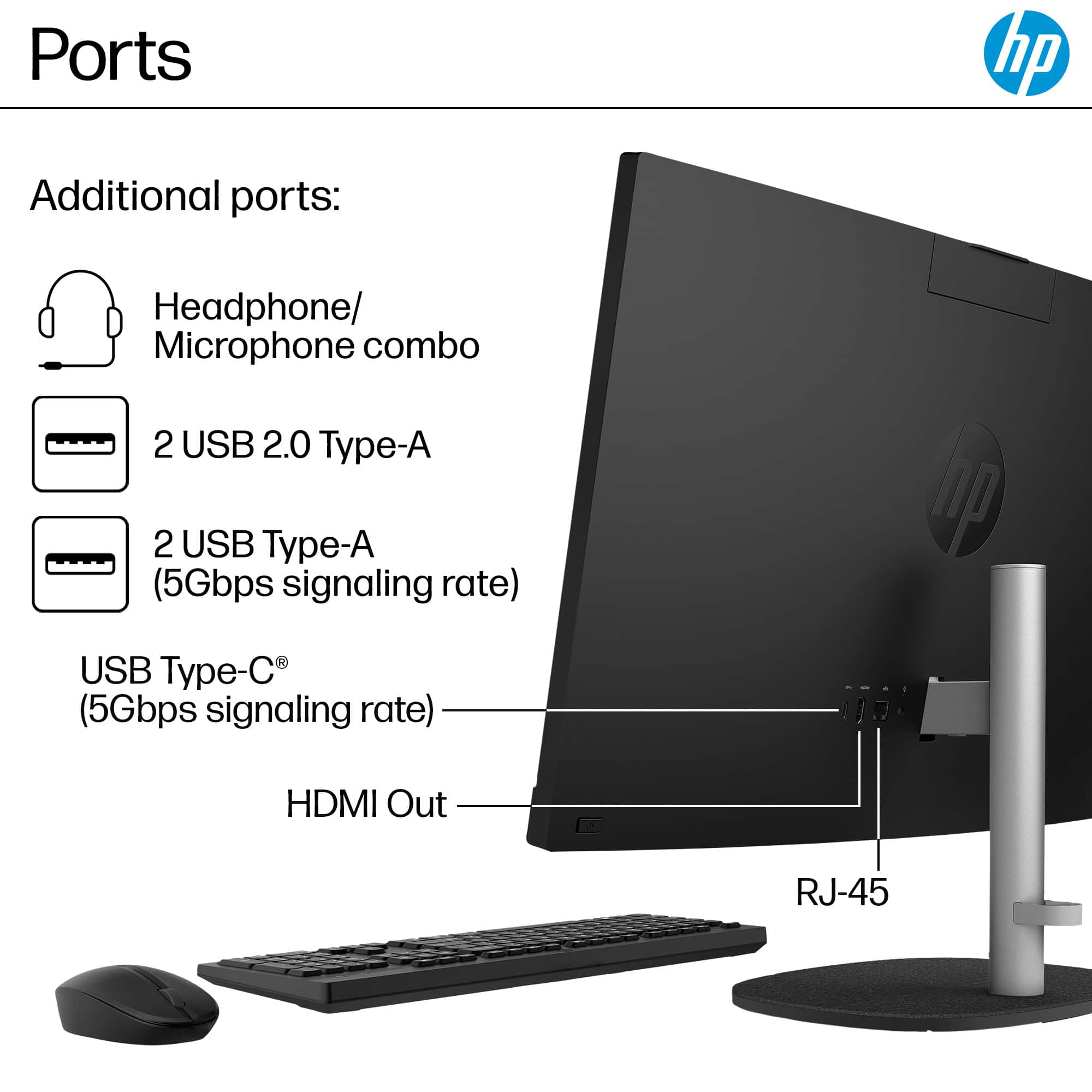
A:AnswerThank you for the question. Completion of manufacturing (date) and the serial number are on a label applied (to the unit and the box) at the factory, and this forum does not have access to that information. The 24-cr0124 does not have a card reader, however, you can connect an external card reader via USB.
A:AnswerHi Valerie, apologies for what you're experiencing. If your All-in-One desktop does not power on when connected to AC power and the power button has been depressed, please reach out to HP Support to assist you.
A:AnswerThank you for your question. The 24-cr0124 All-in-One computer comes with a 1-year limited hardware warranty and 90 days limited technical support for software and initial setup (from date of purchase).
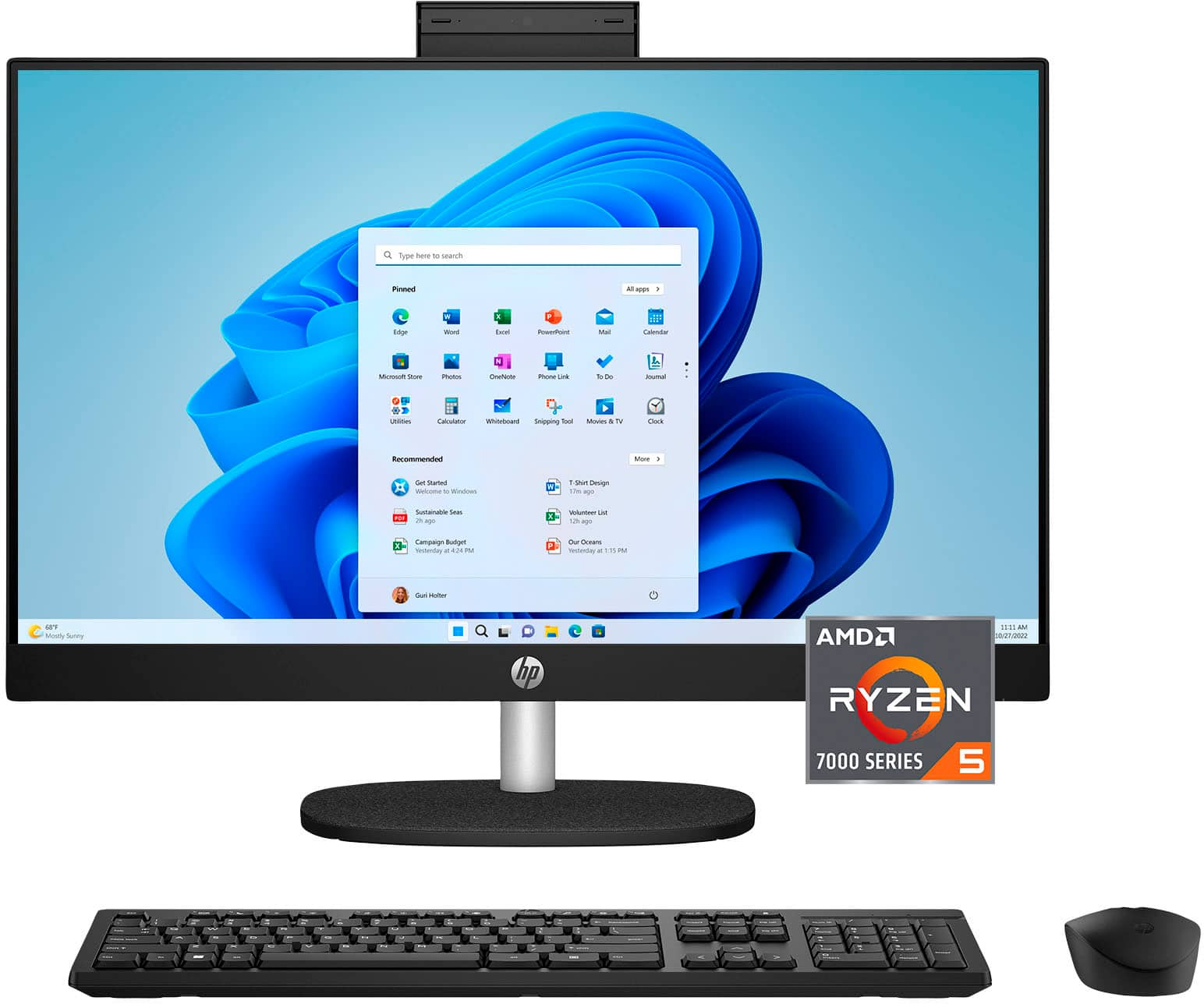
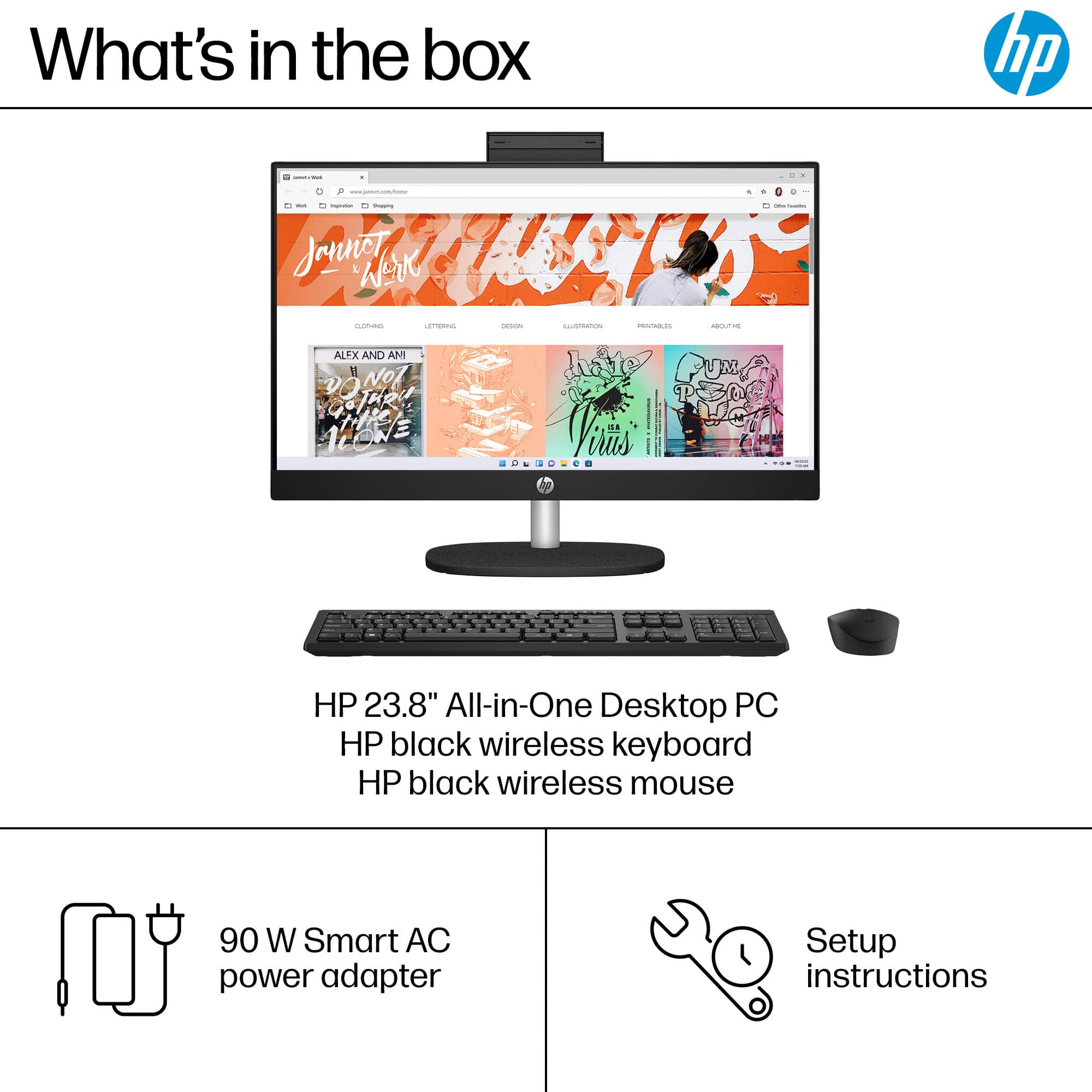
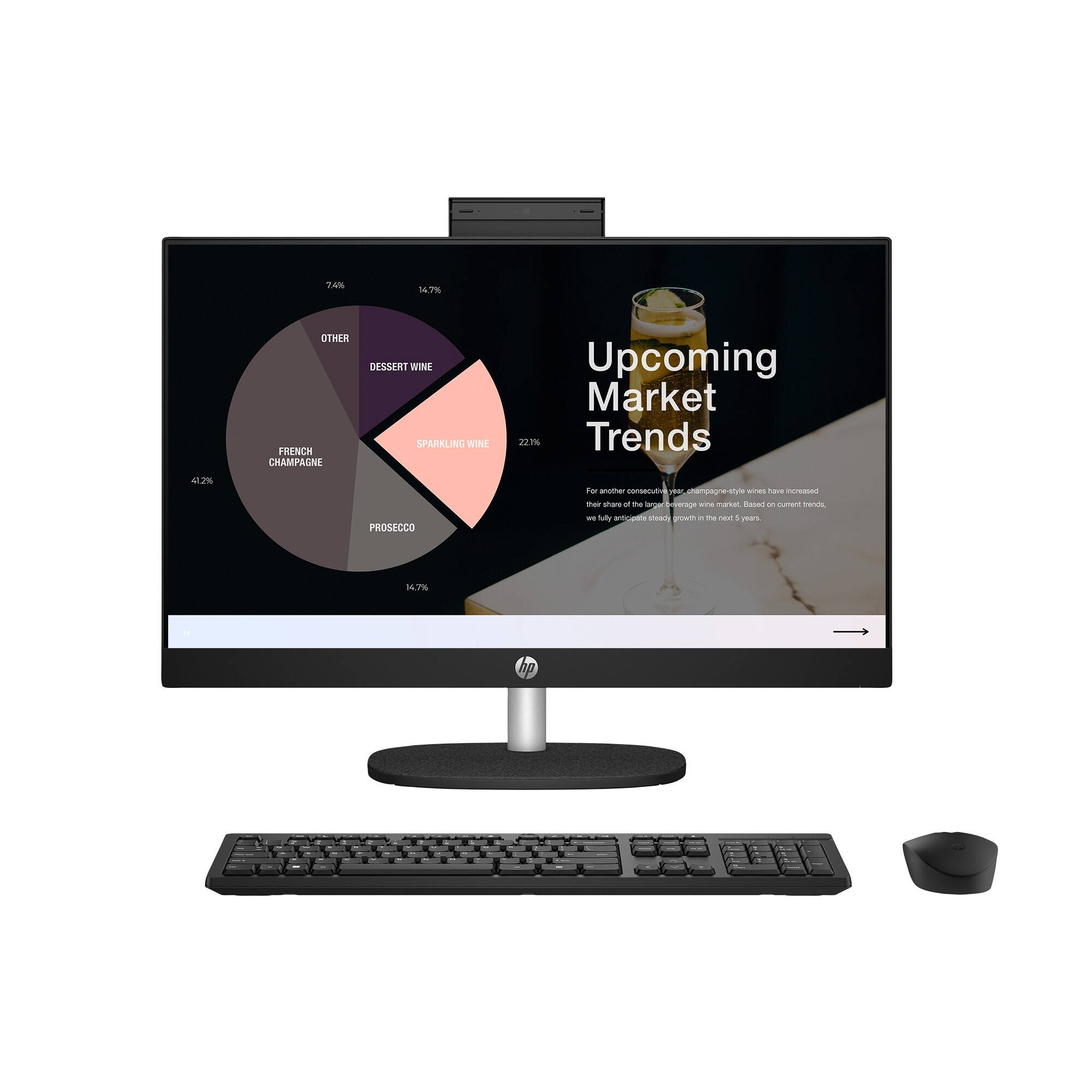
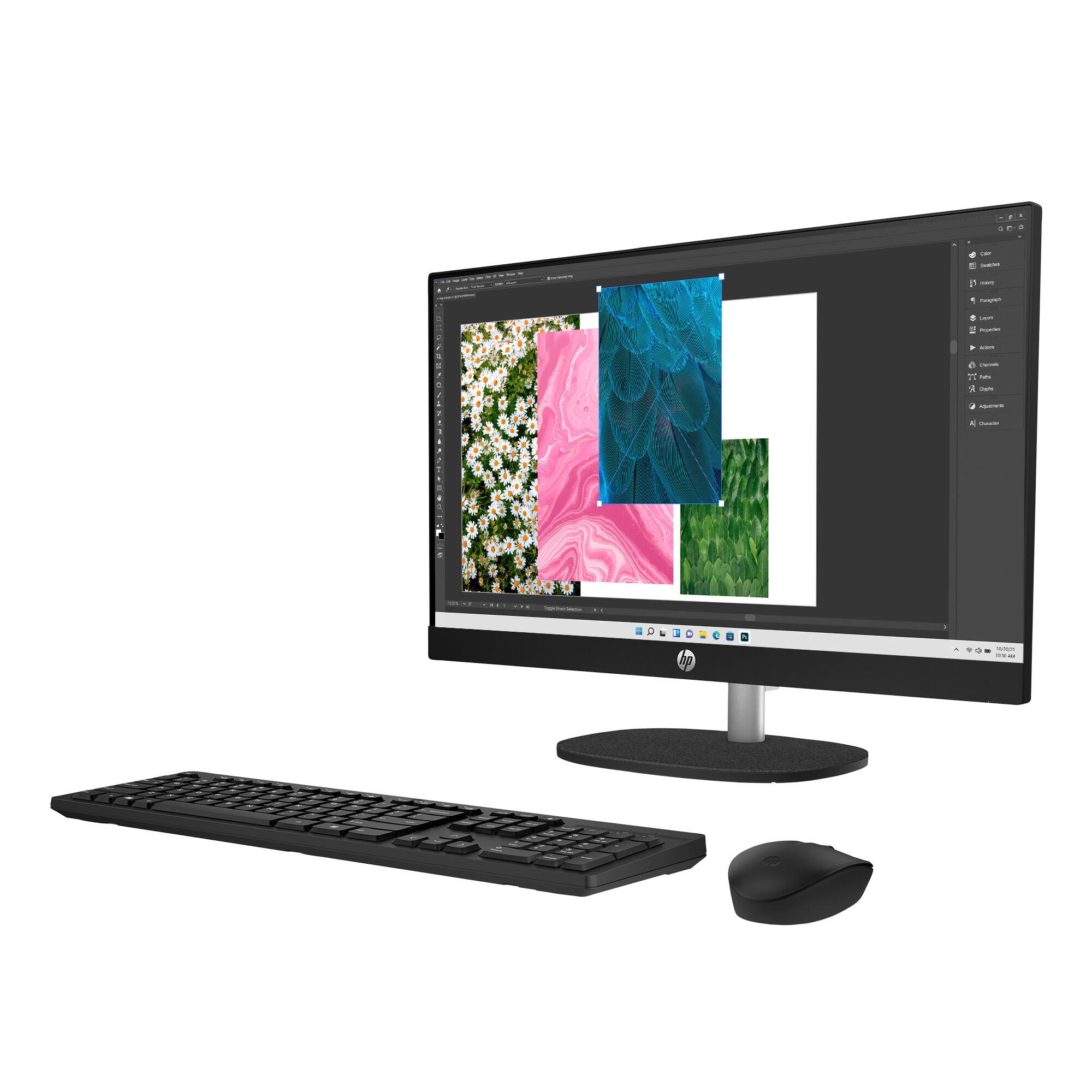
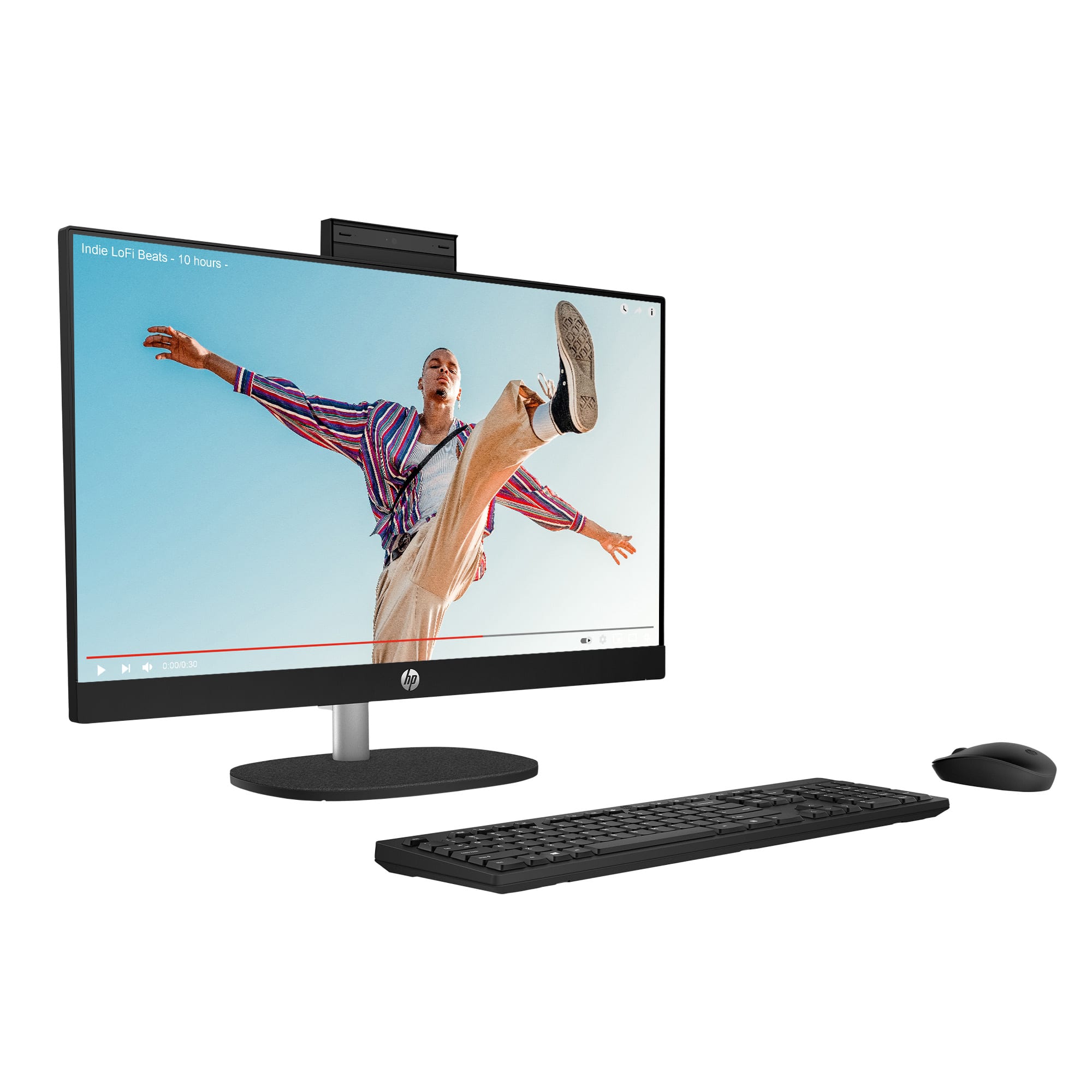
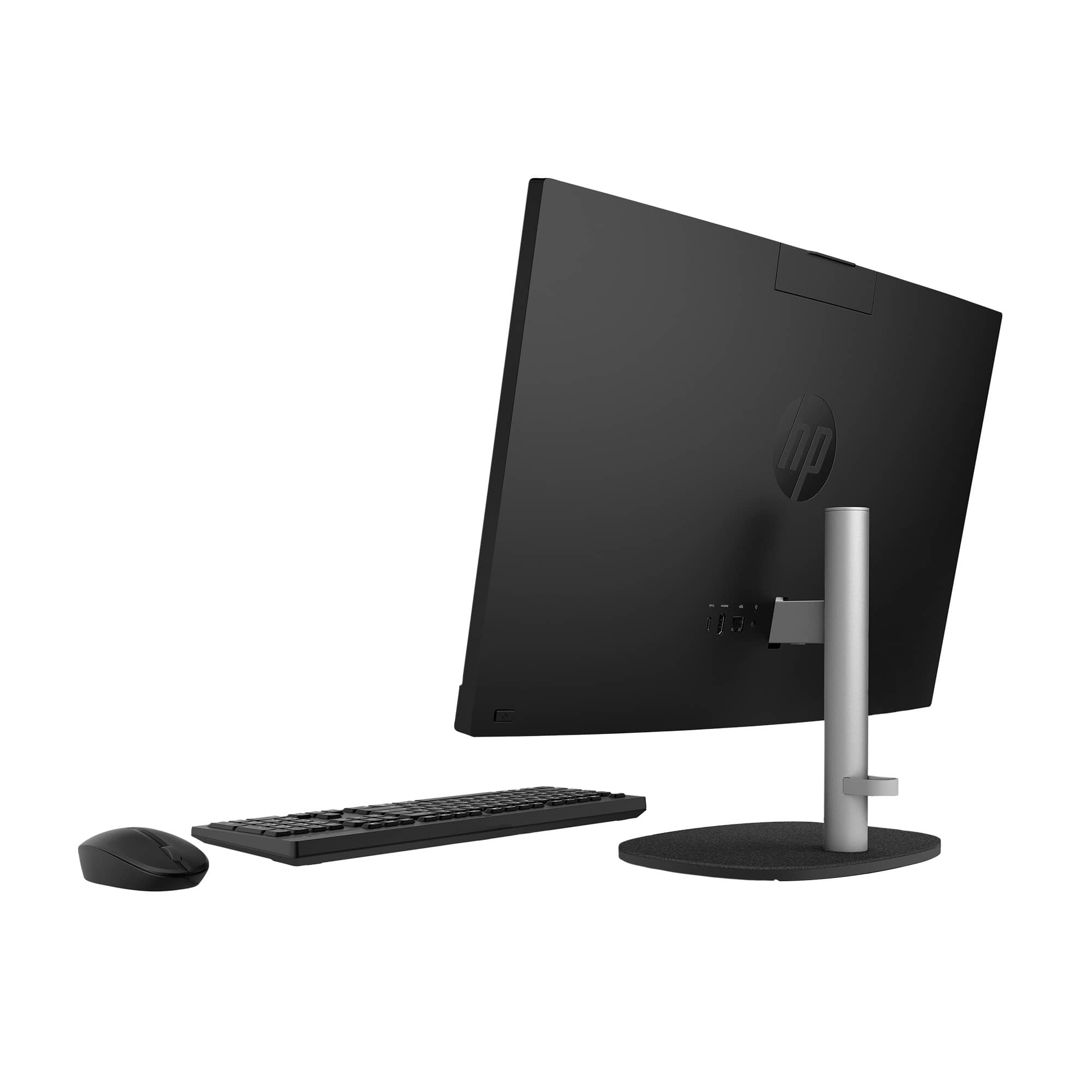
A:AnswerThank you for the question. This all-in-one PC comes with everything you'll need - a computer with an integrated display, speakers and webcam, keyboard, mouse, and power cord. Add a printer for a home or office total solution.