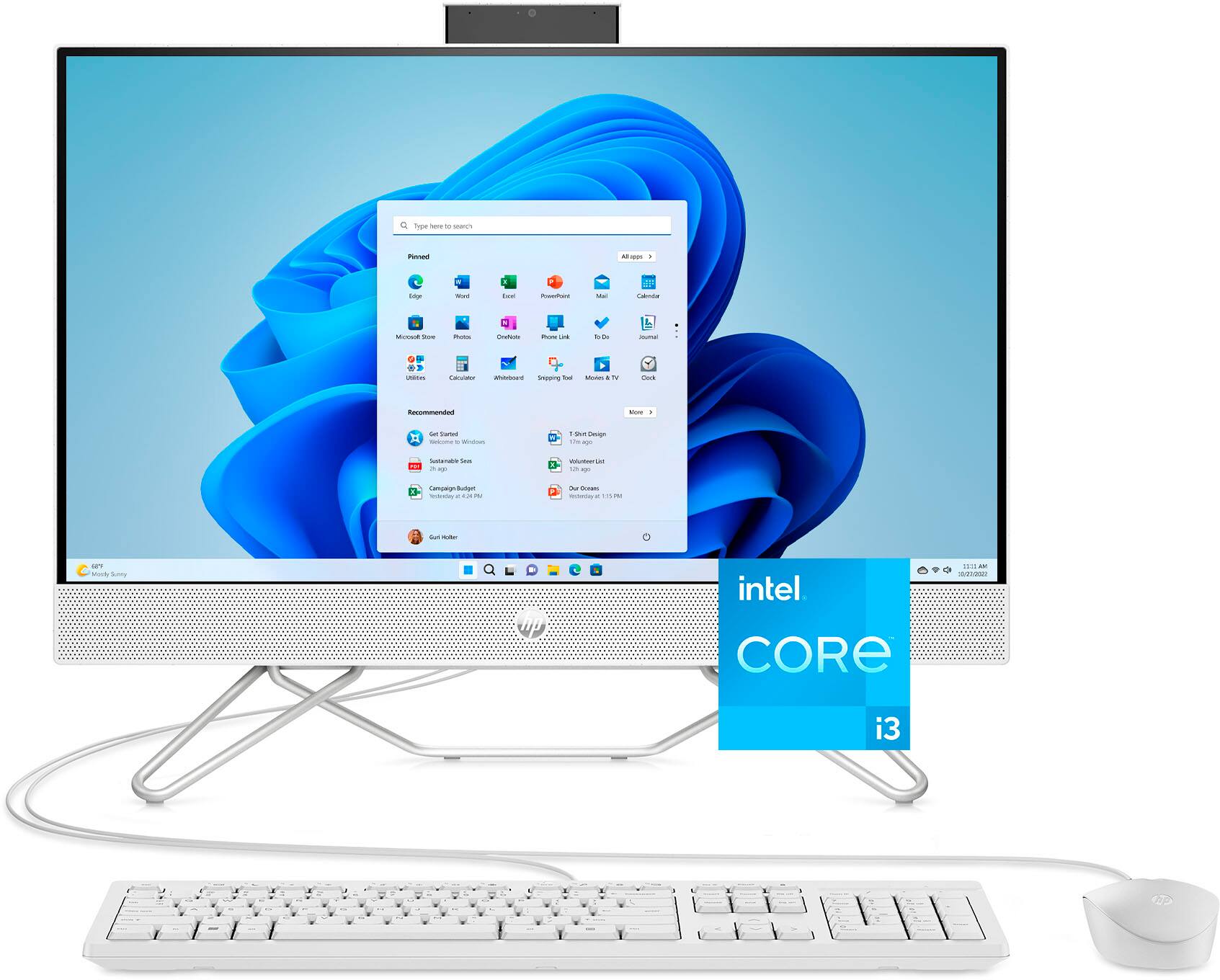
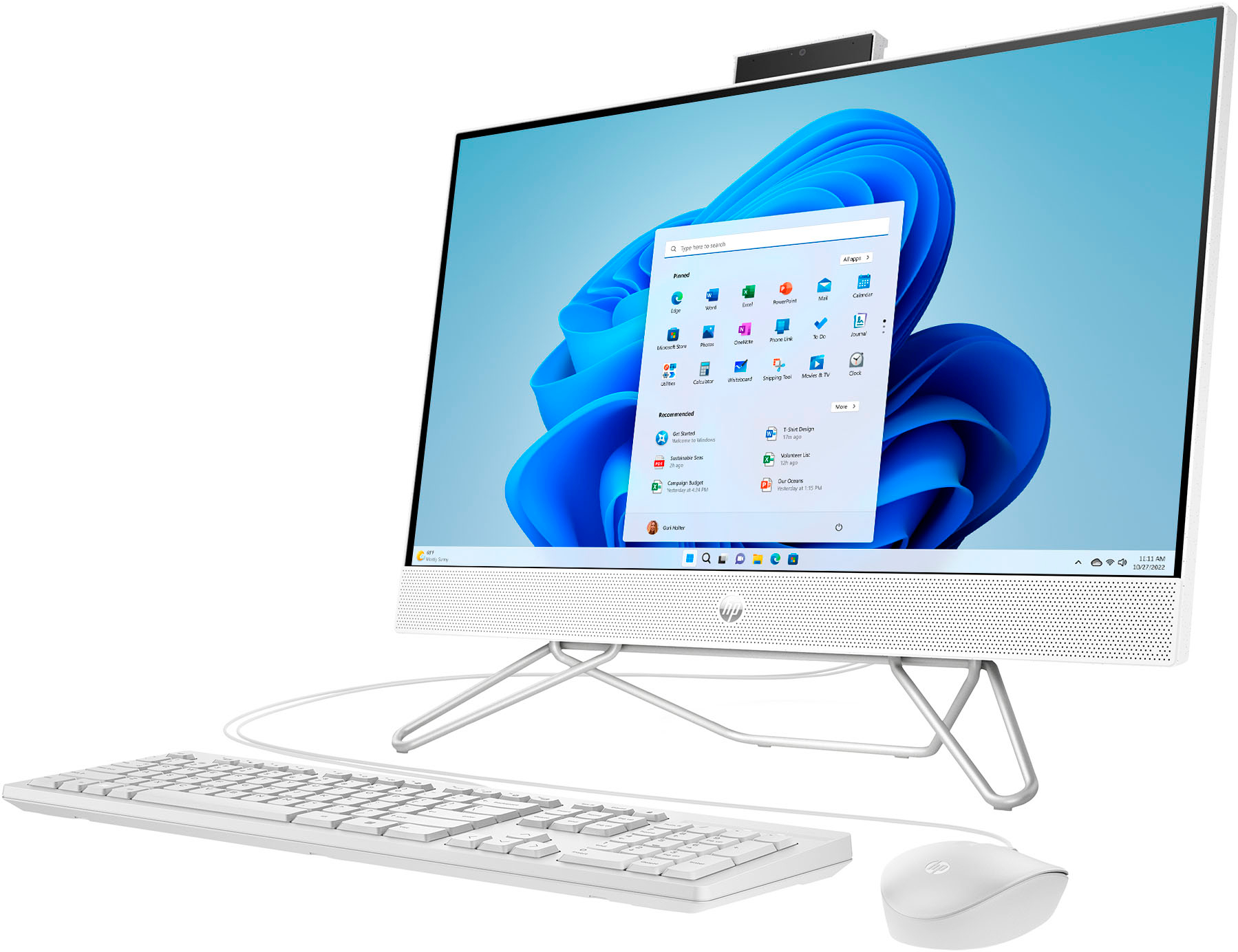
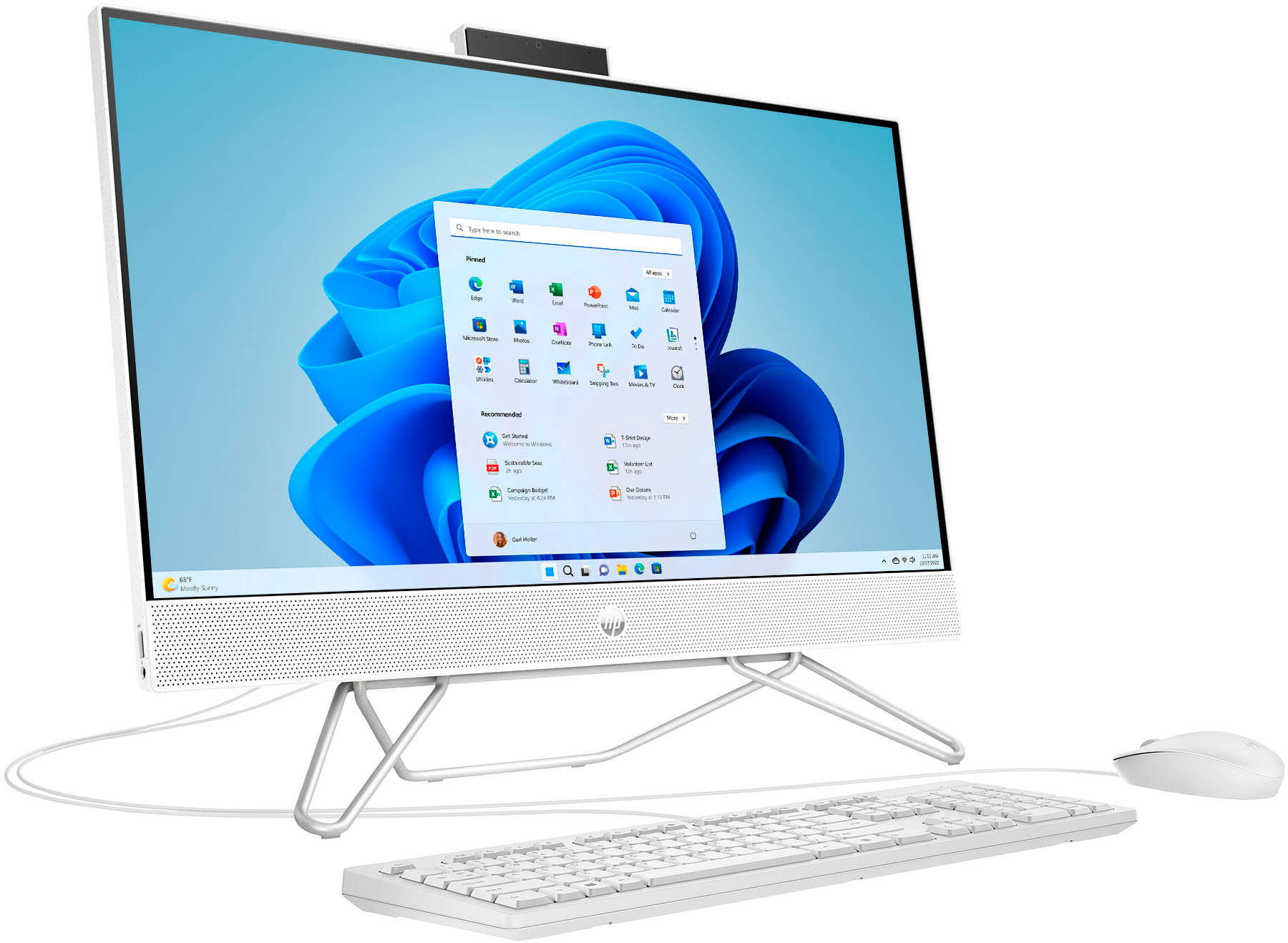
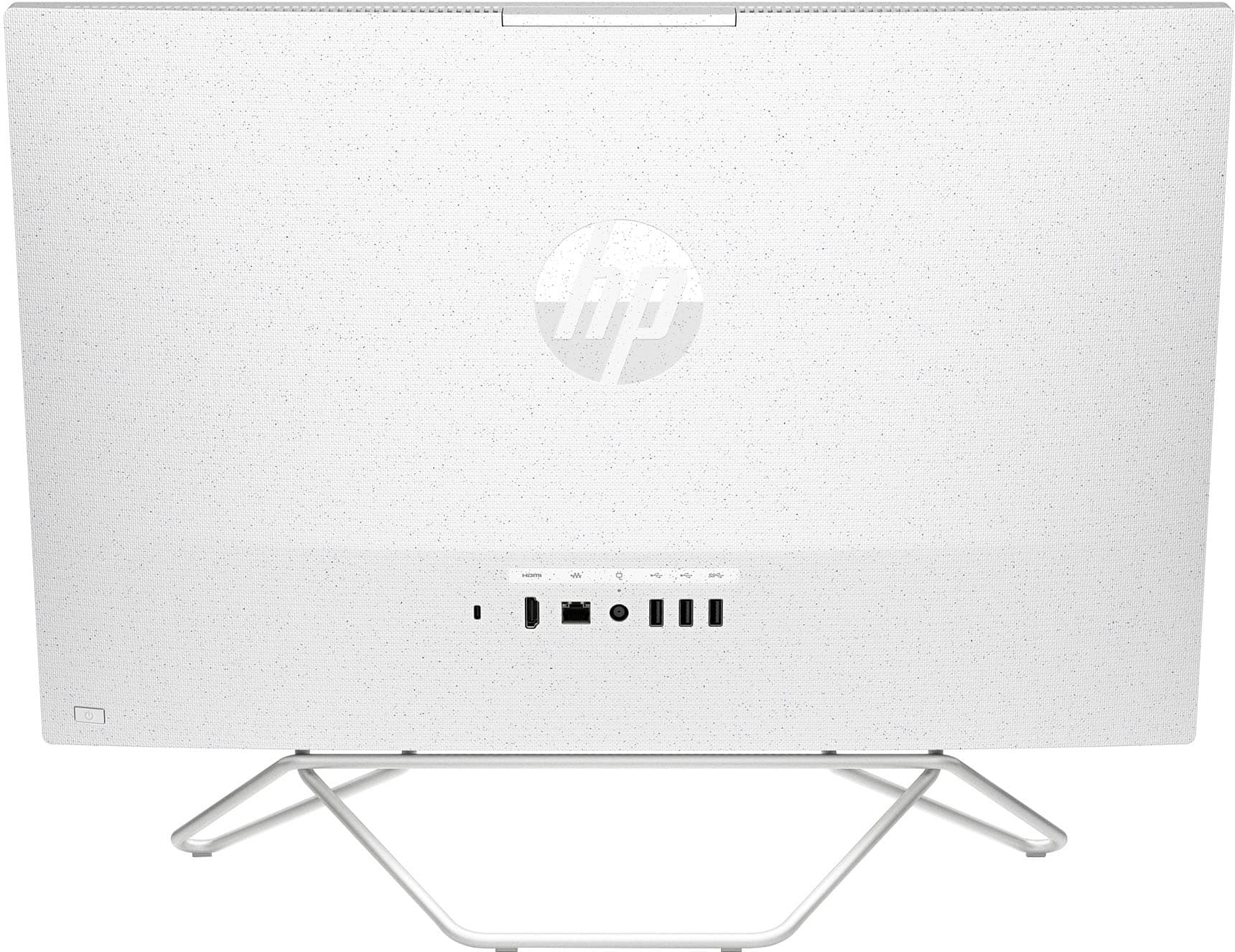
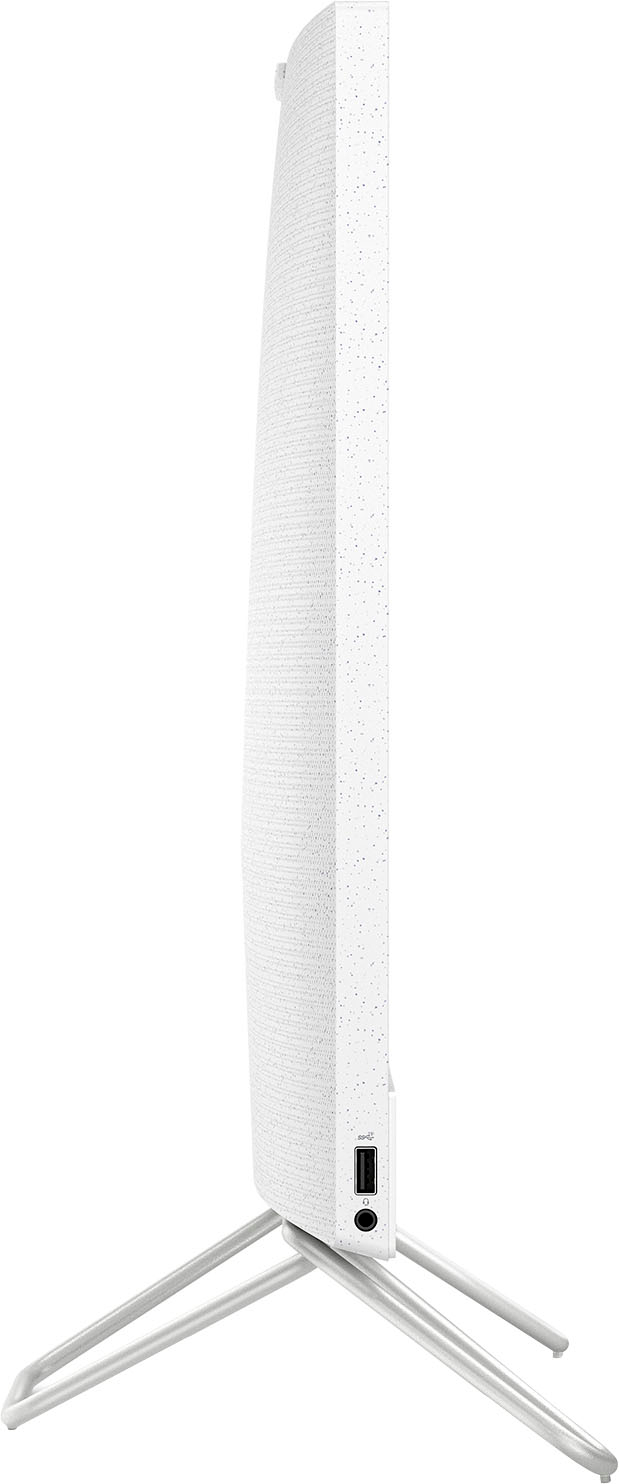
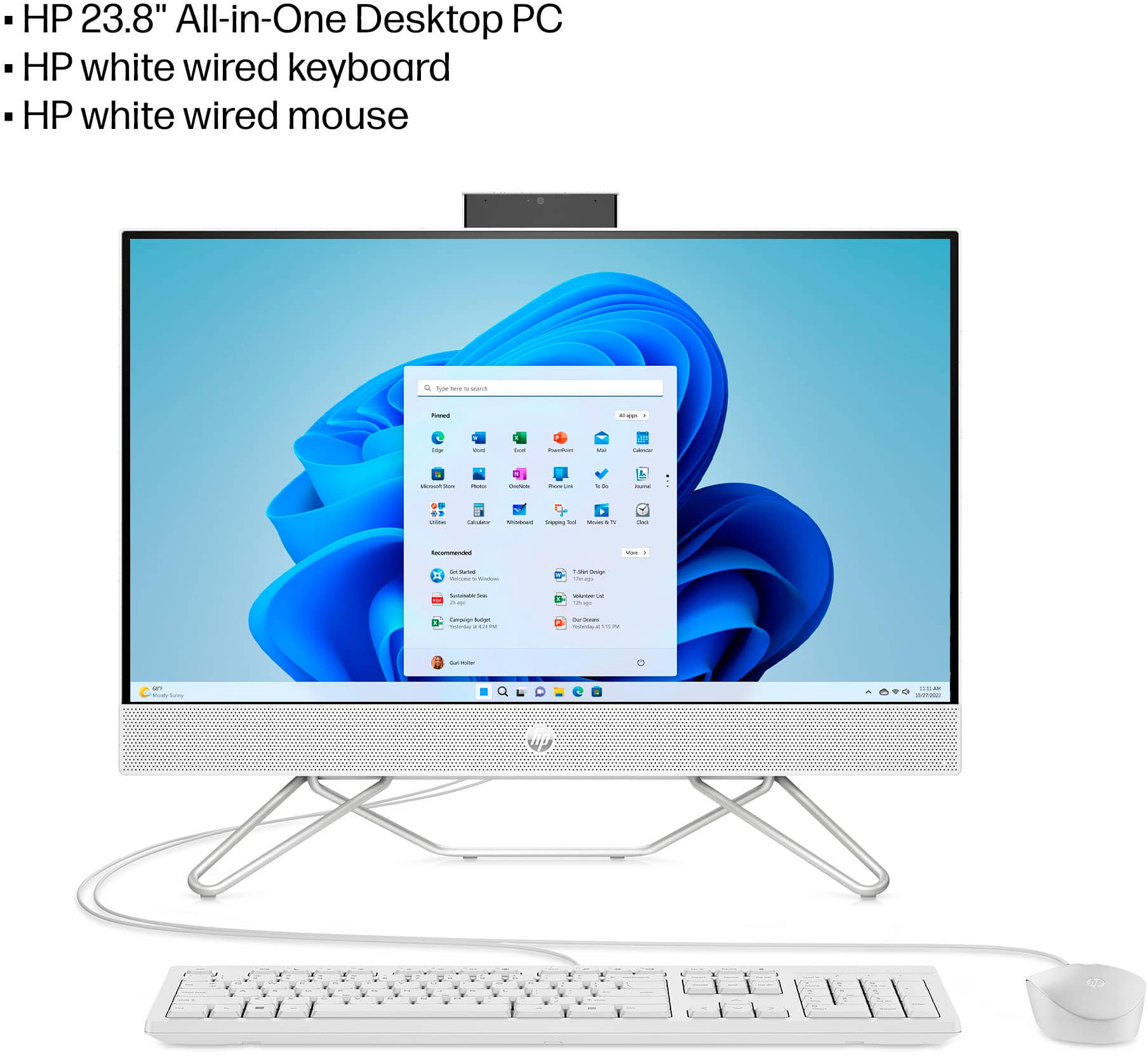
A:AnswerThe on button is on the lower right corner of monitor and the off u go to ur Home Screen click the blue thing that looks like a window and turn off
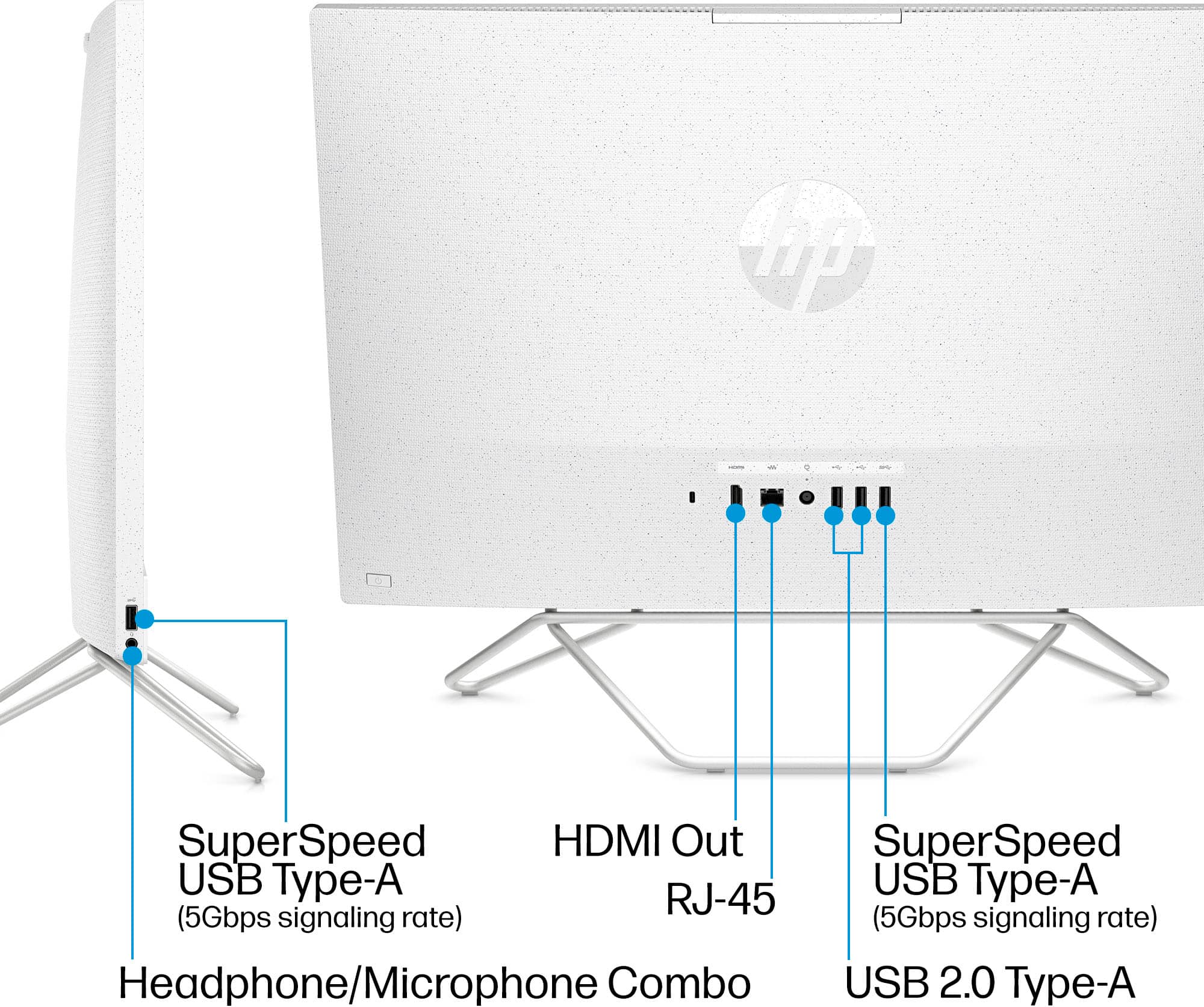
A:AnswerThank you for the question. The HP All-in-One 24-cb1124 has one HDMI-out port for connecting to an external monitor. It does not have an HDMI-in port, so you cannot connect a gaming computer to this All-in-One as a display.
For a better gaming experience, we recommend looking a gaming monitor which will have a better refresh rate.
A:AnswerHello Gene and thank you for your question. The Officejet 5610 All-in-One Printer has some compatibility issues with Windows 11 (which the 24-cb1124 runs on). While it will work as a printer, it has some problems with the scanner function.
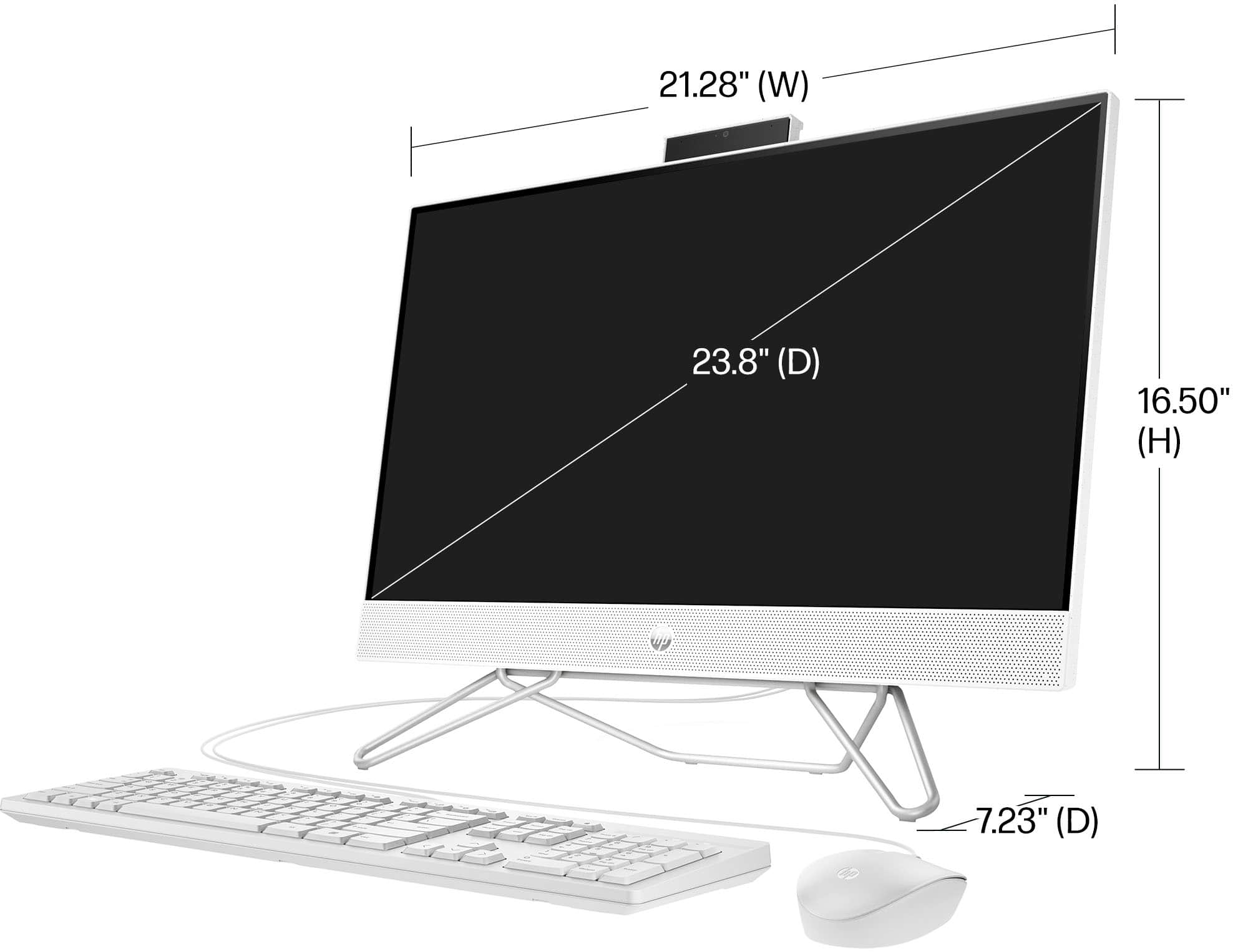
A:AnswerThank you for your question. This 24-cb1124, All-in-One Computer comes with a wired keyboard and mouse combo, however it is compatible with a wireless mouse if you would like to add one.
A:AnswerHello, and thank you for the question. The HP All-in-One 24-cb1124 Bundle All-in-One PC, Model 8L9D0AA, has an integrated Graphics Card, soldered to the motherboard, and cannot be upgraded.
A:AnswerHello Cleo and thank you for your question. Sitting on top of this All-in-One Computer is a webcam. You can push it down so it isn't visible when not in use.
A:AnswerYes, I really enjoy it and its pretty fast for being a Wi-Fi connected computer, I never really use the touch screen but on occasion it's so nice to use. I bought a wireless keyboard and mouse but that's just preference, it works great as a whole, I'm doing endless school work and keeps up no problem, even with all the windows and excels, data sheets, downloads, etc.
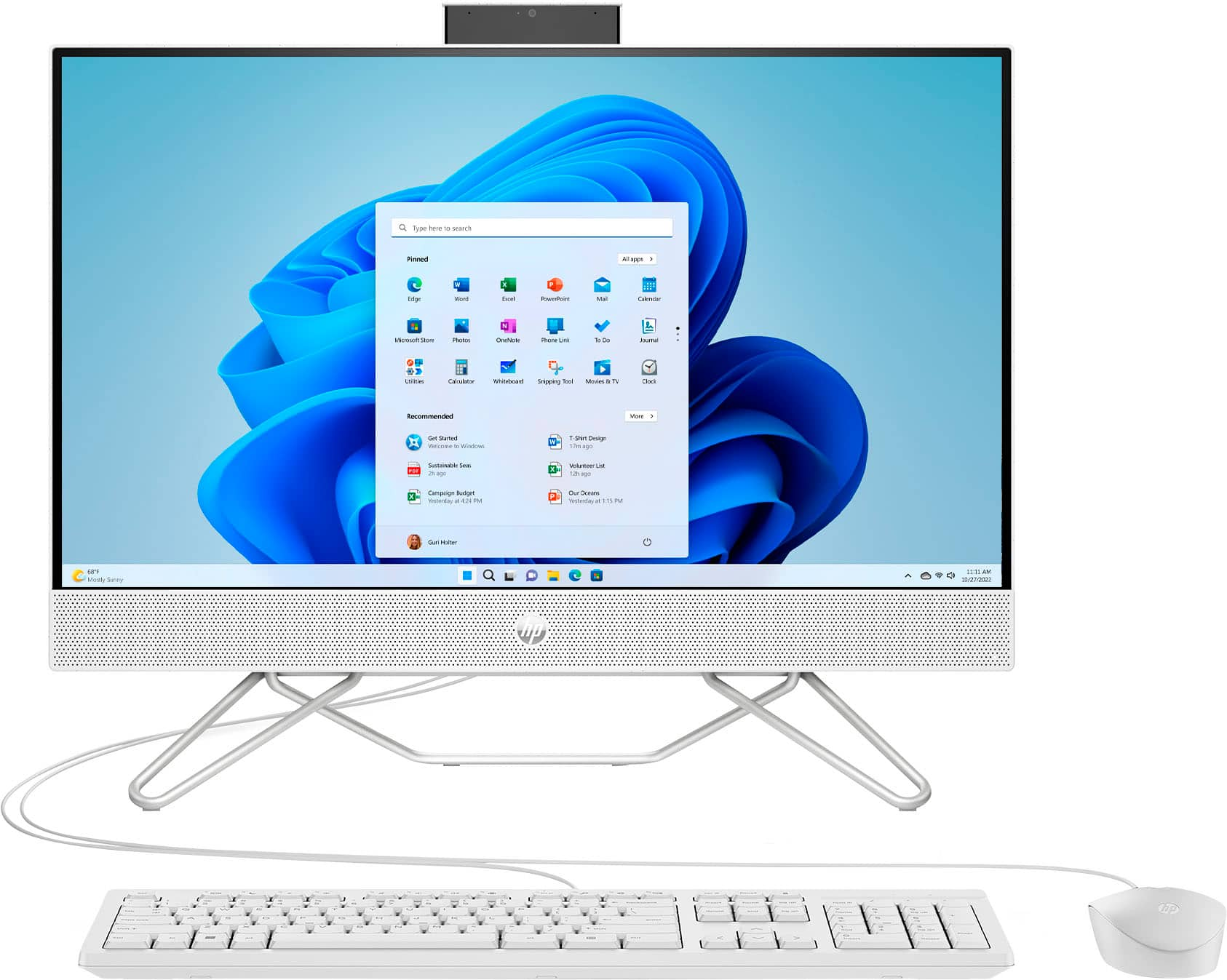
A:AnswerOnly one button on back lower corner that starts computor. Brightness and controls are in settings. Tech support will tell you first to unplug, then plug back in.Sometimes does fix things. Geek squad will have the answer.
A:AnswerThank you for the question. As system requirements for software constantly change, we are unable to answer questions about software compatibility or performance. What is compatible today may not be in a few months. Please check the software manufacturer's website for the most current system recommendations.