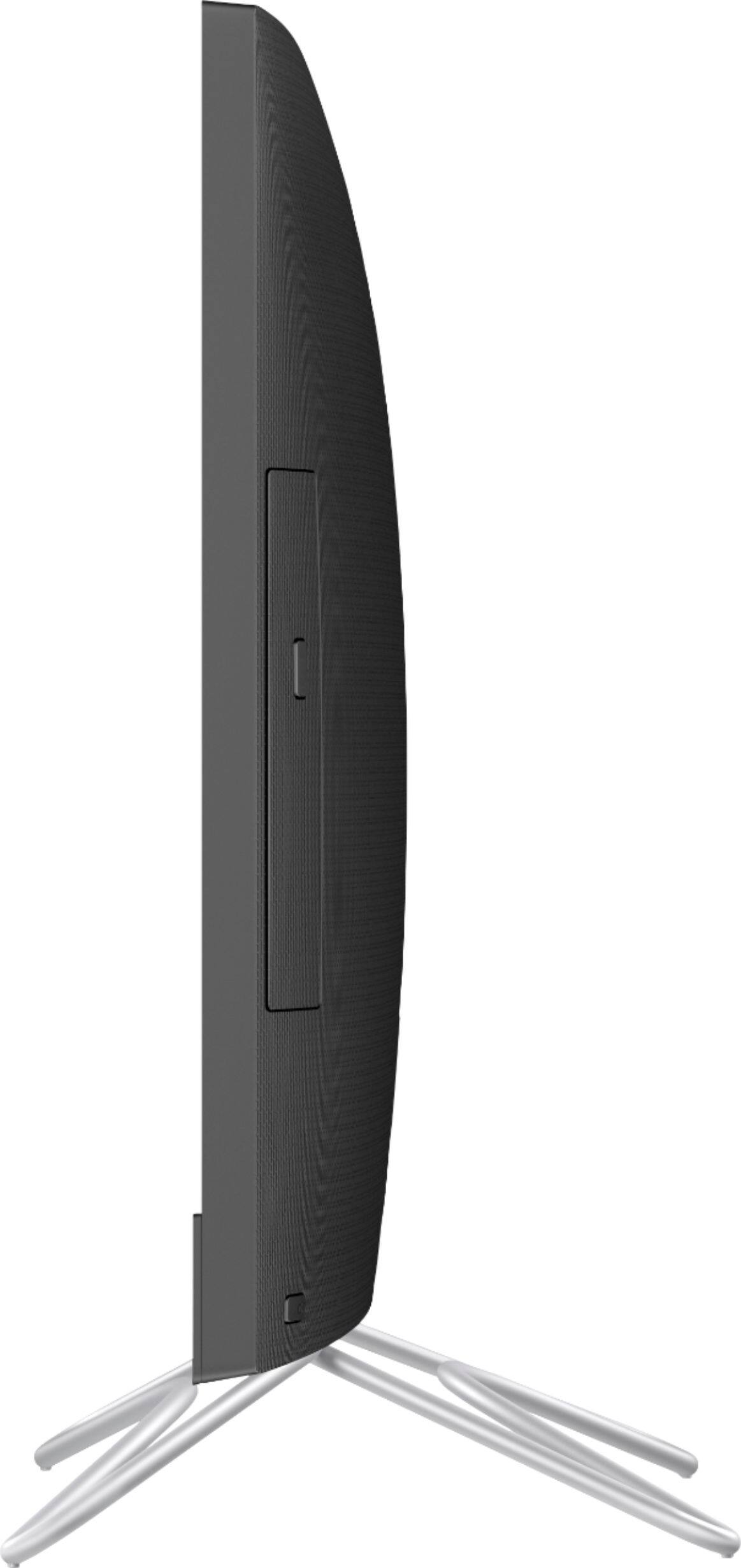
A:AnswerThis computer does include a cd/dvd drive with all of the capabilities you mentioned. It does not come with a recovery disc, it is suggested that you create recovery media after you receive the computer.
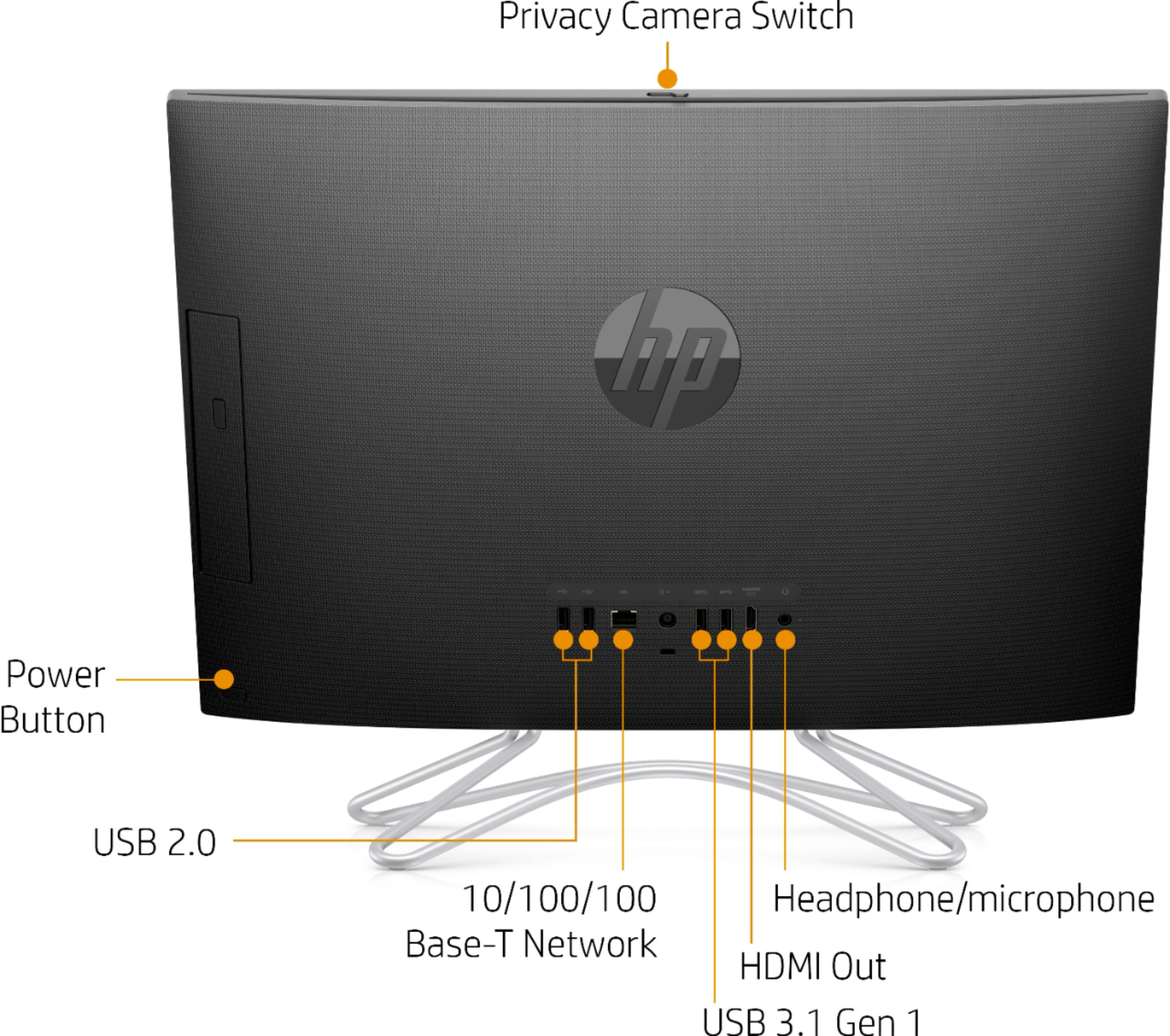
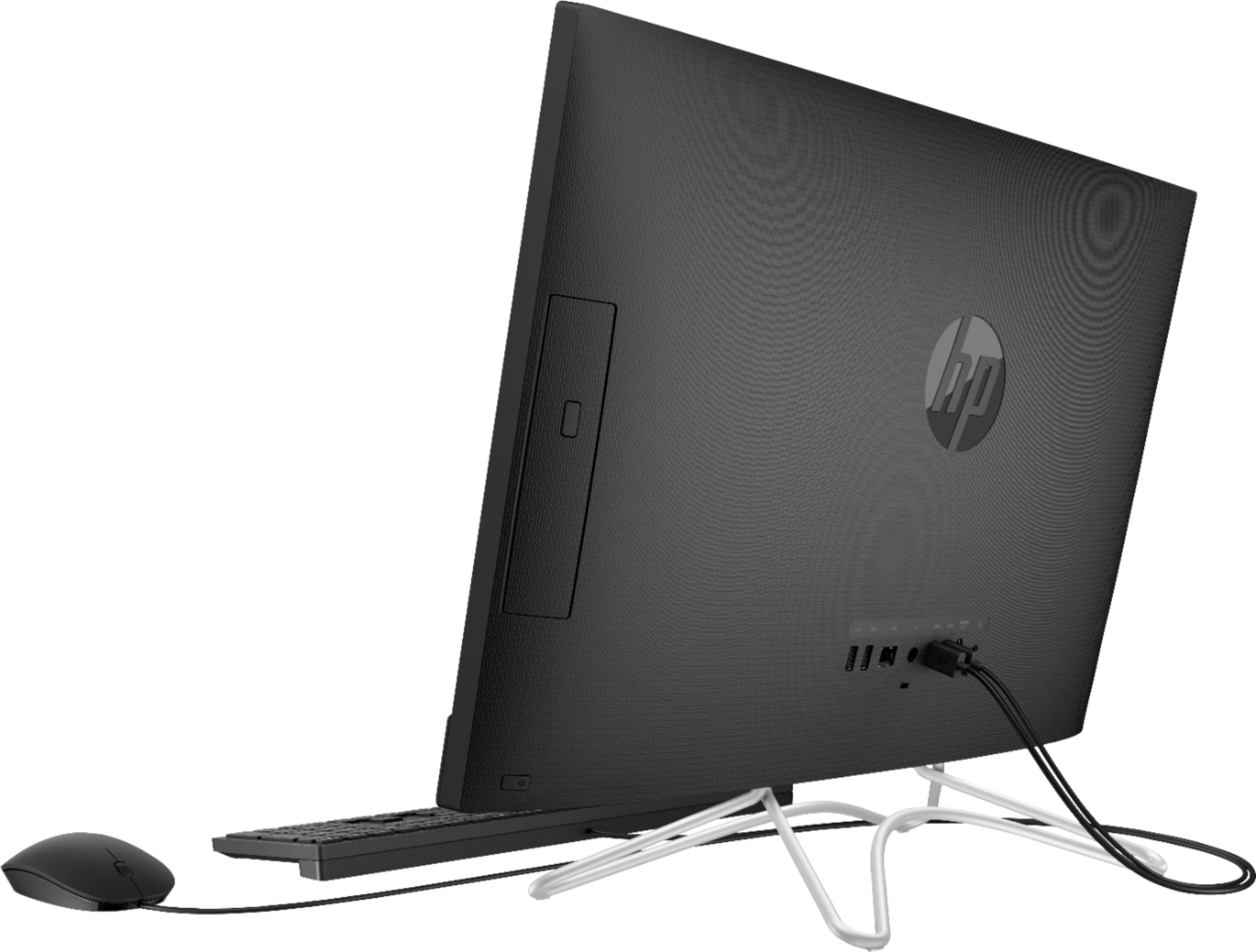
A:AnswerThe power cord should go into the round hole on the back, which is the center port. The keyboard and mouse would plug into the USB ports (rectangular). Then you would need to power on the computer. The power button is on the lower right hand corner on the back side of the computer. Then you would need to set up Windows: https://support.hp.com/us-en/product/hp-24-f0000-all-in-one-desktop-pc-series/19391008/model/27067540/document/c04941742
A:AnswerIf you need Microsoft Office, then you need to purchase it. It does not come with the laptop. The Pre-installed software is CyberLink Power Media Player and Netflix. It also comes with a 30 day trial of McAfee LiveSafe.
A:AnswerNo. Must turn on and off with power button located at bottom/back of monitor. Unless you don’t turn off computer, enter button will wake it up.
A:AnswerI used thumb drives and a backup disk drive and had copied all my photos and files to them. Now have a 256 Gb SSD external drive which I am using for backup and it is really fast
A:AnswerNo it does not. It came with Windows Home Edition. I asked specifically if this had a certain feature I was looking for and was told "yes". But it did not and I had to buy the upgrade ($99).
A:AnswerNo, this computer cannot handle the big games like PUBG or Call of Duty. These games require at Intel i5 or better with a discrete graphics card and 8 gigabytes of RAM or more.