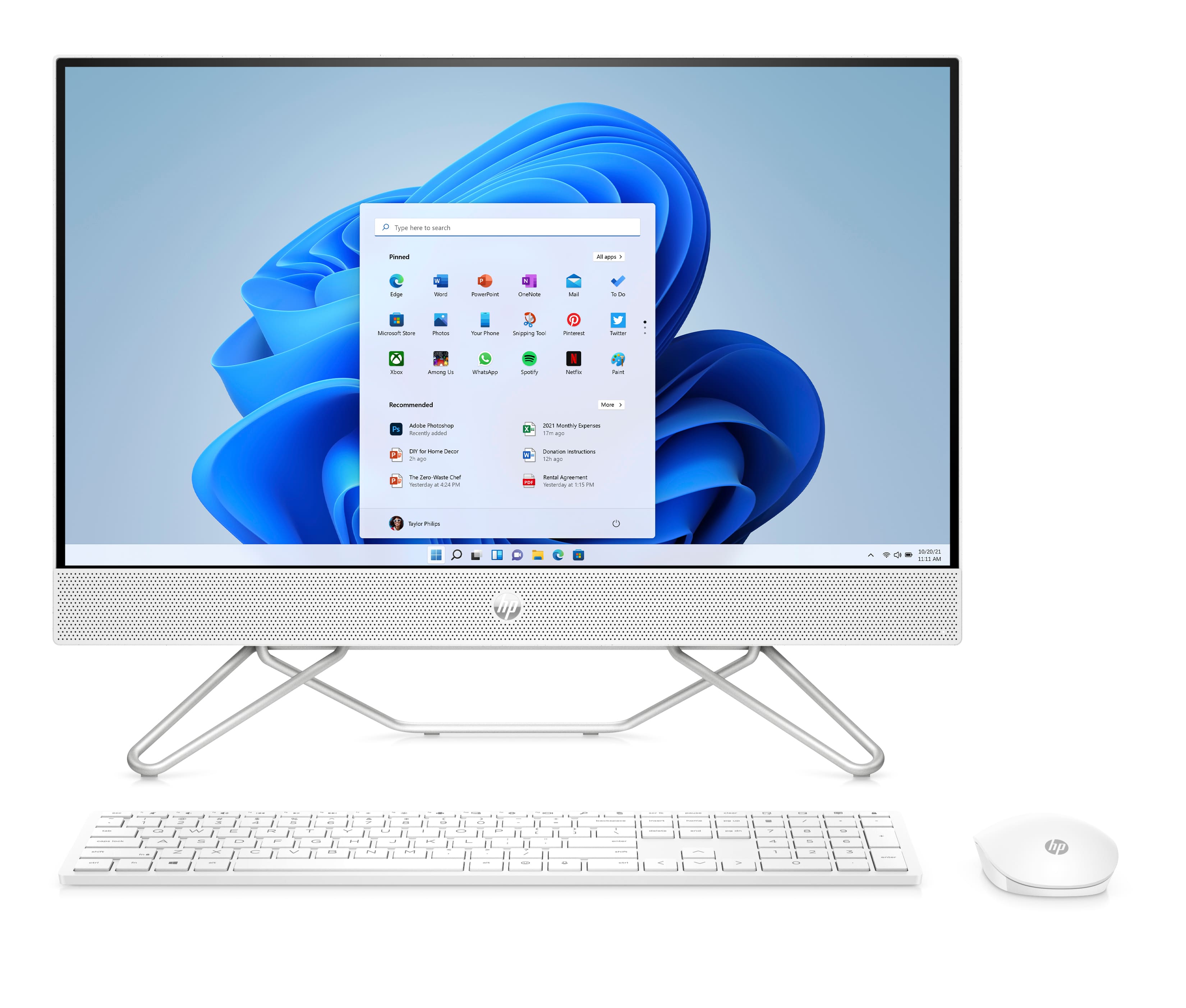
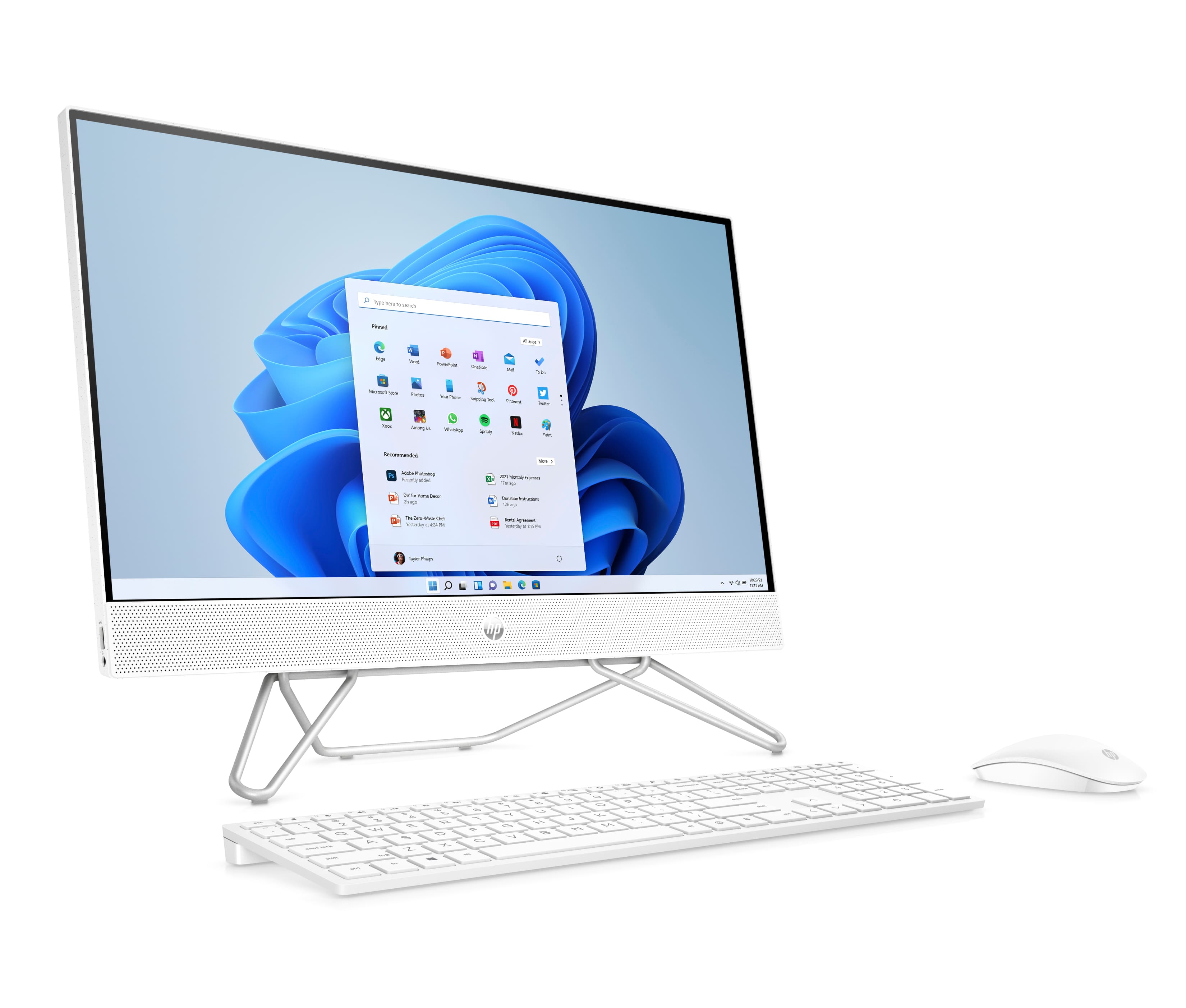
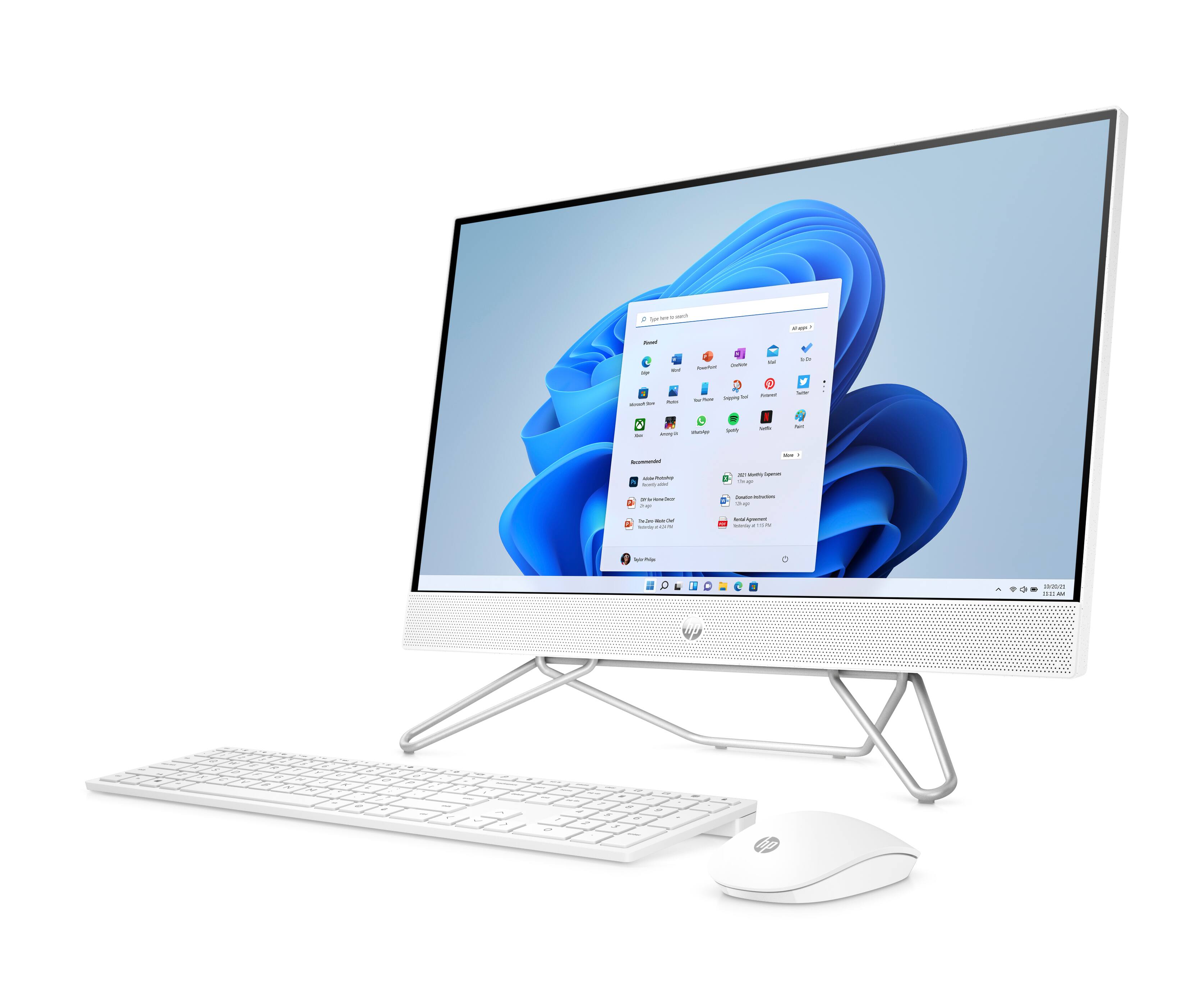
A:AnswerThank you for the question. The 24-CB1180 All-in-One desktop has a headphone/microphone combo port on the left side. You could also connect a USB microphone. This model has two USB Type-A 3.0 ports - SuperSpeed, 5Gbps signaling rate. One is located on the left side above the headphone/mic port and the other is on the rear of the unit. There are also 2 USB Type-A 2.0 ports on the rear.
A:AnswerThe actual HP charger is only available only through HP. However, any of the "universal" chargers available at Best Buy will work with this all-in-on.
A:AnswerHi Eliza! Thank you for your question. As system requirements for software constantly change, we are unable to answer questions about Genshin compatibility. What is compatible today may not be in a few months. Please check the Genshin's website for the most current system recommendations!
A:AnswerEven if you can, it's absolutely not recommended. The stand is wide enough that it makes the computer stable. If you removed the stand, it's likely to tip over fairly quickly and damage the computer.