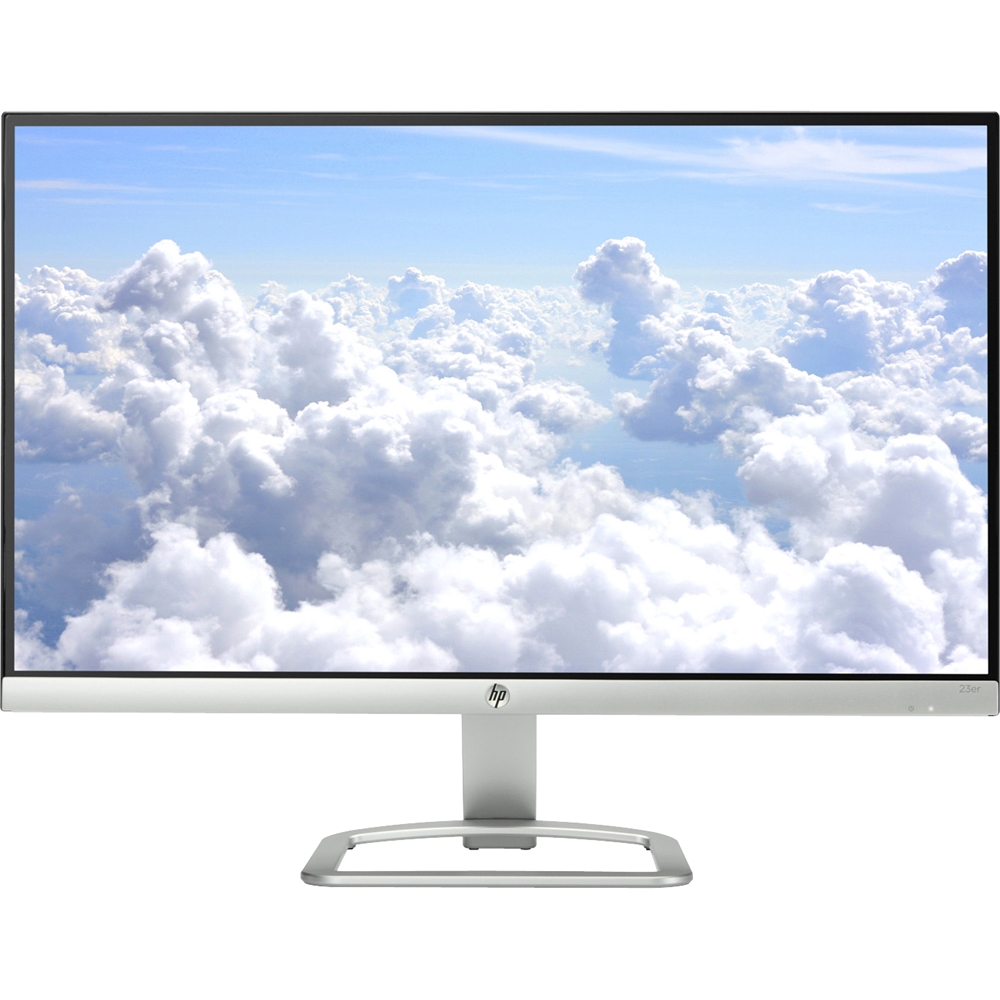
A:AnswerAs long as your MacBook pro has an HDMI video output, you'll be able to directly connect it. If it as a different type of video output, you'll need an adapter to go from the monitor's HDMI cable to the video output on the computer.
A:AnswerActually, you can do a split screen with a 23 inch monitor in Windows 10. Depending on the resolution of the screen, text and other items may be a little on the small side.
A:AnswerYes, this would match the snowflake white computer. Be sure the all in one computer has a HDMI port to use with this monitor. This monitor also has a HDMI port.
A:AnswerThere is an option for a custom RGB setting on this monitor. It would be under the color control of the menu on the monitor. This monitor comes with Technicolor Color Certification, color accuracy is
assured, every time.
A:AnswerSorry you're having challenges. Unfortunately it's really hard to troubleshoot here in this forum and with such limited information. Please contact HP Tech Support for help setting up your new monitor: https://support.hp.com/us-en/contact-hp