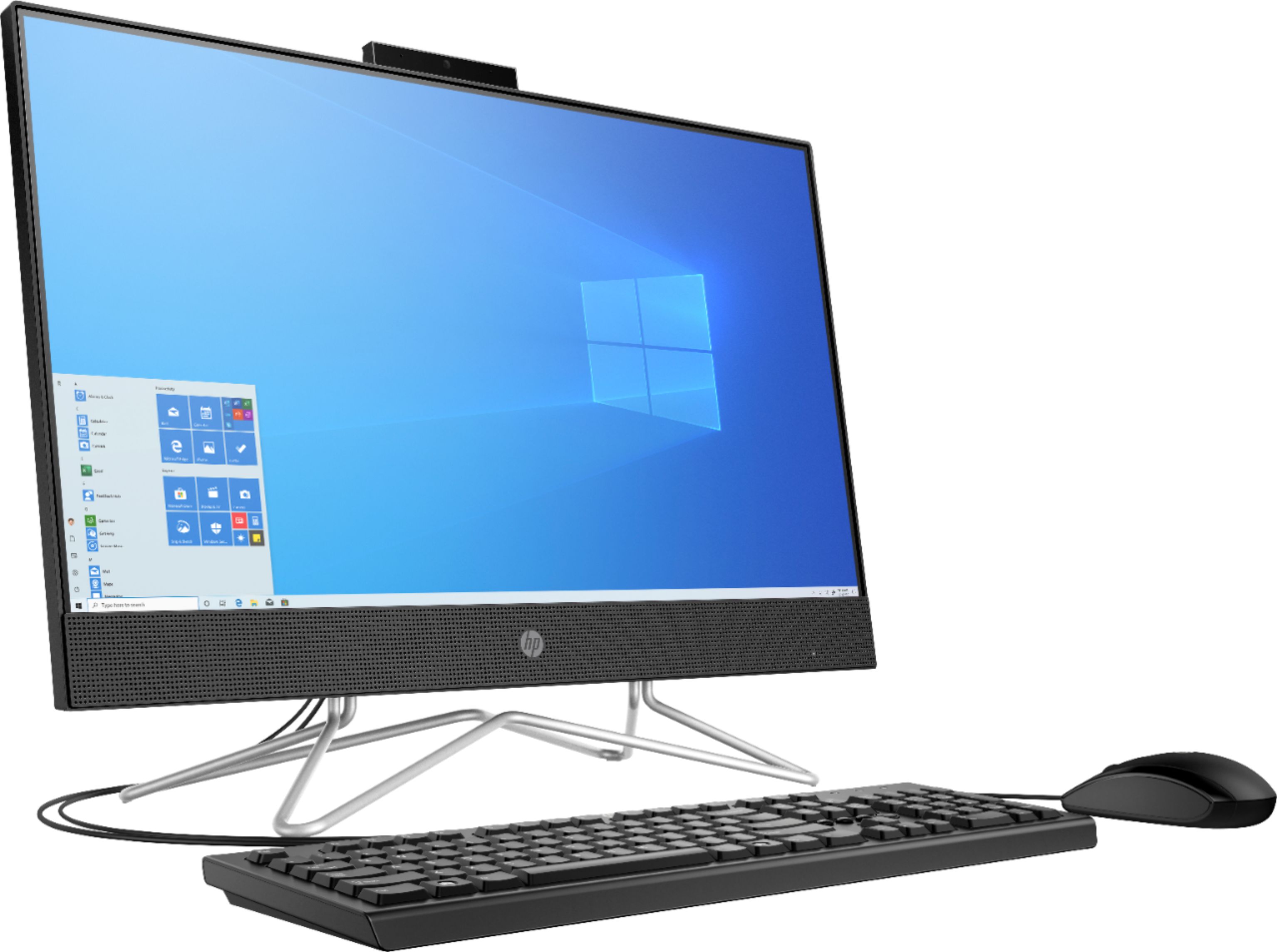
A:AnswerThank you for the question. First-time set-up is fairly straightforward. Simply plug the keyboard and mouse into USB ports on the computer, connect the power cord to a working electrical outlet, and turn on the computer. The initial display will be for setting up your region and language and accepting licenses. Please review this HP Support video for more information: https://www.youtube.com/watch?v=cvwHbTChsiM&t=13s.
A:AnswerHi Blondeness. This HP all in one does not need anything else to operate. All-in-One desktops allow for efficiency in a compact space. The components of the computer (the motherboard which contains the processor, memory, storage, etc) are built into the back of the monitor-display, eliminating the space used by a separate tower.
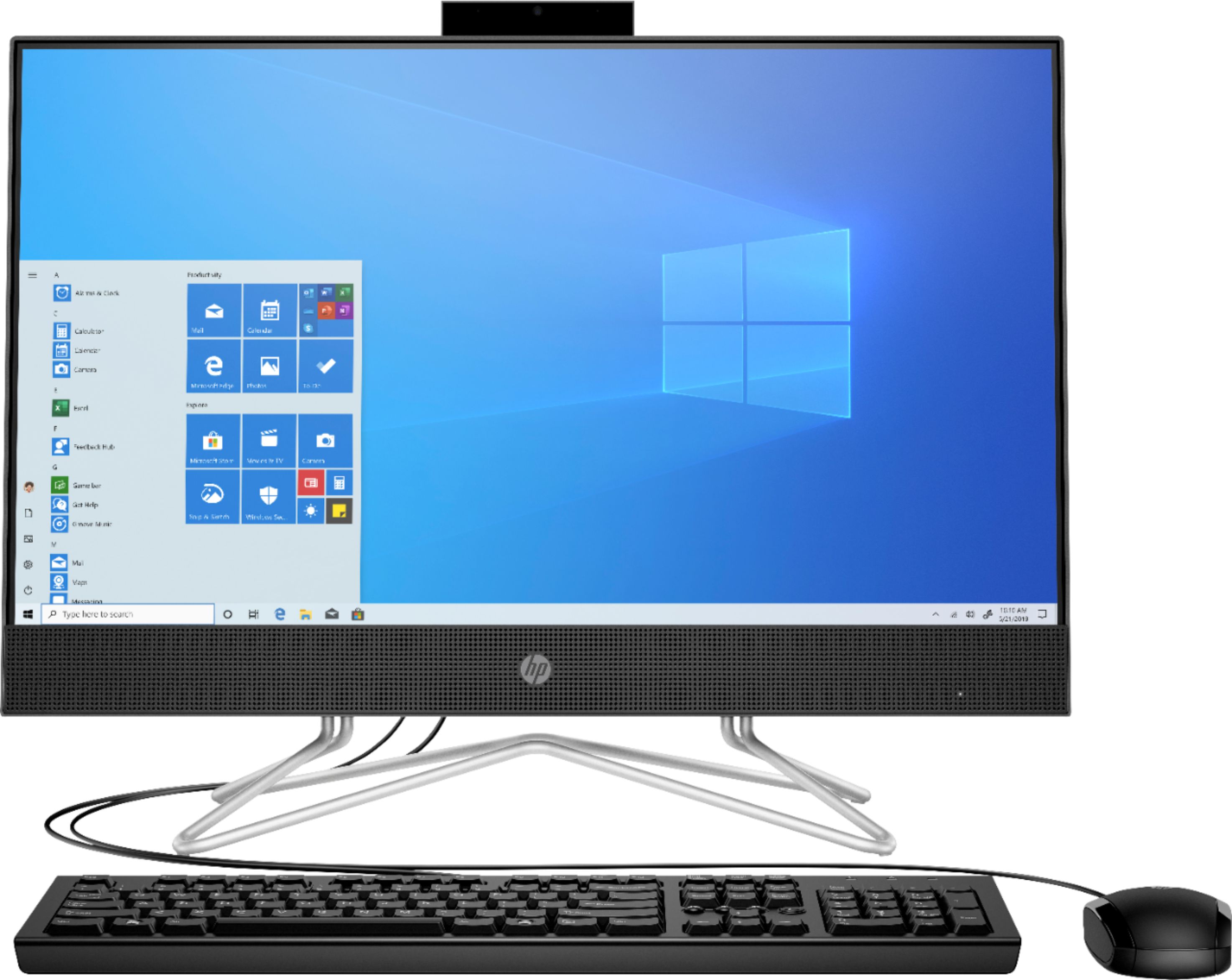
A:AnswerThere is a 30 day trial of Microsoft Office on this computer, which includes Word, Excel, and PowerPoint. We recommend purchasing Microsoft Office with this computer.
A:AnswerHi Cabrown. If the Brother brand printer is compatible with Windows 10 and has wireless or USB for connectivity it will work with this computer.
A:AnswerHi Mimi! All-in-One desktops allow for efficiency in a compact space. The components of the computer (the motherboard which contains the processor, memory, storage, etc) are built into the back of the monitor-display, eliminating the space used by a separate tower. You cannot add a tower to this desktop all-in-one computer.
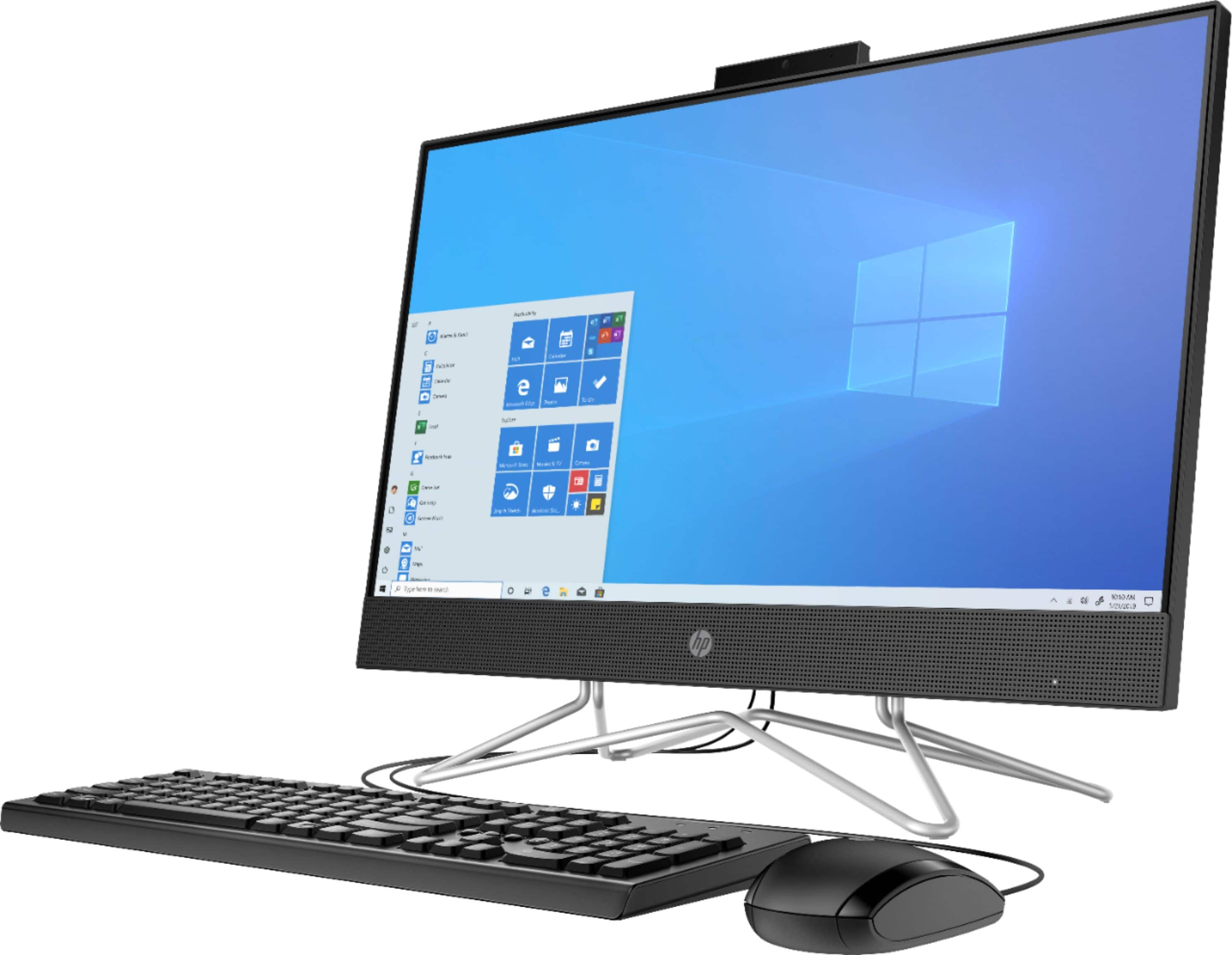
A:AnswerHello, Jules. If your work monitor has the HDMI port, then you can plug a HDMI cable from the monitor to the HDMI port on the back of this computer.
A:AnswerReally, just about any printer will work just fine. The best computer for you is going to depend on what you print and how many pages per month.