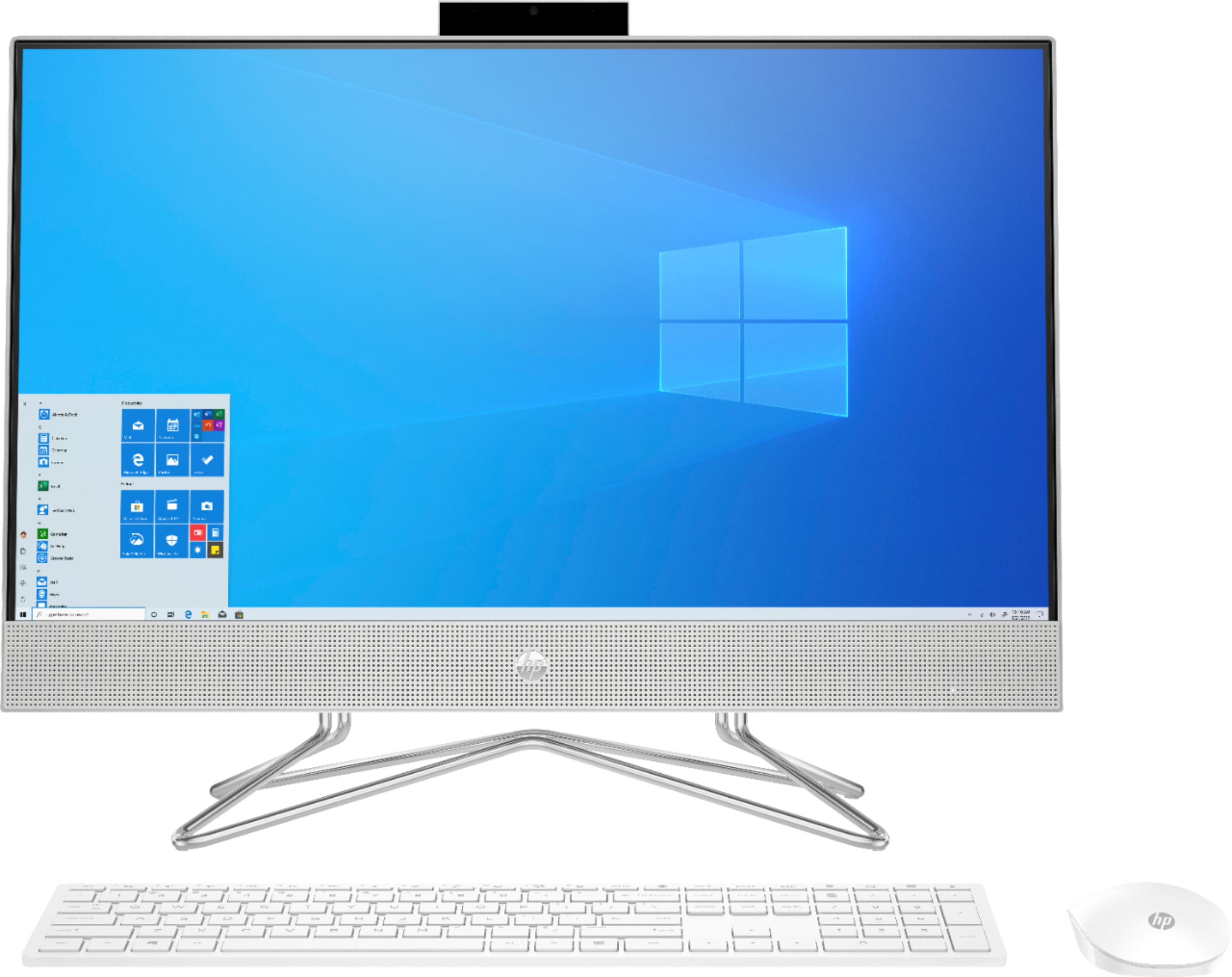
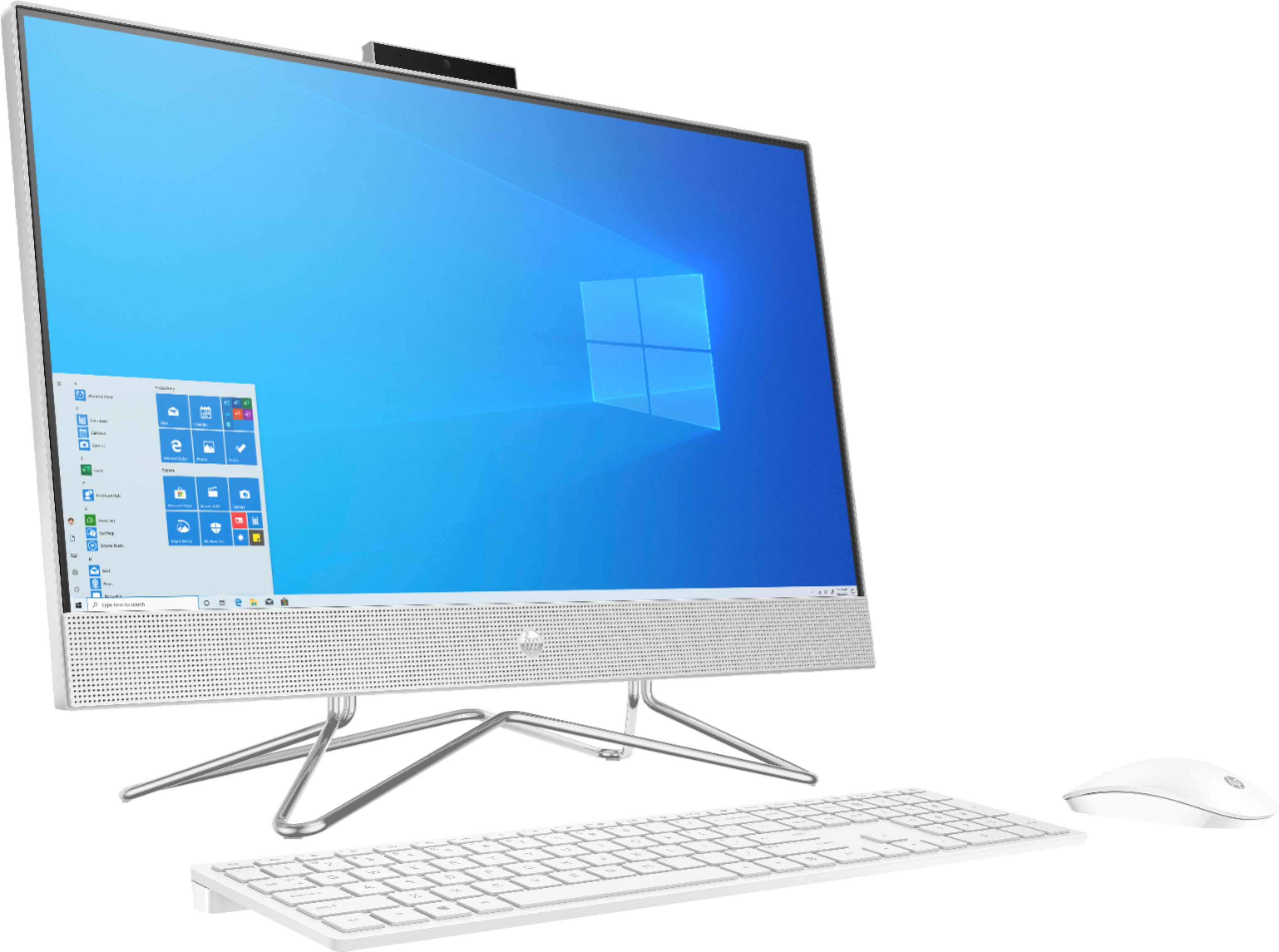
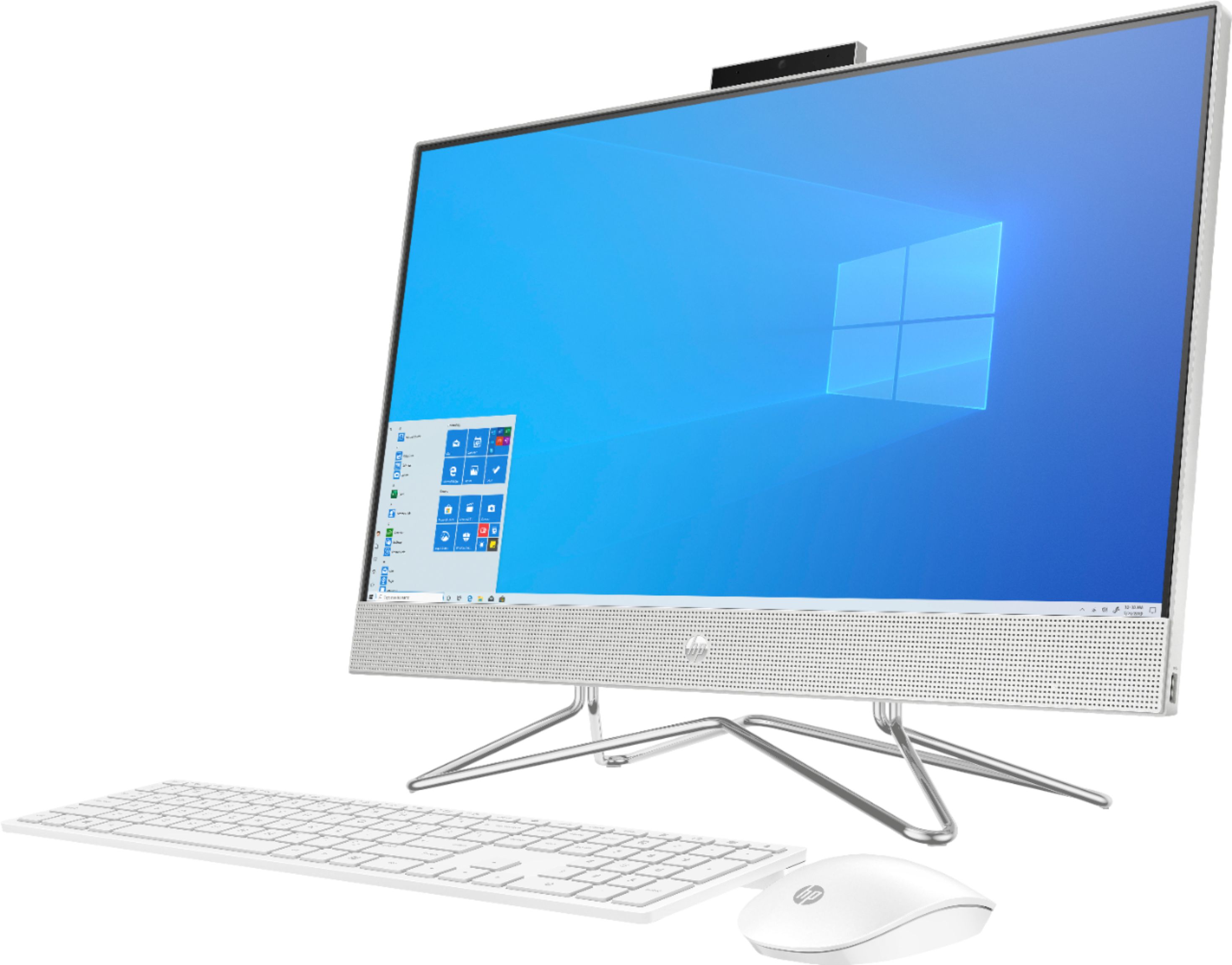
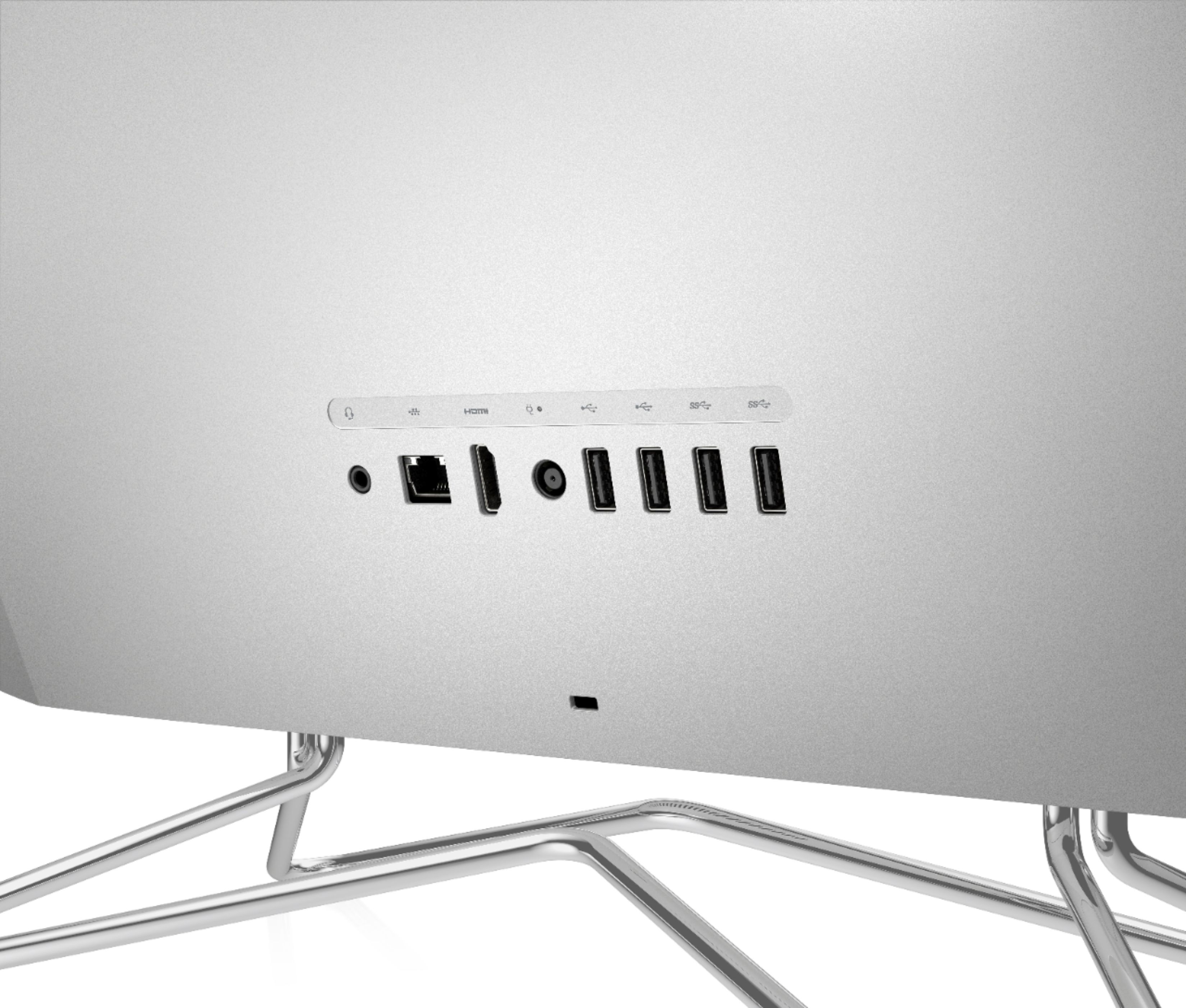
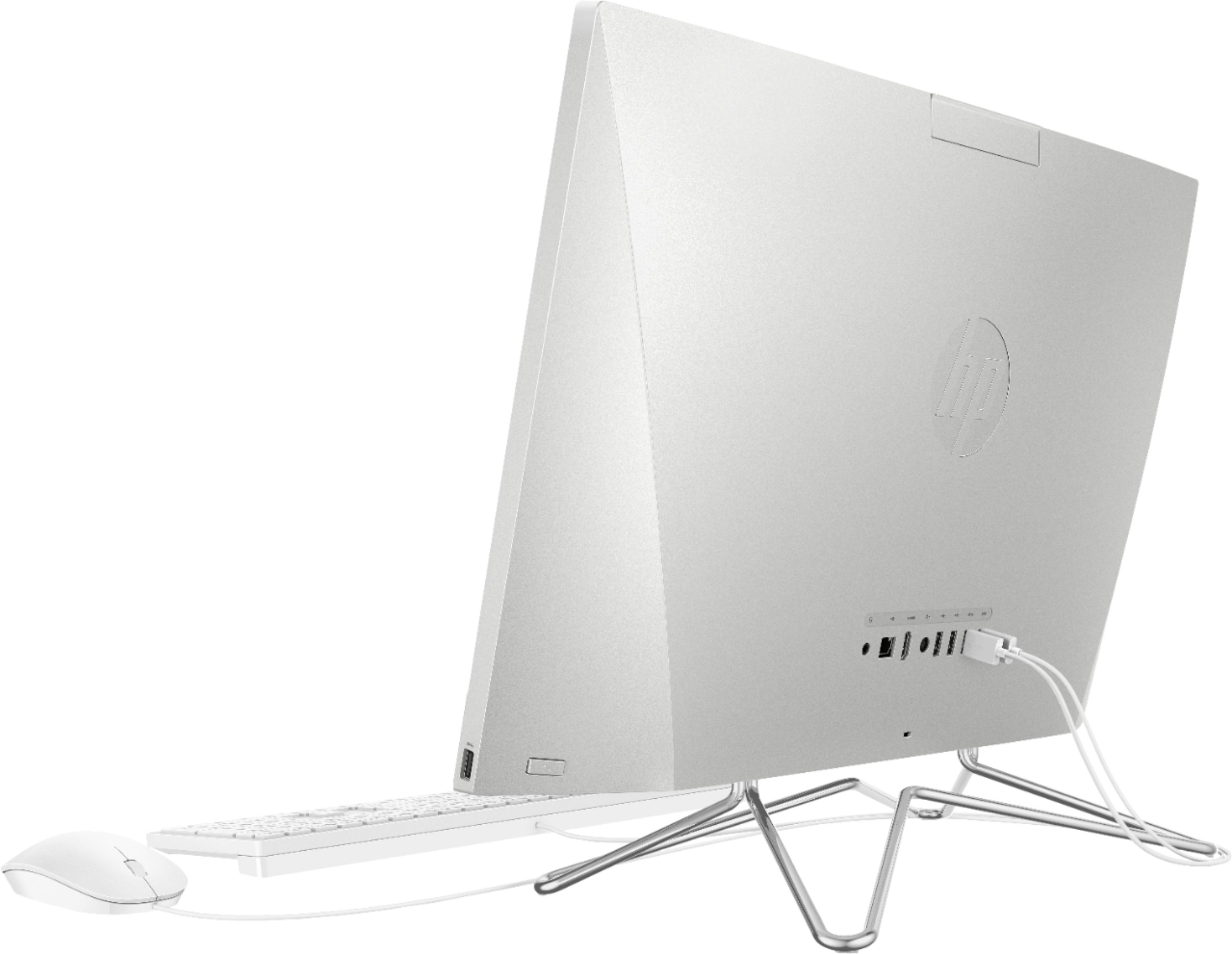
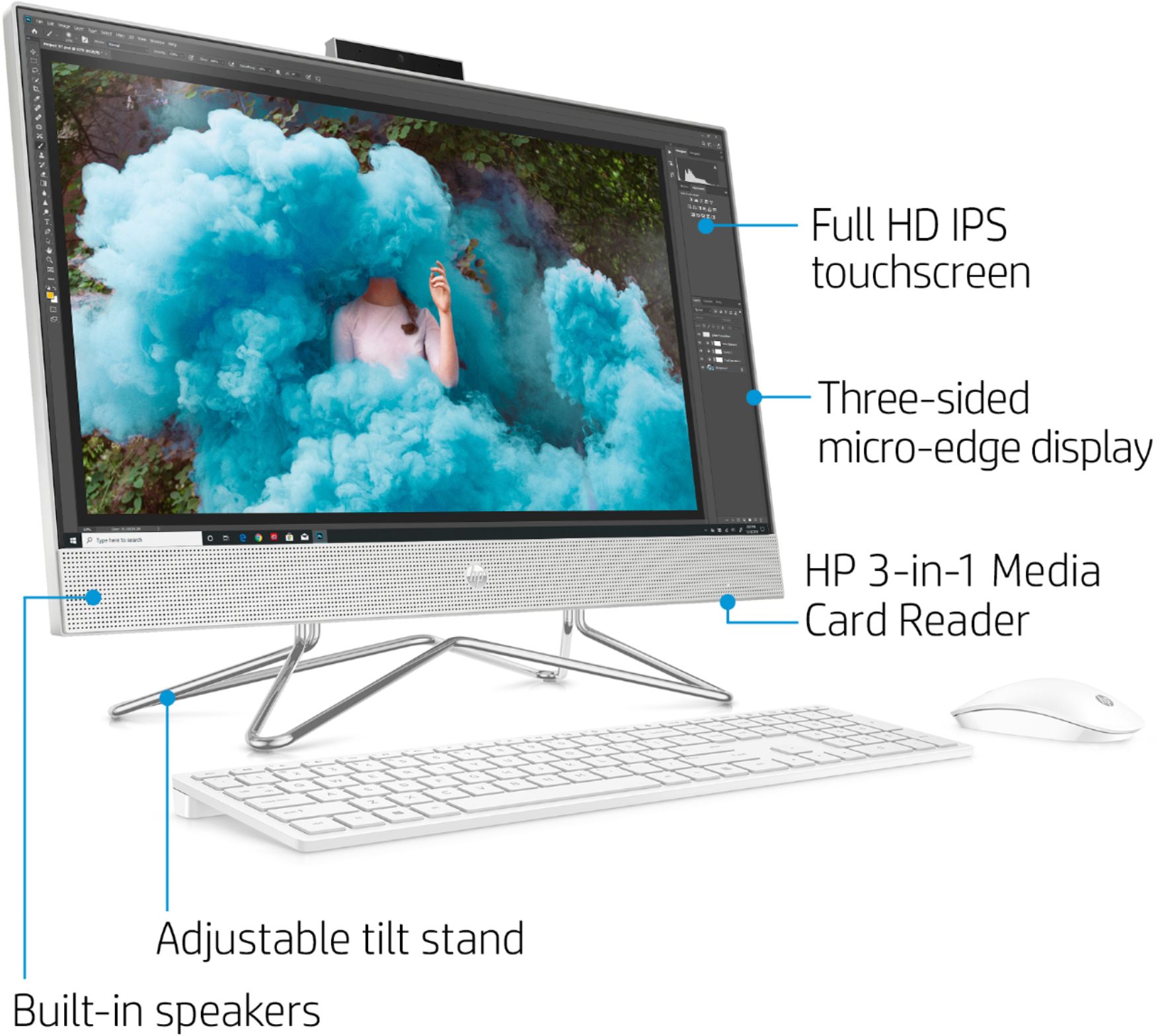
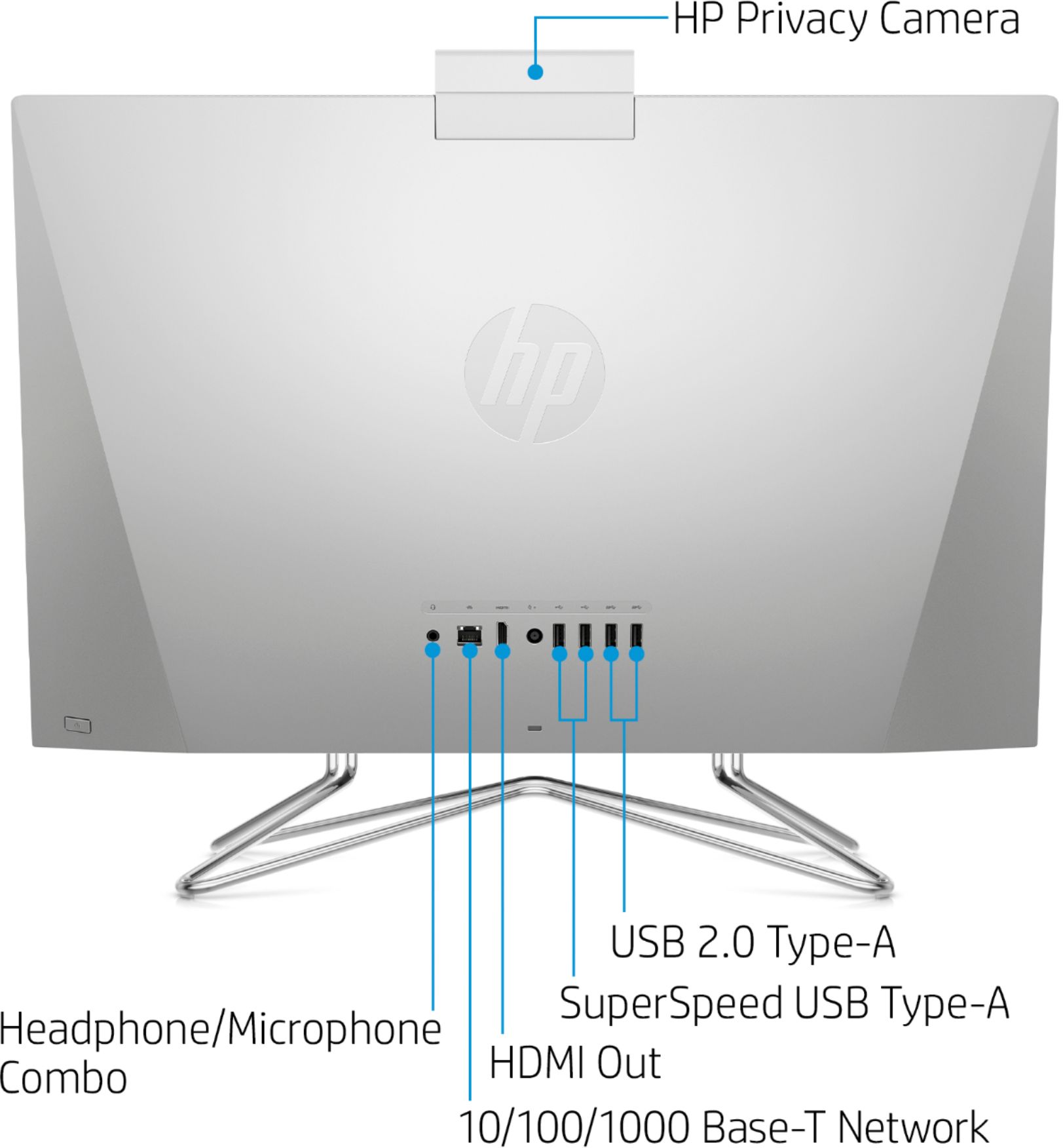
A:AnswerYou should be able to get the camera to pop up by pushing on it. You'll want to contact the HP support team to help you troubleshoot what's going on.
A:AnswerYou will be able to play some games with this computer, although many of the most popular titles require a dedicated graphics card. Unfortunately, this all-in-one and most all-in-ones do not have dedicated graphics. A better choice for those who want to game would be a traditional tower setup.
A:AnswerTo turn off the touchscreen, you need to:
1)Open Device Manager, expand Human Interface Devices, and select HID-compliant touch screen.
2)Select Action > Disable device > Yes.
A:AnswerIf your mouse is wireless, there are a couple of likely possibilities. One is that the batteries in the mouse have run down. The other is that you may need to "pair" the mouse with the computer. There should be a button (often on the bottom of the mouse) labeled something like "connect". When the computer running, press the button and the computer should pair up with the mouse.