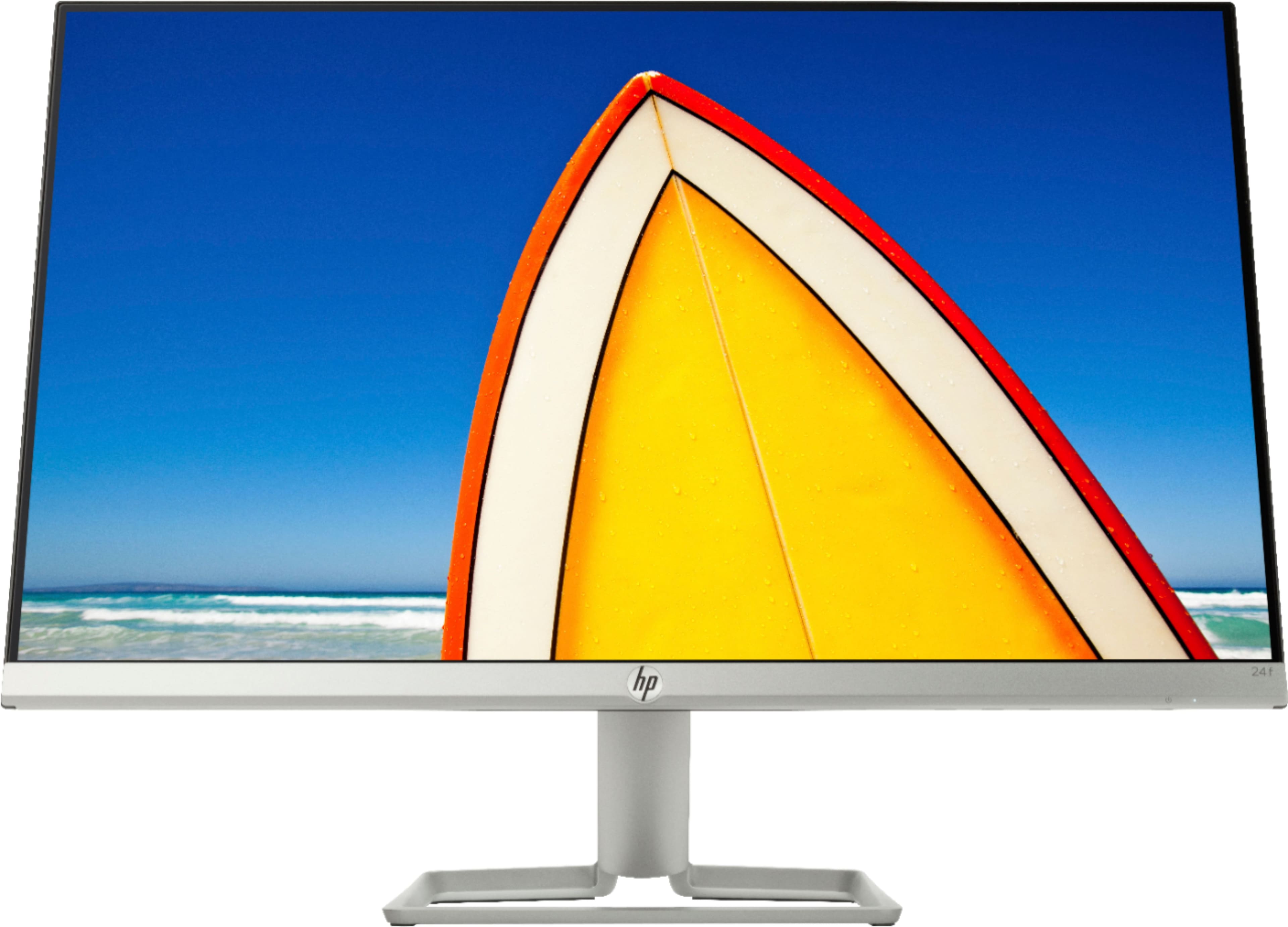
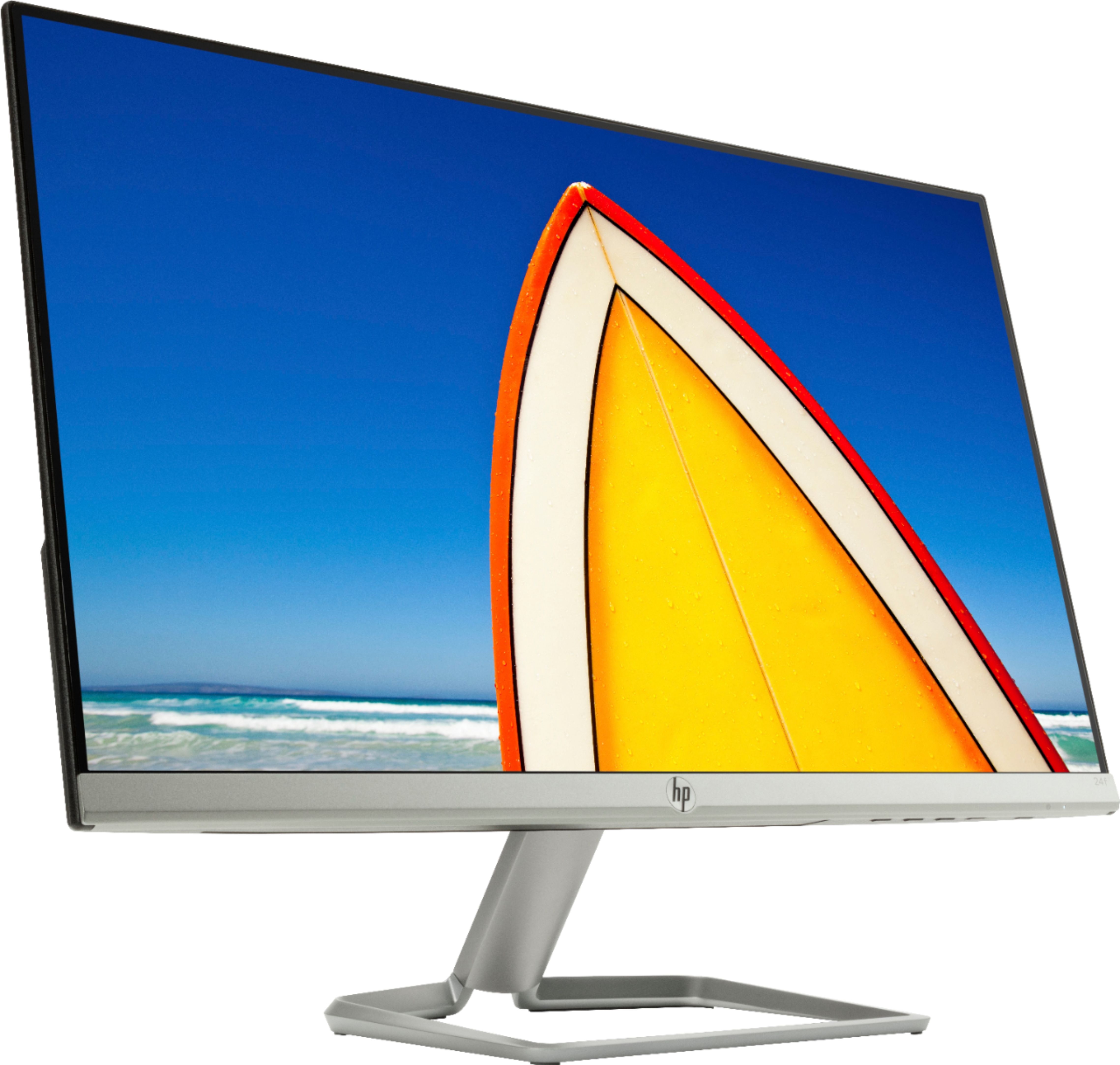
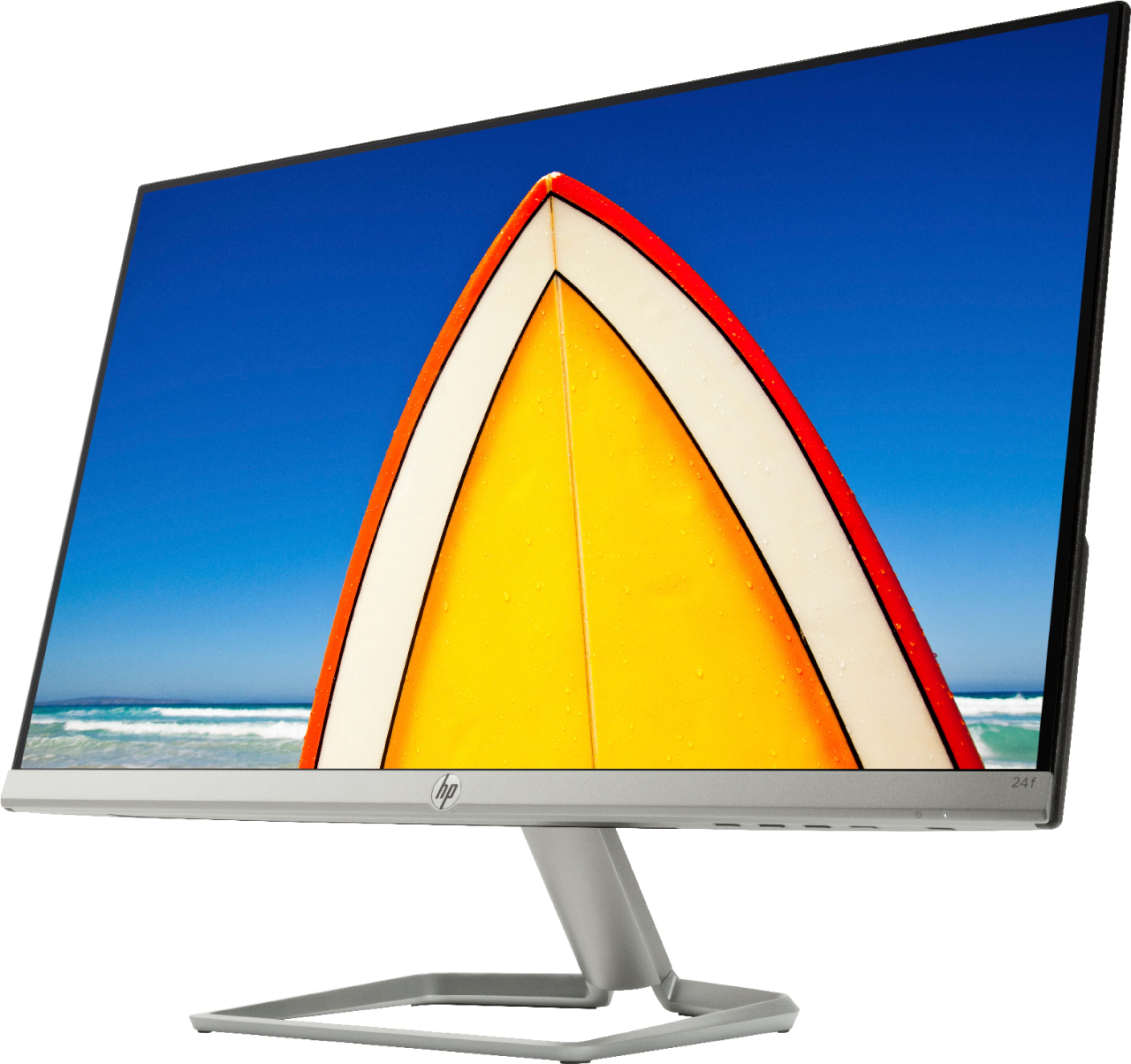
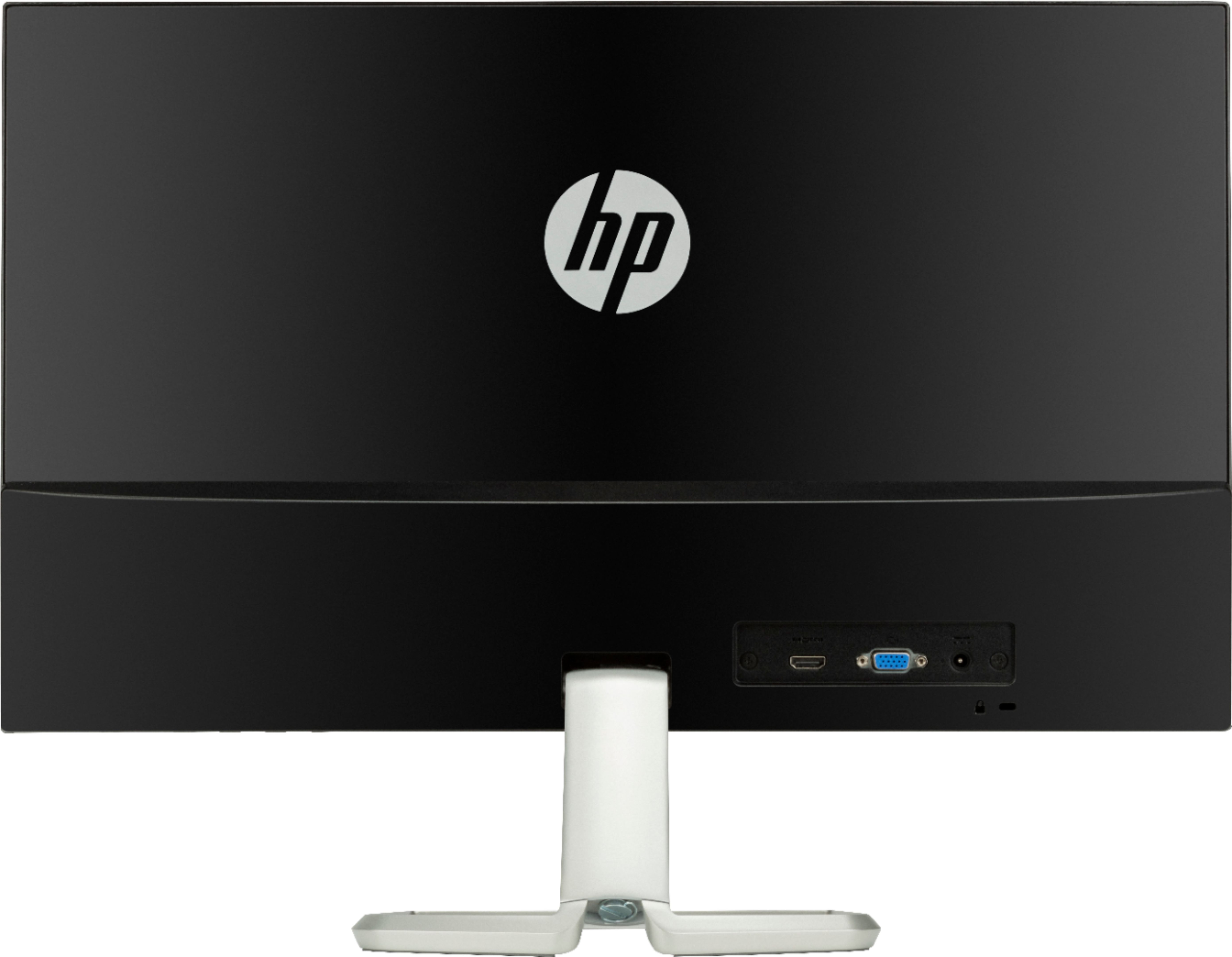
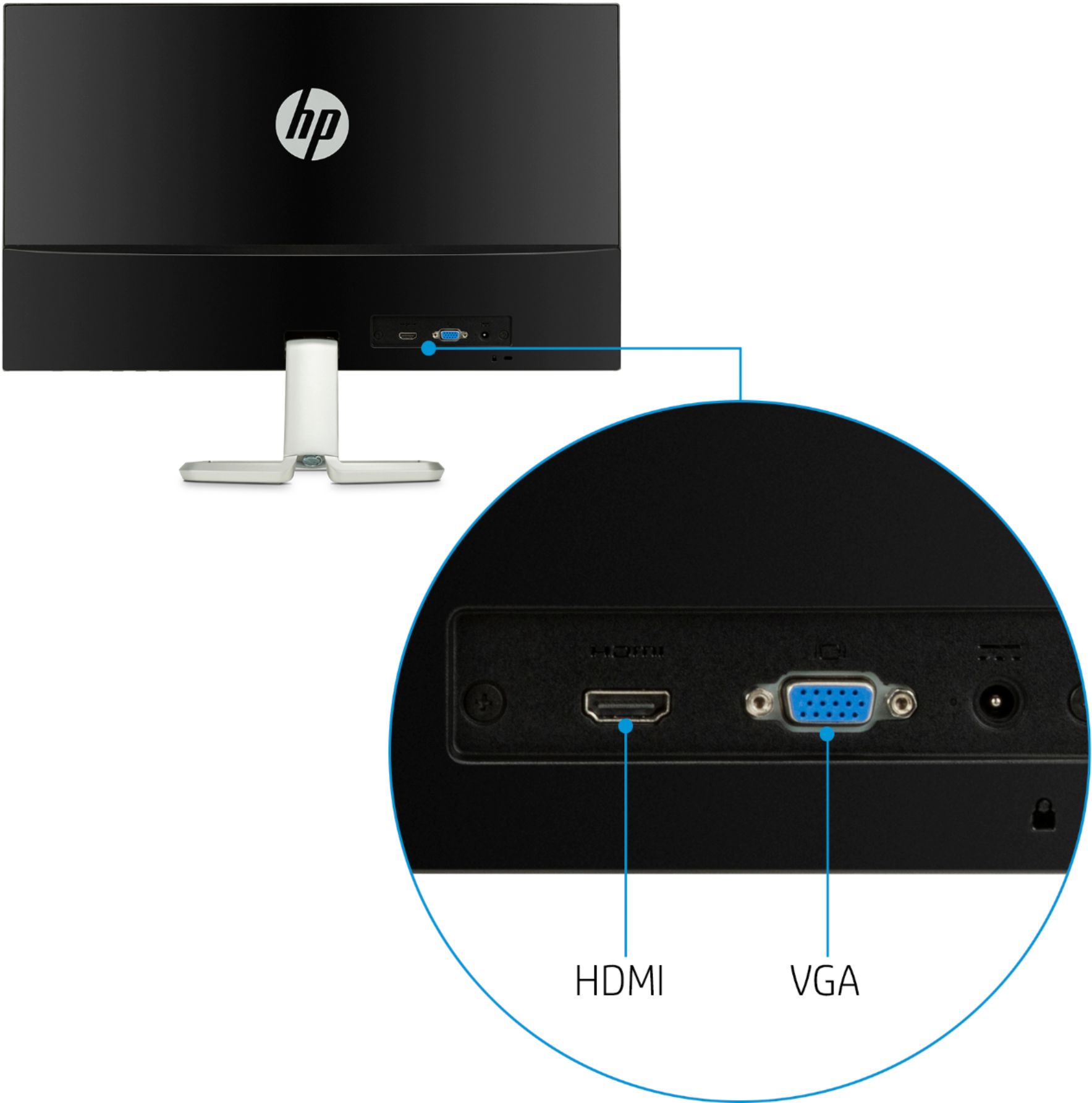
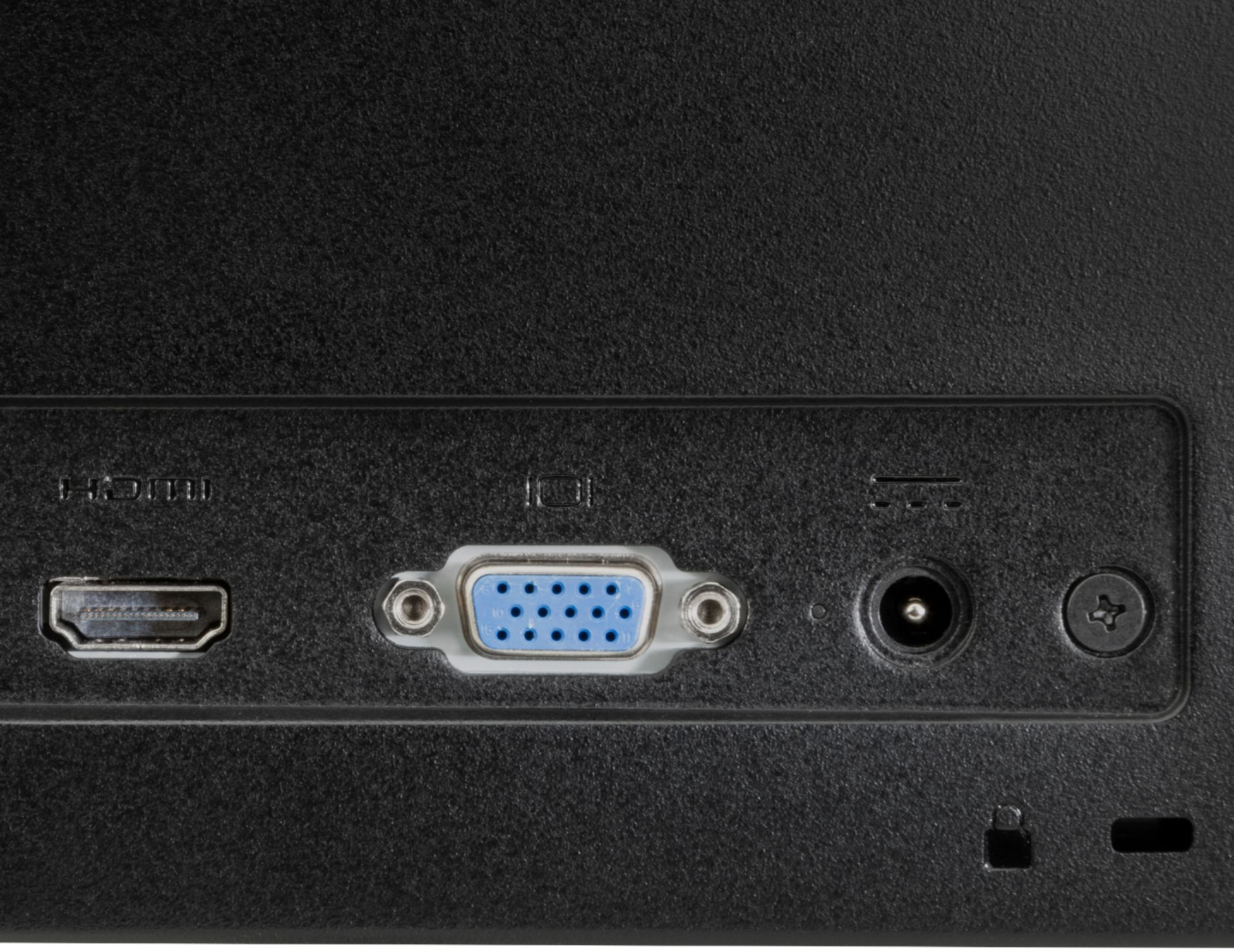
A:AnswerThe answer depends on the video outputs your dock offers. I am using 2 HP24s with an older plugable USB dock and it offers DVI and HDMI outputs. The HP monitors have HDMI and VGA inputs. I used a DVI cable with a DVI to VGA adapter for one of the monitors; two HDMI would have been prettier and something the monitors can handle, but the dock cannot.
A:AnswerAs long as your MacBook Pro has either a VGA or HDMI output, you can connect the monitor directly to it. If the computer doesn't, you'd need an adapter based on whatever video out the computer has.
A:AnswerThis monitor has HDMI and VGA connections. If your laptop has a HDMI port it will work. If it does not have a HDMI port you will need to get an adapter.