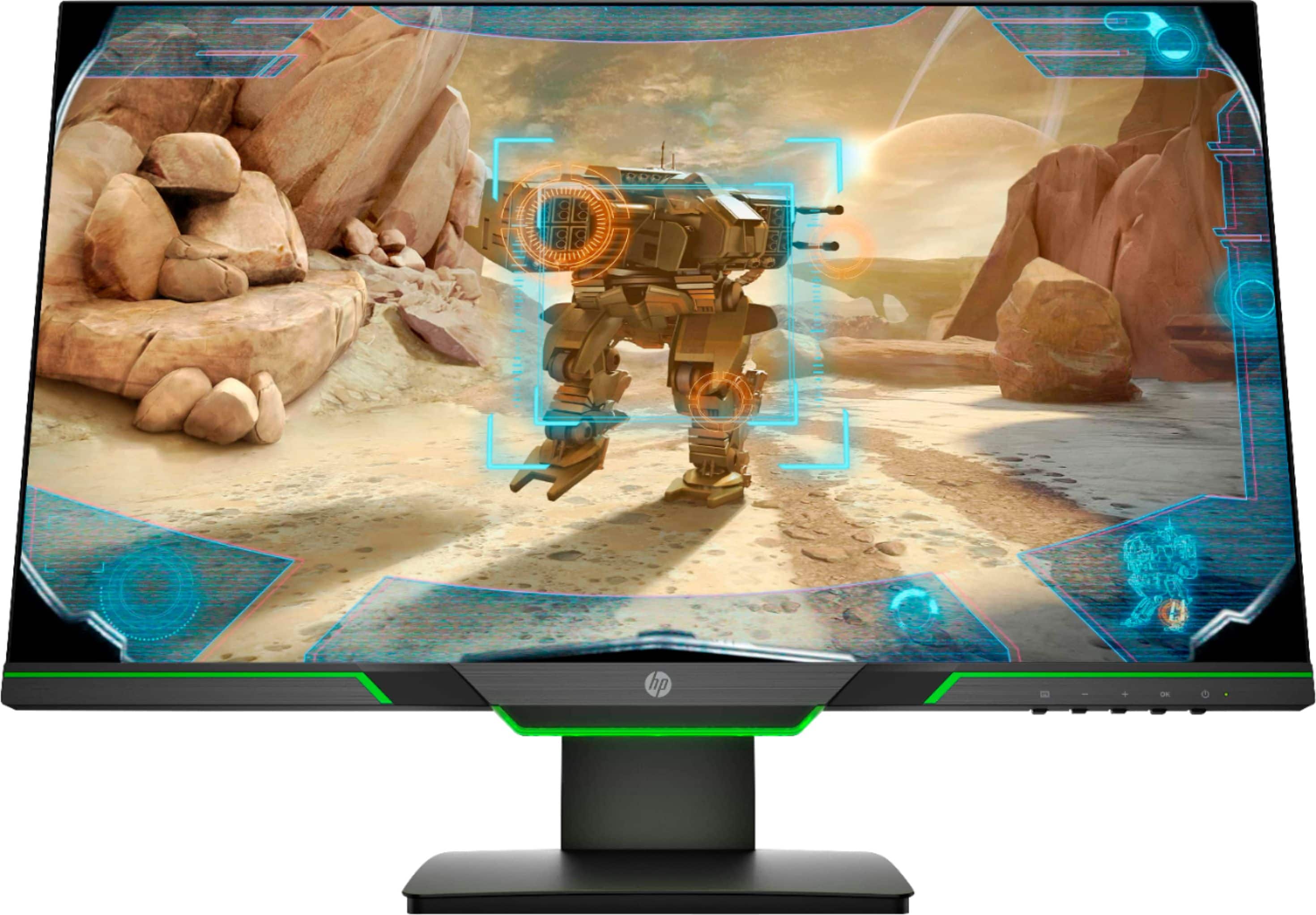
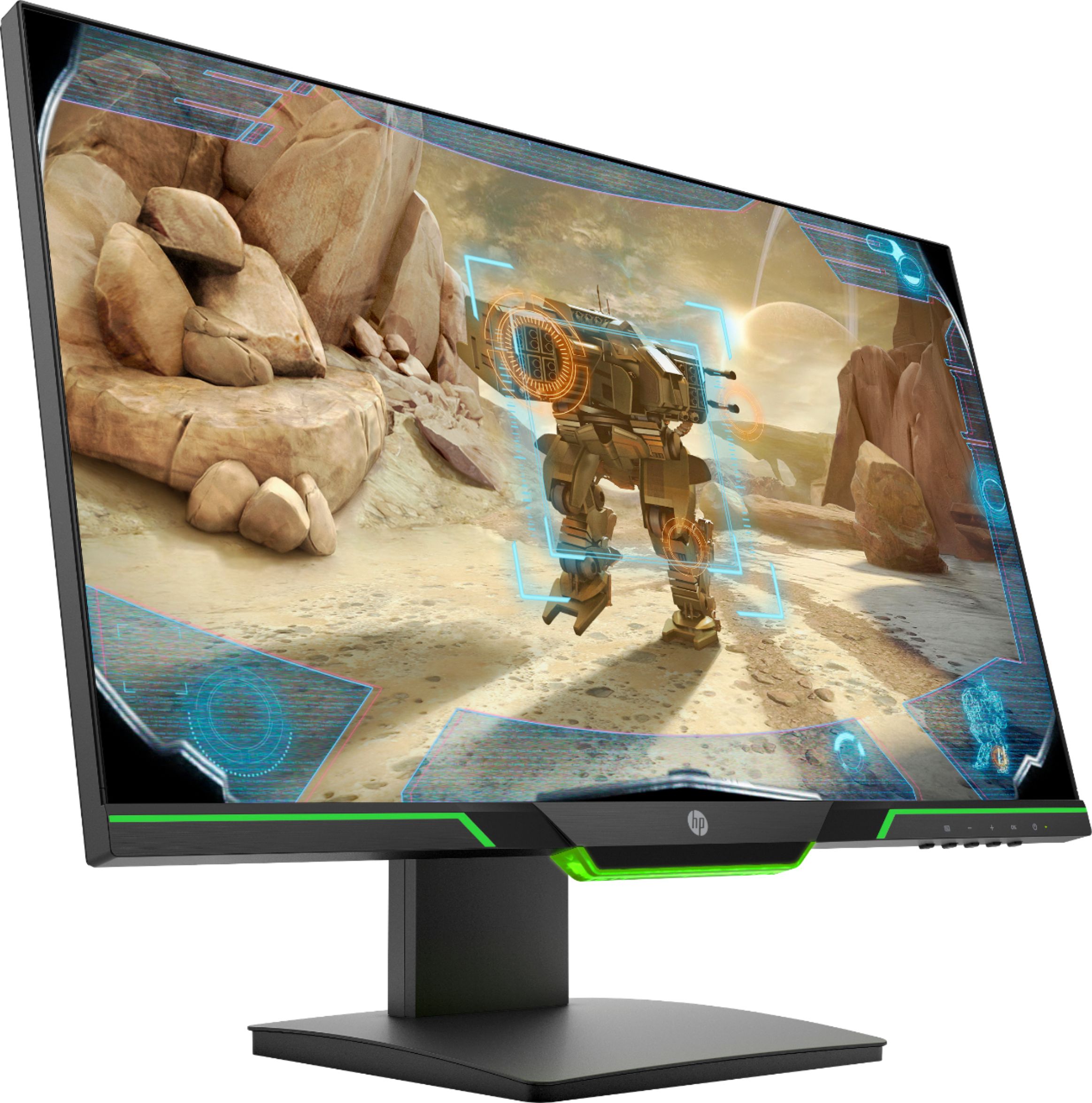
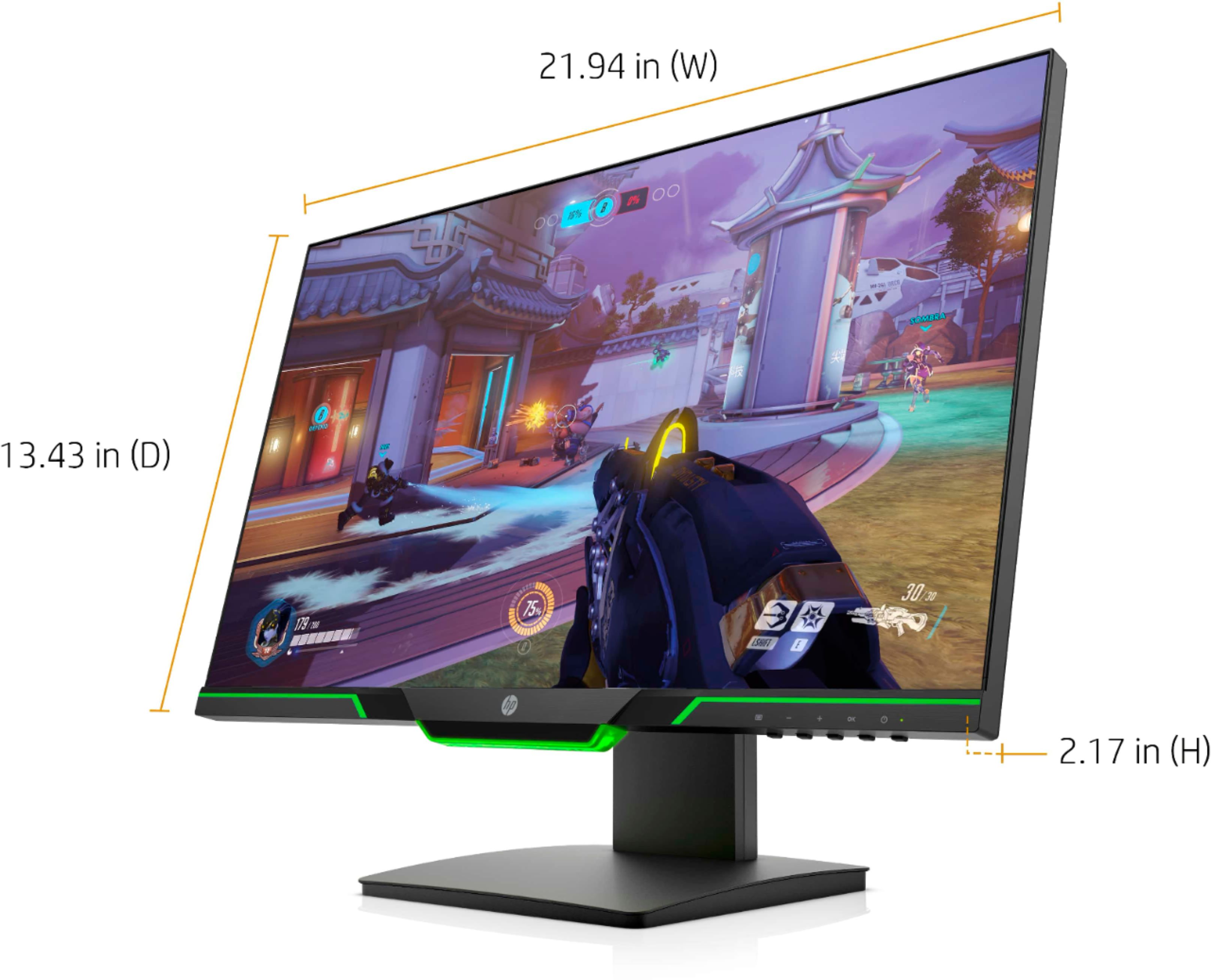
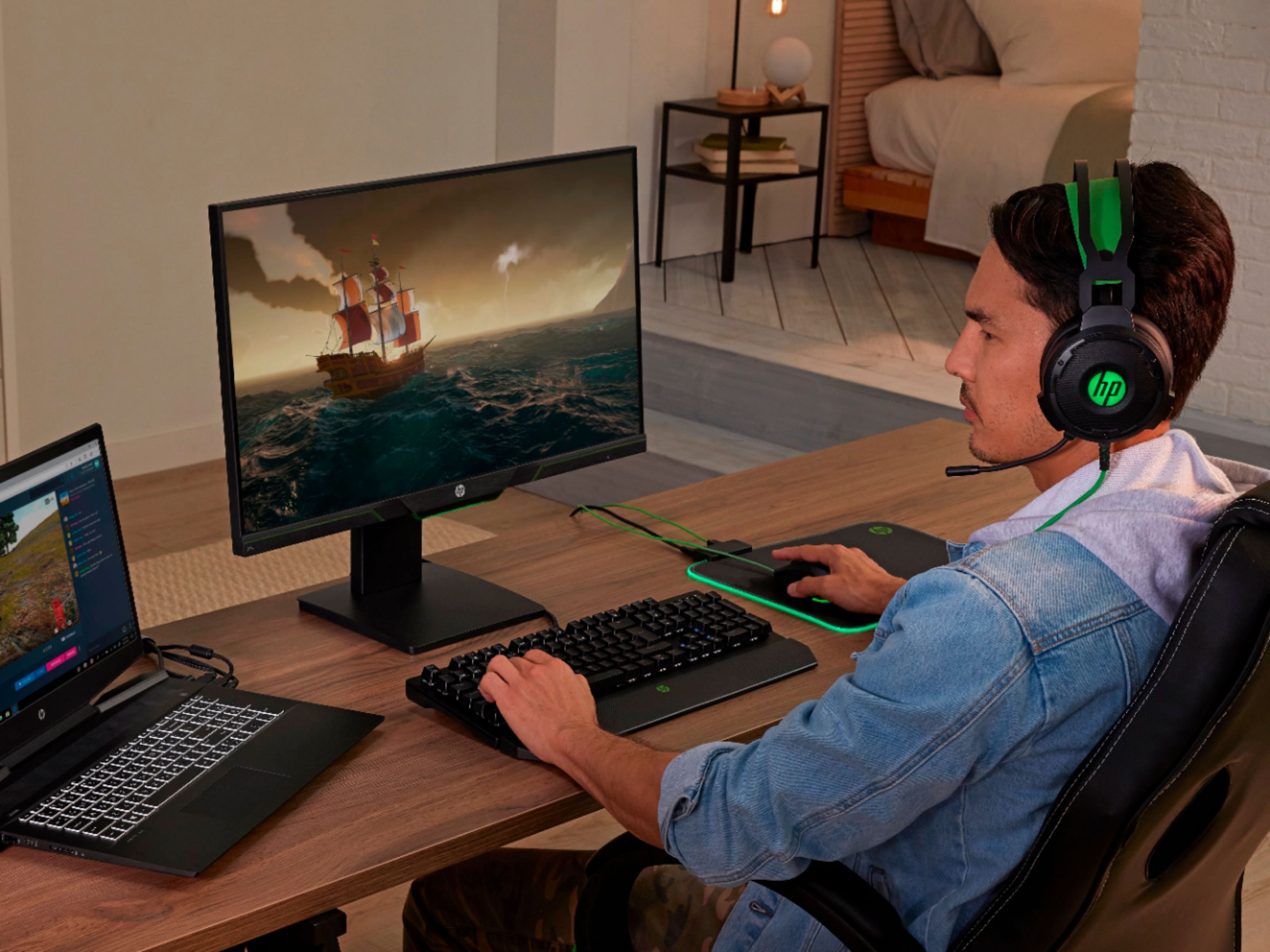
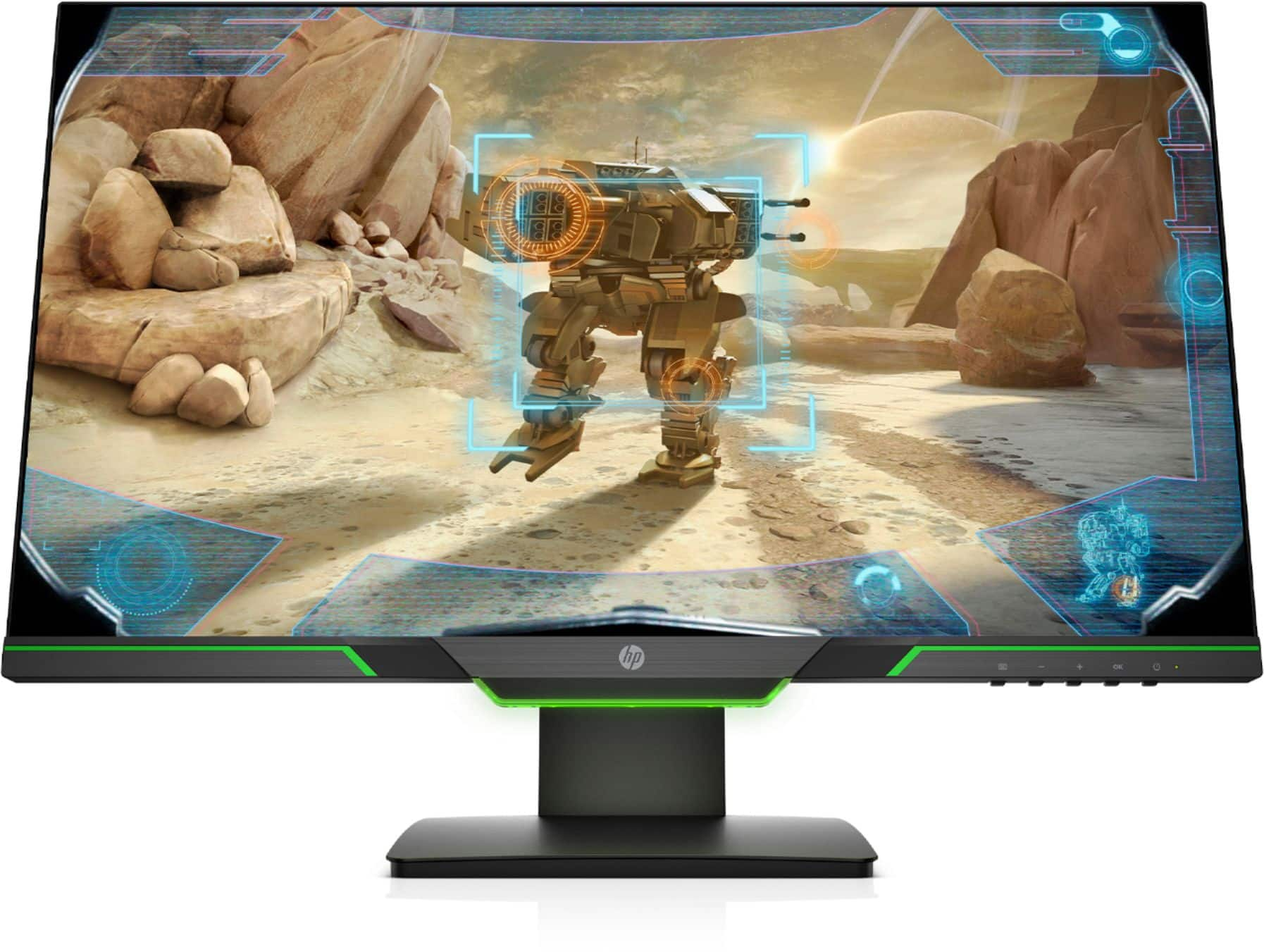
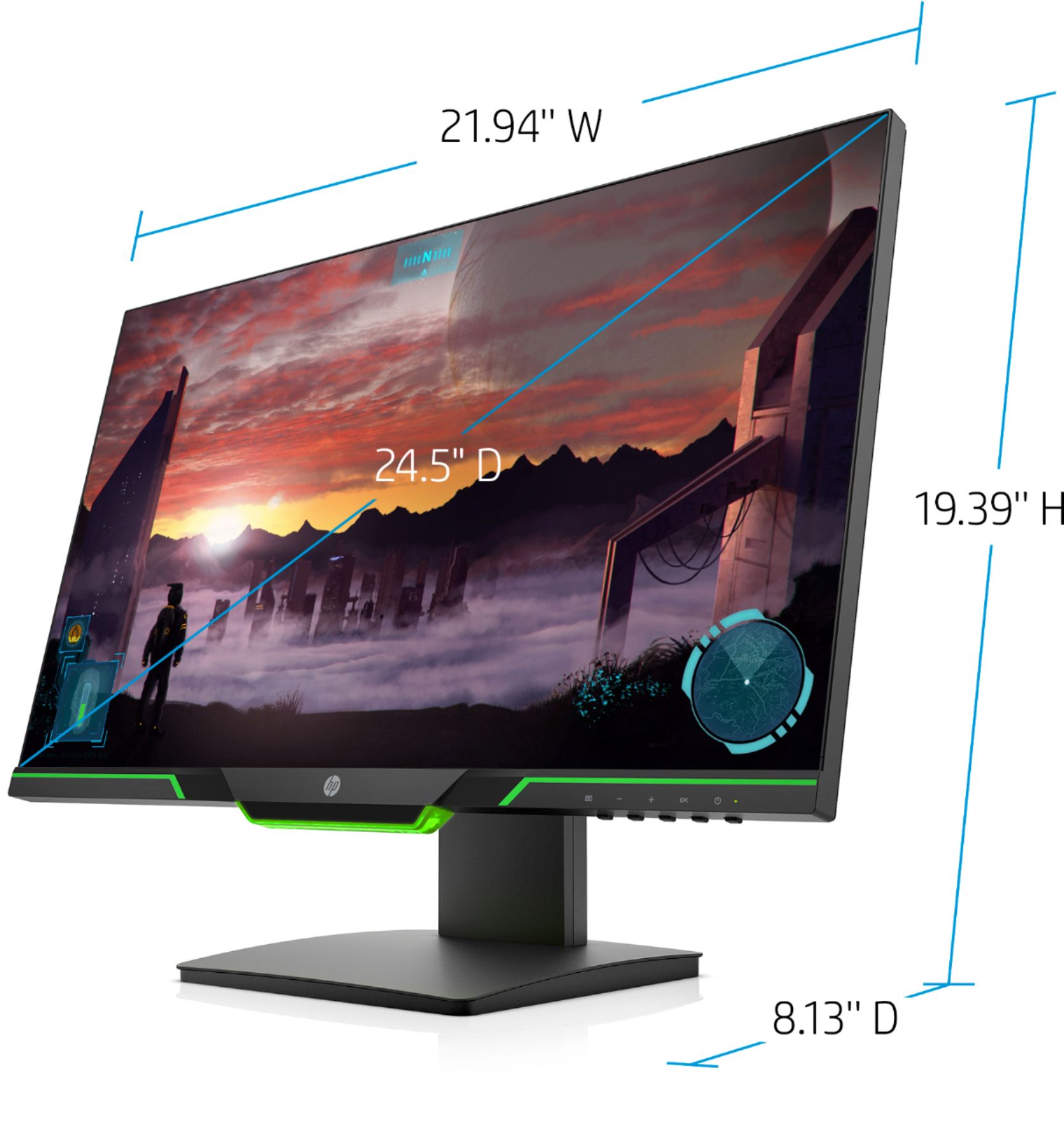
A:AnswerThis monitor does not have integrated speakers. You will want to connect external speakers to your desktop or laptop (whichever is connected to the monitor) for sound.
A:AnswerWindows- right click on desktop page->display settings-> scroll down to display properties for hp 25x-> display settings and look in tabs for hertz.
A:AnswerHello Billy,
Thanks for the reply. There is a PDF version user guide/manual. If you copy/paste/search this Link in your browser it will take you to HP.com and the HP 25X monitor page, scroll half way down and you will see a Blue Tab "User Guides" click it and you will see you can download a 1.46MB user guide in PDF form. Also Hope this helps anyone who may need the manual.
Thanks
jerjer
** The Link - https://support.hp.com/us-en/product/hp-value-24.5-inch-displays/21769077/model/21769078/manuals?jumpid=reg_r1002_usen_s-001_title_r0003
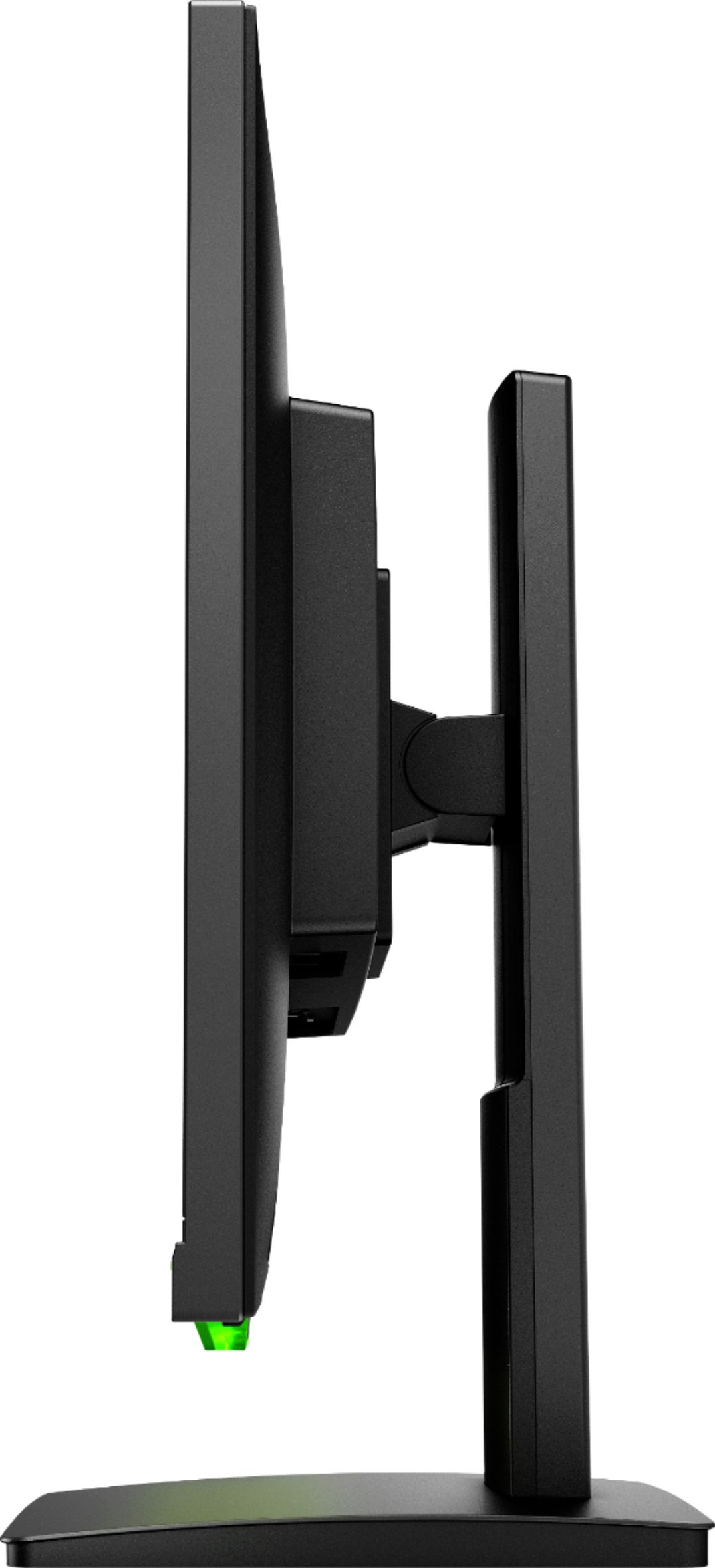
A:AnswerSorry, it doesn't have that feature on the included stand. However, it is VESA mountable so if you mount it independently on a mount that allows it, you can change the orientation to portrait.