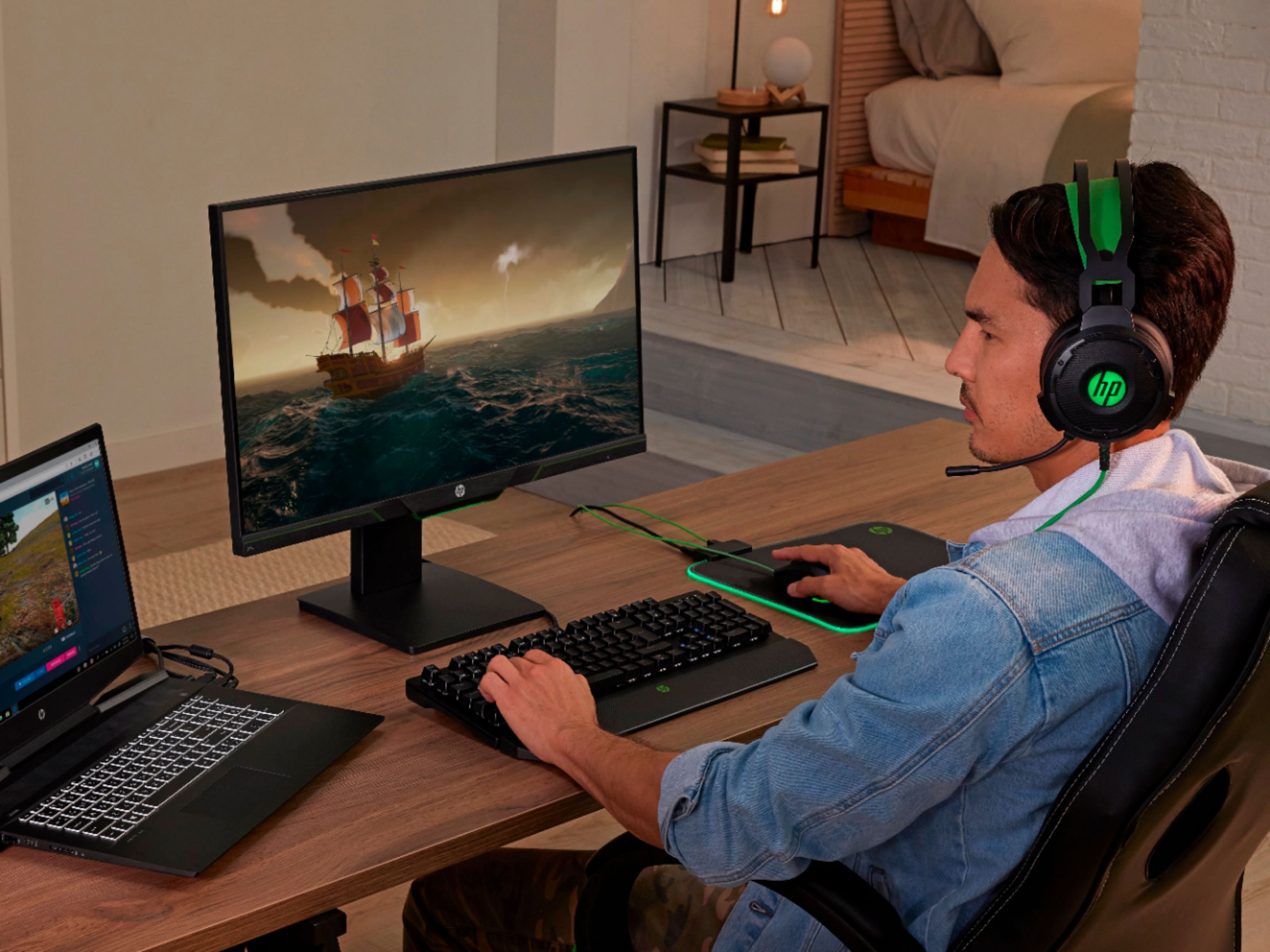
A:AnswerNo, you cannot connect a mouse and keyboard to this monitor. You would need to connect the mouse and keyboard to the computer that is connected to the monitor.
A:AnswerIt depends on the hardware your computer has. You will need to be able to run the game at 144 FPS to get the max benefit from 144 Hz. There is no way to say the FPS you will get without knowing the specs of your computer.
A:AnswerI would check with the Geek Squad or other service providers. If this is a deep scratch you will need a professional to help. If it is light scratches, there are many DIY fixes on the internet.
A:AnswerI have used it with a HP laptop, my HP all-in-one and my generic work computer. Works great. Had a small issue getting it to work as a second monitor with work computer, but that was a Windows problem easily fixed.
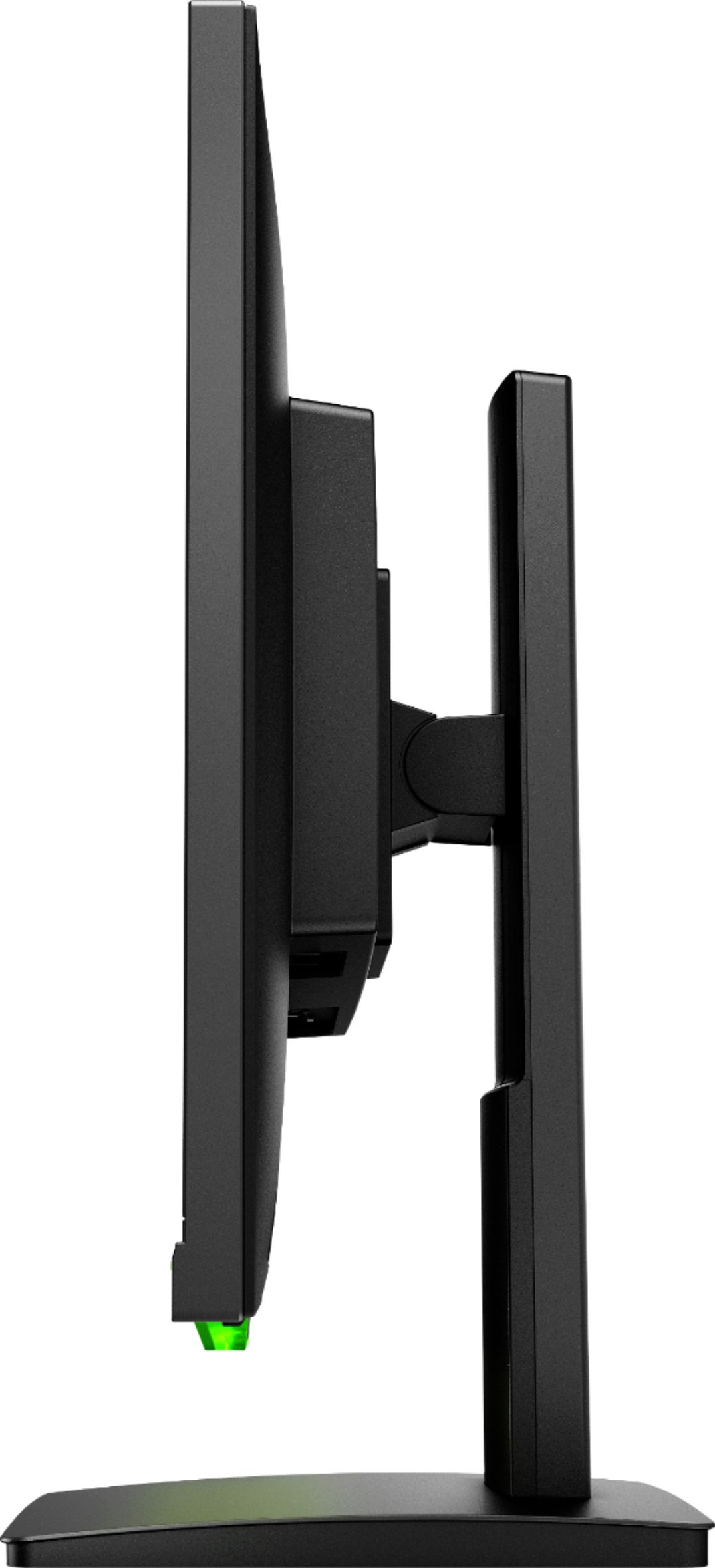
A:AnswerYes, you can remove the stand and mount the monitor to a VESA mountable monitor arm. This monitor has 100 mm x 100 mm VESA mounting standards. For more information, refer to page 10 of the user guide: http://h10032.www1.hp.com/ctg/Manual/c06081133
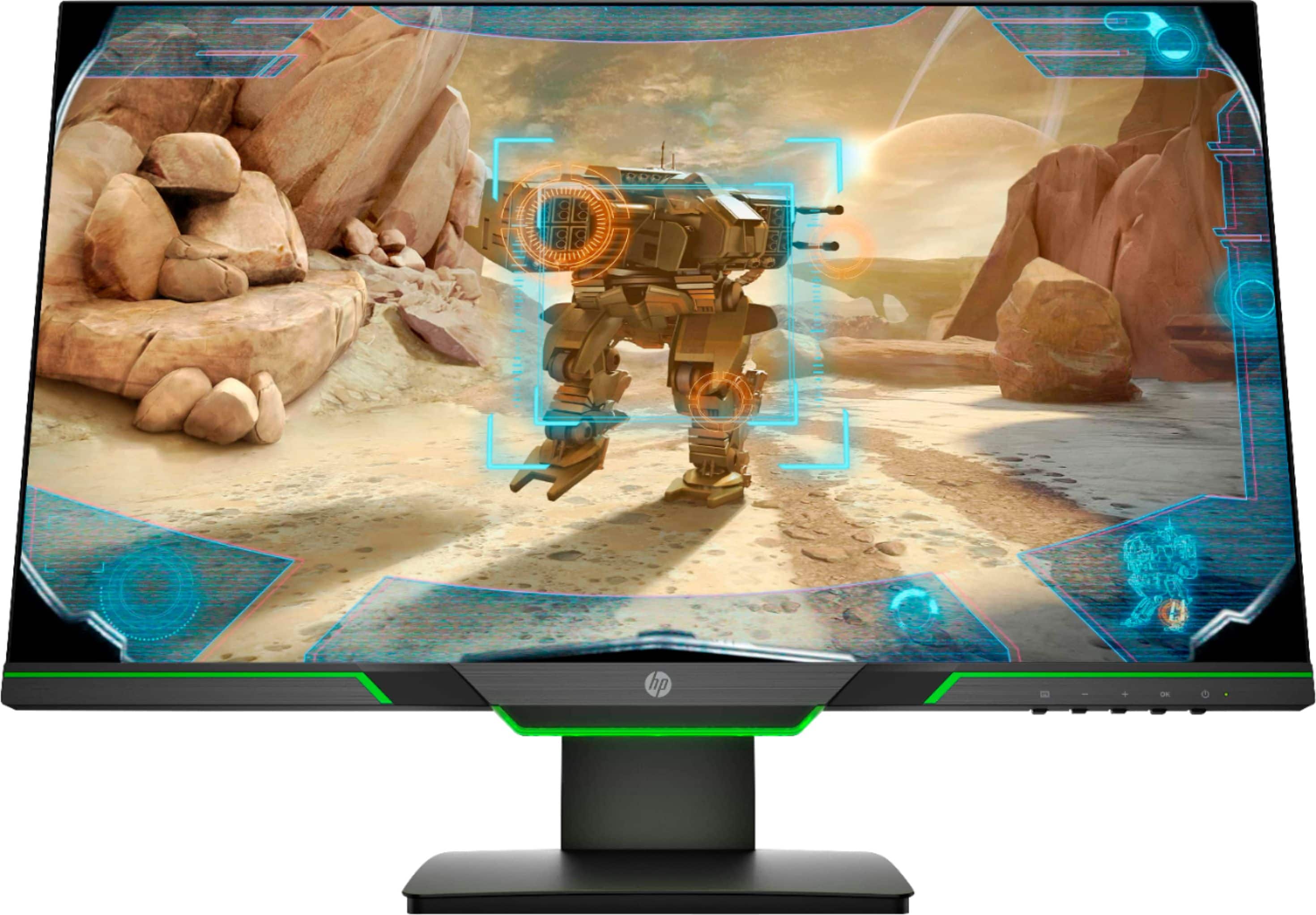
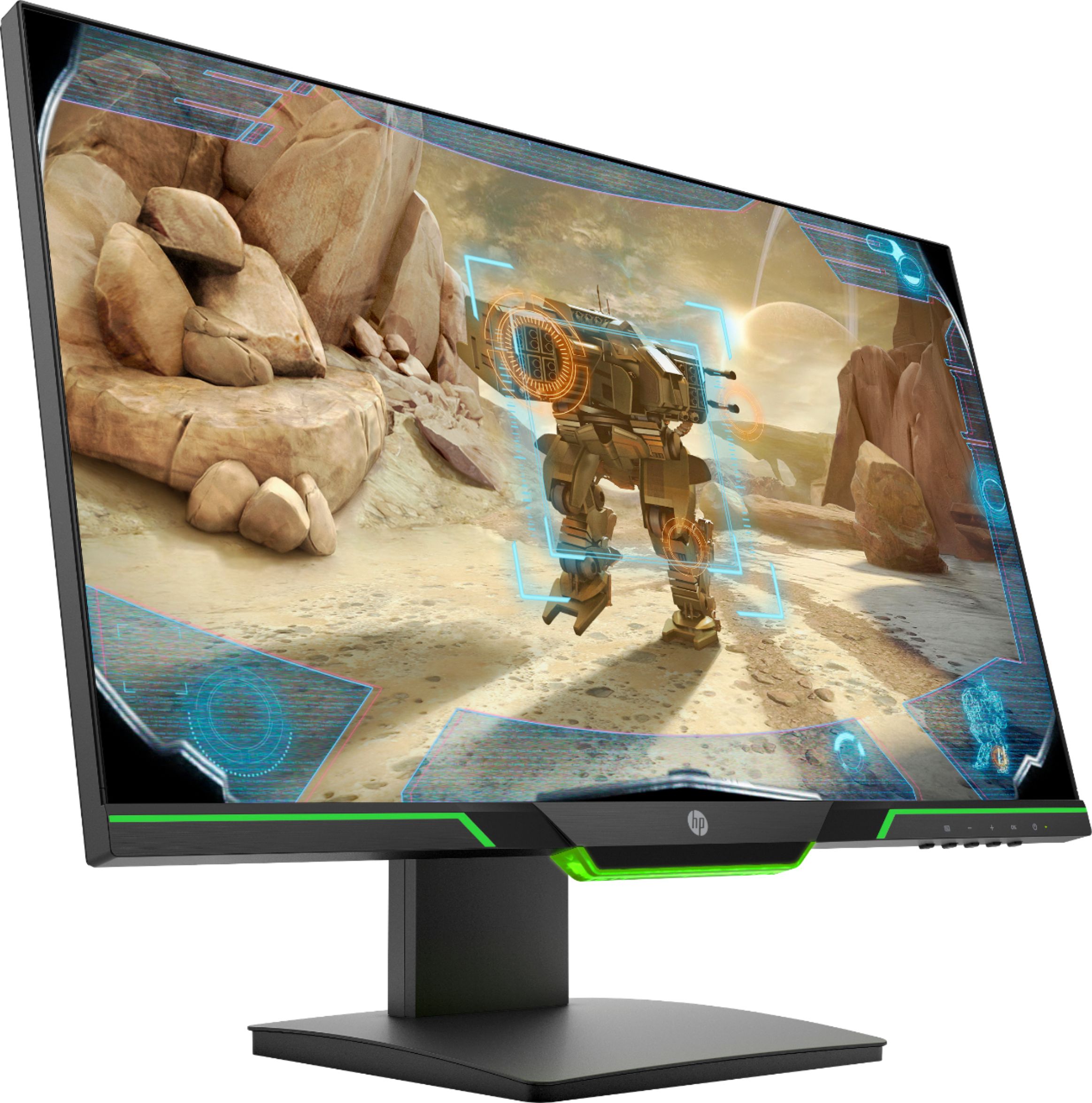
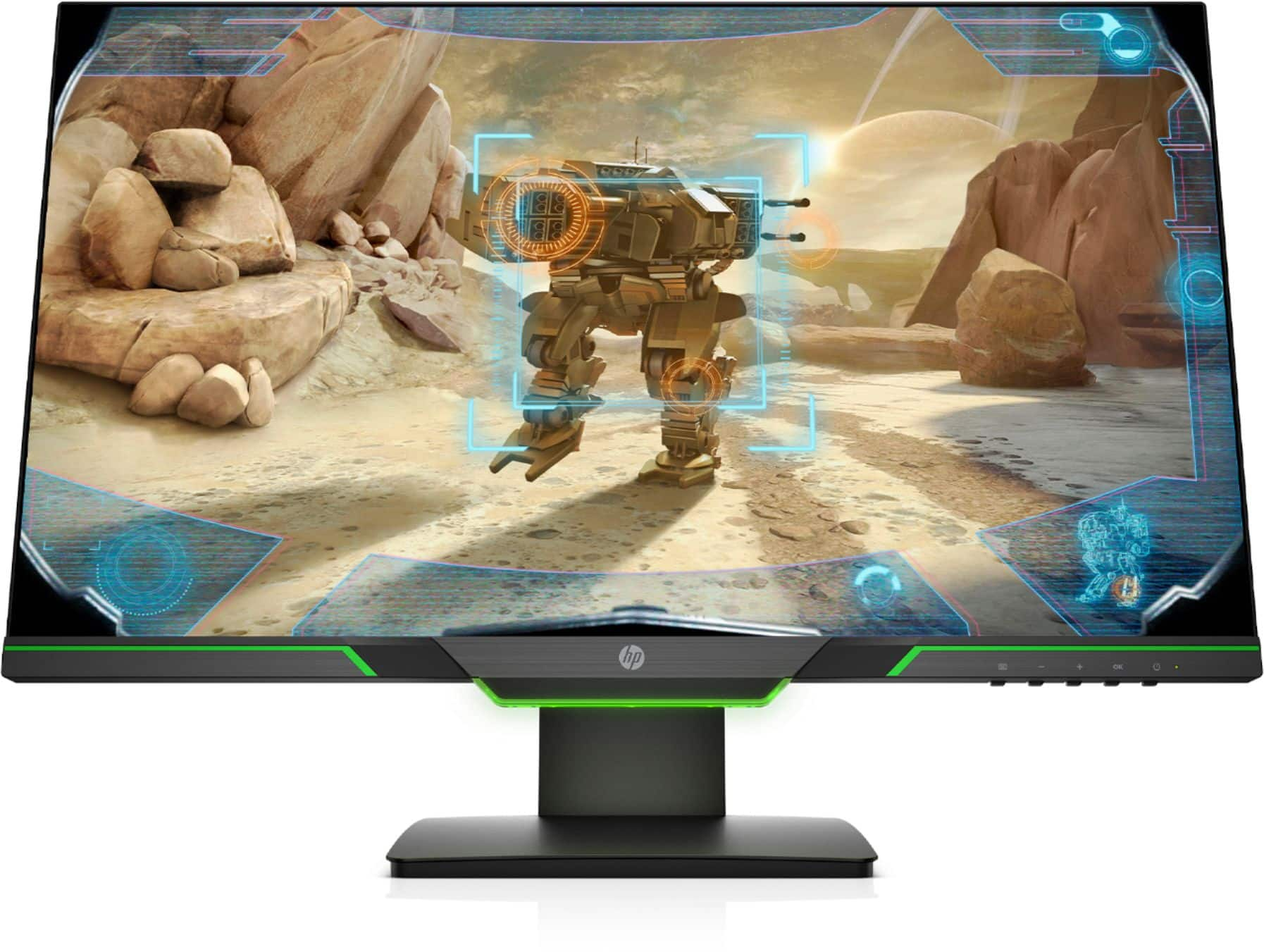
A:AnswerOnly center section has ever lit on mine as well, picture is probably a misrepresentation, unless you have actually seen a real one somewhere with all 3 lit?