A:AnswerIPS is one of the main technologies used for LED panels along with TN. TN panels are the LED panels you've most likely run into which have very limited viewing angles. IPS does not have this problem and also has better colors than TN panels. They do suffer from backlight bleeding and slightly higher latencies but are still very popular for gaming because of the benefits mentioned previously.
A:AnswerBecause I'm actually with HP, I'm really not familiar enough with the LG hardware to be able to answer that. You'll want to post the same question on the page for either the monitor or the soundbar, where someone more familiar with those products can help you.
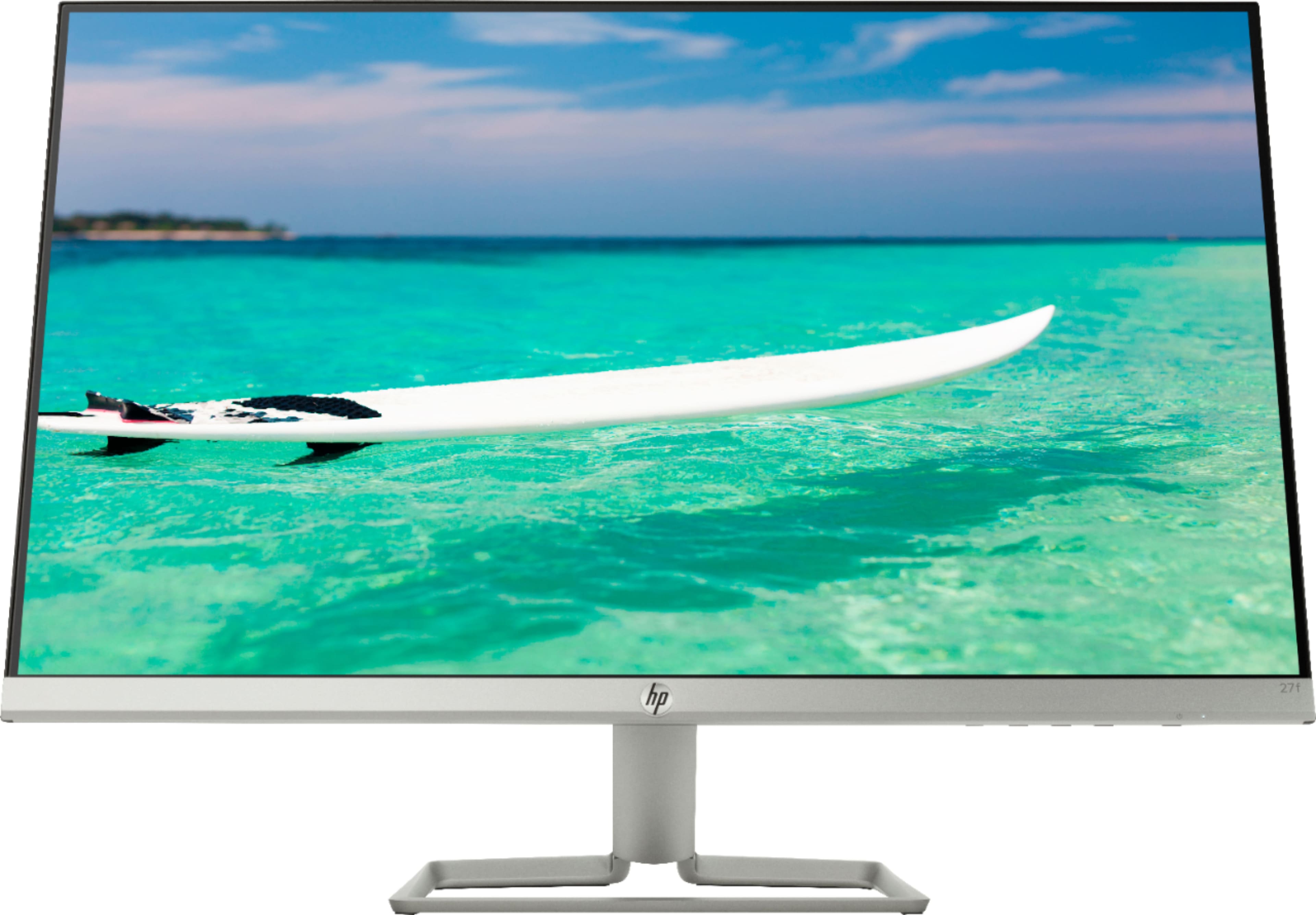
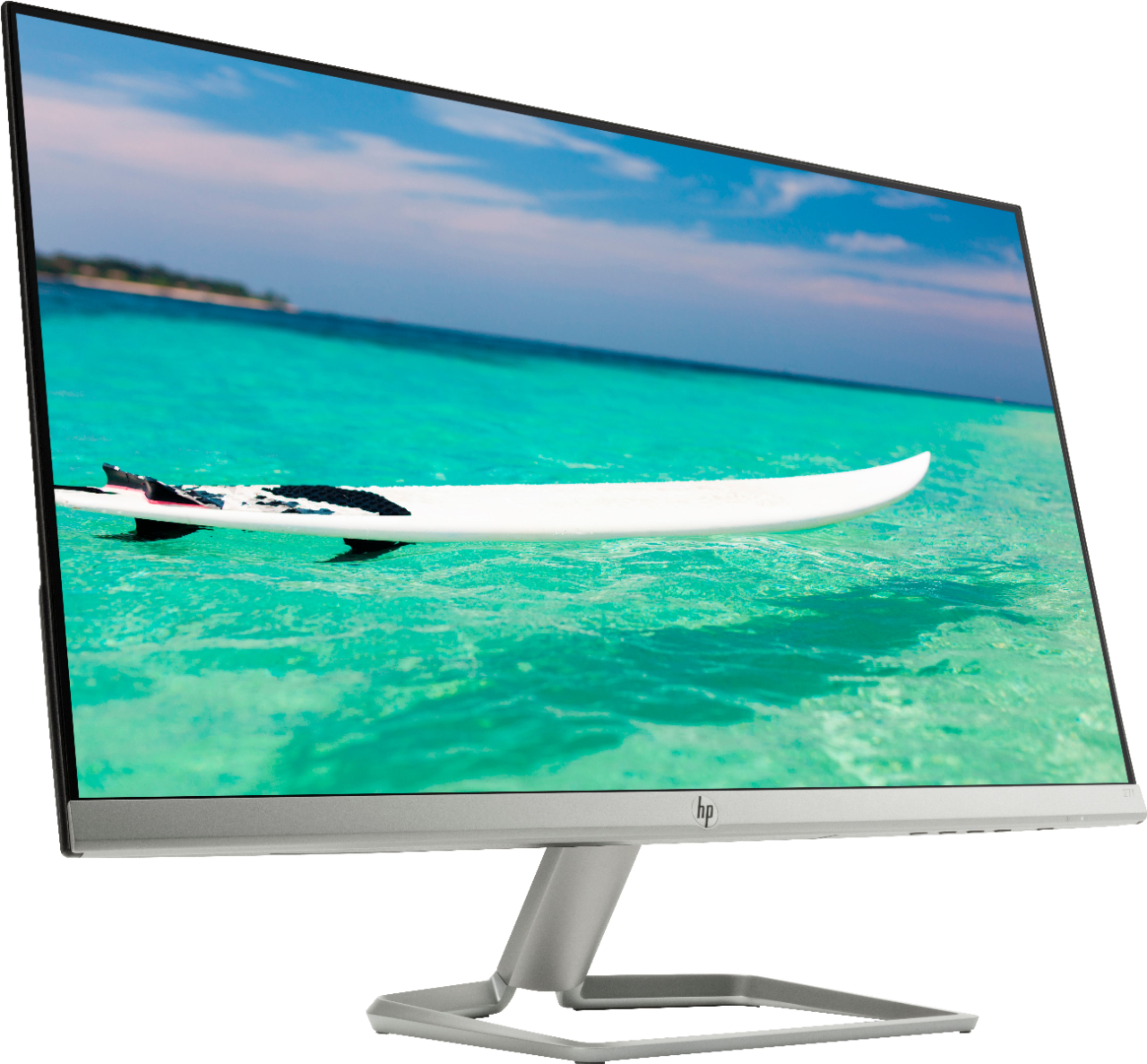
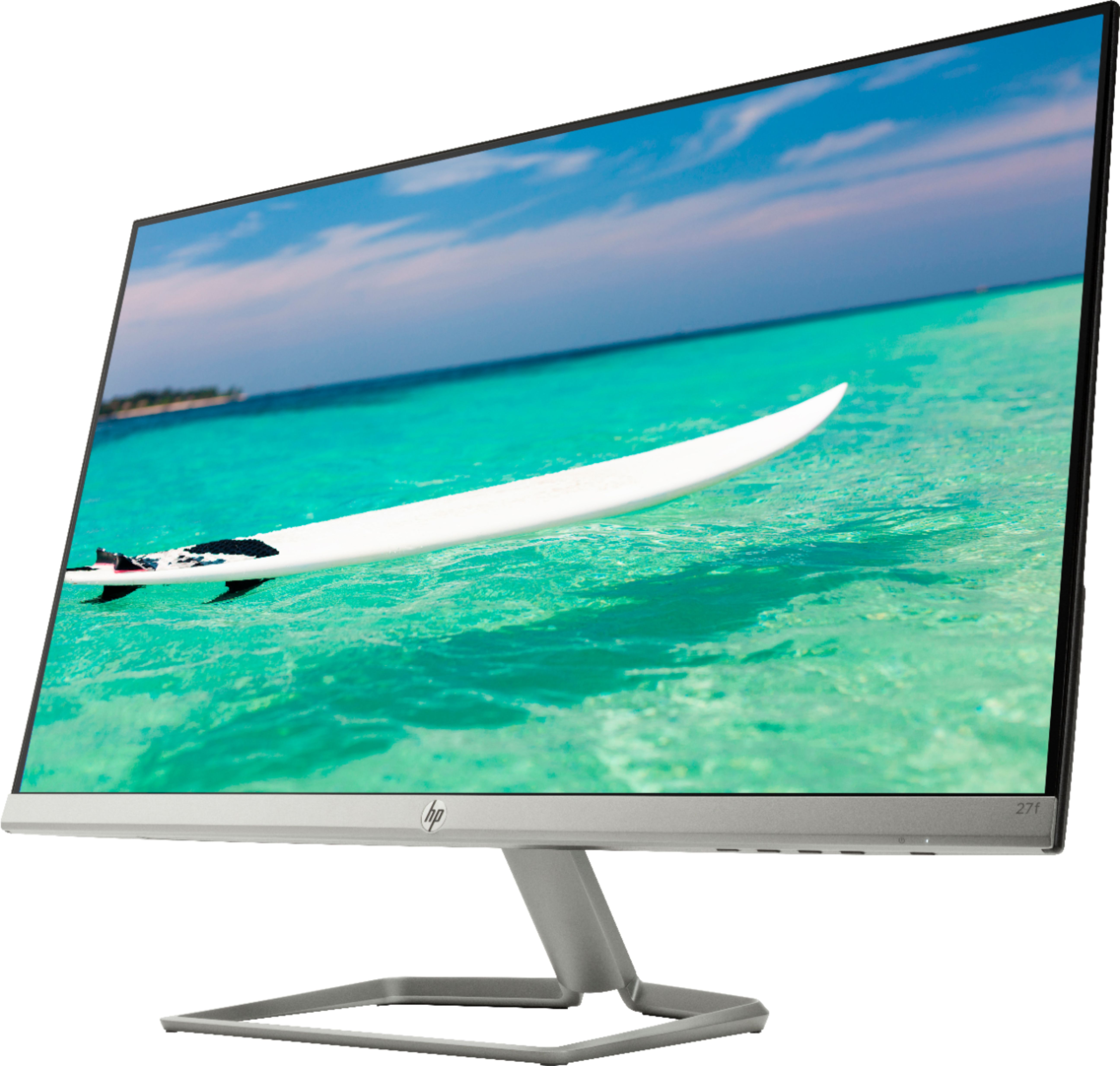
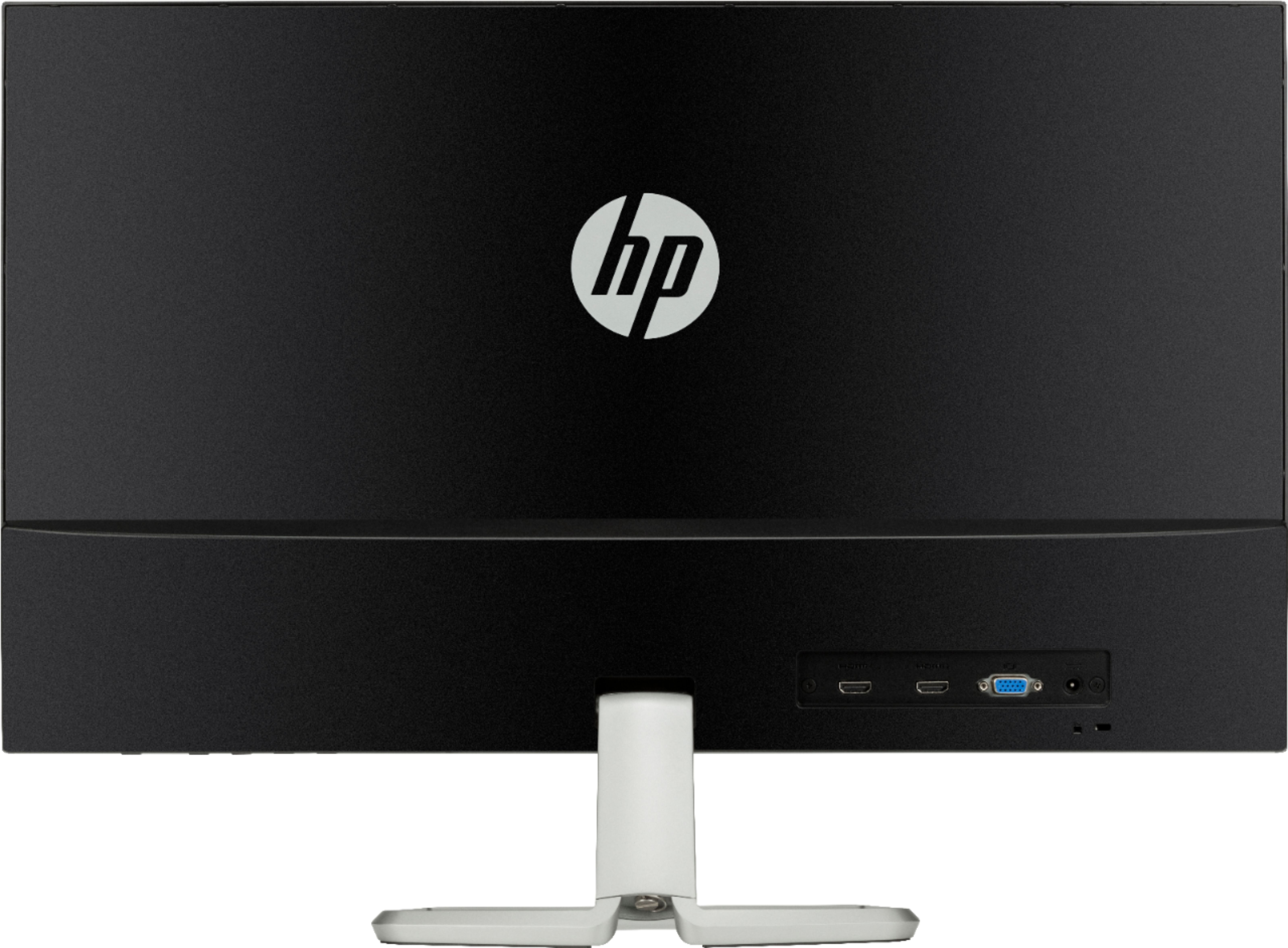
A:AnswerTo a bit more clearer than the prior two answers, the 27f does not have built in VESA mount capability nor does it come in the box, it just comes with the stand that clips onto the back of the monitor.
You can mount it on a monitor arm with aftermarket/3rd party parts you can find on Amazon. I did a search for "HP 27f VESA Mount" and found a solution that works with a monitor arm.
A:AnswerHello, Jill. Yes, this HP 27f monitor tilts. You may need an adapter to the HDMI port on this monitor to use it with your MacBook Pro. Here is a website that will help you find the right adapter: https://support.apple.com/en-us/HT201736
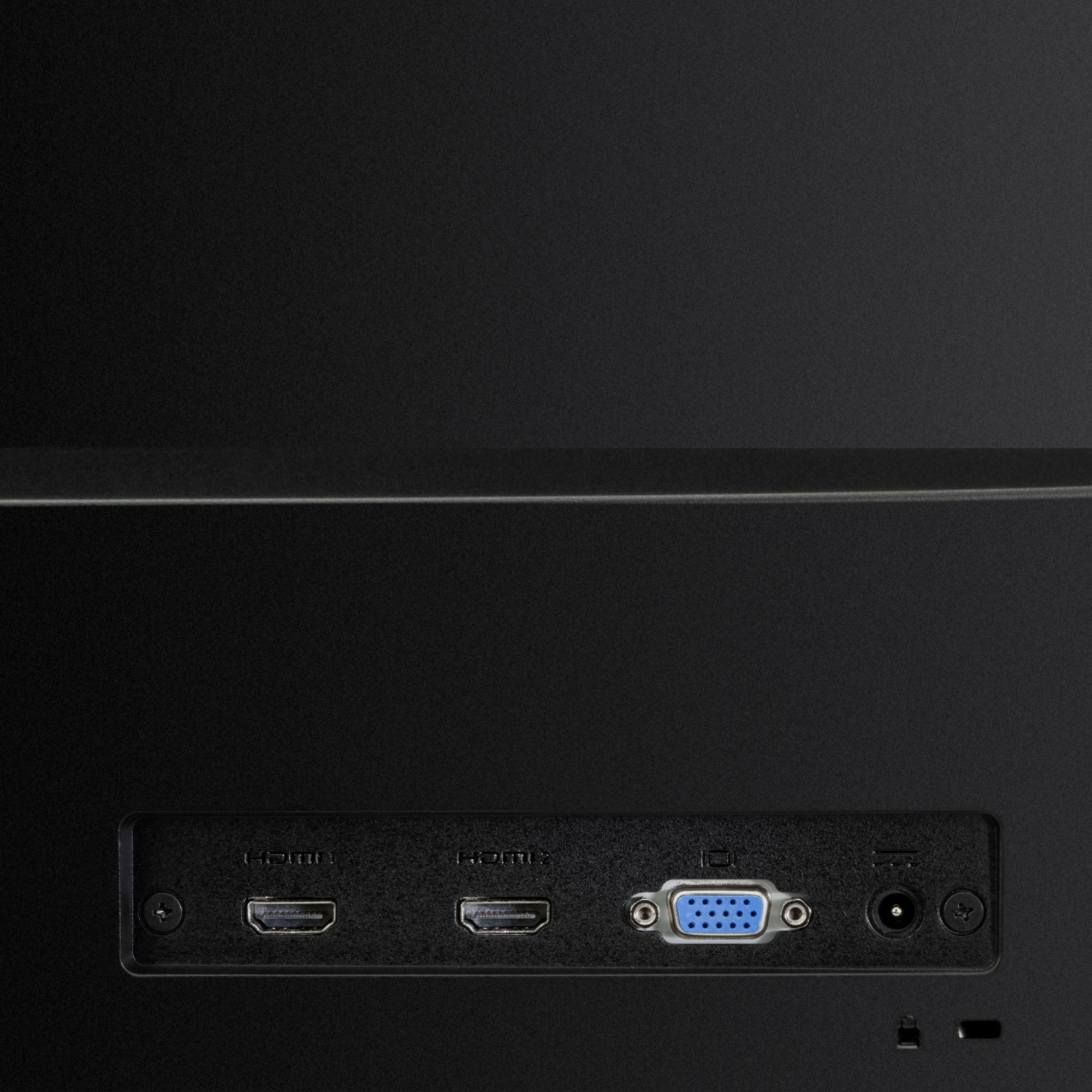
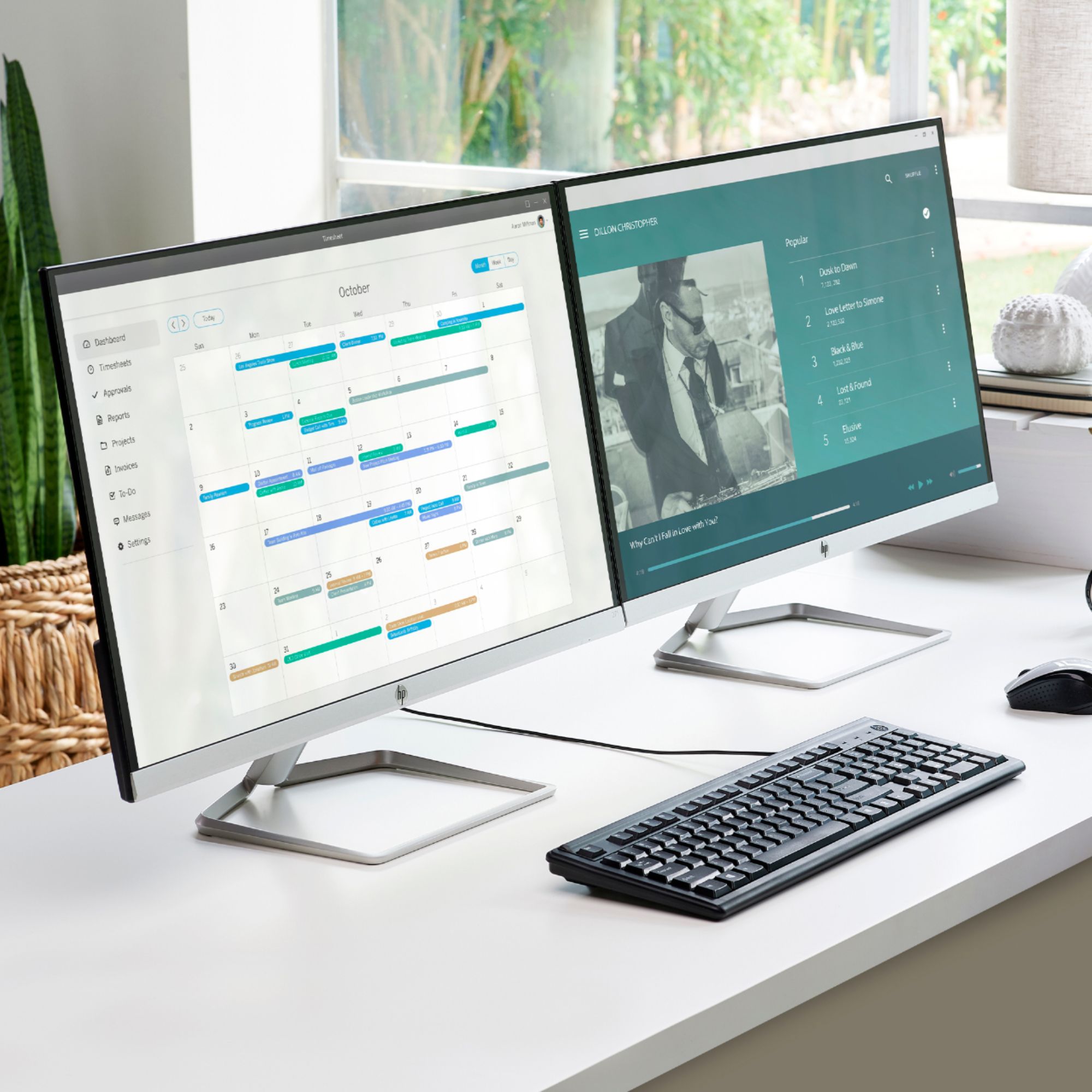
A:AnswerI am currently using this and another HP monitor for a dual-monitor setup with my SurfaceGo. No issues. As long as your dock has 2 HDMI outputs - or at least 2 USB-C outputs that you can convert to HDMI - you should be fine.