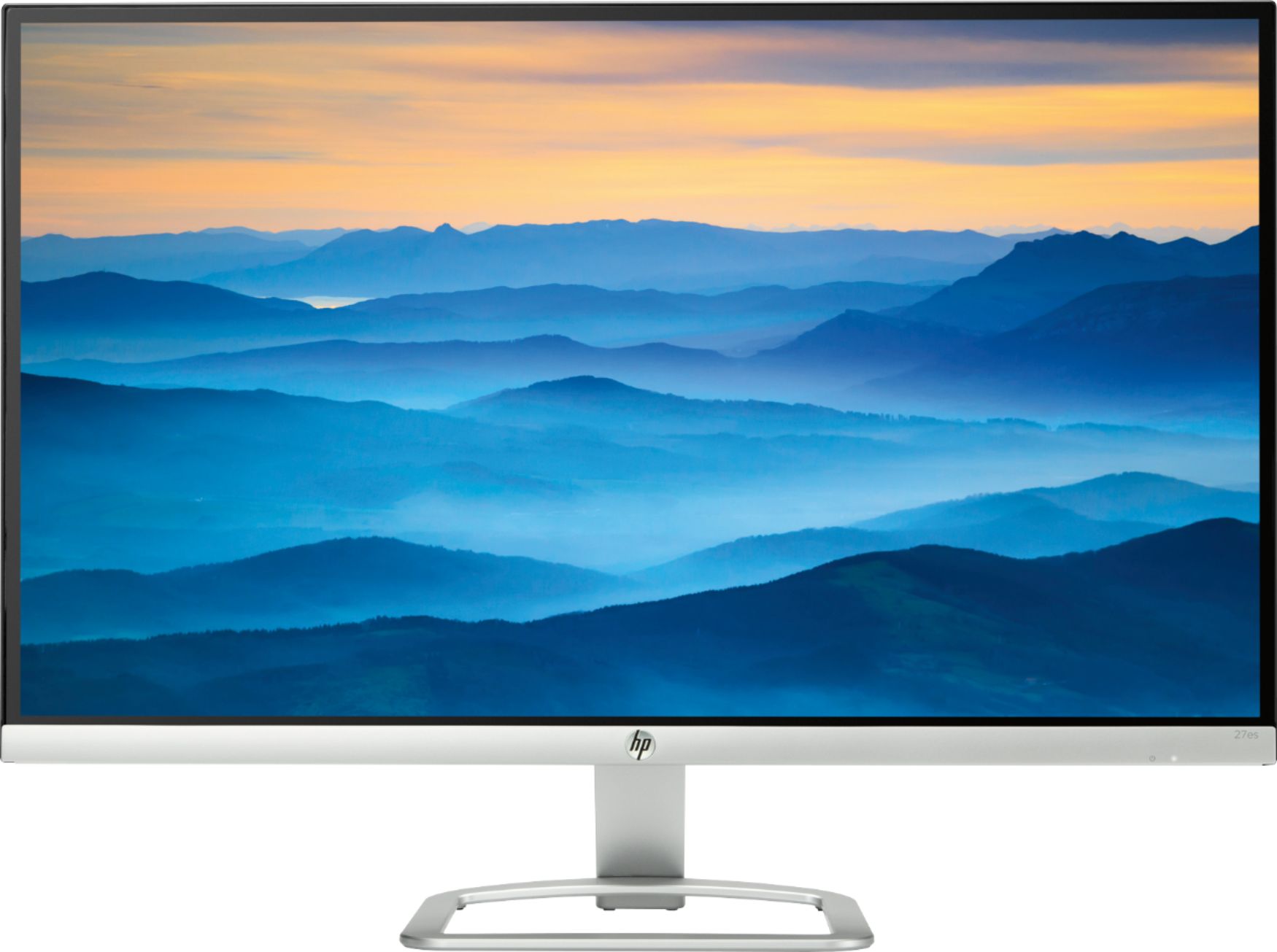
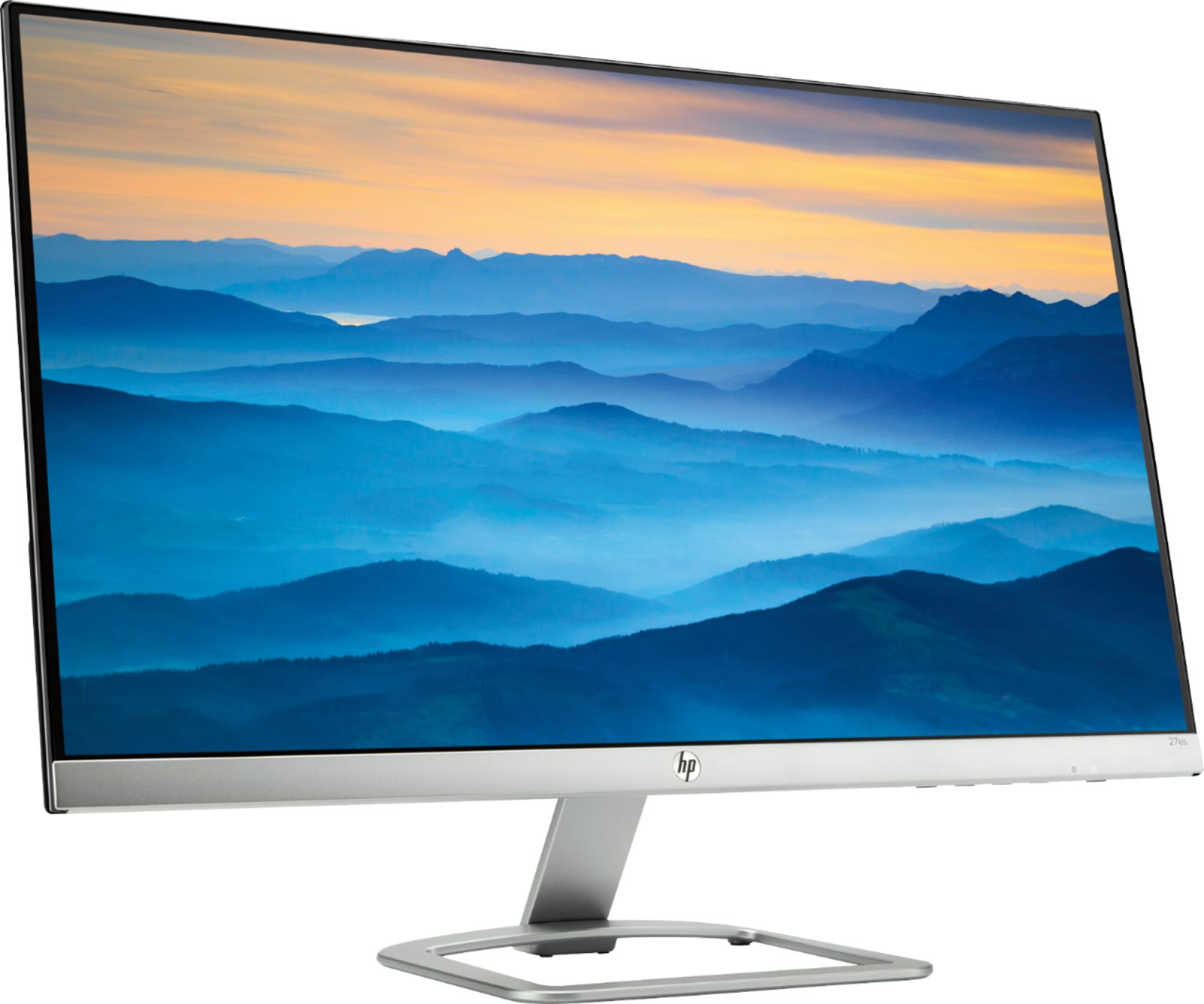
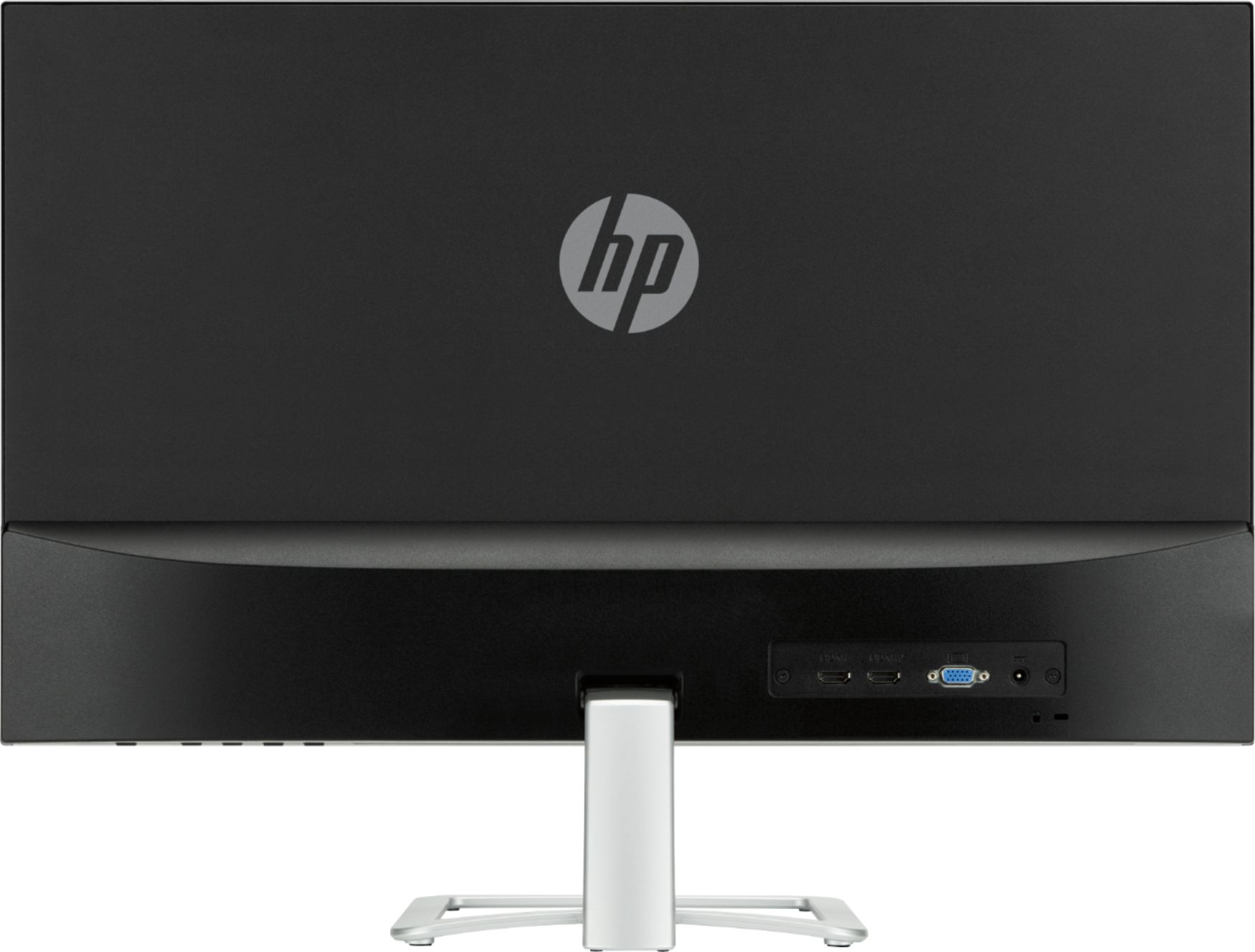
A:AnswerNo. Your all in one has the components built inside the monitor itself which are non removable. You may be able to add this one as a second monitor. You just have to check the specifications on your PC to make sure its possible.
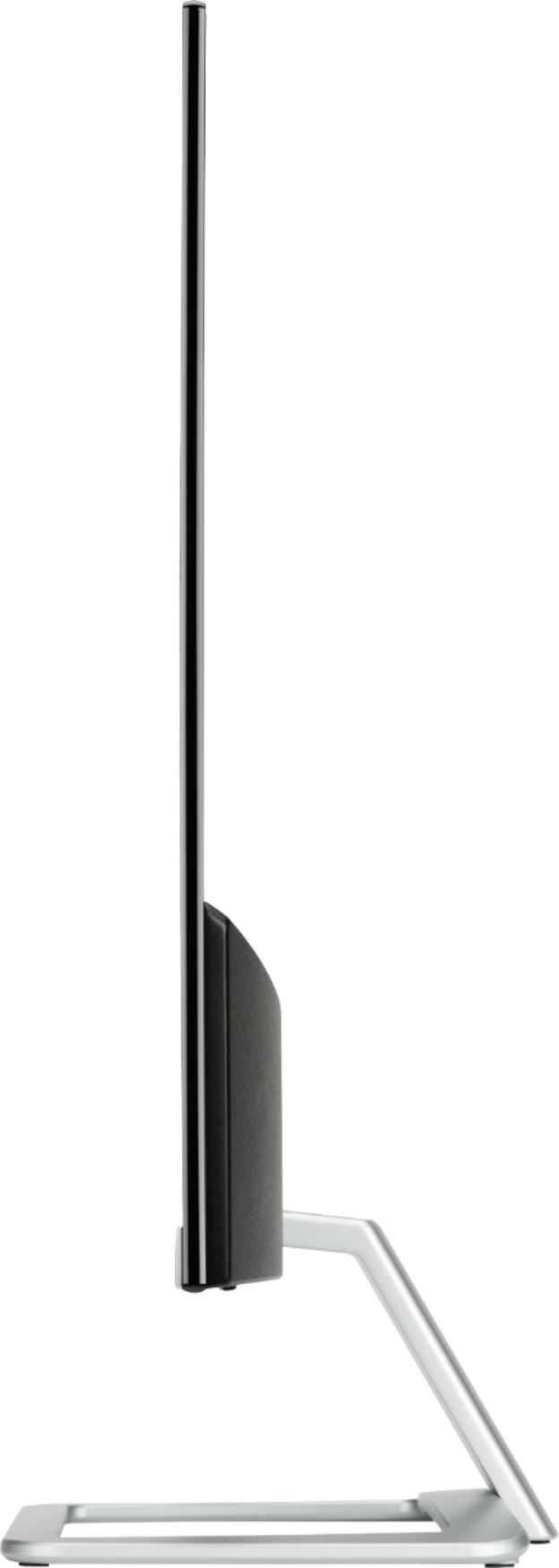
A:AnswerThe xw has a much larger screen thickness and different materials on the casing, that's the biggest thing I've noticed. I'm actually not a fan of the xw as it looks bulky next to the es.
A:AnswerMy Windows 10 has a sleep option that works to put the desktop and the monitor to sleep. You press the space bar to 'wake them up'. There is also a sleep timer that puts my unit to sleep after the computer has not been used for some time. You can set the time for different times, I use ten minutes. I hope this helps you.