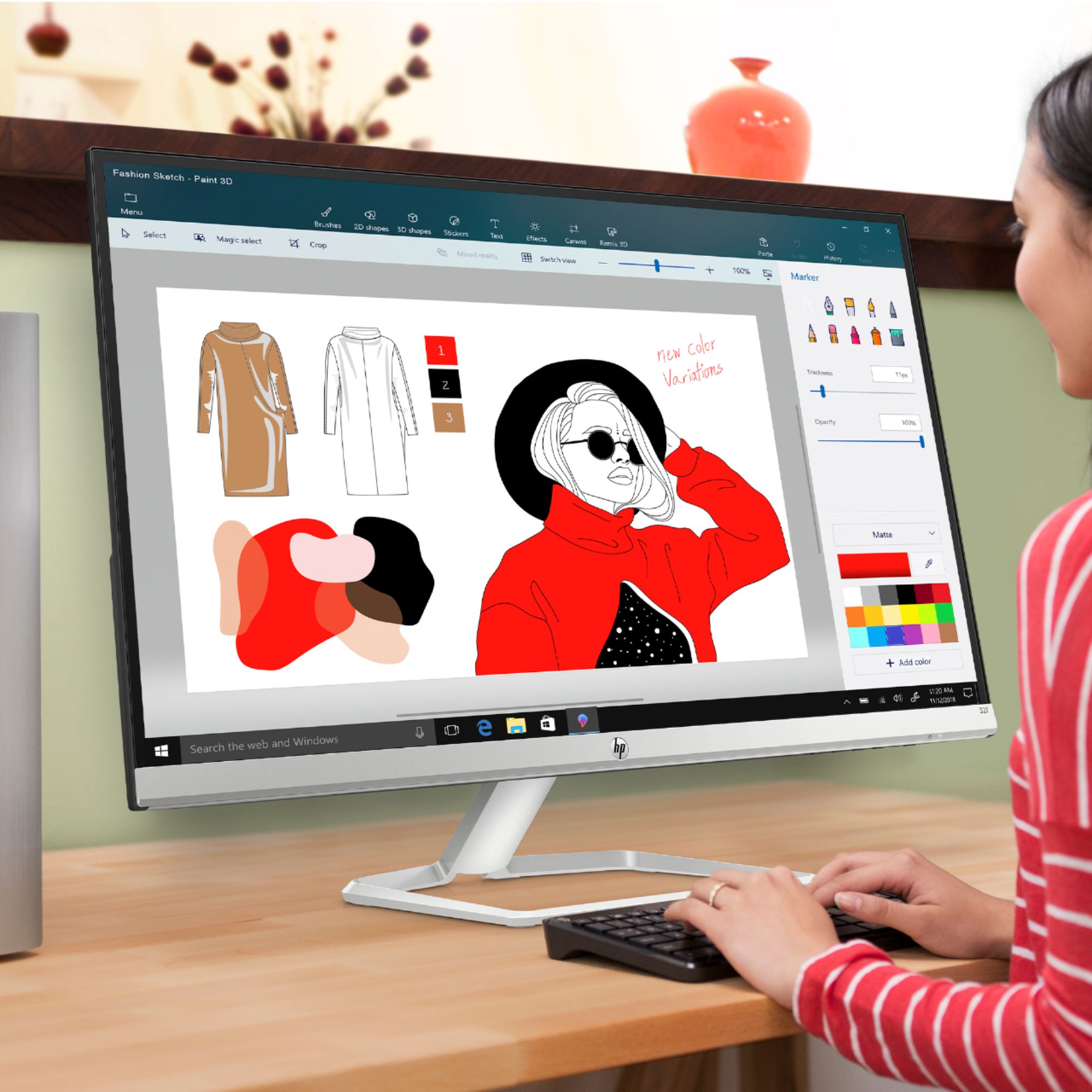
A:AnswerIf you are using a windows computer/laptop you have to choose your output device from the dropdown in the lower right corner of your screen. It's the speaker icon.
A:AnswerJust to verify the question. This is not an all in one computer. This is a great product. I use it with my laptop. Which I have a wireless keyboard and mouse connected. I’m planning on buying a second monitor as well. It’s definitely awesome.
A:AnswerMy purchase did not include a CD. I am using this monitor with a Mac book and also a lenovo laptop and it works seemlessly without any installation software.
A:AnswerNot it does not. I would recommend an external Webcam and mic. Here are some to choose from:
https://www.bestbuy.com/site/searchpage.jsp?_dyncharset=UTF-8&id=pcat17071&iht=y&keys=keys&ks=960&list=n&sc=Global&sp=%2Bcurrentprice%20skuidsaas&st=webcam&type=page&usc=All%20Categories
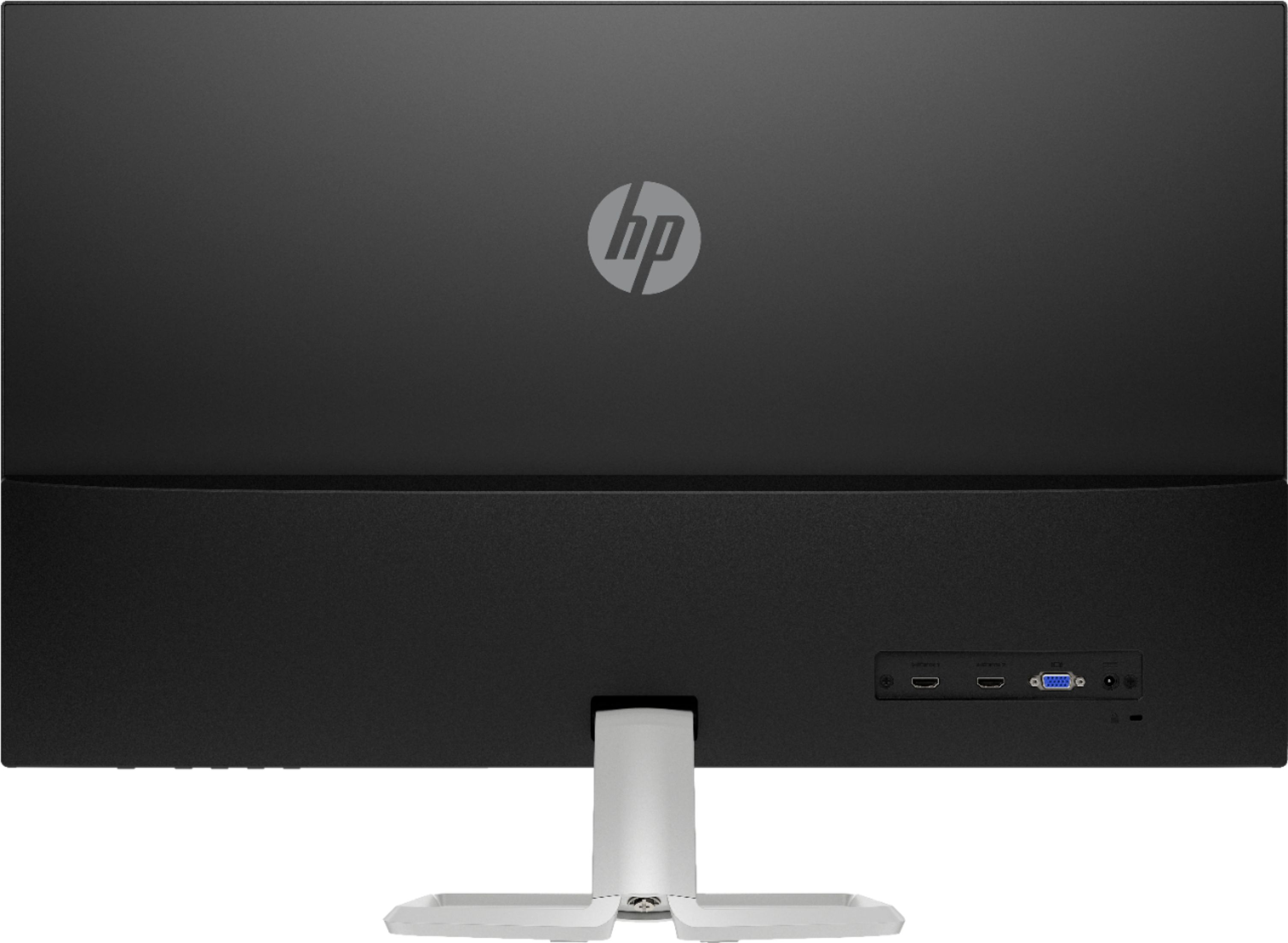
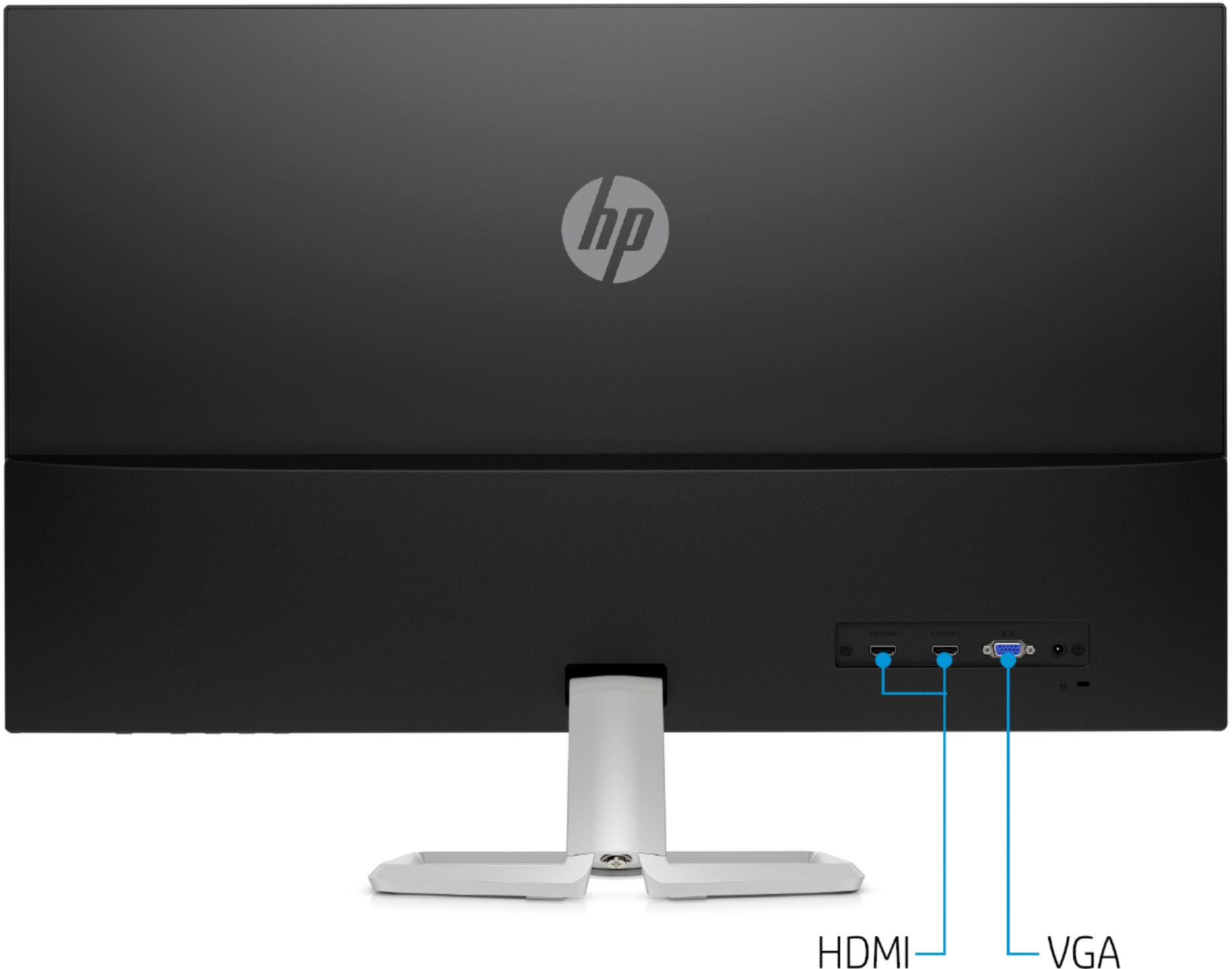
A:AnswerAs long as you have the correct cables then yes. The monitor uses hdmi and vga so you would need a converter if the Mac mini doesn’t have a hdmi port