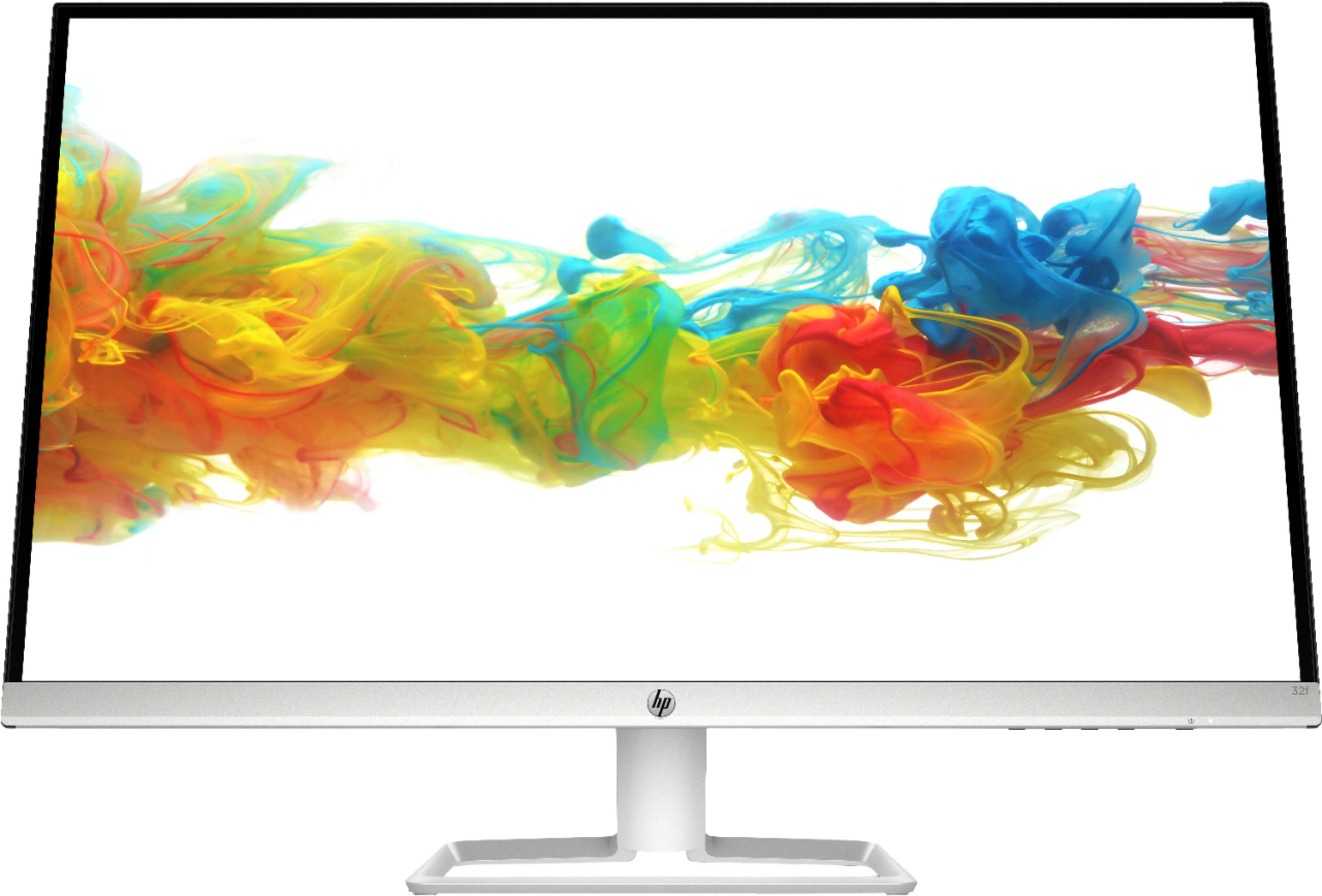
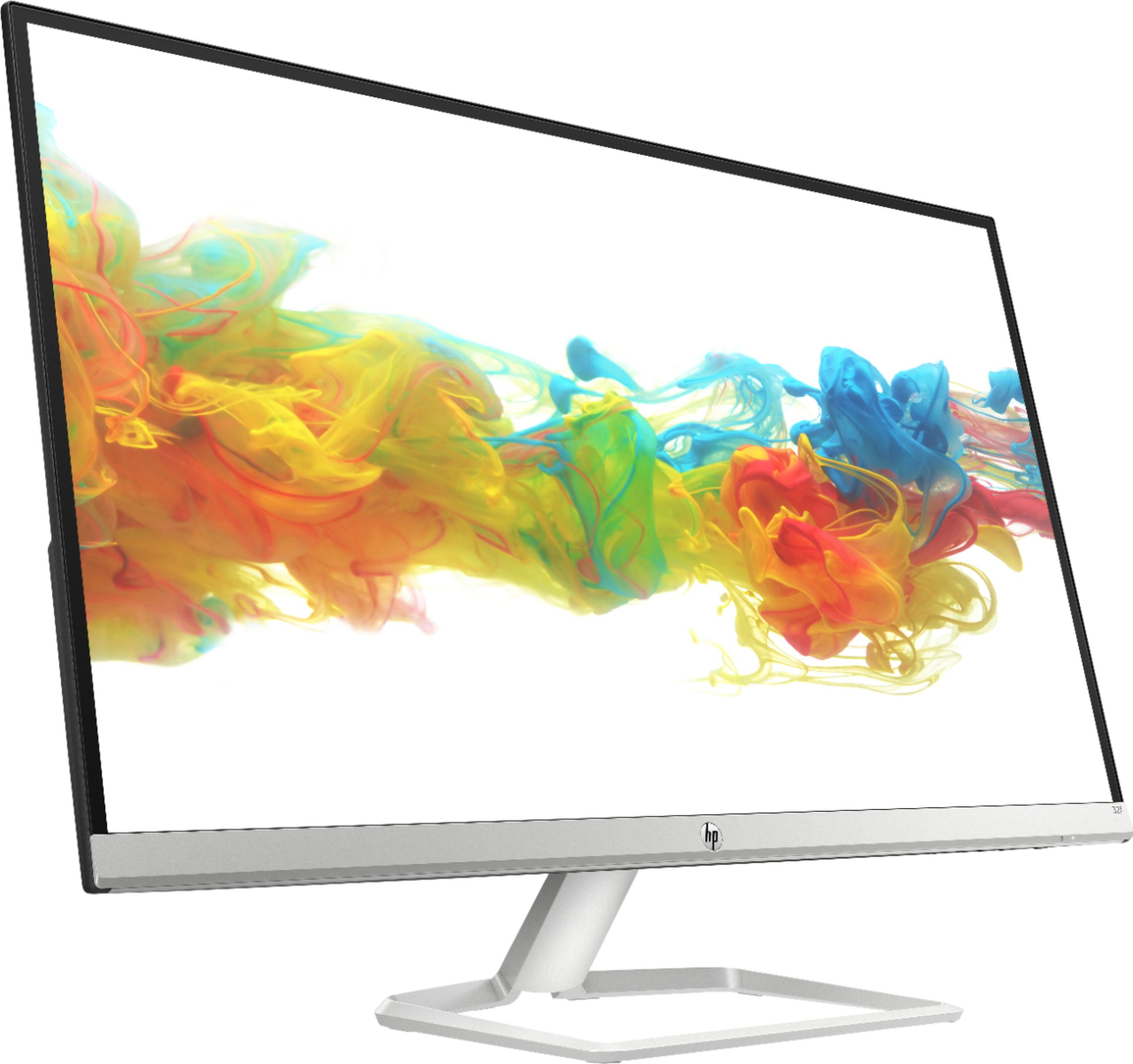
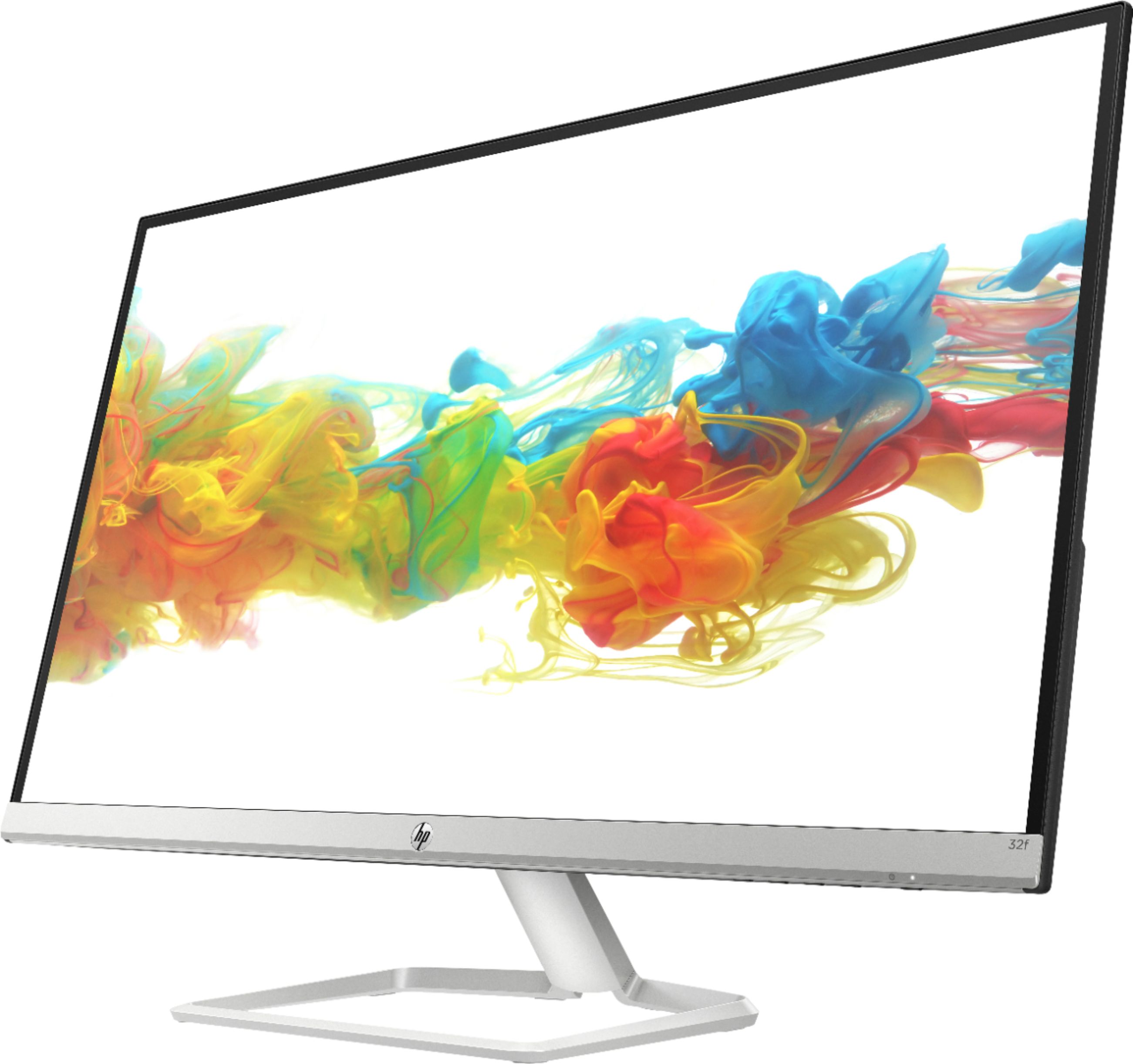
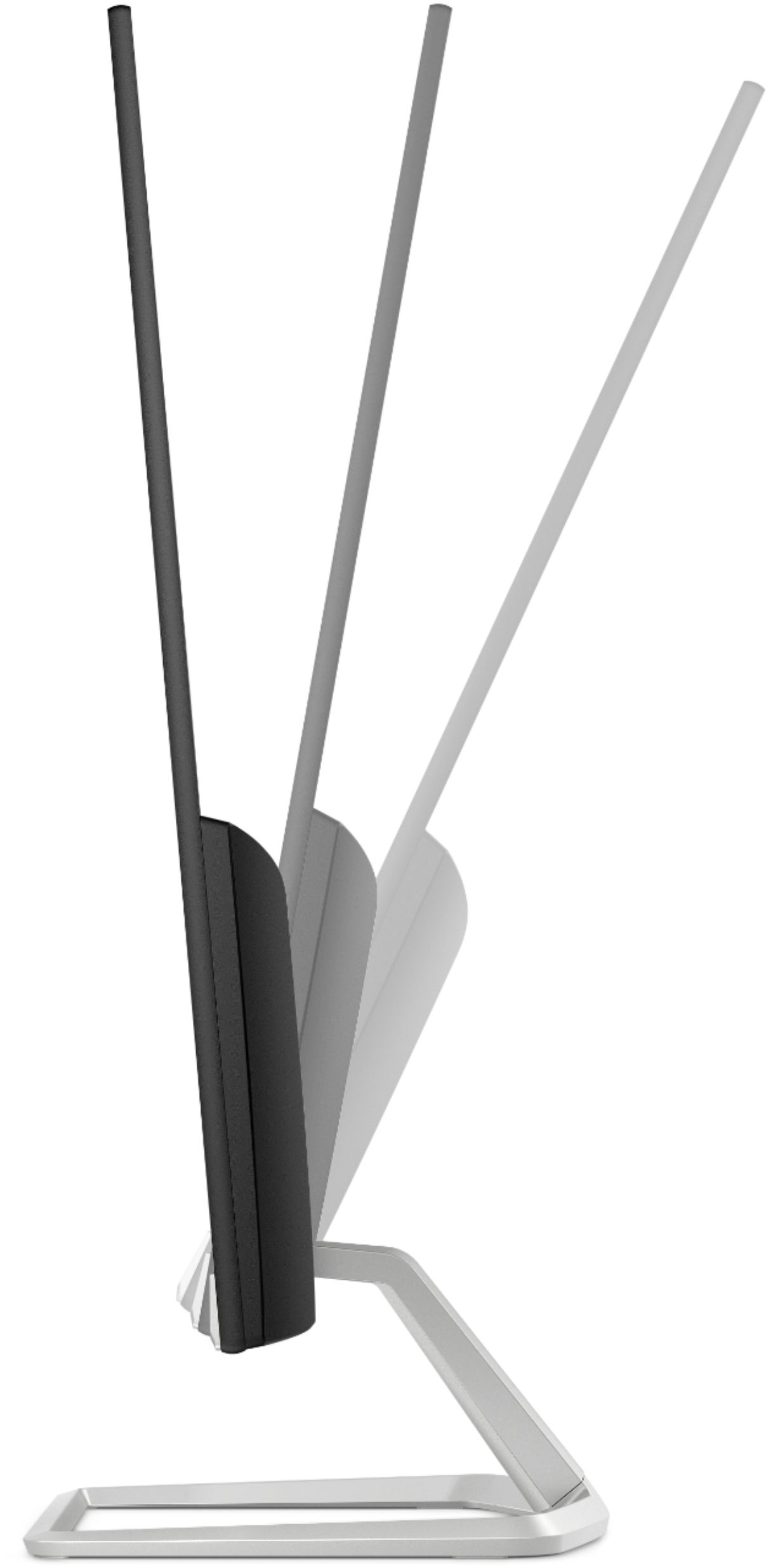
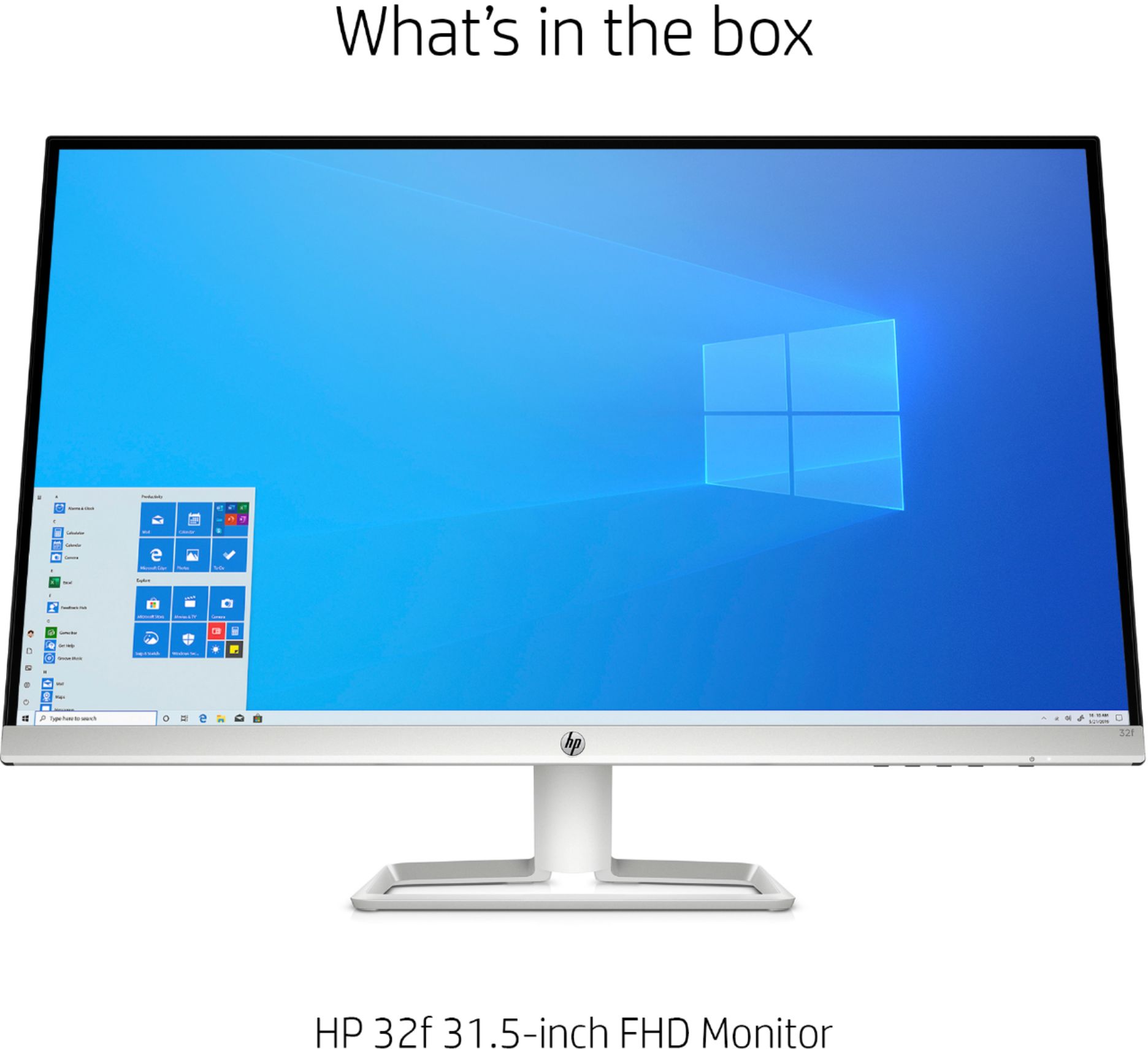
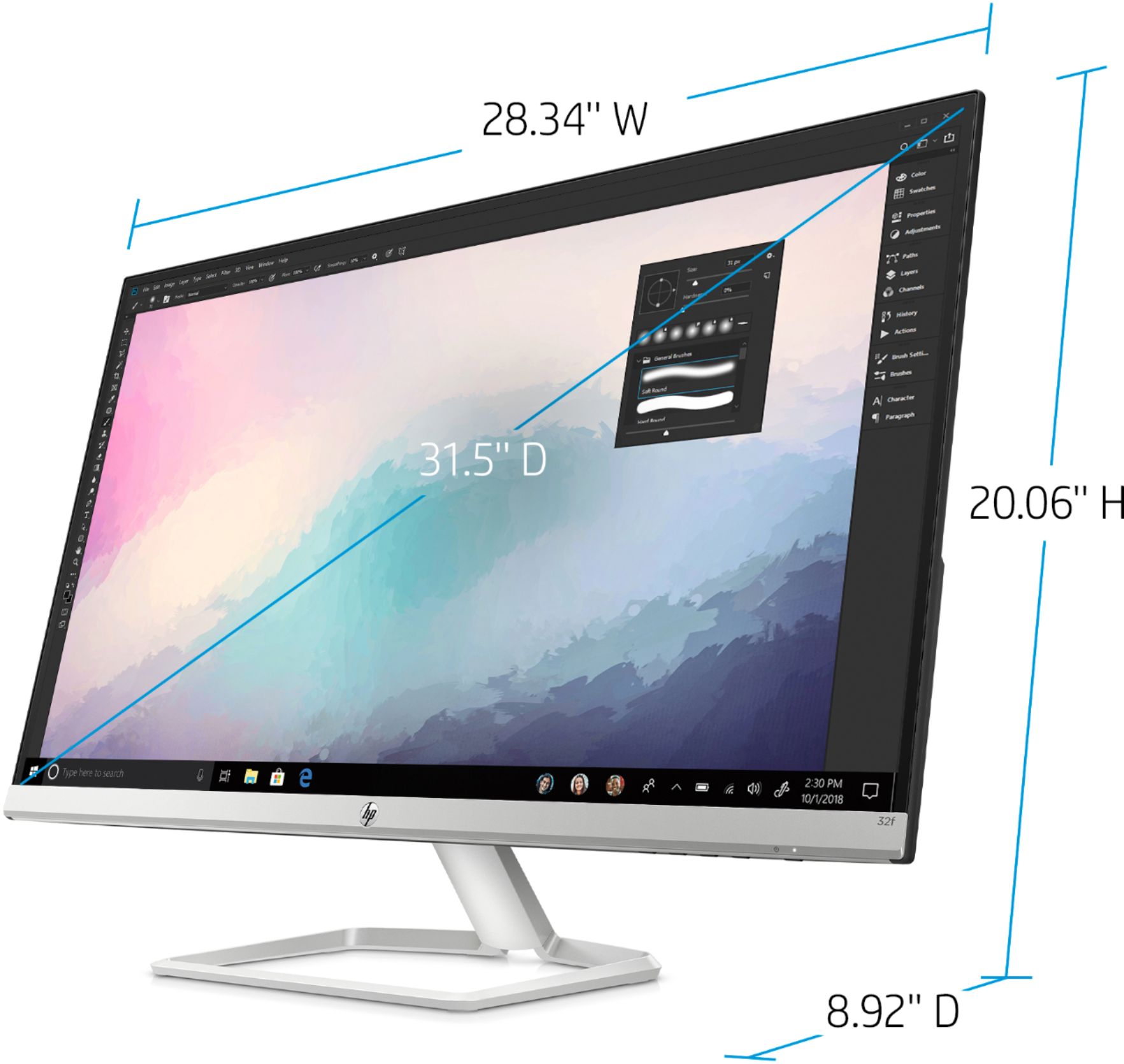
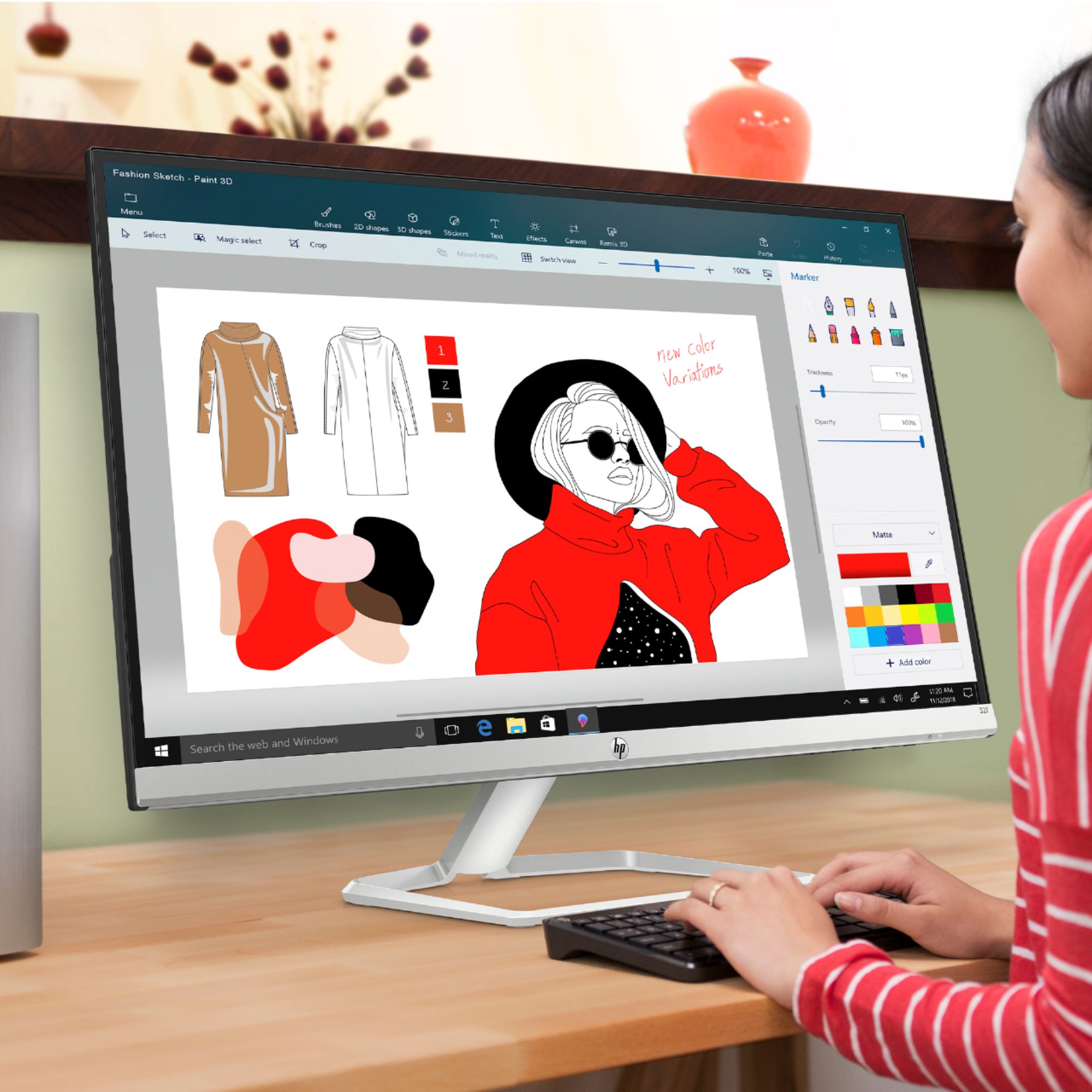
A:AnswerIf you mean the physical frame of the monitor, it has a single slim frame. It is a single monitor, but huge. So you can keep 2 or 3 different things open in minimized form.
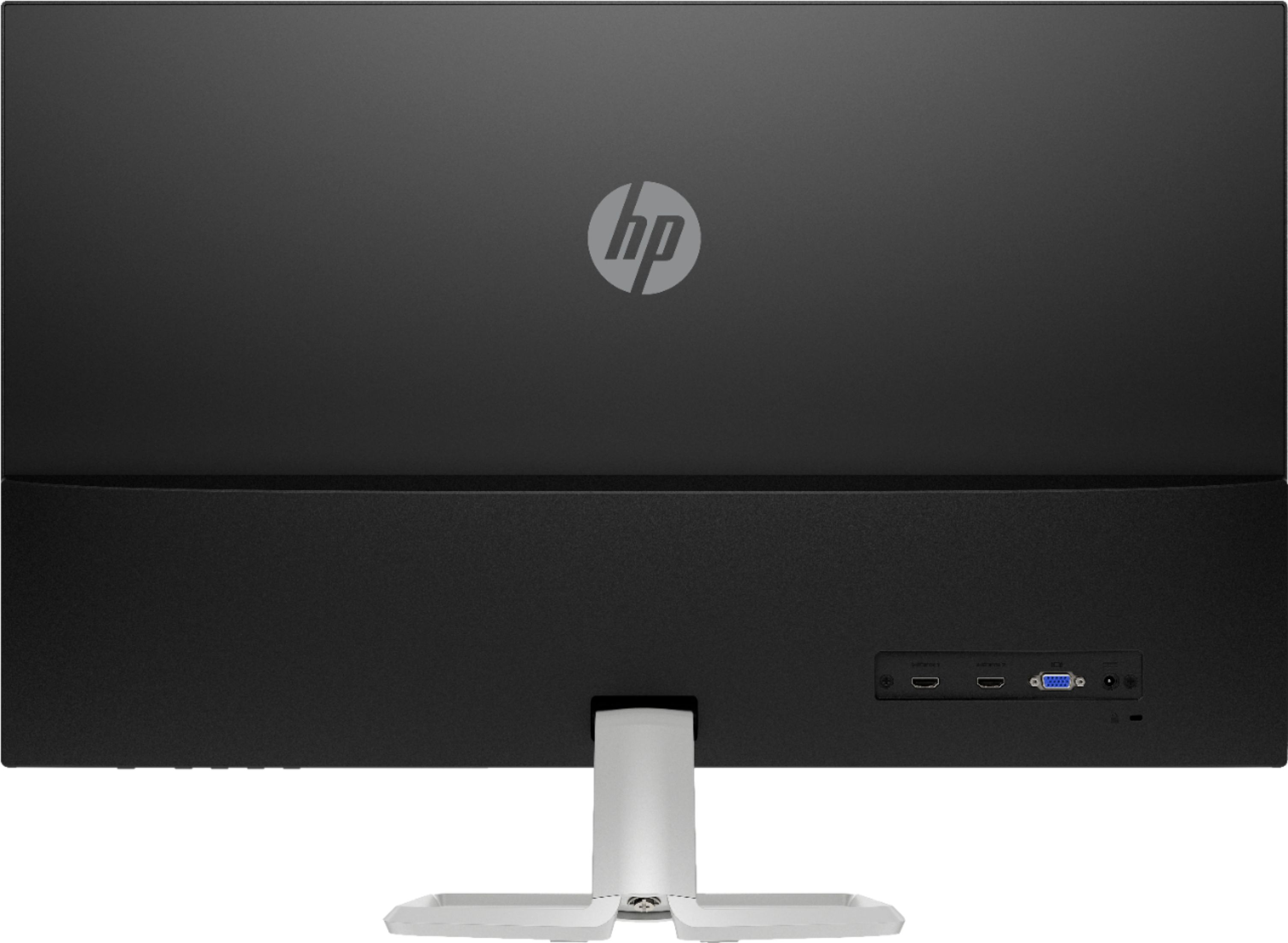
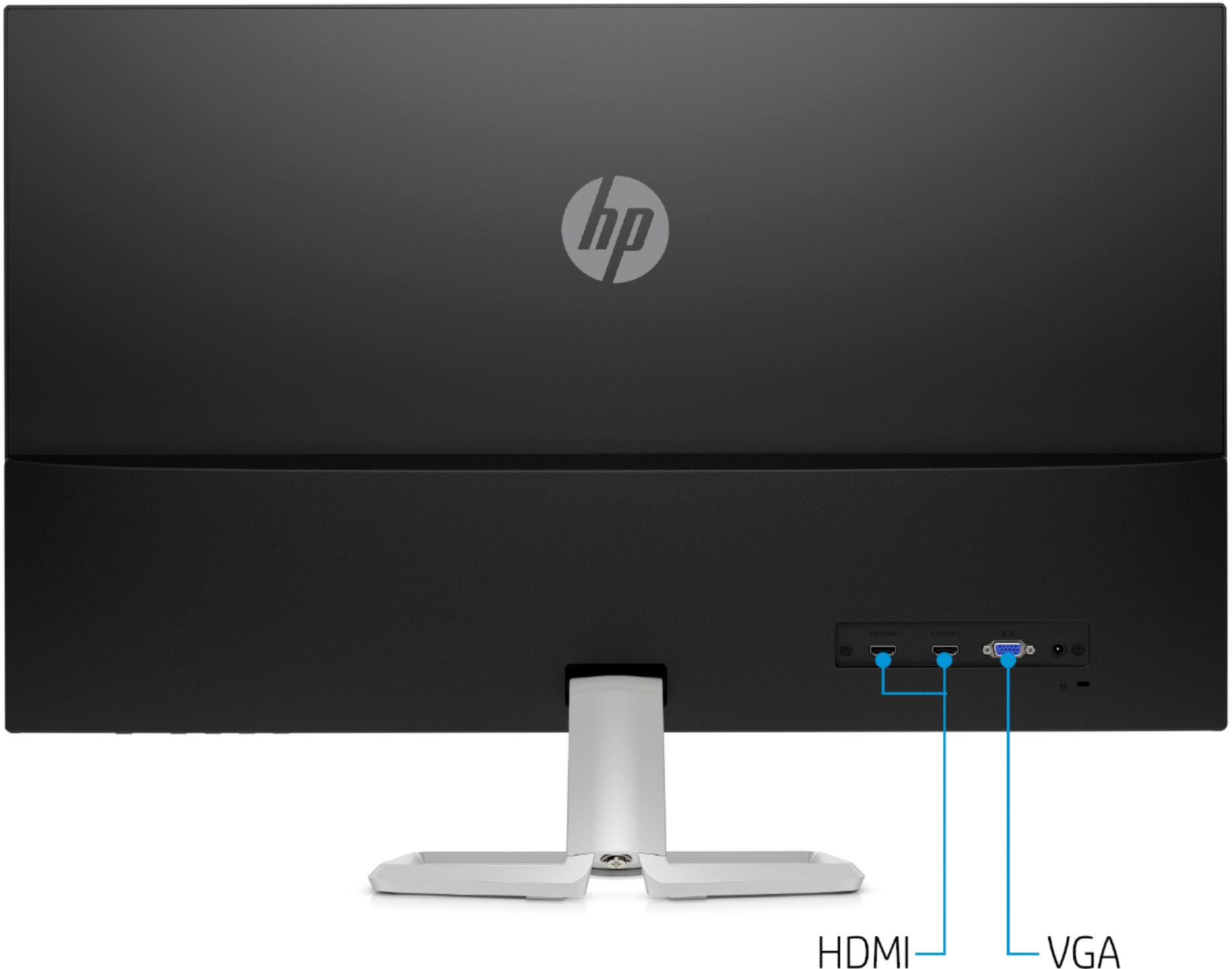
A:AnswerIt has both an HDMI and a VGA port, so you could have both of them hooked up, but you wouldn't be able to see displays from both computers. You'd need a switch box of some kind to go between displaying the two computers
A:AnswerYou will not be able to daisy-chain the HDMI monitors. Each monitor will need its own video out port. Only DisplayPort v1.2 or Thunderbolt allow for daisy-chain monitors. This link has more info https://store.hp.com/us/en/tech-takes/how-to-daisy-chain-monitors
A:AnswerYou just buy regular stereo speaker. Like I bought Logitech S120 2.0 Stereo Speakers on Amazon, it was $13 and you connect the cable already connected to the speaker to the PC tower. If you want Bluetooth speakers, then just connect the Bluetooth to you PC wirelessly by turning on your computer Bluetooth.
You do Not need HDMI or VGA to connect a stereo speaker for computers to your computer tower. It already comes with it.
A:AnswerThis monitor has 1 VGA port and 1 HDMI port. You may need an adapter to use this monitor with your Mac Mini. This website will help find the right adapter for your computer: https://support.apple.com/en-us/HT201736 You will need an adapter to the HDMI port on the monitor.
A:AnswerYou can definitely do that. The display will allow you to switch the screens as well. You can have A to B or B to A, whatever is more comfortable for you.