A:AnswerThank you for the question. It should work fine. Fundamentally, G-Sync and FreeSync are the same. They both sync the monitor to the graphics card and let that component control the refresh rate on a continuously variable basis.
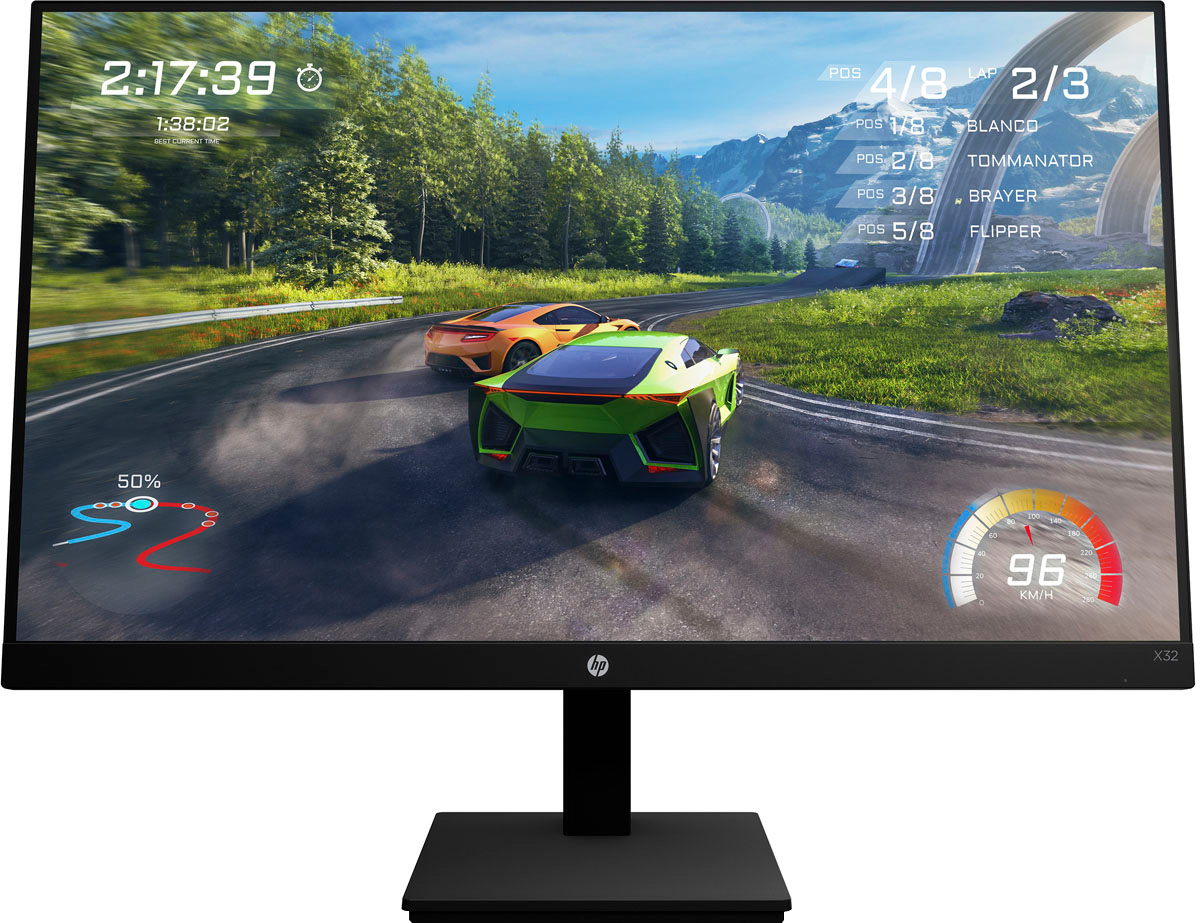
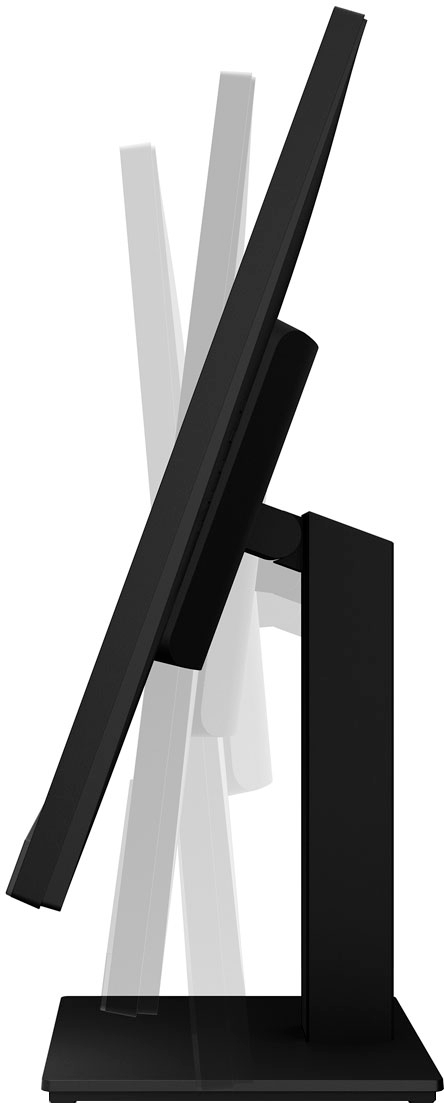
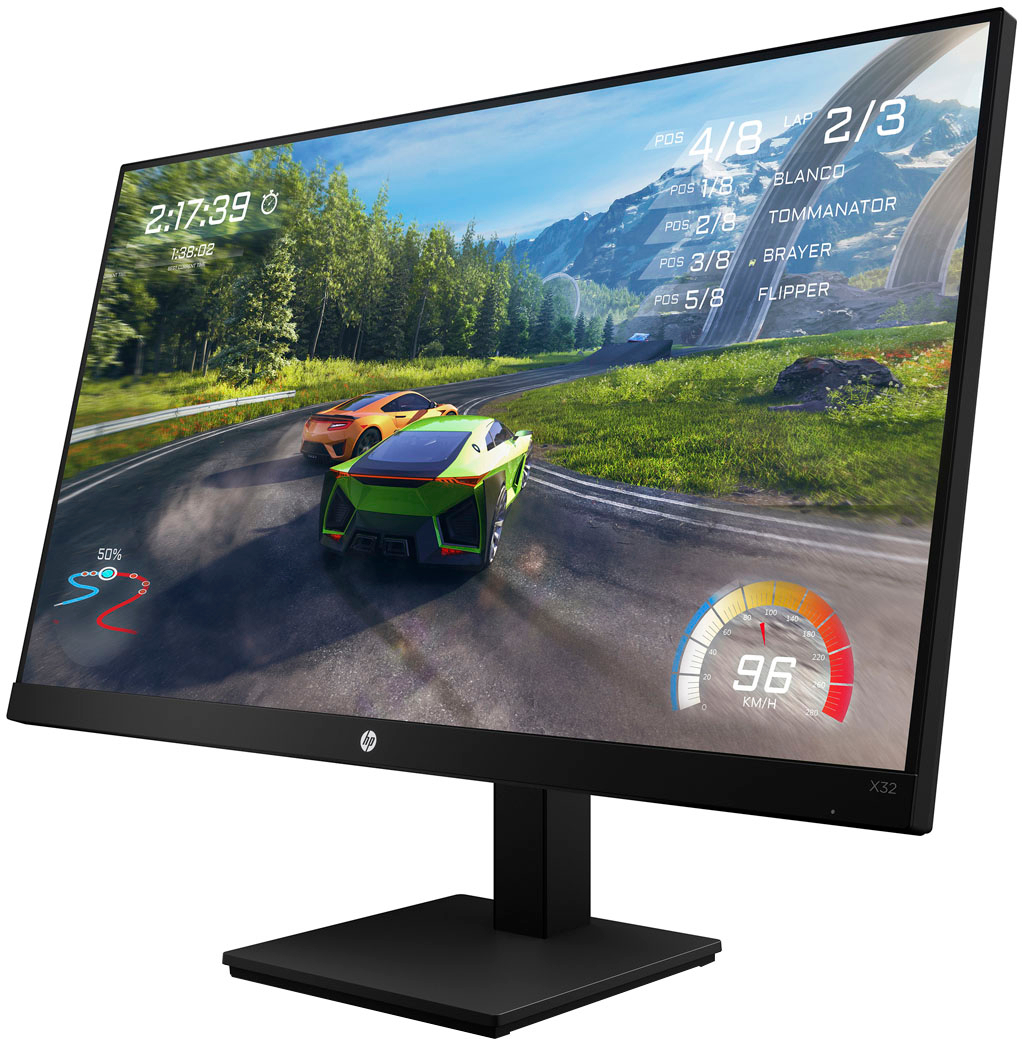
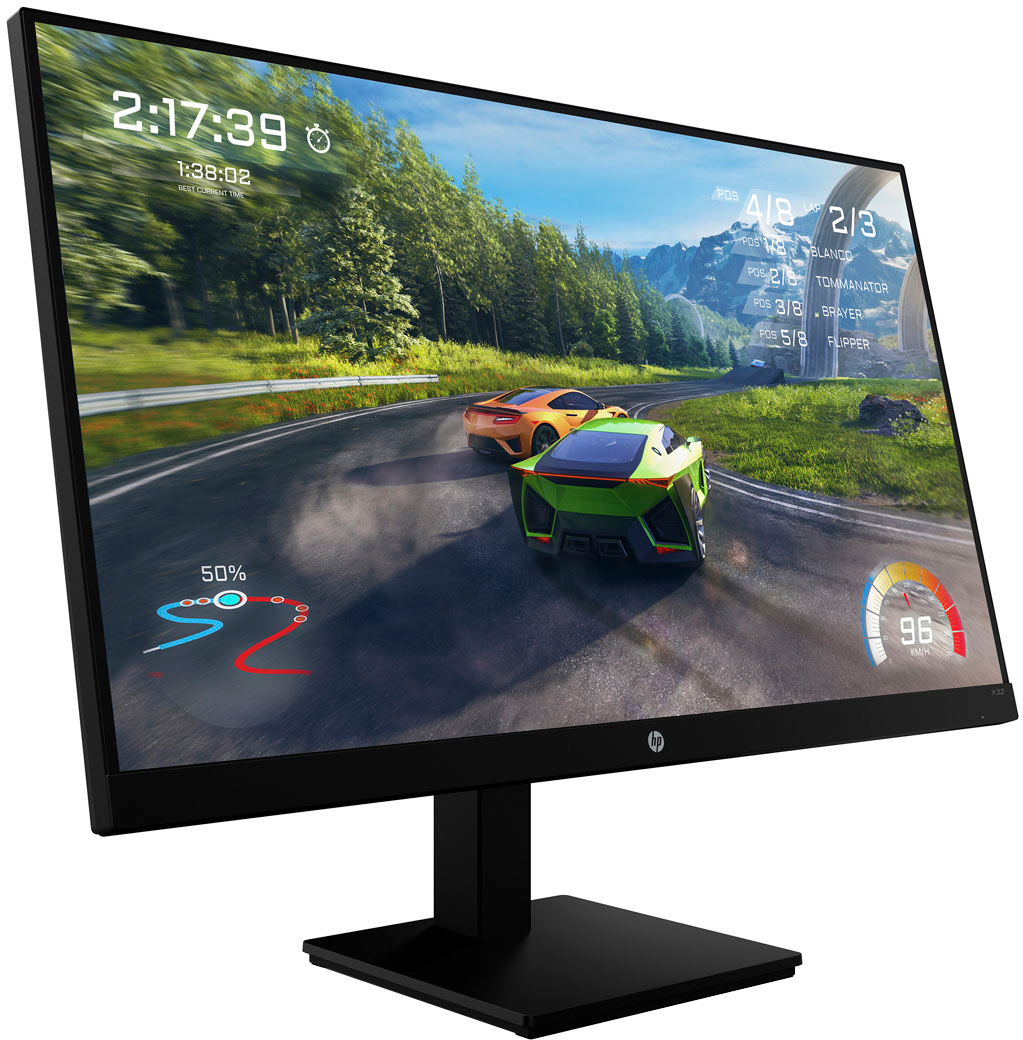
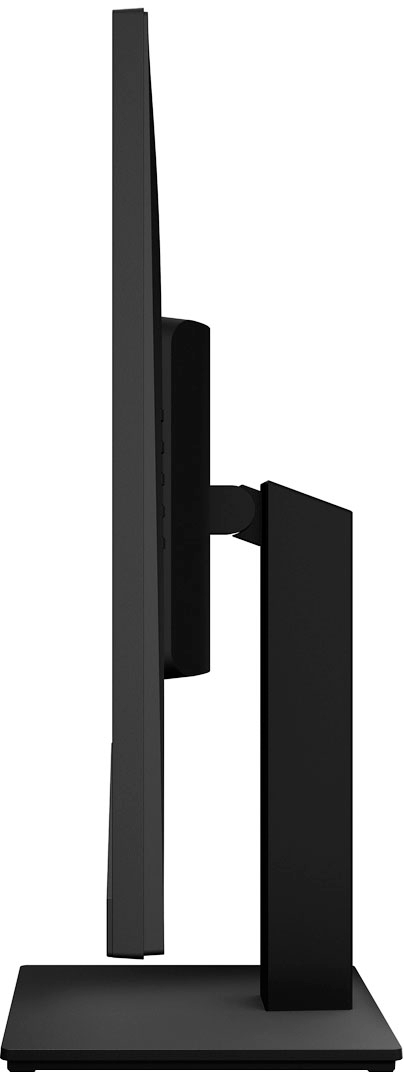
A:AnswerThank you for the question. With the stand attached, the X32 QHD Gaming Monitor measures 28.1" wide, 9.25" deep, and 21.58" high. Without the stand, the monitor measures 28.1" wide, 2.11" deep, and 16.9" high.
A:AnswerThank you for the question. In addition to the size difference, there are the following differences: The X27q has a PPI of 109 (pixels per inch) (the X32 has a PPI of 93), the panel bit depth is 10 bit (8 bit + FRC) (the X32 panel depth is 8 bit + FRC). The X27q has no swivel and can pivot +90, (the X32 has no swivel or pivot capabilities), and has a maximum power consumption of 70w, (the X32 has a maximum power consumption of 85w).
A:AnswerHi David, thank you for the question. The HP X32 QHD Gaming Monitor does not have speakers, but it does have an audio-out port if you wish to attach speakers or a headset.
A:AnswerI have the razor soundbar and to be honest it wasn't the best sound bar I've purchased at retail price or on sale. If I were to do it again I would probably look towards a dolby atmos sound bar with wireless sub that has good reviews. To be honest I use headphones more then I use speakers unless I am watching movies. I am using Steel Series Arctis Nova Pro wireless and they have been the best I have had for comfort & sound.
A:AnswerWithout a lot more information, it's impossible to tell you what the issue is. Your best option is to contact the HP support team directly so they can troubleshoot it with you in real time.