Questions & Answers
- Model:
- W2Q00AA#ABL
- |
- SKU:
- 5359901
Highly rated by customers for: Bluetooth, Design, Easy to use
Page Showing 1-7 of 7 questions
Q: QuestionNot tech savvy just have a simple HP laptop nothing special and need a reliable and dependable mouse will this work with my laptop
Asked by Belmont.
- A:Answer Yes this would work fine. Here is a less expensive simple mouse that I have used with great success. https://www.bestbuy.com/site/hp-200-wireless-optical-mouse-black/5614100.p?skuId=5614100
Answered by HP Team

Q: QuestionDo you charge it? How long is the battery life? Do you need batteries?
Asked by Kriste.
- A:Answer You use regular batteries. This is not rechargeable
Answered by TJay
Q: QuestionI want to order this product and pick up in San Bernardino. But I do t want to pay for it until I pick it up. Try g not to use credit. Is that possible
Asked by Cindy.
- A:Answer You may be able to call the location you were planning to pick it up from, and ask an employee if they have it in the store and if so, to hold it for you for the day (in my experience I wouldn't expect any longer than that). In the event they don't even have it available at said location, I am also unsure if they would be willing to ship that item to the store so that you would be able to then purchase it there, but it couldn't hurt to ask. Otherwise, through the website (as far as I can tell) there is no way for you to put in an official store-pickup order where you don't pay until you pick it up. (What would be the effective difference of you just coming into the store and then purchasing it right there and then?) In my experience, calling a particular Best Buy location will direct you to an automated menu that won't tell you exactly how to get ahold of an in-store employee, so if that happens I'd just press 0 a couple times until you do. (This has worked for me, especially if they're asking for an extension # that wouldn't be obvious to you)
Answered by Anonymous
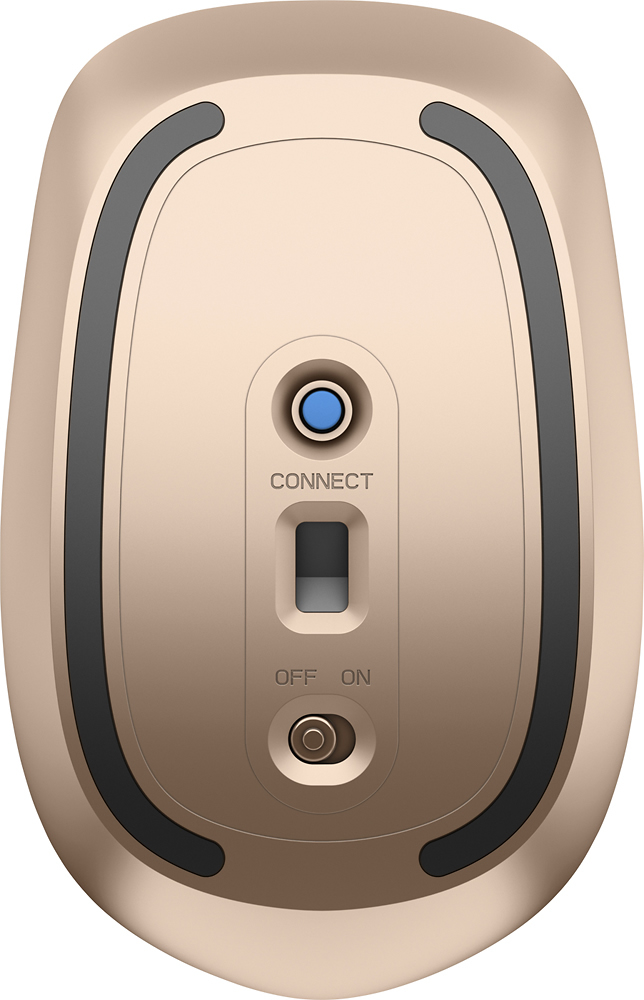
Q: QuestionDoes this require a receiver?
Asked by Judi.
- A:Answer No, that was one of my favorite features, and it was very easy to link to my laptop.
Answered by DeDe
Q: QuestionWill it work with Windows 10?
Asked by Liza.
- A:Answer Yes, that is the operating system I'm using too.
Answered by DeDe
Q: QuestionWhere is the battery located
Asked by Mikehay.
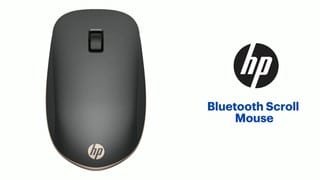
- A:Answer The top plastic cover pops up, and reveals a space for the AA battery. Very easy.
Answered by drdave
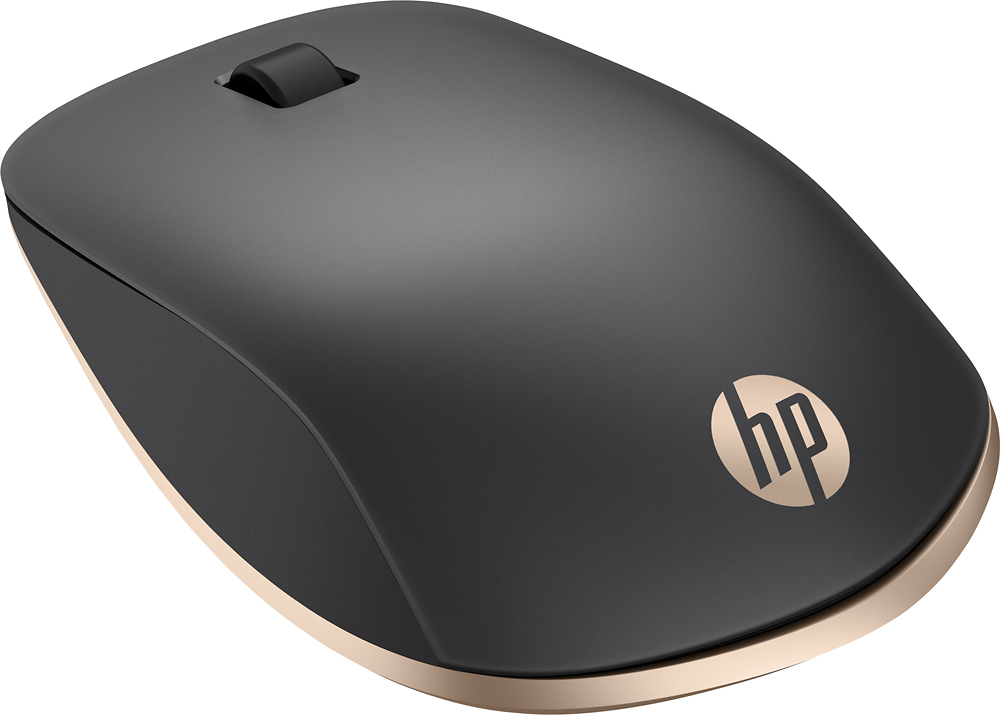
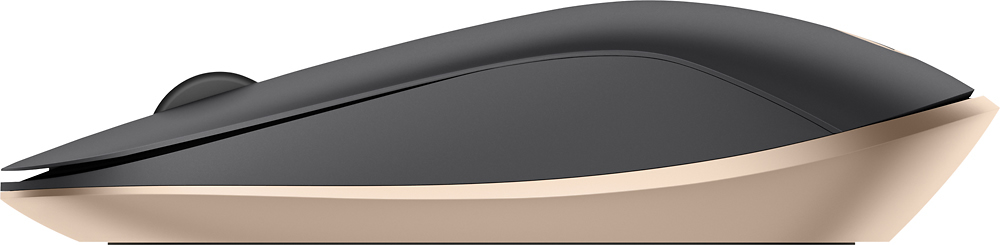
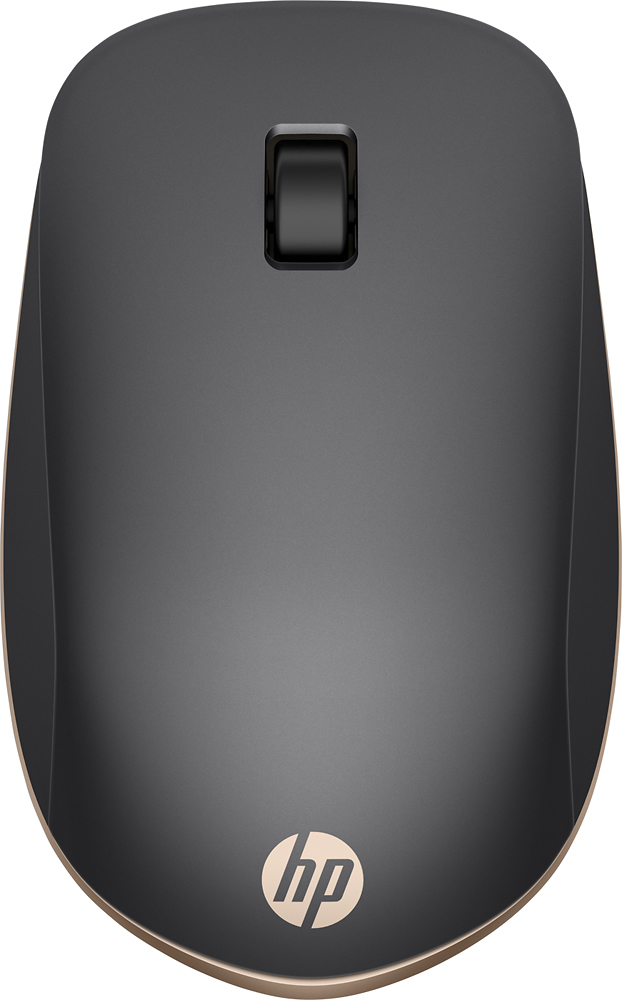
Q: QuestionFrom looking at the pictures, I gather that this mouse doesn't have backward and forward buttons? I use them all the time on my current mouse, but it isn't wireless, so I'd need to take up a USB port to use it on this laptop?.
Asked by ButtonUser.
- A:Answer Yes it does have a forward/backward scroll wheel on top. And since its bluetooth, no need to use usb port.
Answered by BevoDog
Page 1, Showing 1-7 of 7 questions
Most-viewed items
- $329.99$329.99The price was $469.99
- $149.00$149.00The price was $399.00
- $159.99$159.99The price was $179.99
- $122.00$122.00The price was $129.99
- $449.99$449.99The price was $649.99
- $1,149.00$1,149.00The price was $1,299.00