Questions & Answers
- Model:
- 24-ct2024
- |
- SKU:
- 12791189
$1,029.00$1,029.00
Save $50.99
The comparable value is Comp. Value: $1,079.99
Page Showing 41-49 of 49 questions
Q: QuestionCan I add pro tools recording software to this PC?
Asked by Anonymous.
- A:Answer Hello, Yes, if this PC meets the requirements for pro tools recording software.
Answered by Zerstoren
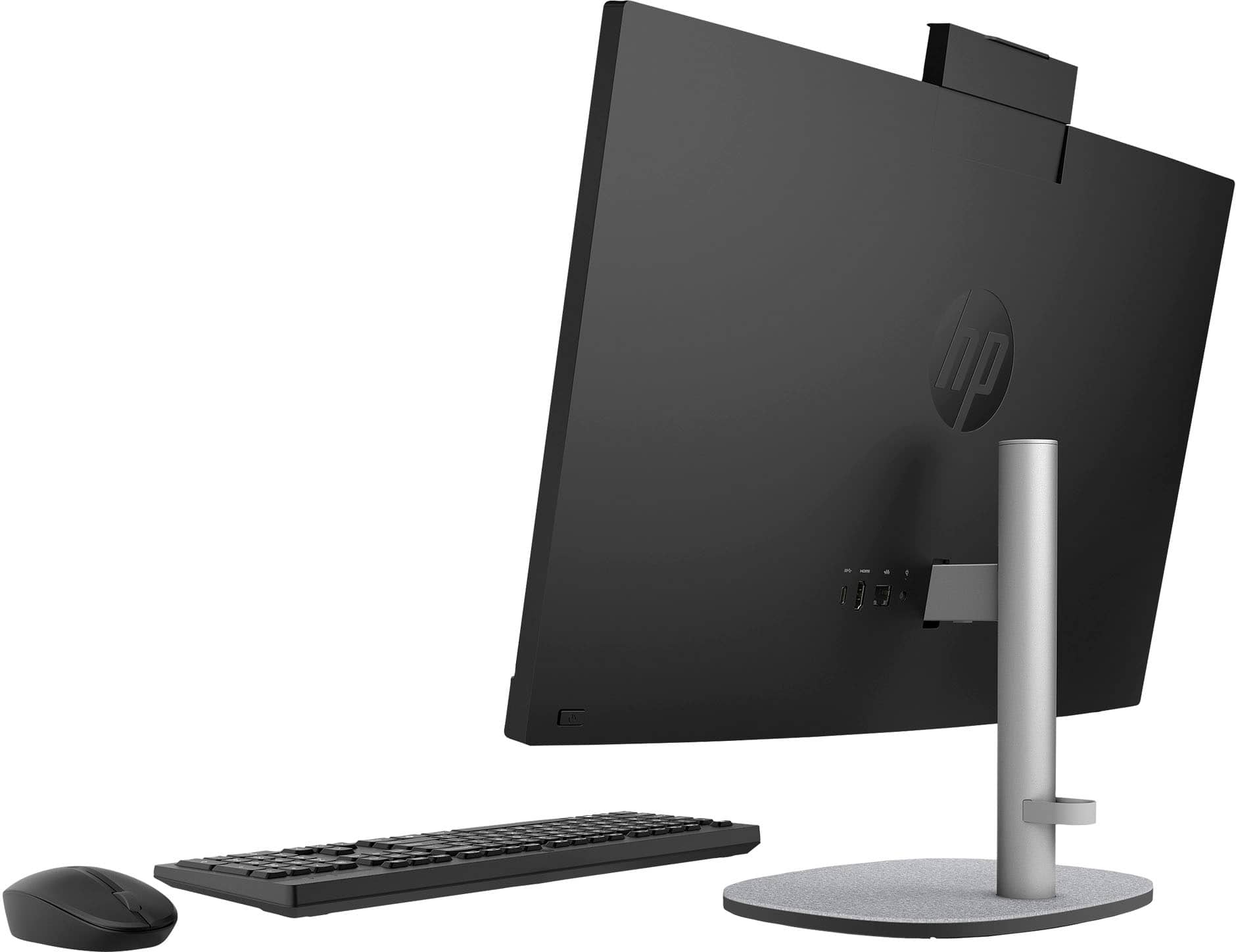
Q: Questionare there additional USB ports on this computer for peripherals - is there a card slot for SD cards from cameras
Asked by homefkq.
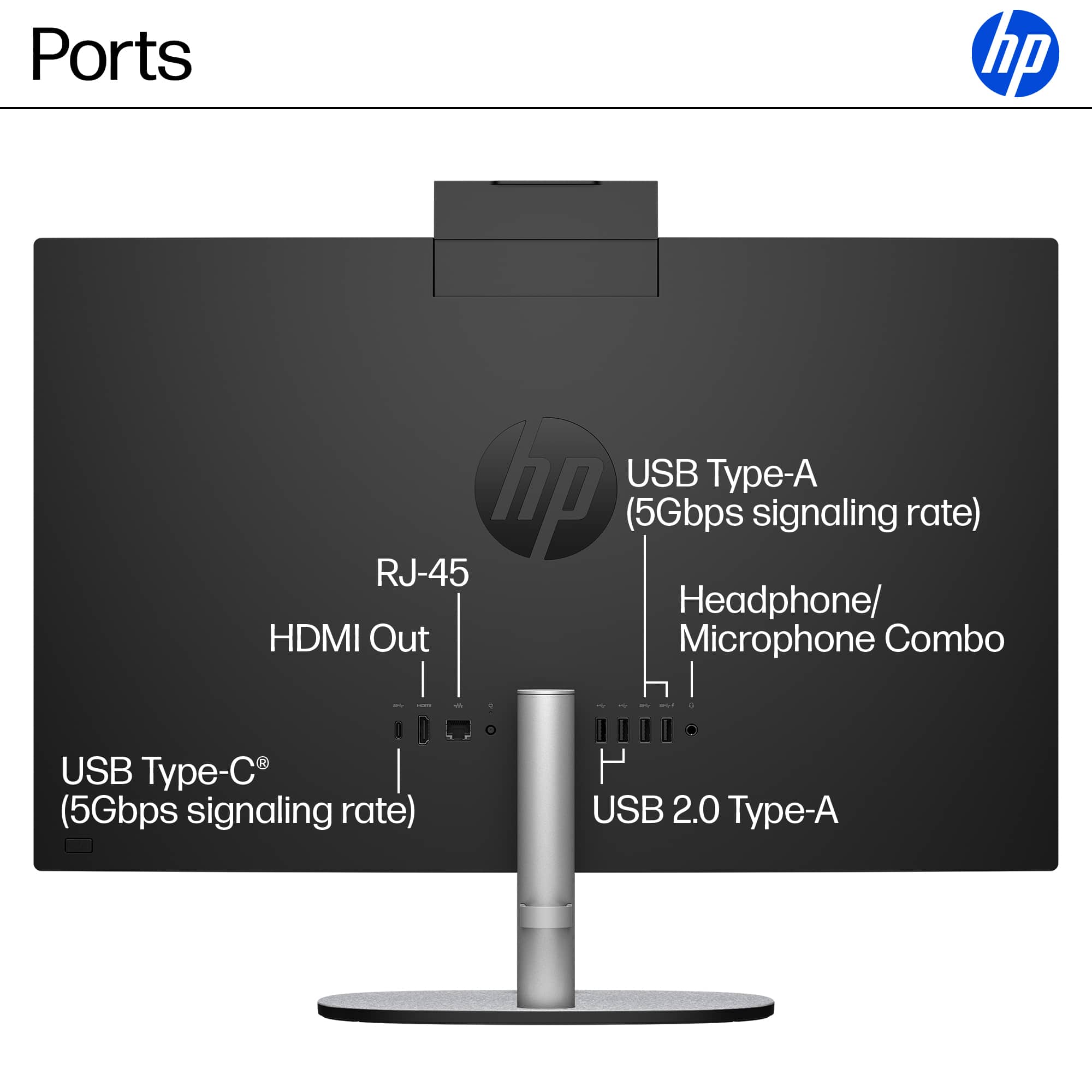
- A:Answer From the specifications posted on Best Buy's website: USB Ports 2 x USB-A 2.0, 2 x USB-A 3.0, 1 x USB-C 3.1 Number of USB Ports (Total) 5 Media Card Reader No
Answered by Zerstoren
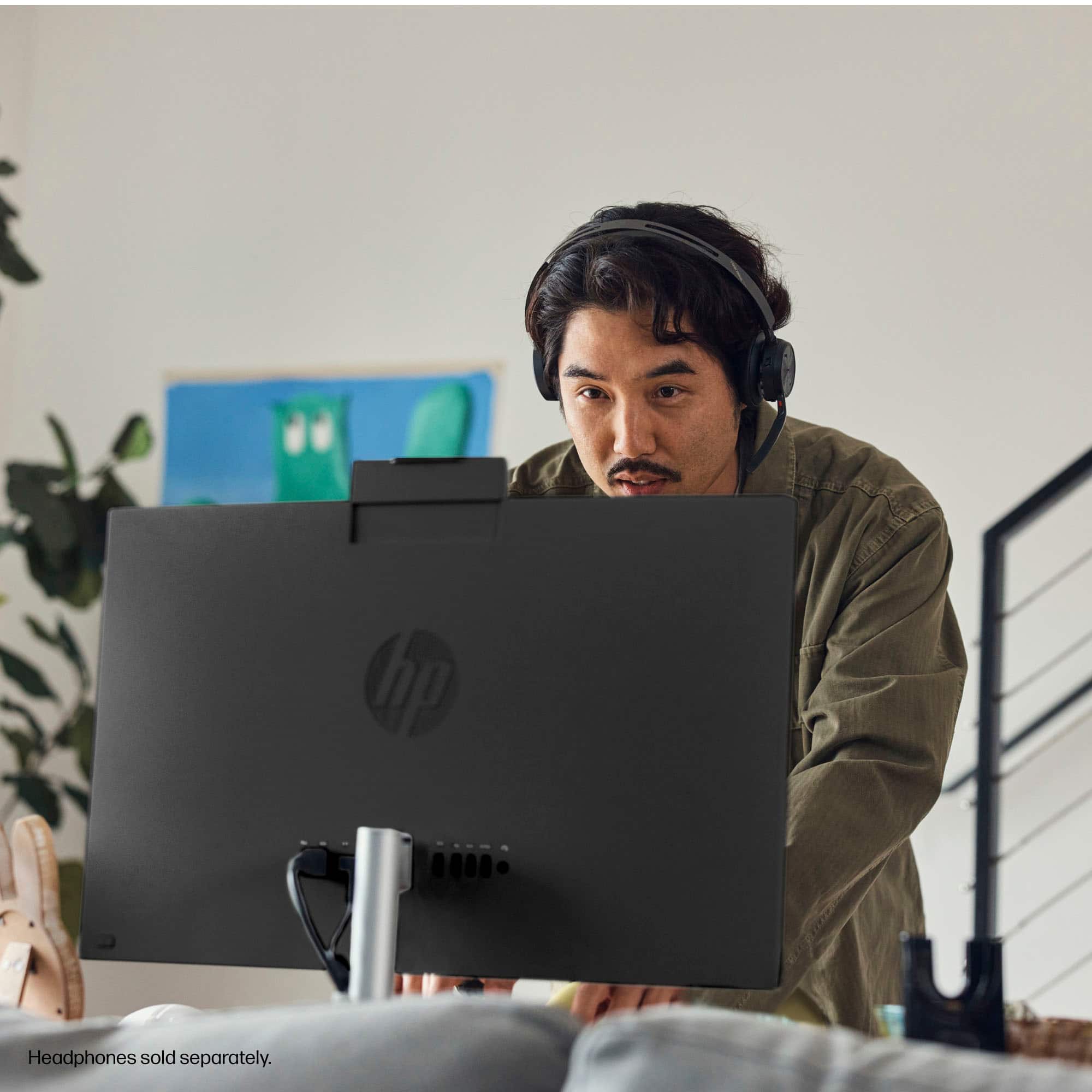
Q: Questioncan you move the camera up and down
Asked by martignene.
- A:Answer Yes.
Answered by Zerstoren
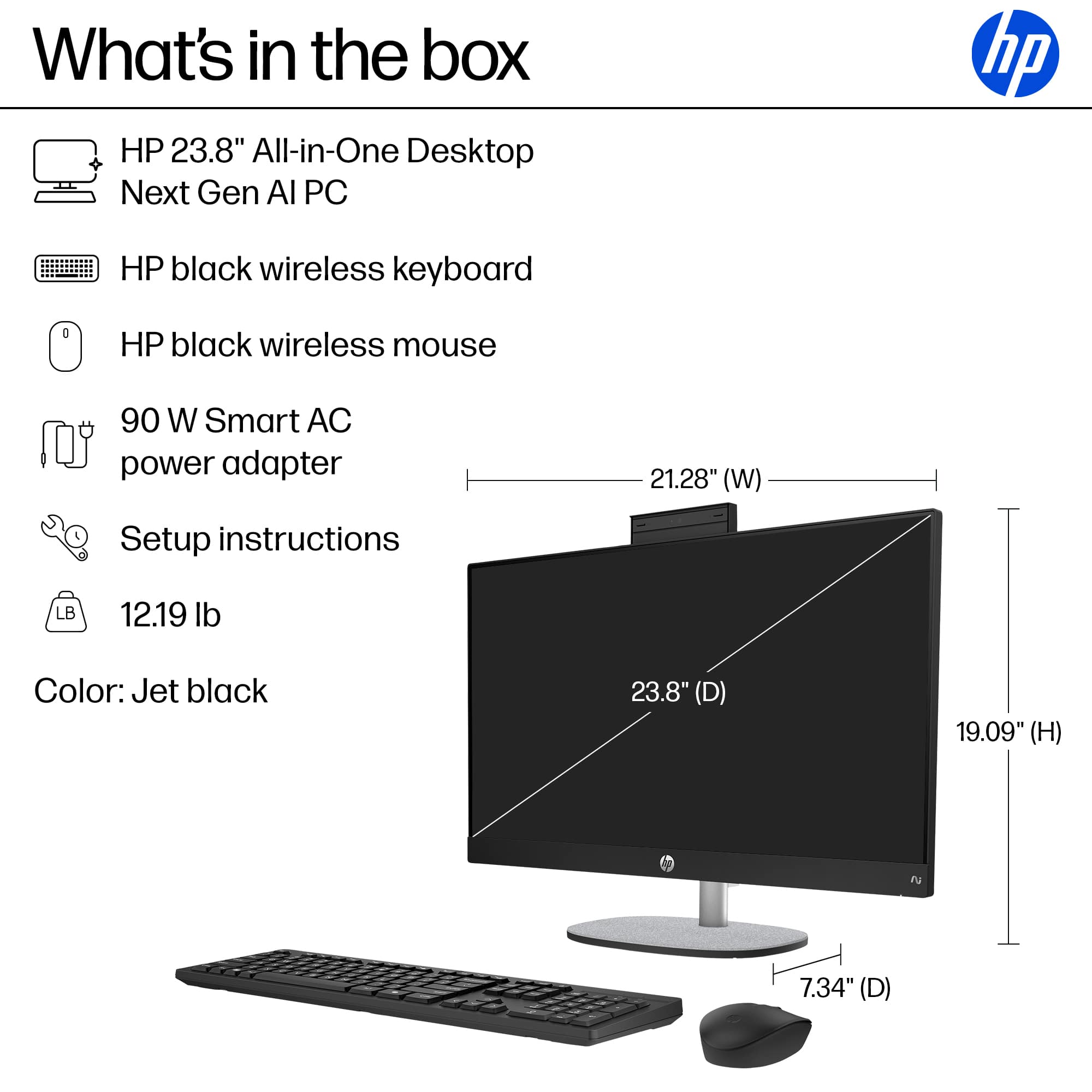
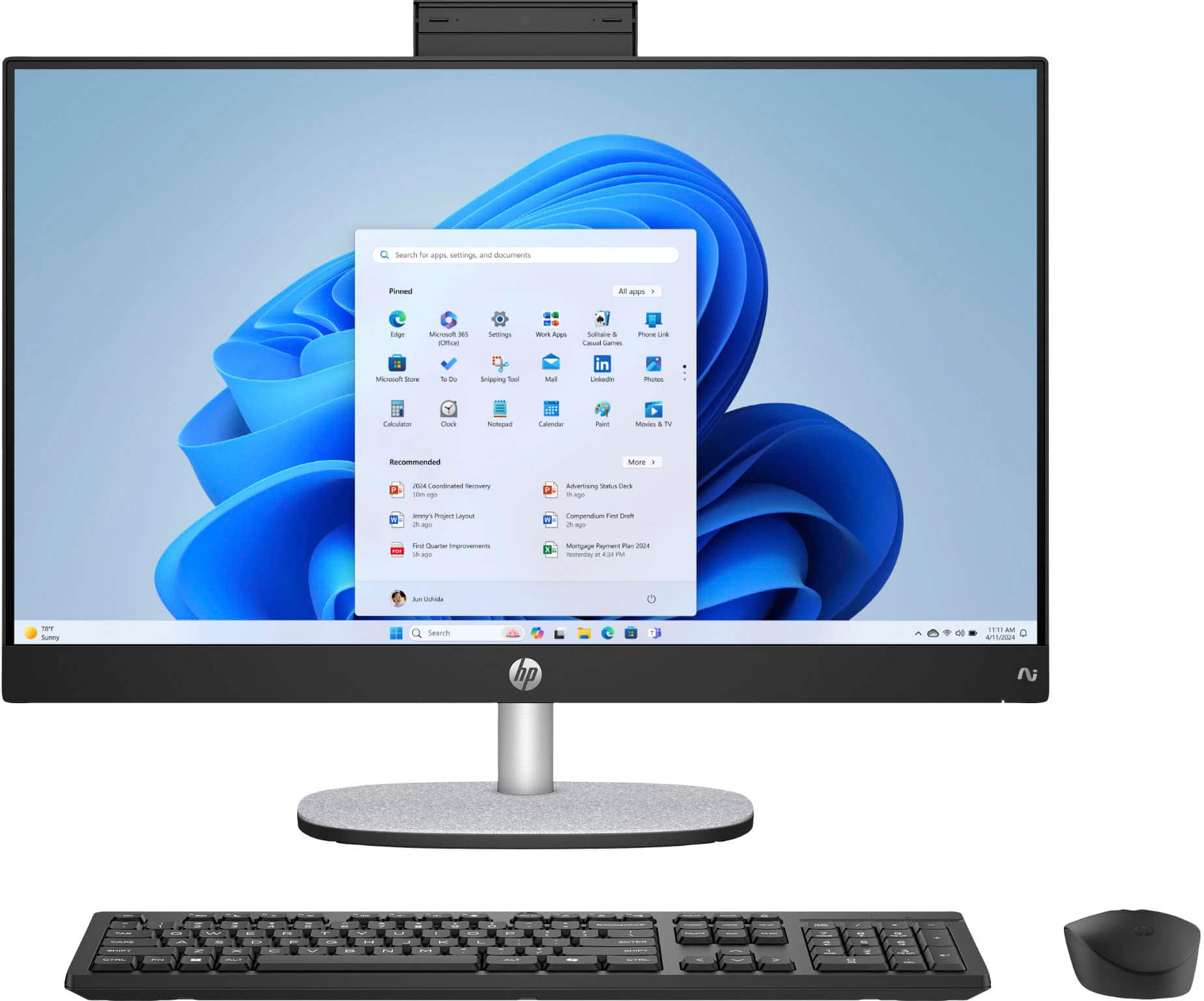
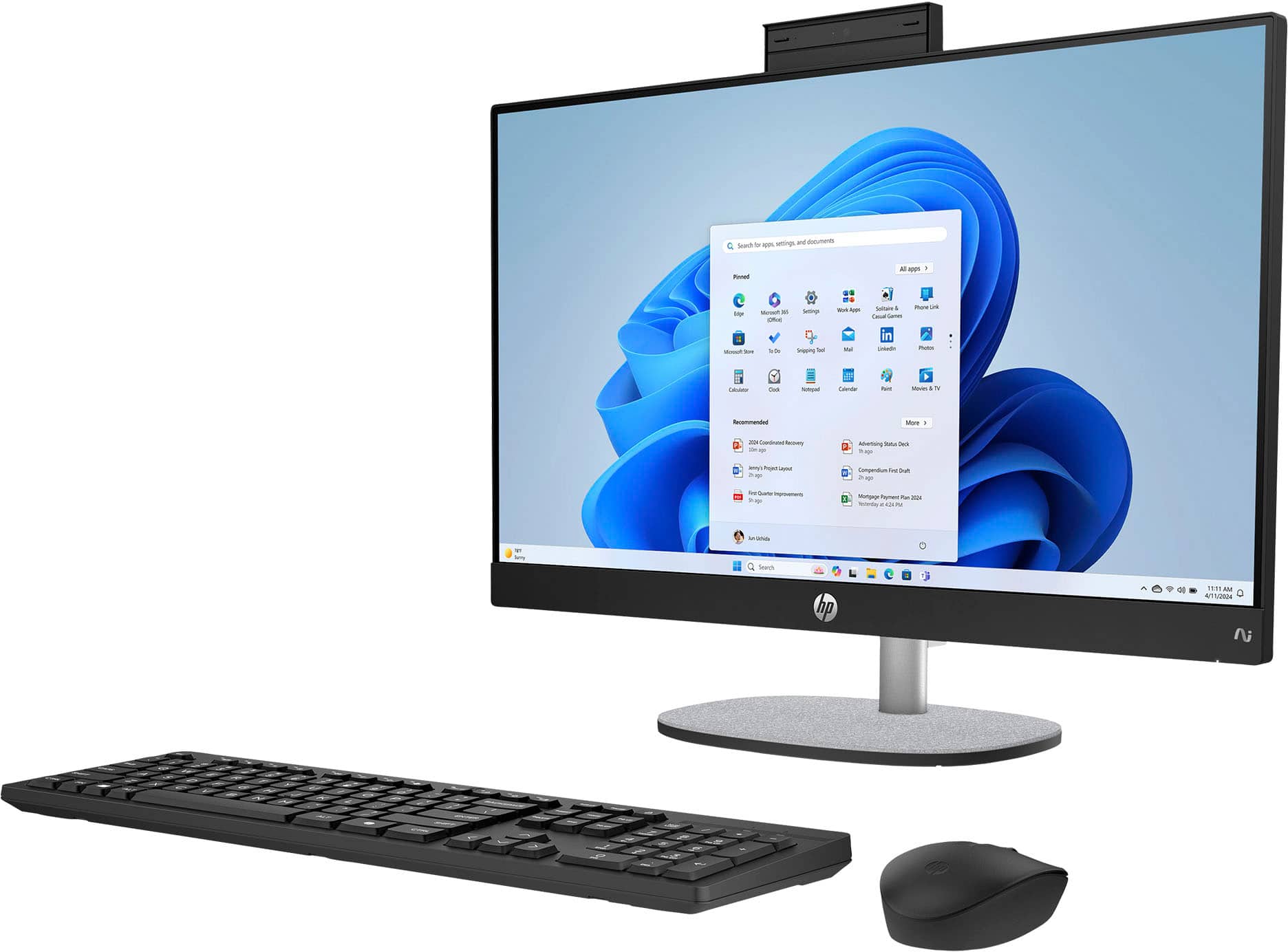
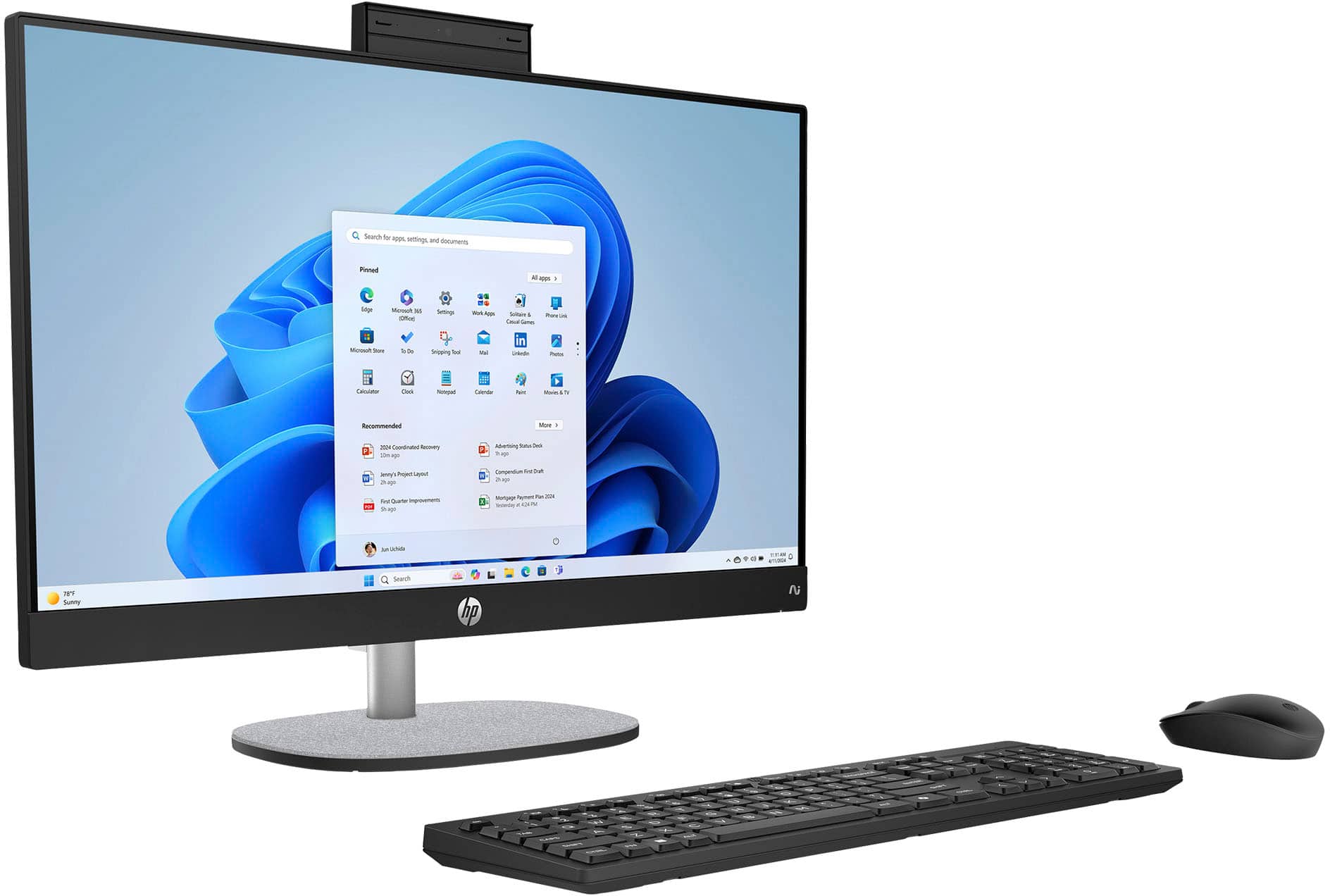
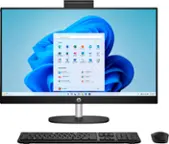
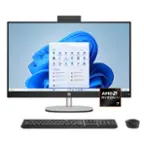
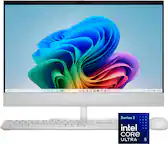
Q: QuestionDoes it come with keyboard and mouse? Can you turn the camera off?
Asked by marie.
- A:Answer Yes to all questions.
Answered by Zerstoren
Q: QuestionThat's just for the computer, how about the programs.
Asked by Rick.
- A:Answer How 'bout 'em, Rick?
Answered by Zerstoren
Q: QuestionI would like to write a review on this computer that i purchased but can't seem to find where to do this can you help me locate that
Asked by DianeZ.
- A:Answer the computer works great except when you are gone for a second the on-button blinks then i have to unplug it and plug back in to turn on, over all it works great downloads good I dont have to wait like my old cpu
Answered by AmandaB
Q: QuestionCan I add external powered speakers with a subwoofer using the headphone input?
Asked by DennyD.
- A:Answer No, the headphone input cannot output. However, you could try using the headphone output instead.
Answered by Zerstoren
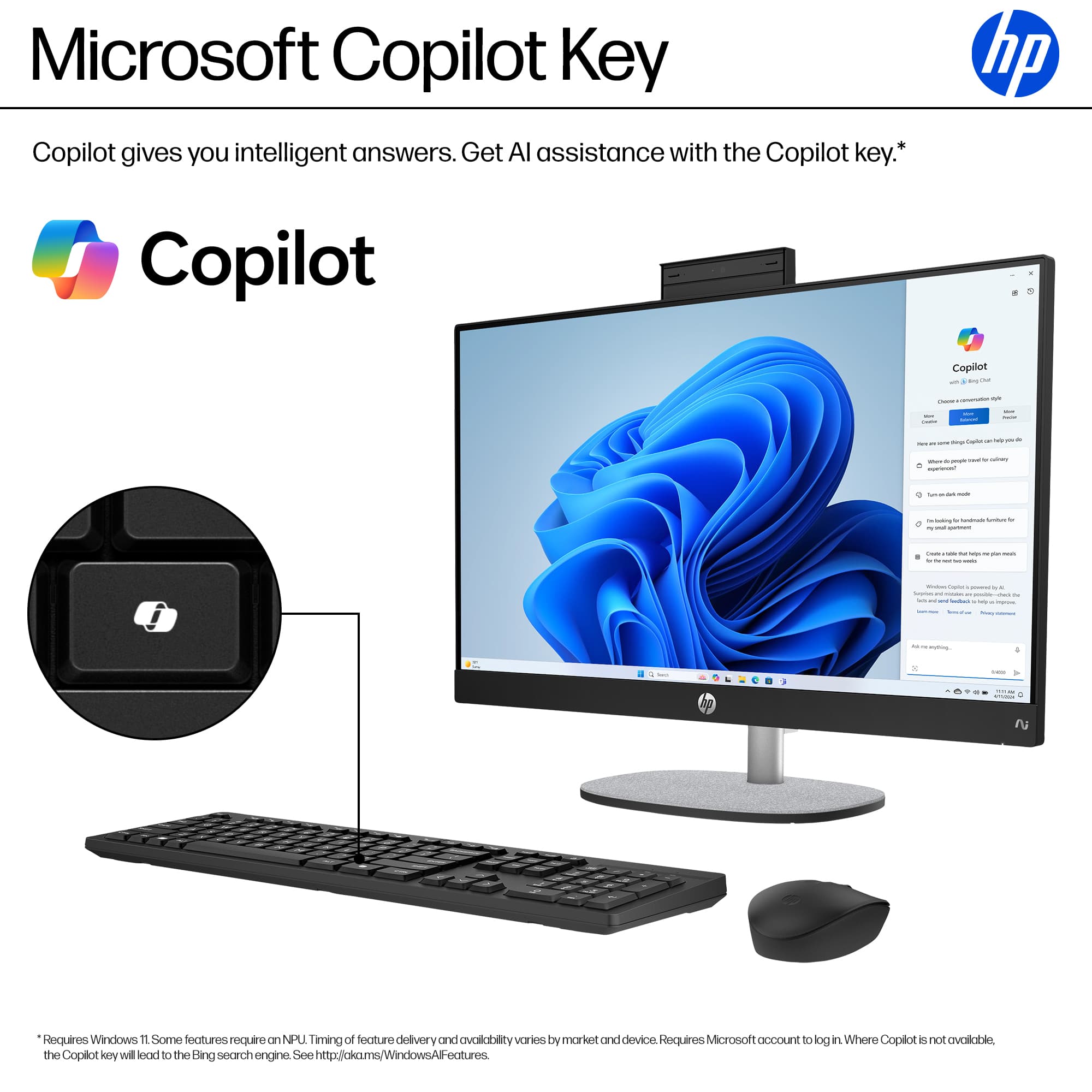
Q: QuestionHp copilot touch screen all in one computer AMD Ryzen, wireless keyboard is not working. The light on the keyboard will on stay lite for about 2seconds. Will not connect to Wi-Fi or Bluetooth. Do I have a bad keyboard?
Asked by Wolley.
- A:Answer It's possible the keyboard is faulty, but let's troubleshoot a few things first since the light turning on briefly is actually a good sign: Try these steps: Check/Replace Batteries Weak batteries are the most common cause of this exact symptom Replace with fresh batteries (even if you think they're new) Make sure batteries are inserted correctly Check for a USB Receiver Some "wireless" keyboards use a small USB dongle/receiver, not Bluetooth Look for a tiny USB receiver - it might be stored inside the keyboard's battery compartment If found, plug it into a USB port on your HP computer Try the Pairing Button Look for a small "Connect" or pairing button on the keyboard (often on the bottom or back) Press and hold it for 3-5 seconds to put it in pairing mode Then try connecting via Bluetooth on your computer Check Bluetooth on the Computer Go to Settings > Bluetooth & devices Make sure Bluetooth is turned ON Click "Add device" and look for your keyboard Power Cycle Everything Turn off the keyboard Restart your computer Turn the keyboard back on and try pairing again
Answered by Zerstoren
Page 3, Showing 41-49 of 49 questions
Most-viewed items
- $1,079.00$1,079.00The price was $1,109.99