Questions & Answers
- Model:
- 24-ct2024
- |
- SKU:
- 6620121
Highly rated by customers for: Overall Performance, Processor Speed, Ease of Use
$1,079.99$1,079.99
Page Showing 41-46 of 46 questions
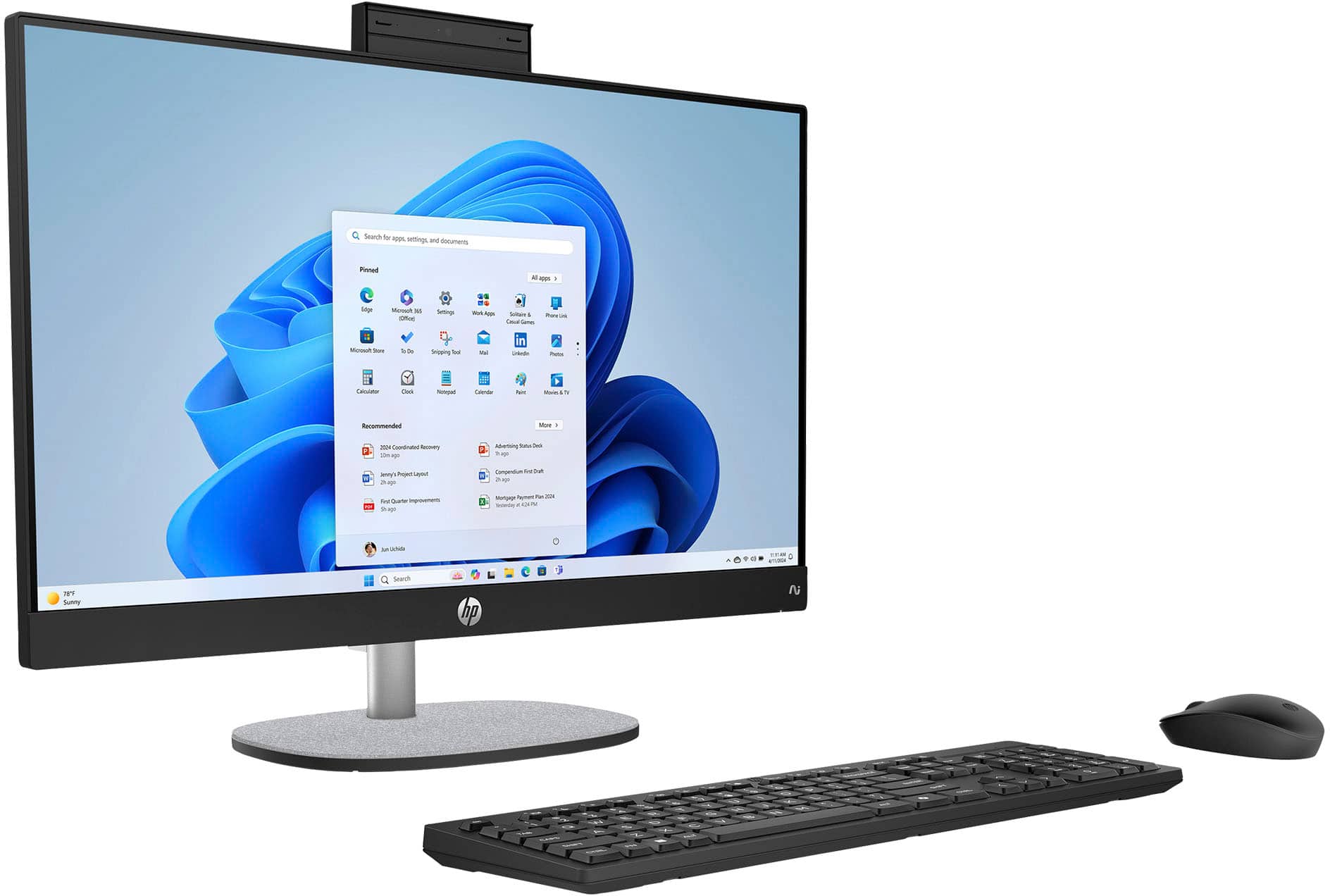
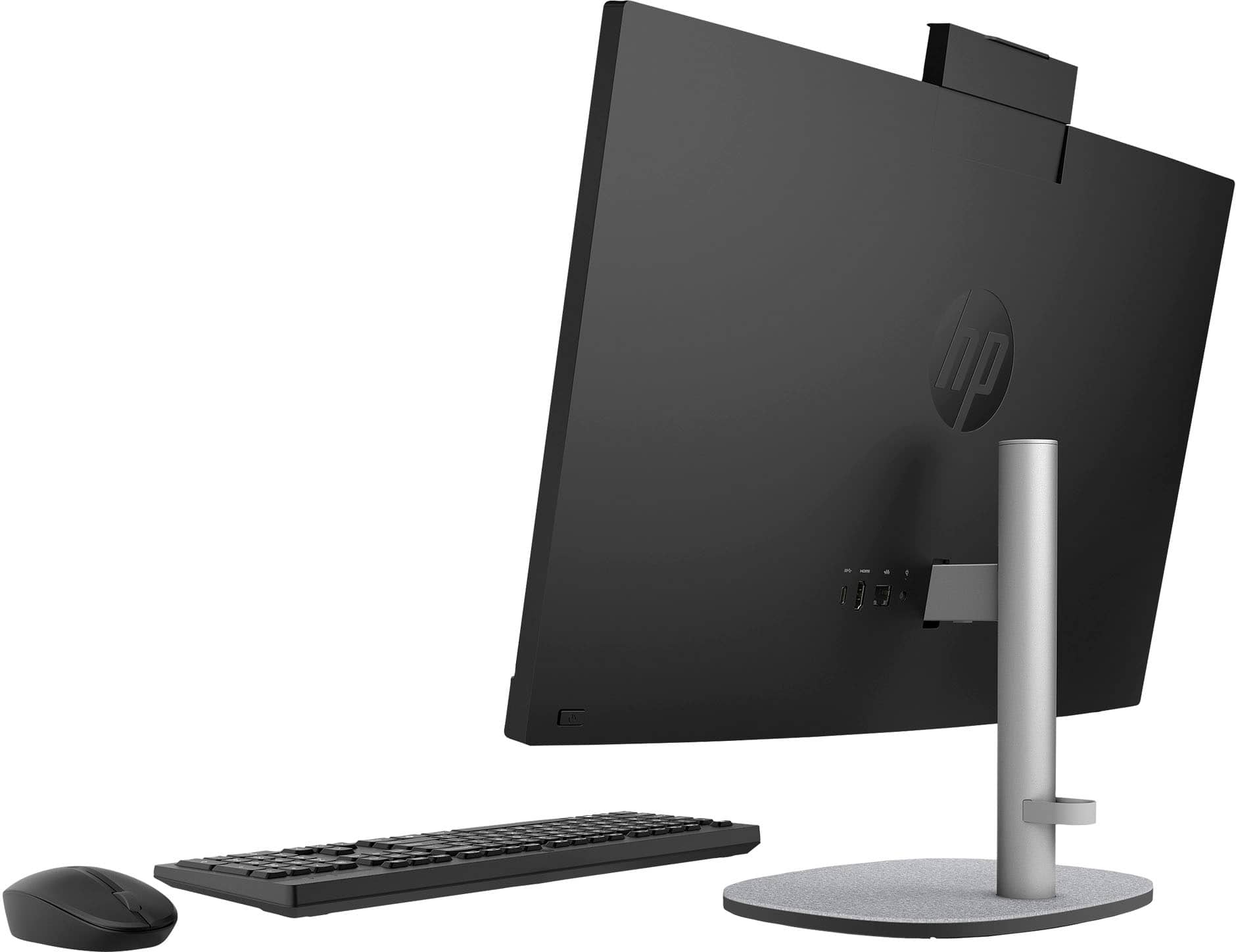
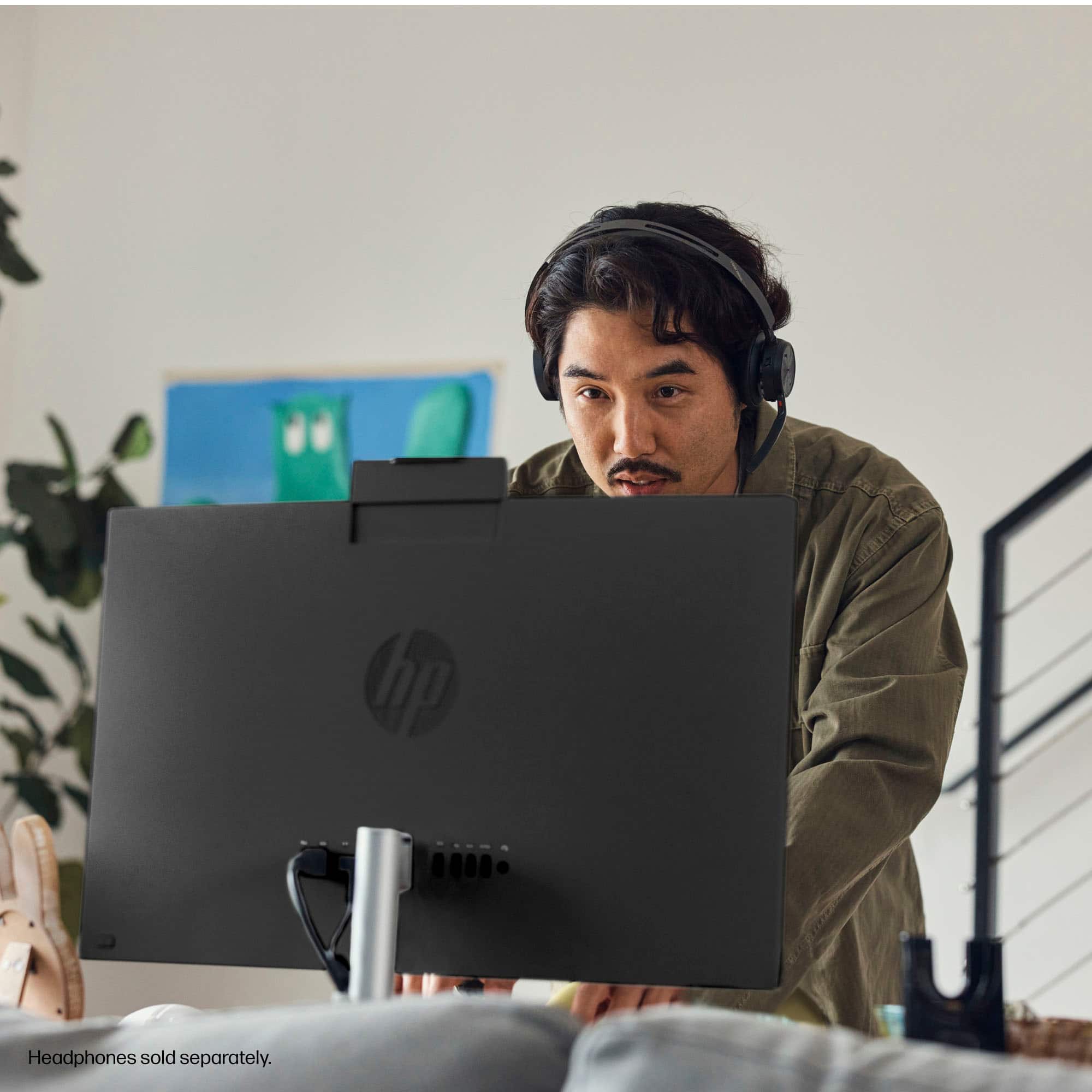
Q: Questioncan you move the camera up and down
Asked by martignene.
- A:Answer Yes.
Answered by Zerstoren
Q: QuestionI have an appointment to transfer files from my old computer. What do I need to bring--just the tower, or monitor and keyboard also?
Asked by Anonymous.
- A:Answer You could probably just bring the tower. Best Buy has monitors and keyboards they can use for this purpose.
Answered by Zerstoren
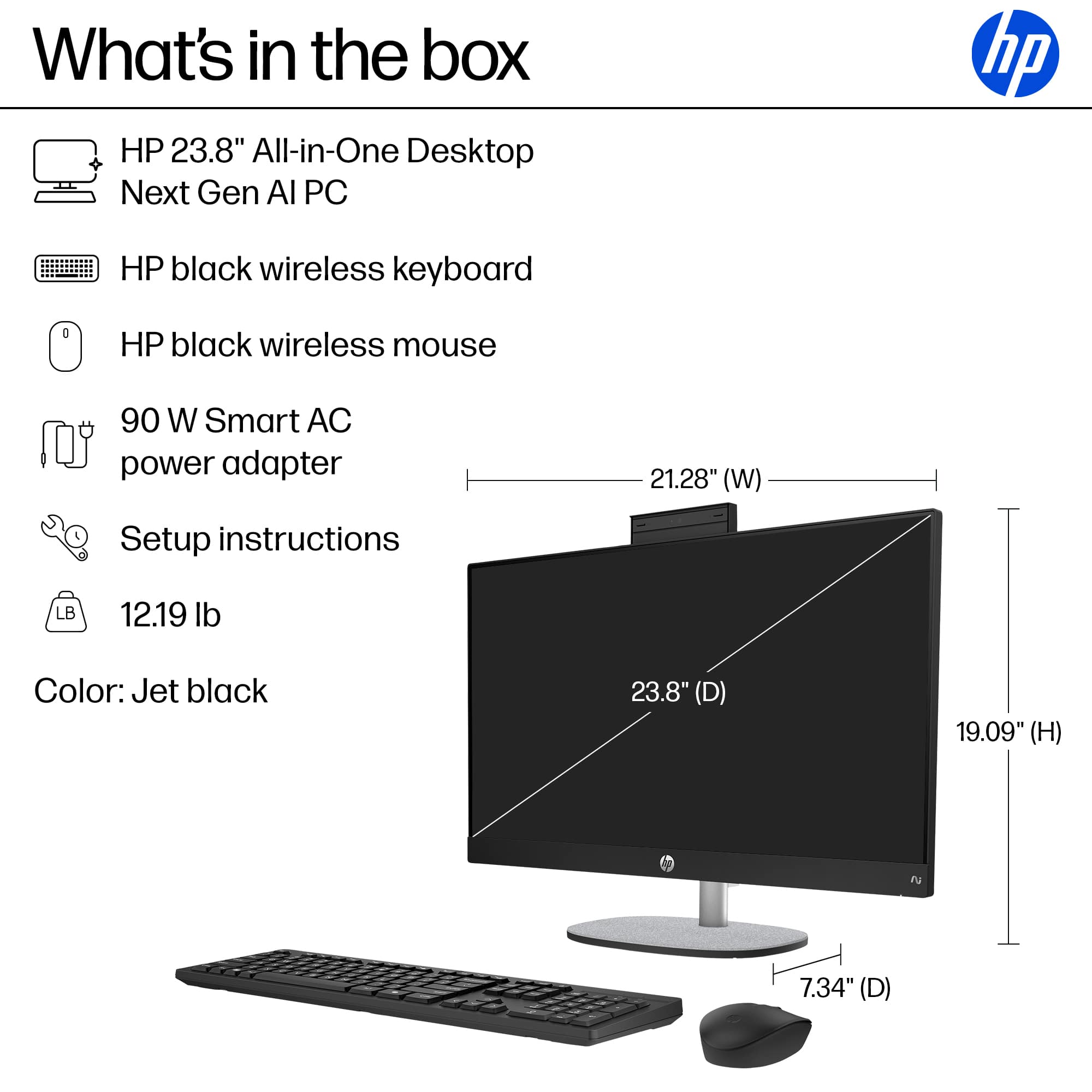
Q: QuestionDoes it come with keyboard and mouse? Can you turn the camera off?
Asked by marie.
- A:Answer Yes to all questions.
Answered by Zerstoren
Q: QuestionThat's just for the computer, how about the programs.
Asked by Rick.
- A:Answer How 'bout 'em, Rick?
Answered by Zerstoren
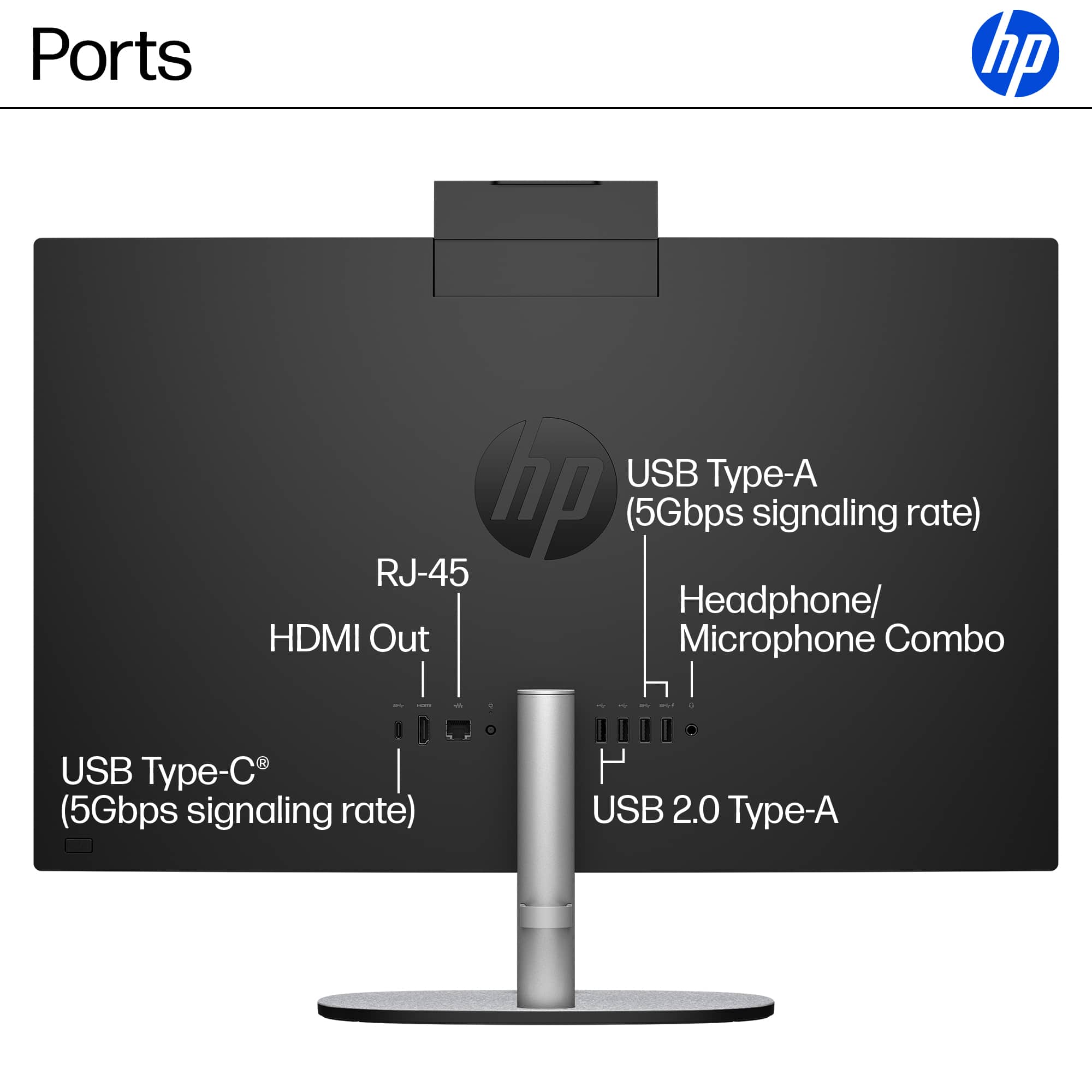
Q: QuestionCan I add external powered speakers with a subwoofer using the headphone input?
Asked by DennyD.
- A:Answer No, the headphone input cannot output. However, you could try using the headphone output instead.
Answered by Zerstoren
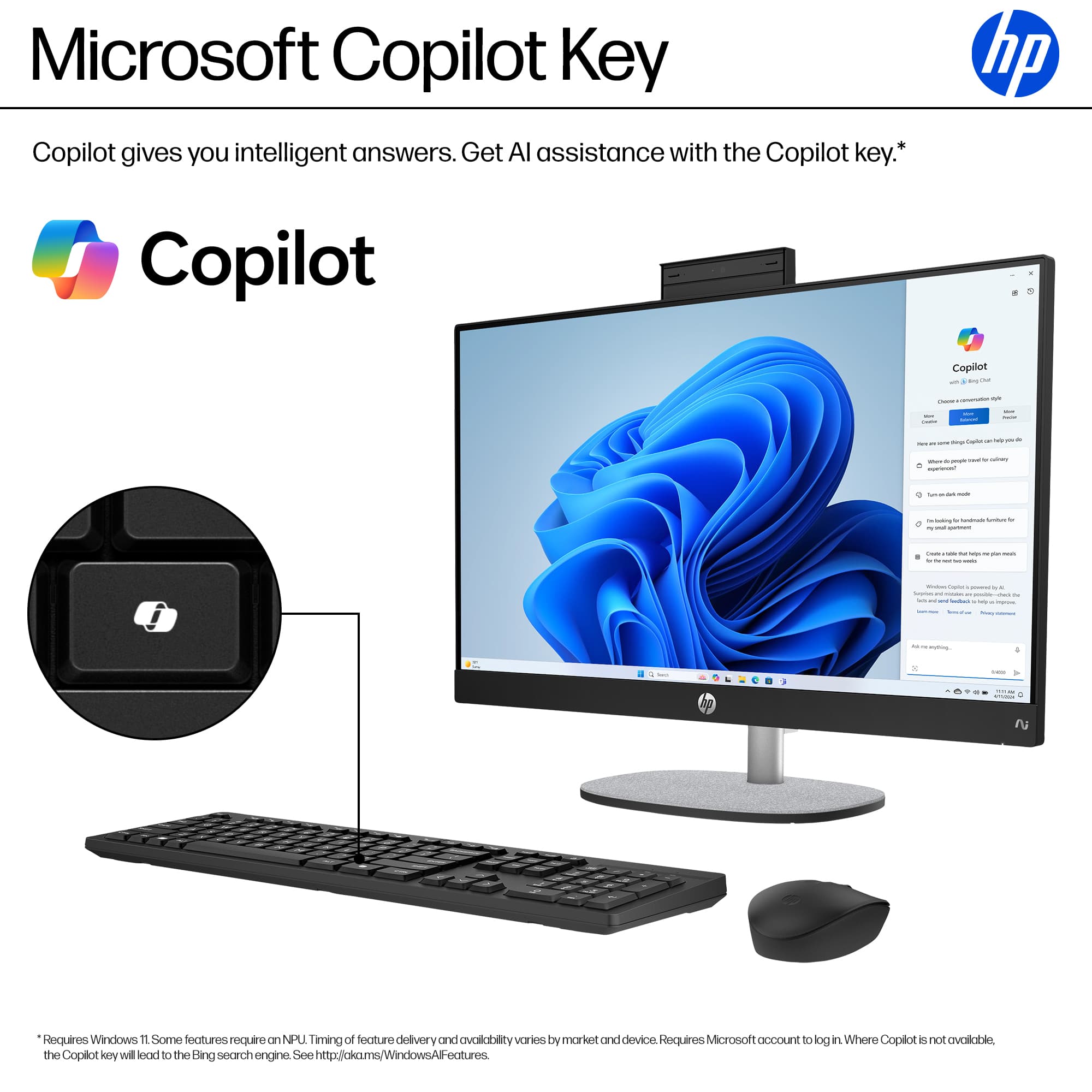
Q: QuestionHp copilot touch screen all in one computer AMD Ryzen, wireless keyboard is not working. The light on the keyboard will on stay lite for about 2seconds. Will not connect to Wi-Fi or Bluetooth. Do I have a bad keyboard?
Asked by Wolley.
- A:Answer It's possible the keyboard is faulty, but let's troubleshoot a few things first since the light turning on briefly is actually a good sign: Try these steps: Check/Replace Batteries Weak batteries are the most common cause of this exact symptom Replace with fresh batteries (even if you think they're new) Make sure batteries are inserted correctly Check for a USB Receiver Some "wireless" keyboards use a small USB dongle/receiver, not Bluetooth Look for a tiny USB receiver - it might be stored inside the keyboard's battery compartment If found, plug it into a USB port on your HP computer Try the Pairing Button Look for a small "Connect" or pairing button on the keyboard (often on the bottom or back) Press and hold it for 3-5 seconds to put it in pairing mode Then try connecting via Bluetooth on your computer Check Bluetooth on the Computer Go to Settings > Bluetooth & devices Make sure Bluetooth is turned ON Click "Add device" and look for your keyboard Power Cycle Everything Turn off the keyboard Restart your computer Turn the keyboard back on and try pairing again
Answered by Zerstoren
Page 3, Showing 41-46 of 46 questions
Top Rated
- $1,249.99$1,249.99The price was $1,429.99
- $1,099.99$1,099.99The price was $1,199.99
- $1,199.00$1,199.00The price was $1,569.99