A:AnswerGood question. Yes, this printer is compatible with Windows 10. The new HP printers have been tested for compatibility. You will be able to install the drivers for Windows 10 with the CD provided in the printer's box or you can download it from the HP Drivers website.
Here is the link to the drivers page for the HP DeskJet 2130: http://support.hp.com/us-en/drivers/selfservice/HP-DeskJet-2130-All-in-One-Printer-series/7174550/model/7174551
I hope this helps!
A:AnswerHere is a link to a video overview on how to replace cartridges on your printer:
http://support.hp.com/us-en/document/c04603884
I hope this helps.
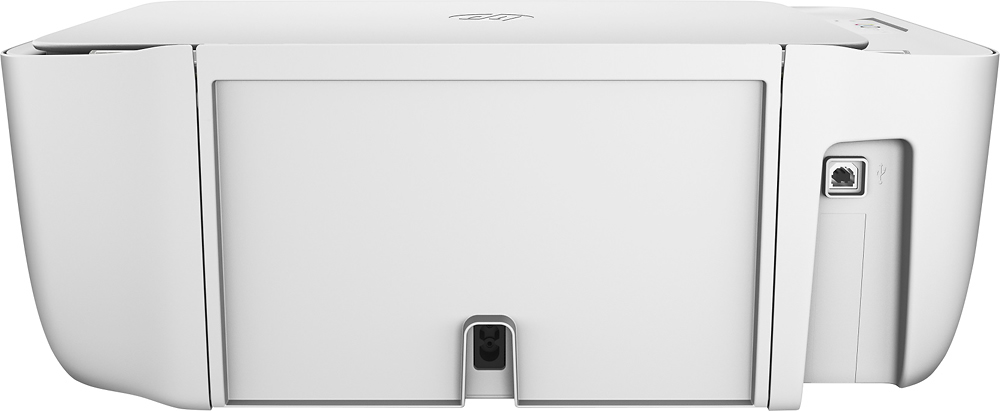
A:AnswerYes but I have not been able to connect via wifi! The printer does not come with a USB cable but I was able to connect one from my previous printer. Otherwise, this printer is great! Cheap and great quality printing:)
A:AnswerI thought I was having the same issue, however I searched "scan" in options ON MY COMPUTER (accidentally) but it popped up and scans via the computer prompt! I found it accidentally! Hope this helps you! (*I am using Windows 8.1 - not sure what you have*).