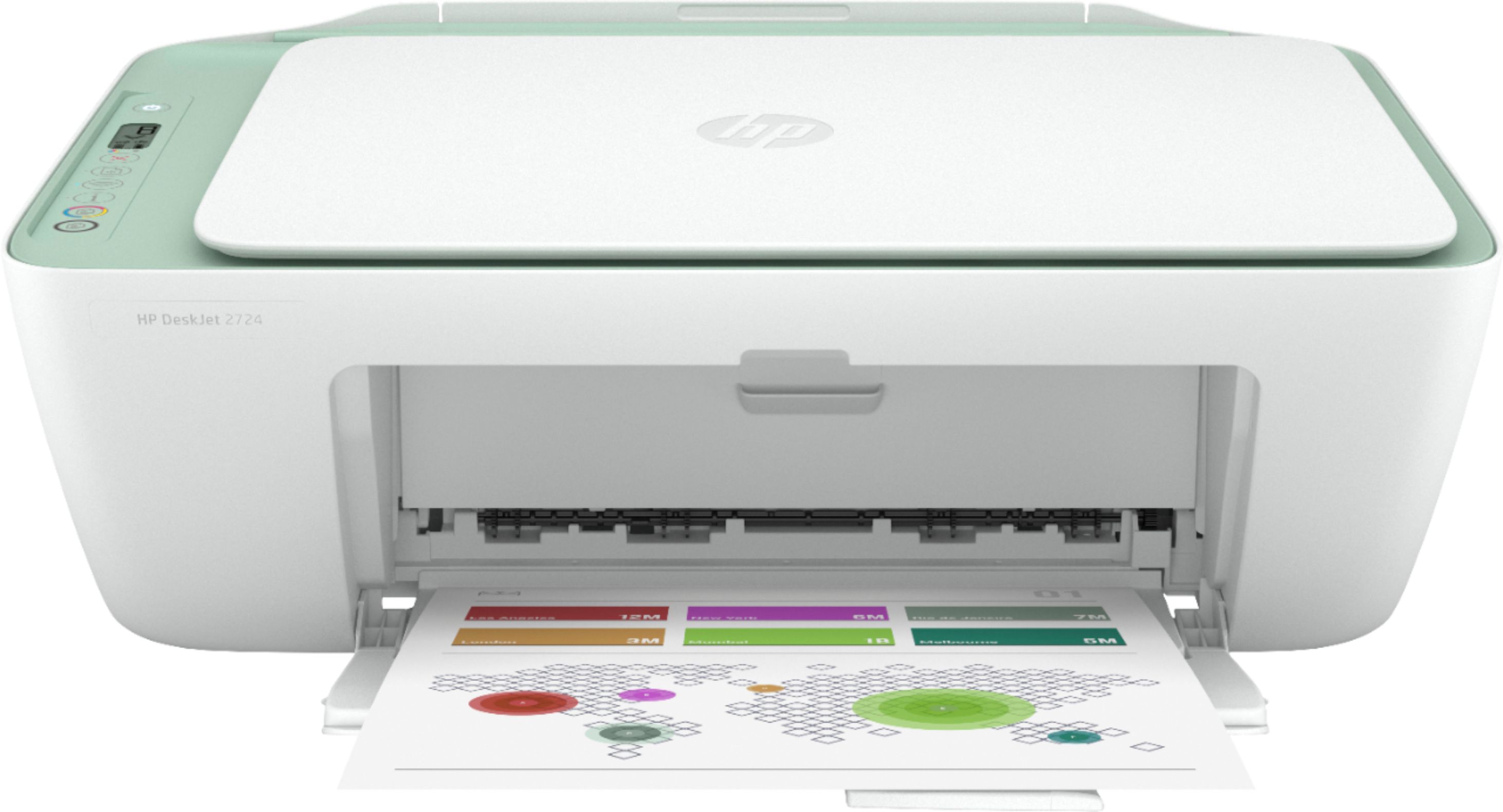
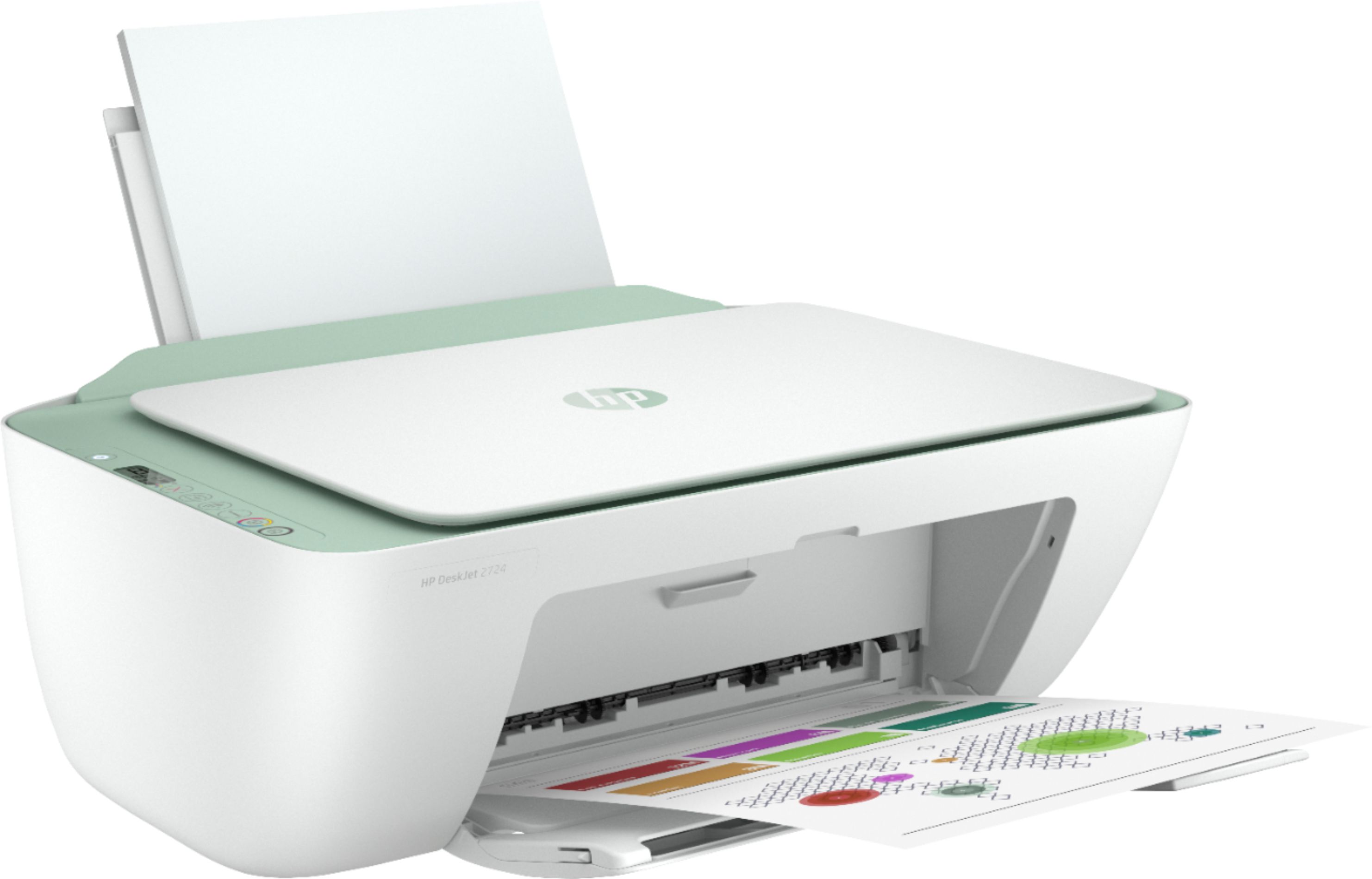
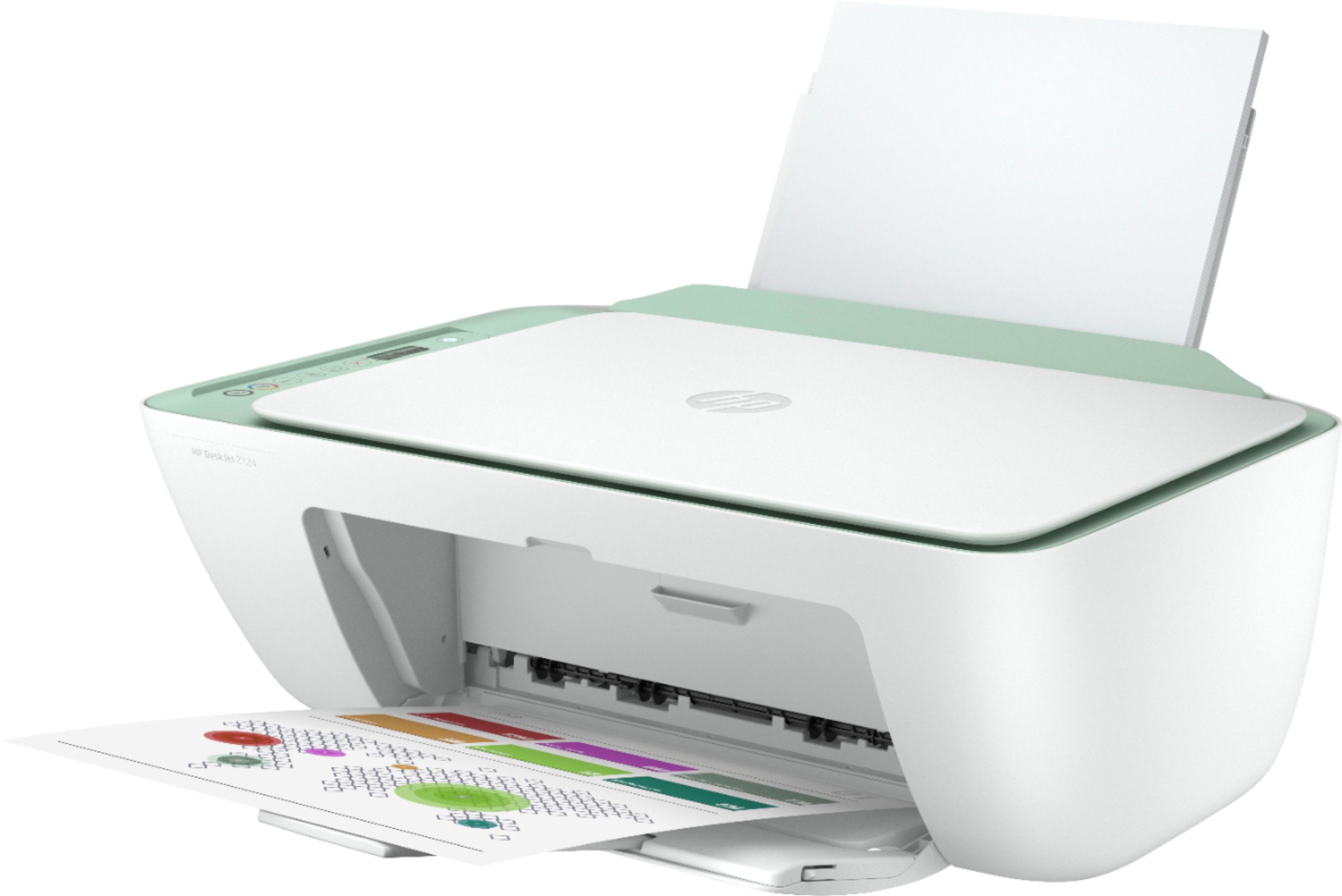
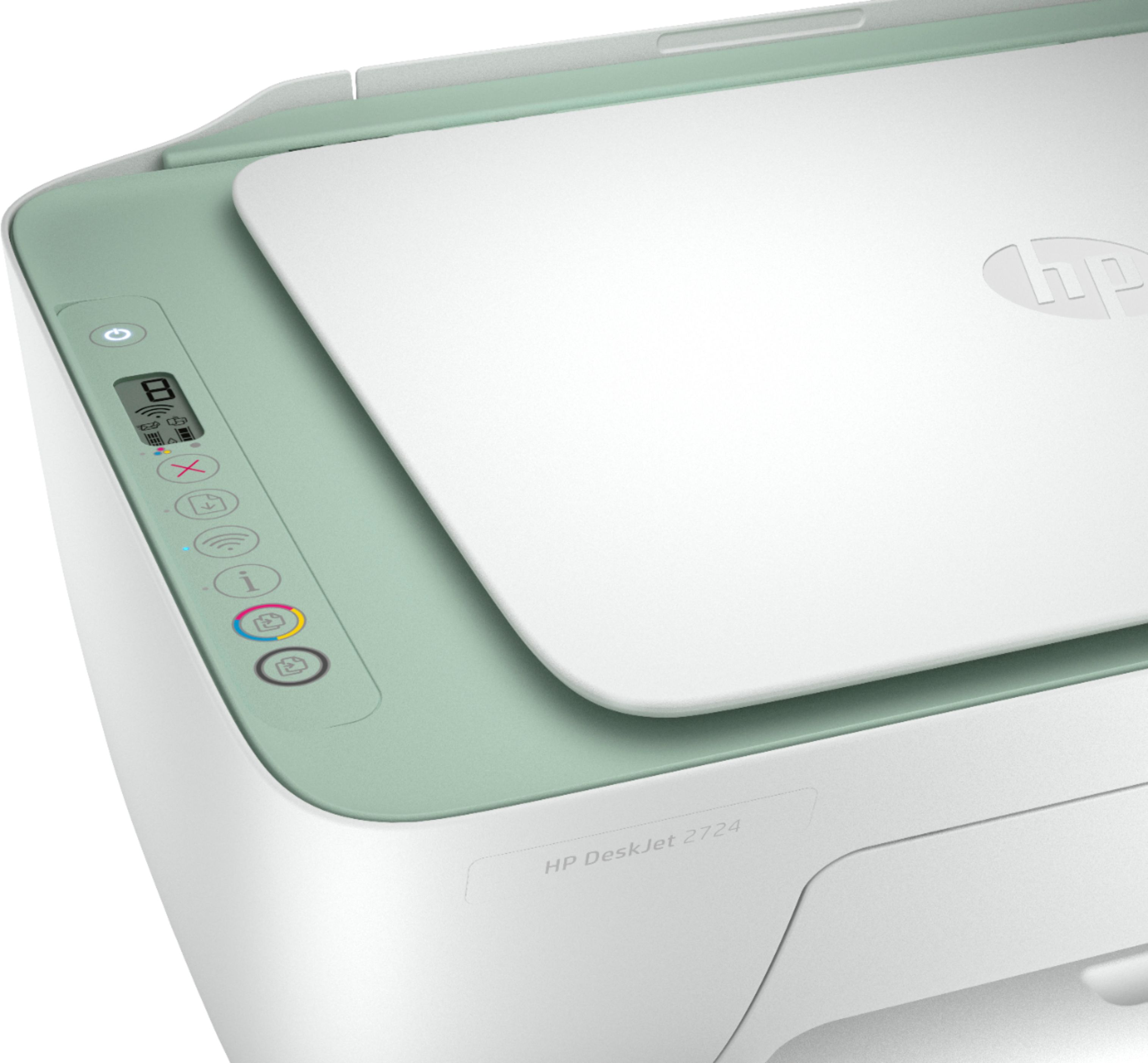
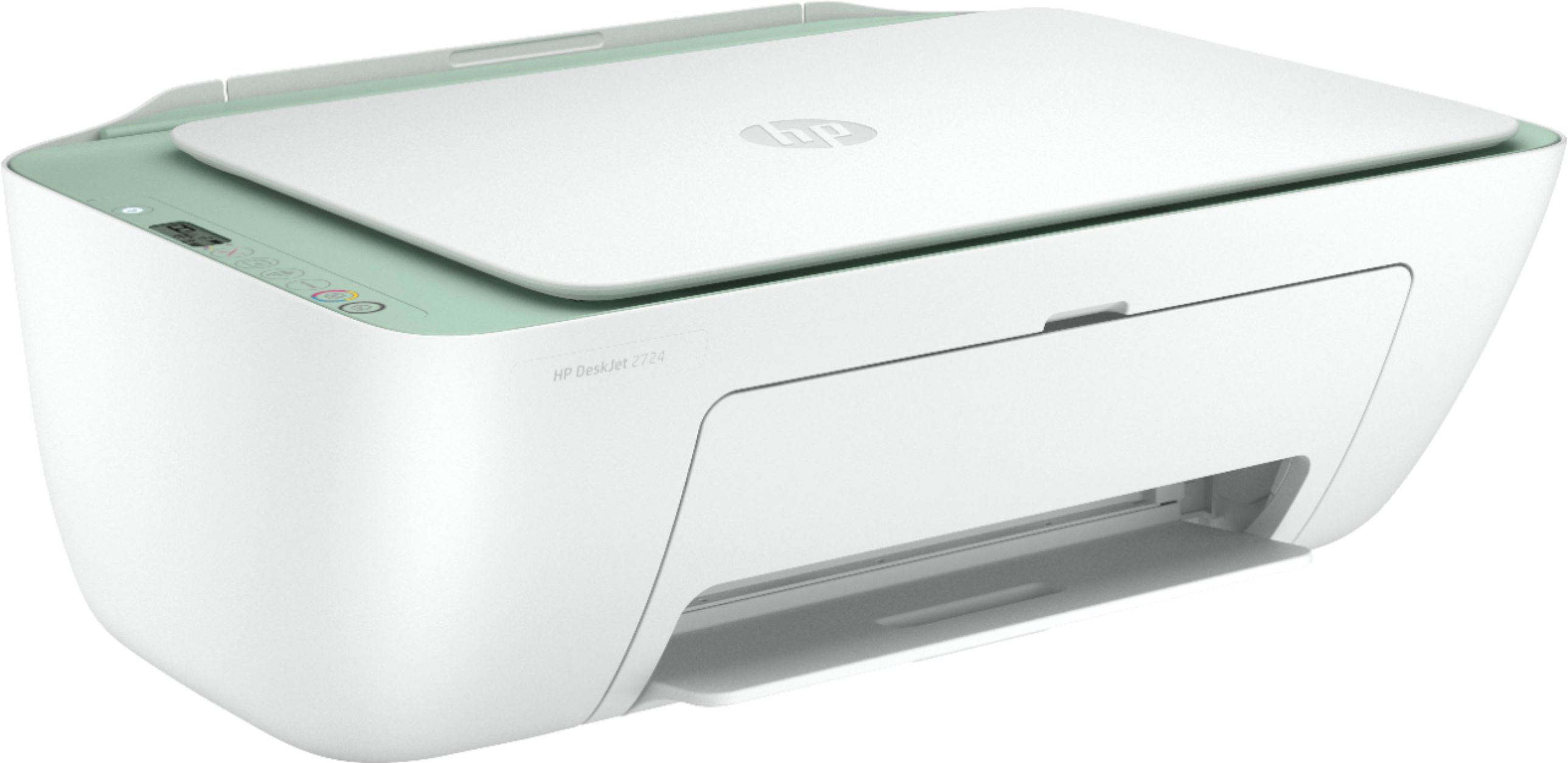
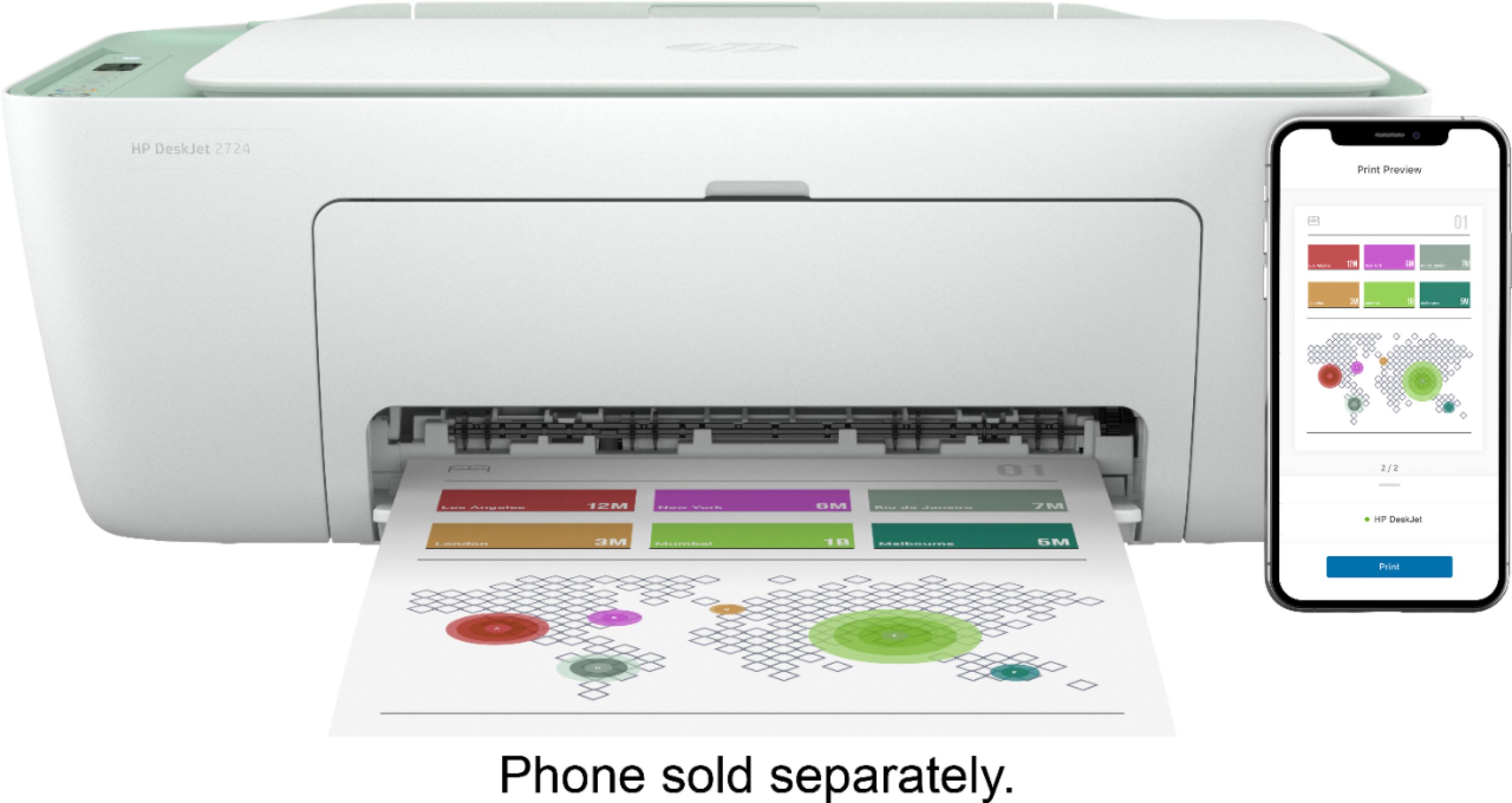
A:AnswerHere are the paper handling specs of the DeskJet 2724 all-in-one printer:
Media types: Plain paper, Photo paper, Brochure paper
Media weight supported (metric): A4: 60 to 90 g/m²; HP envelopes: 75 to 90 g/m²; HP cards: up to 200 g/m²; HP 10 x 15 cm photo paper: up to 300 g/m²
A:AnswerThe paper tray on this printer is located on the backside of this printer. You would need to extend the tray up for the paper. This printer is compatible with Alexa.
A:AnswerIf you're talking about the Instant Ink program, the 2742 was inadvertently left off the list, but it is compatible. The Instant Ink Support team should be able to resolve this.
A:AnswerNo. This printer does not have the auto document feeder for scanning or copying. We recommend looking at the HP Deskjet 4155 printer which does have the auto document feeder.
A:AnswerYou can use a USB printer cable or use WiFi direct to print from a wireless device, no wireless network needed. This link has more info about WiFi direct. https://www8.hp.com/us/en/printers/mobility/wireless-direct-printing.html