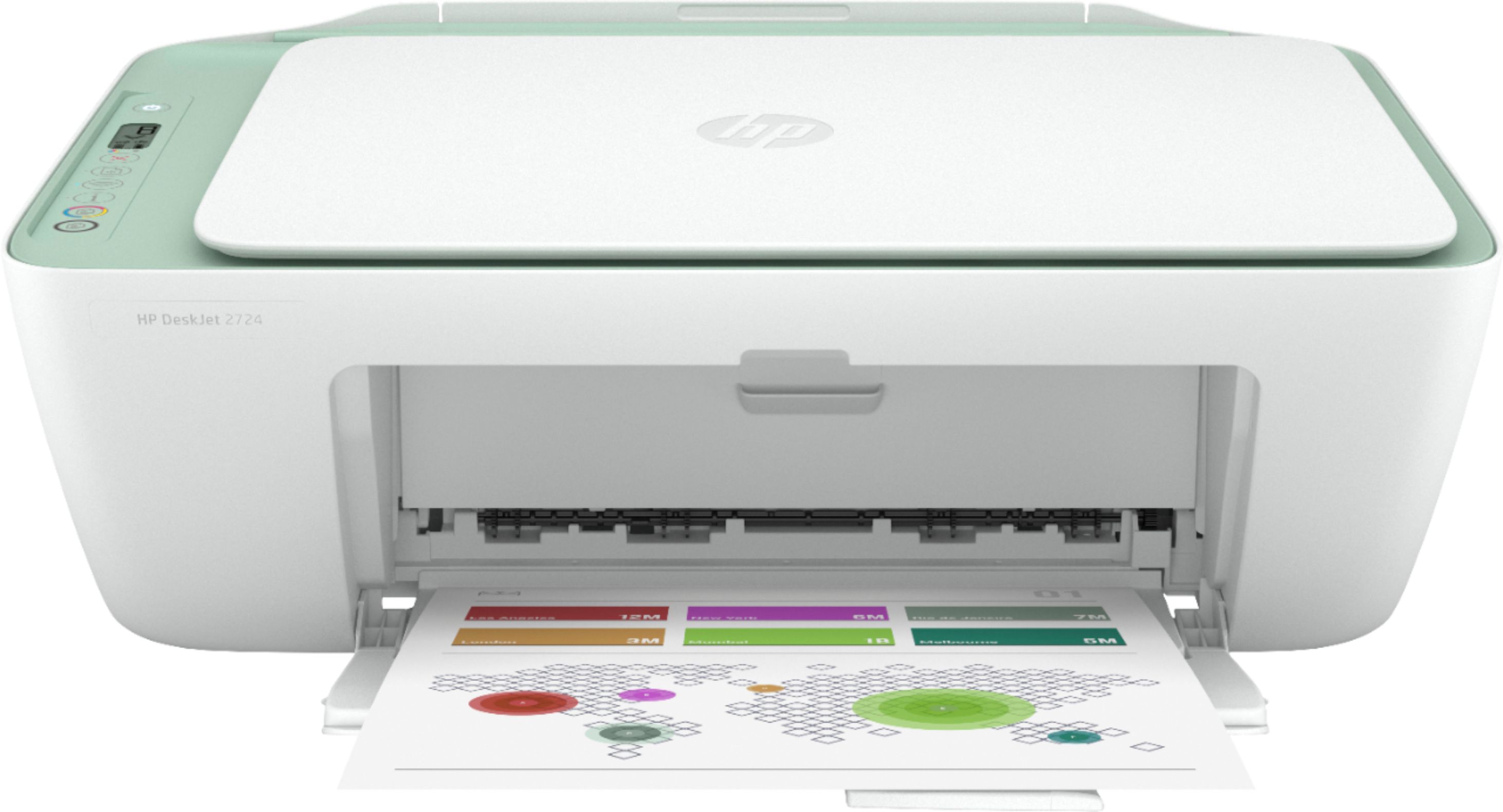
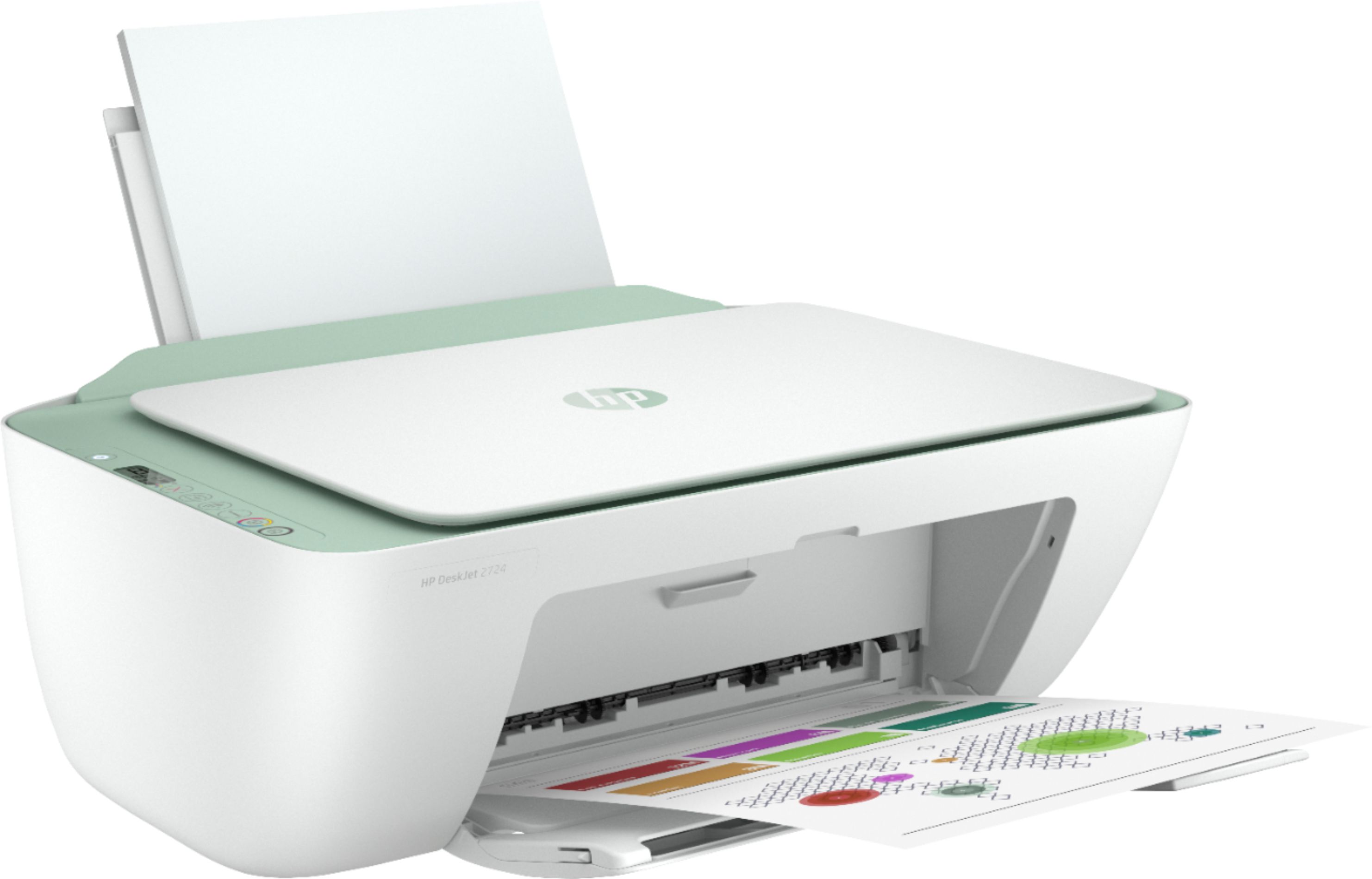
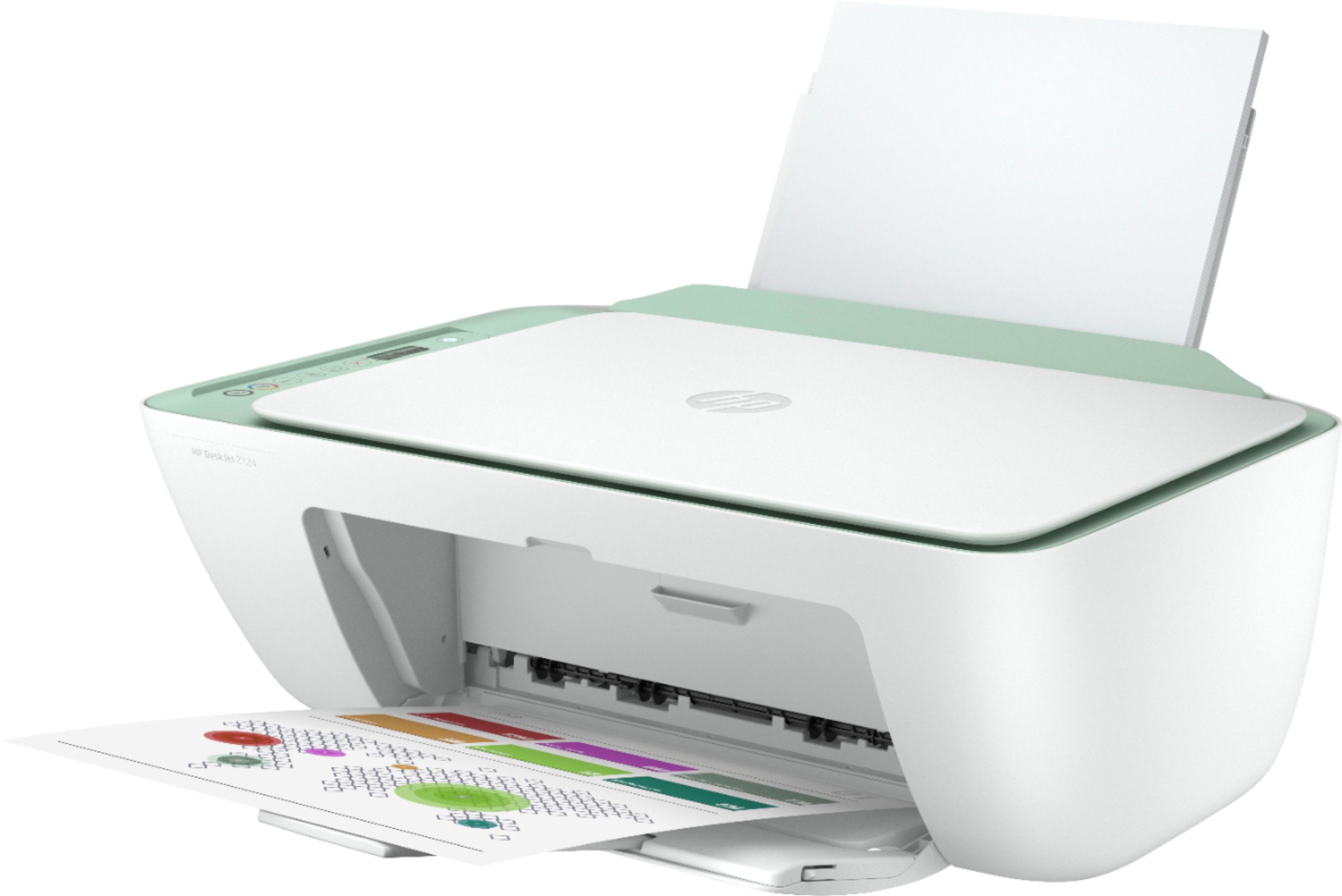
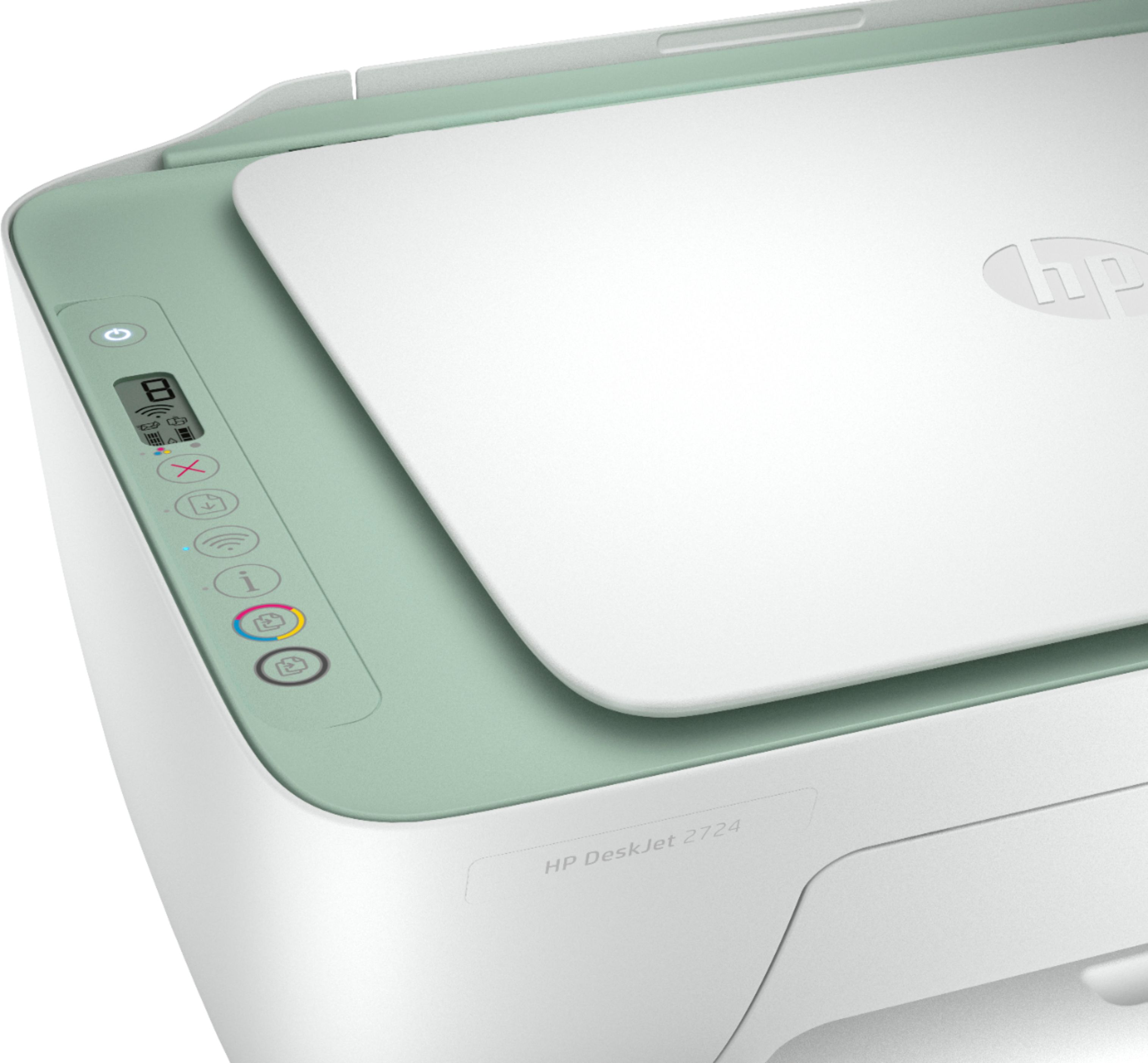
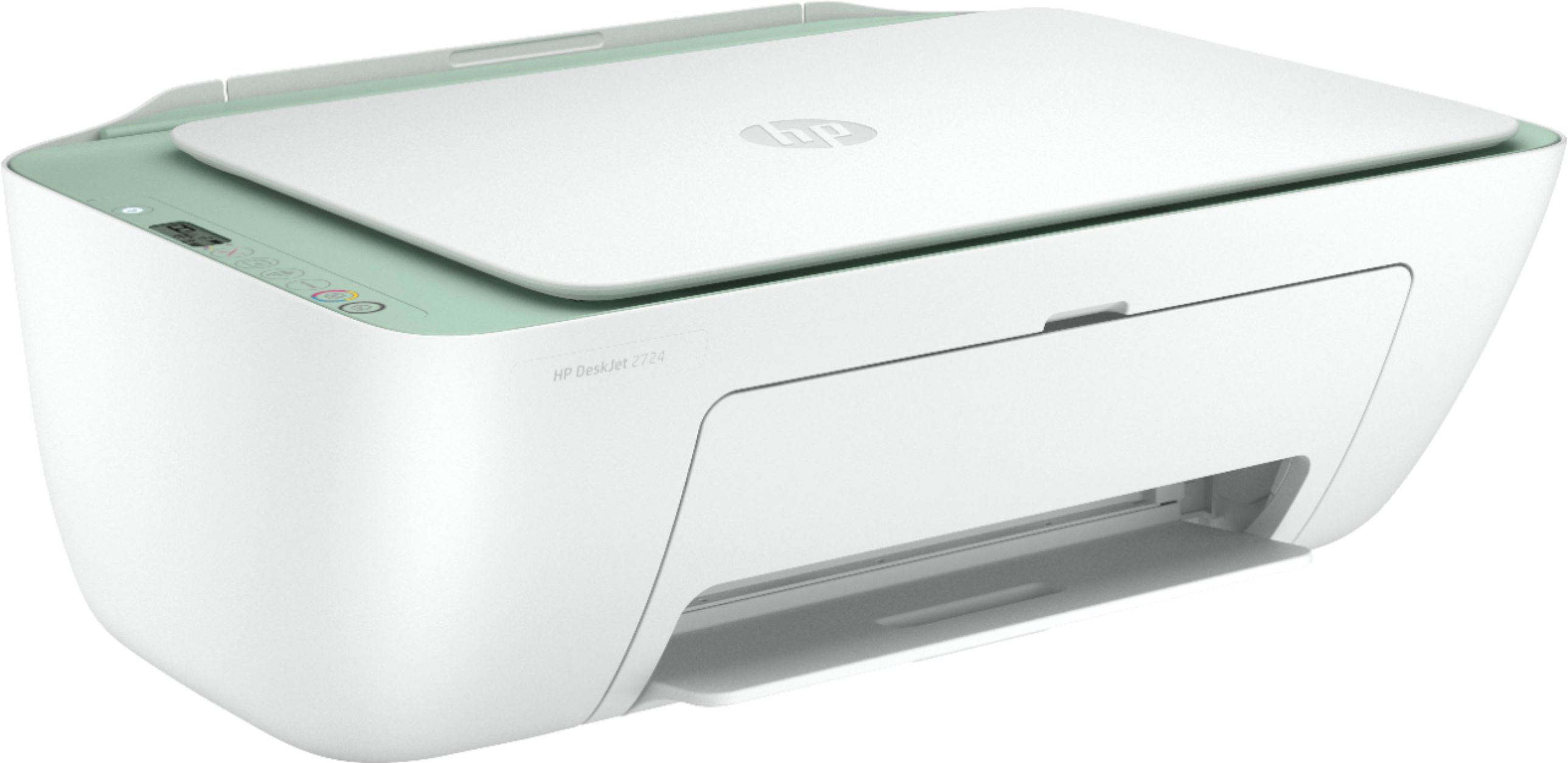
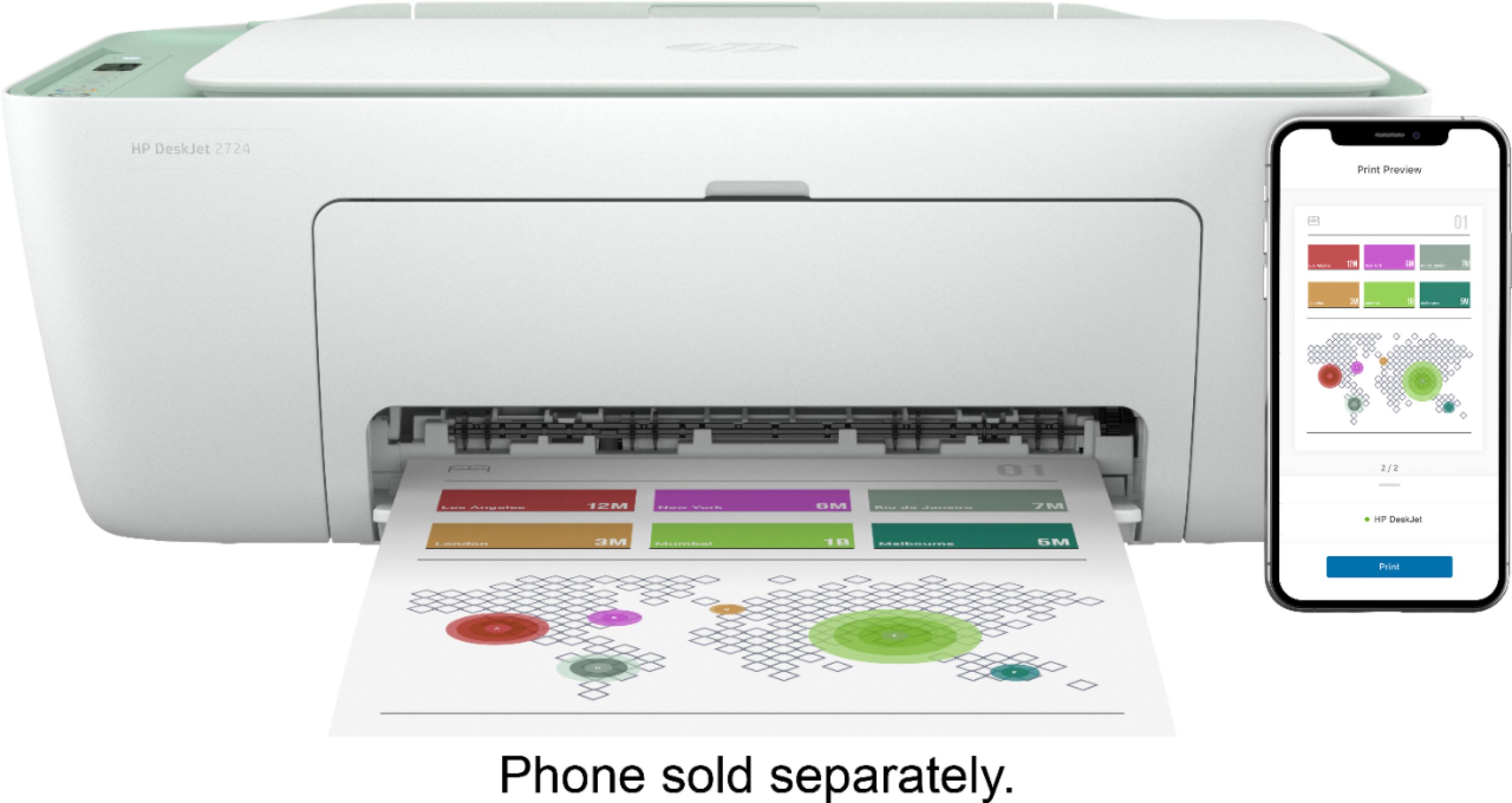
A:AnswerThe HP Deskjet 2724 printer can only print, copy, and scan. If you want the fax function, we recommend looking at the HP Envy Photo 7855, Officejet Pro 9015 or 9025 printers.
A:AnswerYes, you can print from a Chromebook. Here are some instructions on how to set up the printer on the Chromebook: https://support.hp.com/us-en/document/c04122530
A:AnswerYes, this printer can be used with Chromebooks. Here are some instructions on how to set up the printer on the Chromebook: https://support.hp.com/us-en/document/c04122530
A:AnswerYes, this printer will print in color. This printer can only handle up to 8.5 x 14 inch paper. We recommend looking at the HP Officejet Pro 7740 printer which can print on 11 x 17 inch paper.
A:AnswerIf you have Windows, we recommend using the HP Print and Scan Doctor to diagnose the issue: Here is the link: https://support.hp.com/us-en/topic/printscandoctor If you need further assistance, visit https://support.hp.com