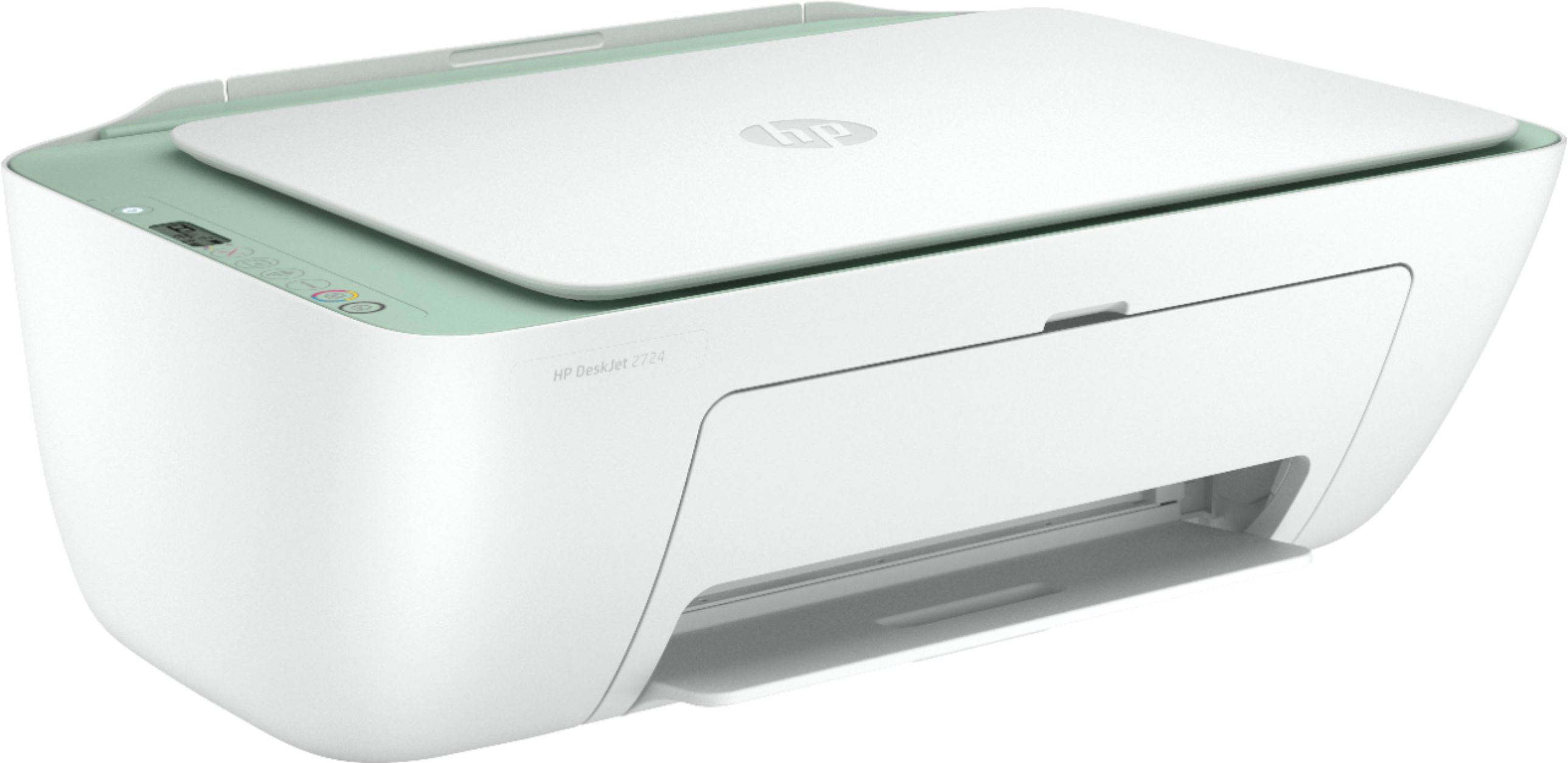
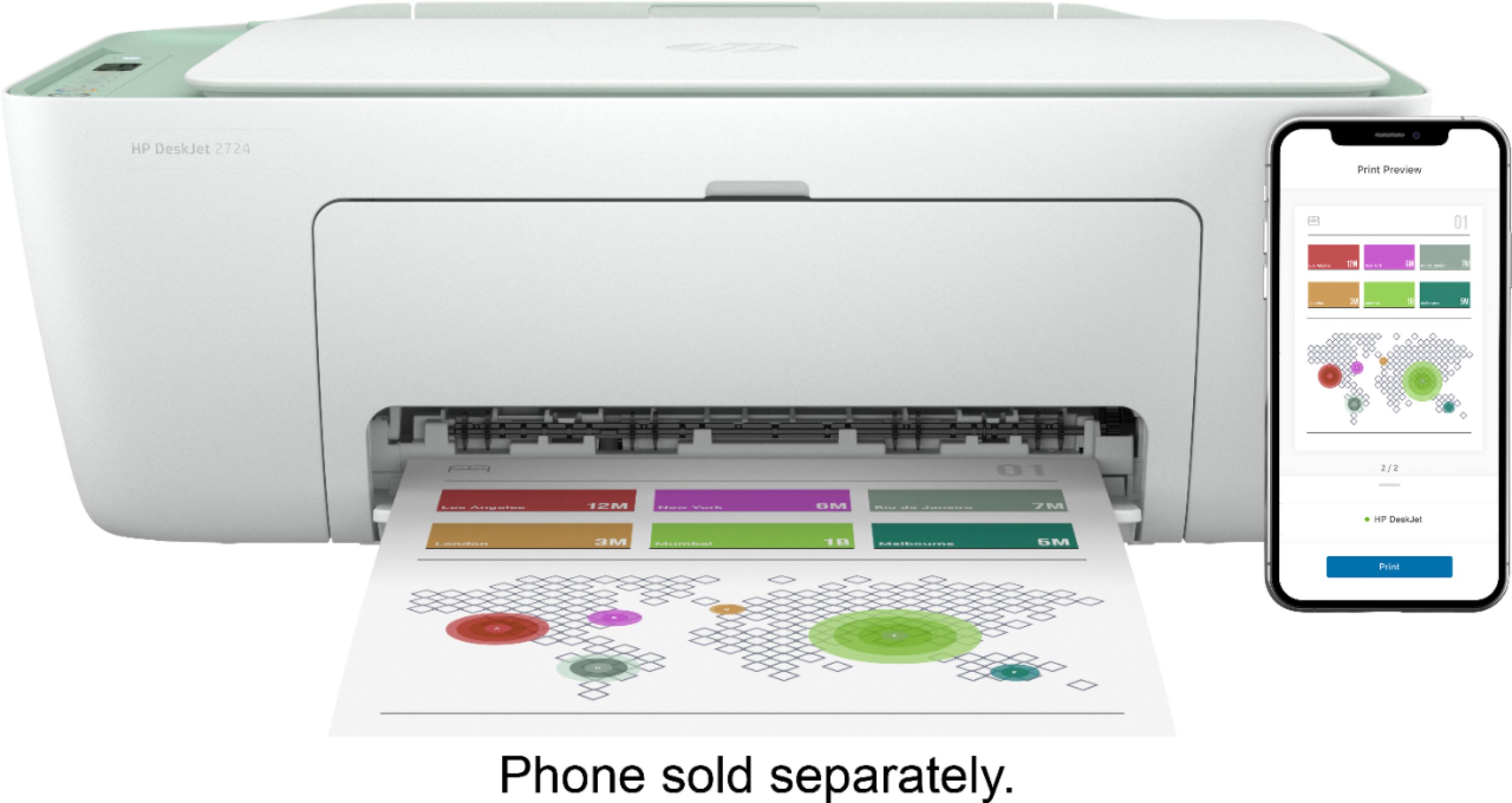
A:AnswerYou can print from a smartphone or tablet , if you do not have a computer. If you don't have any devices to print from, then you can only make copies with this printer.
A:AnswerYes, this printer is compatible with the Samsung Chromebook. Here are some instructions on how to set up the printer on the Chromebook: https://support.hp.com/us-en/document/c04122530
A:AnswerMirror printing is almost always a function of the software you're using to print with. If it will do mirror printing, the printer will handle it just fine.
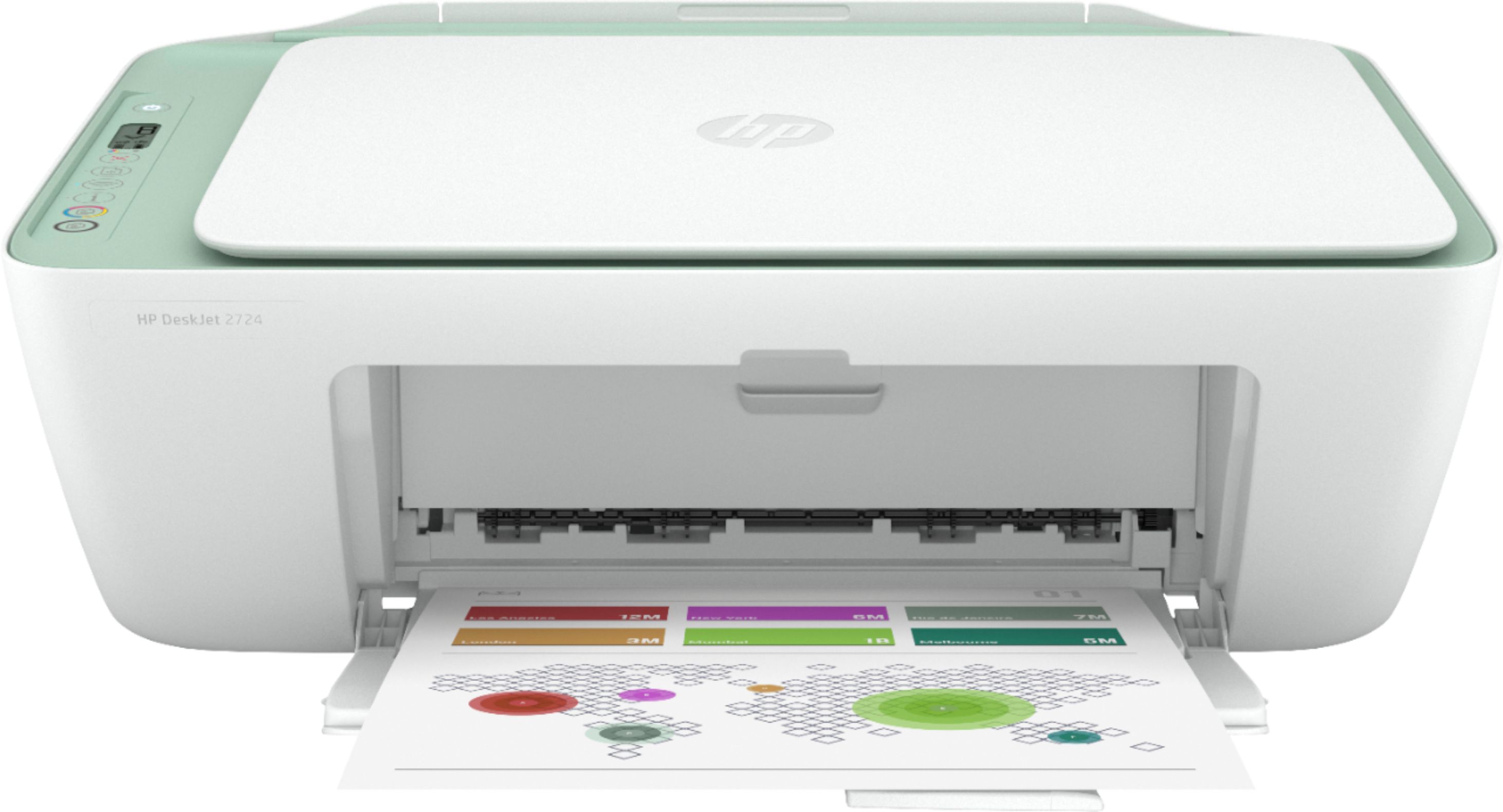
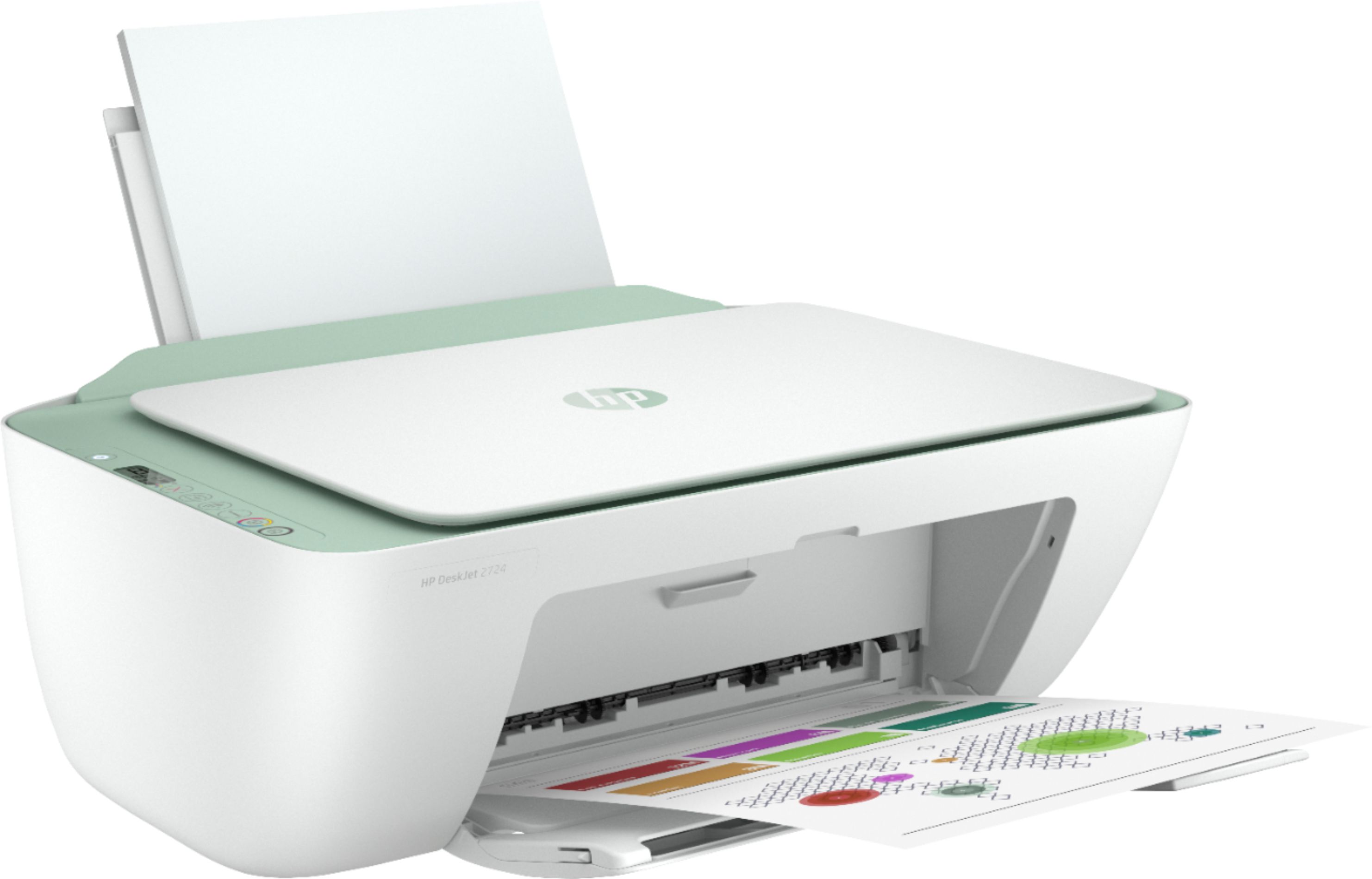
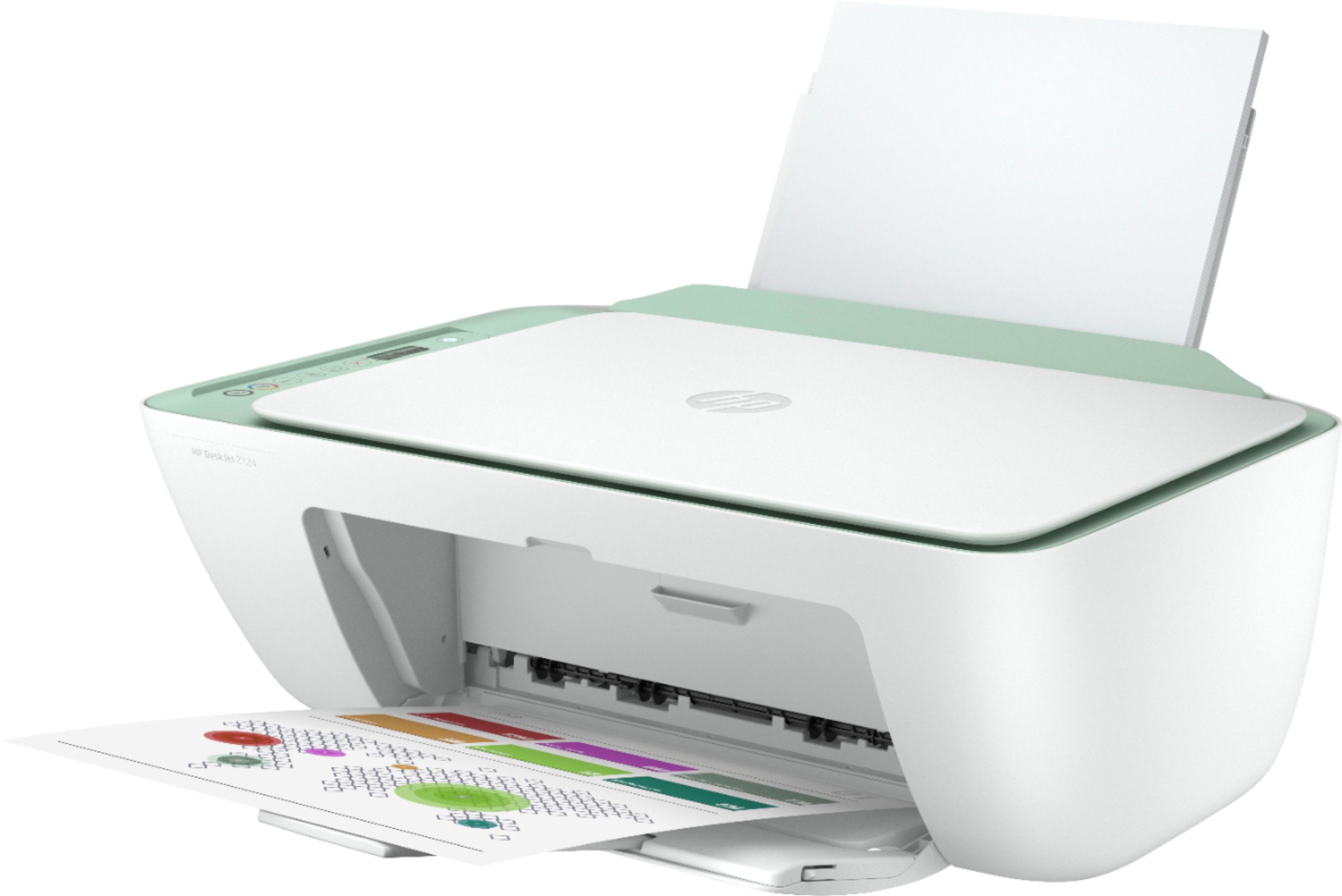
A:AnswerThe printer is W x D x H, metric)
425 x 546 x 250 mm (Output Extension fully out) which is 16.73 x 21.5 x 9.84 inches. The output tray extension is about 7" and can stay retracted when you are not printing.
A:AnswerYes it will. This is an HP 2-cartridge printer so the printheads are built into the cartridges (black and tricolor). Our exclusive feature, Single Cartridge Mode, allows you to print with only one cartridge -- just don't leave the empty one in. So you never have to buy color if you don't want to.