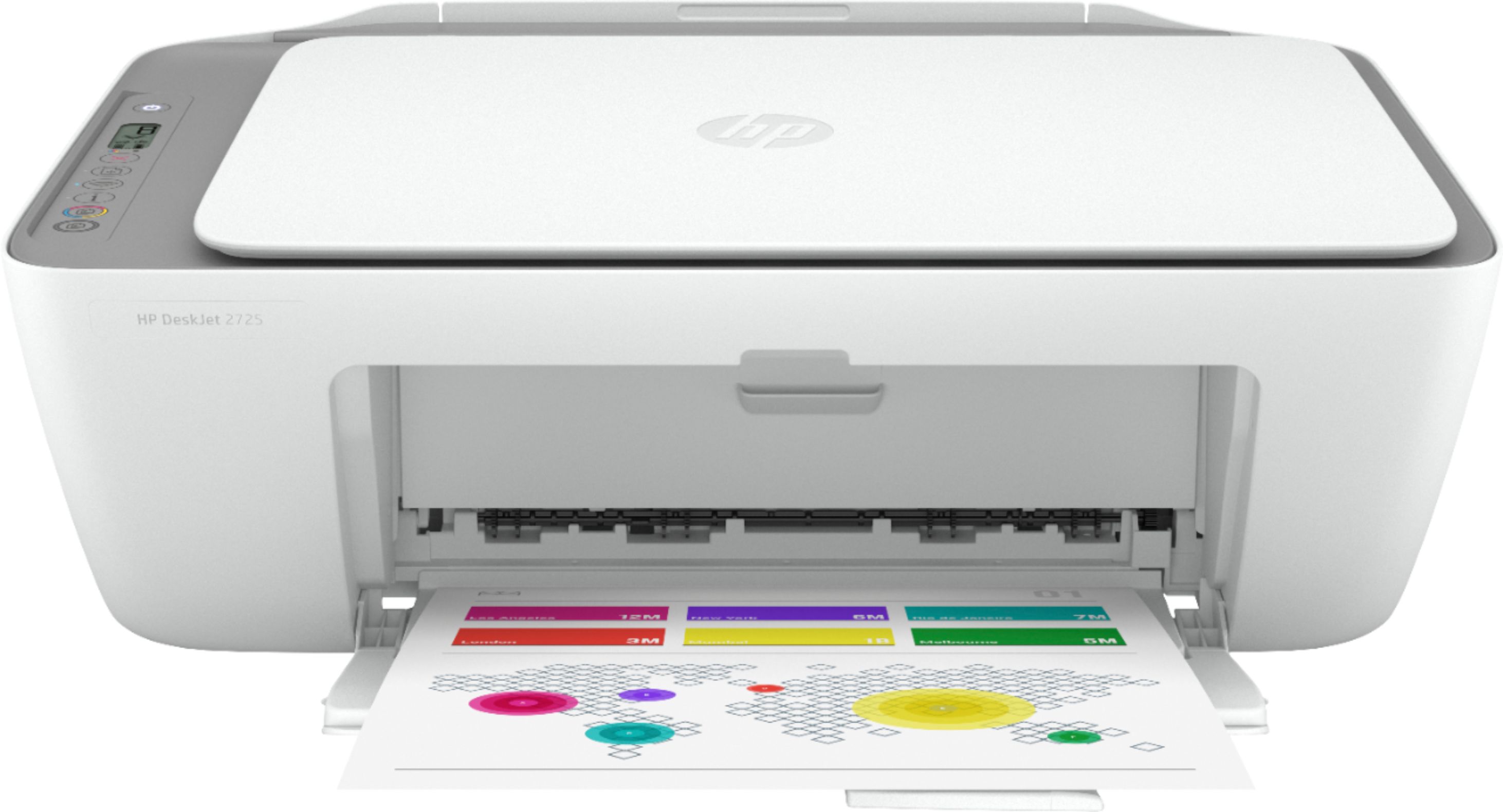
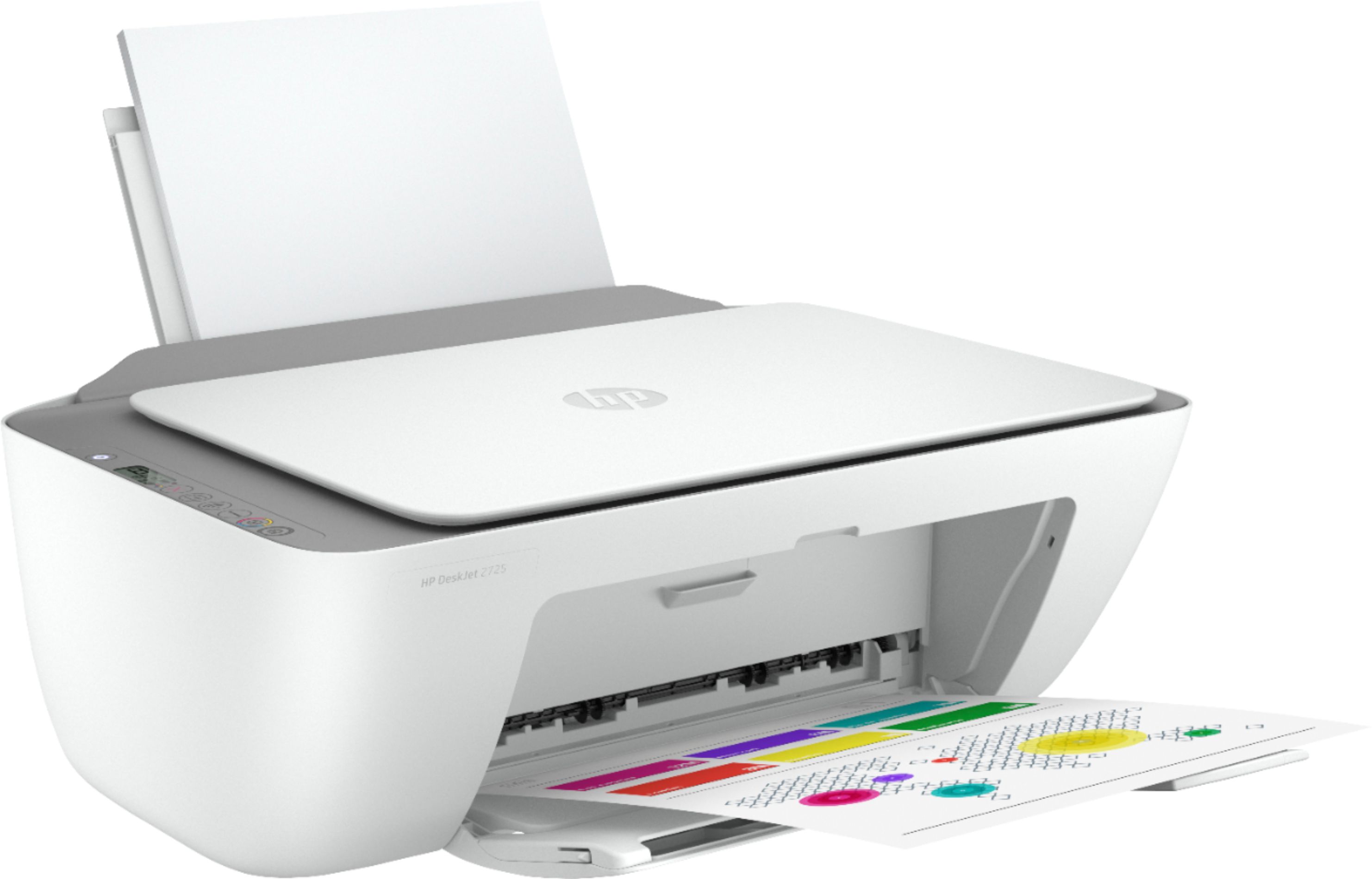
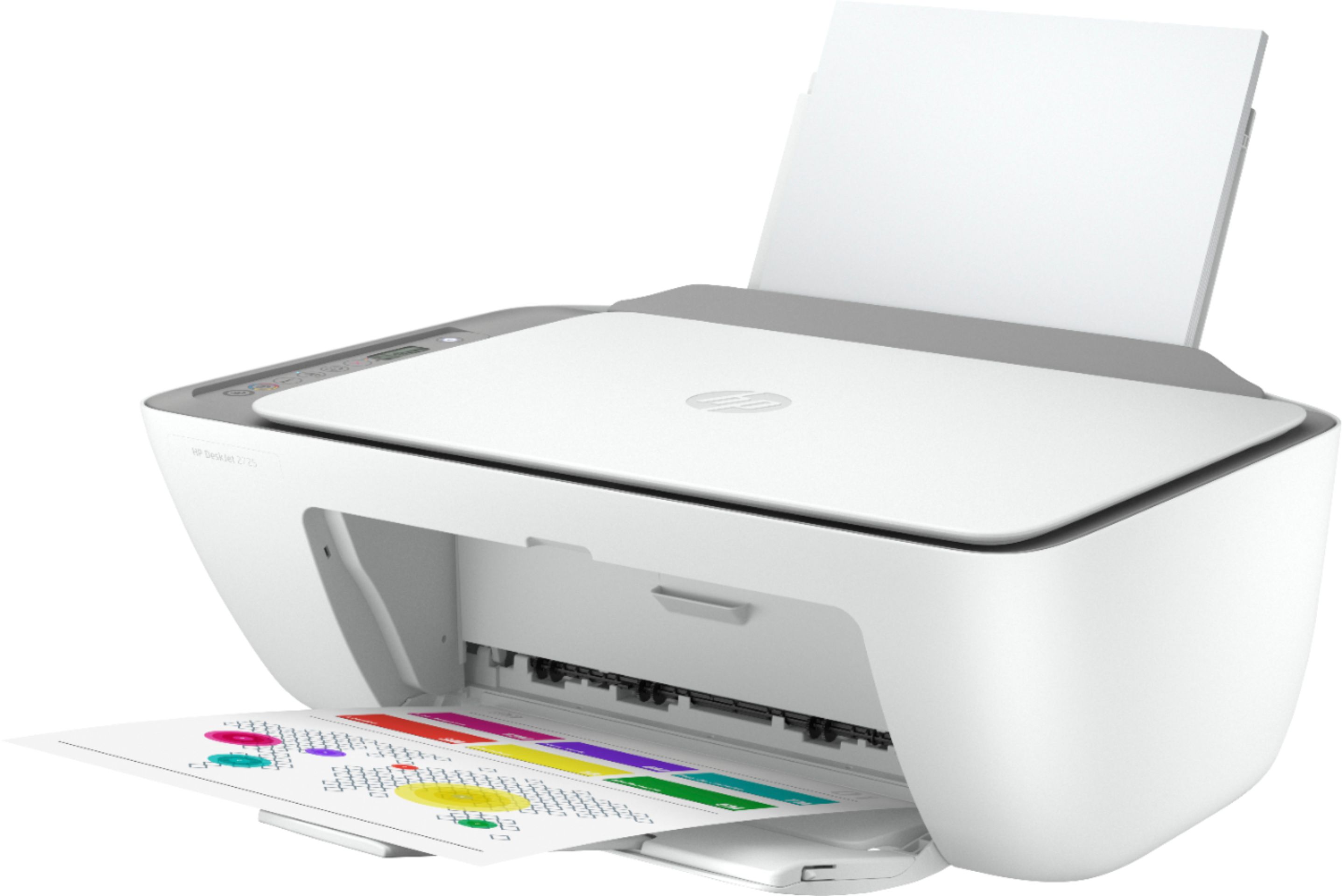
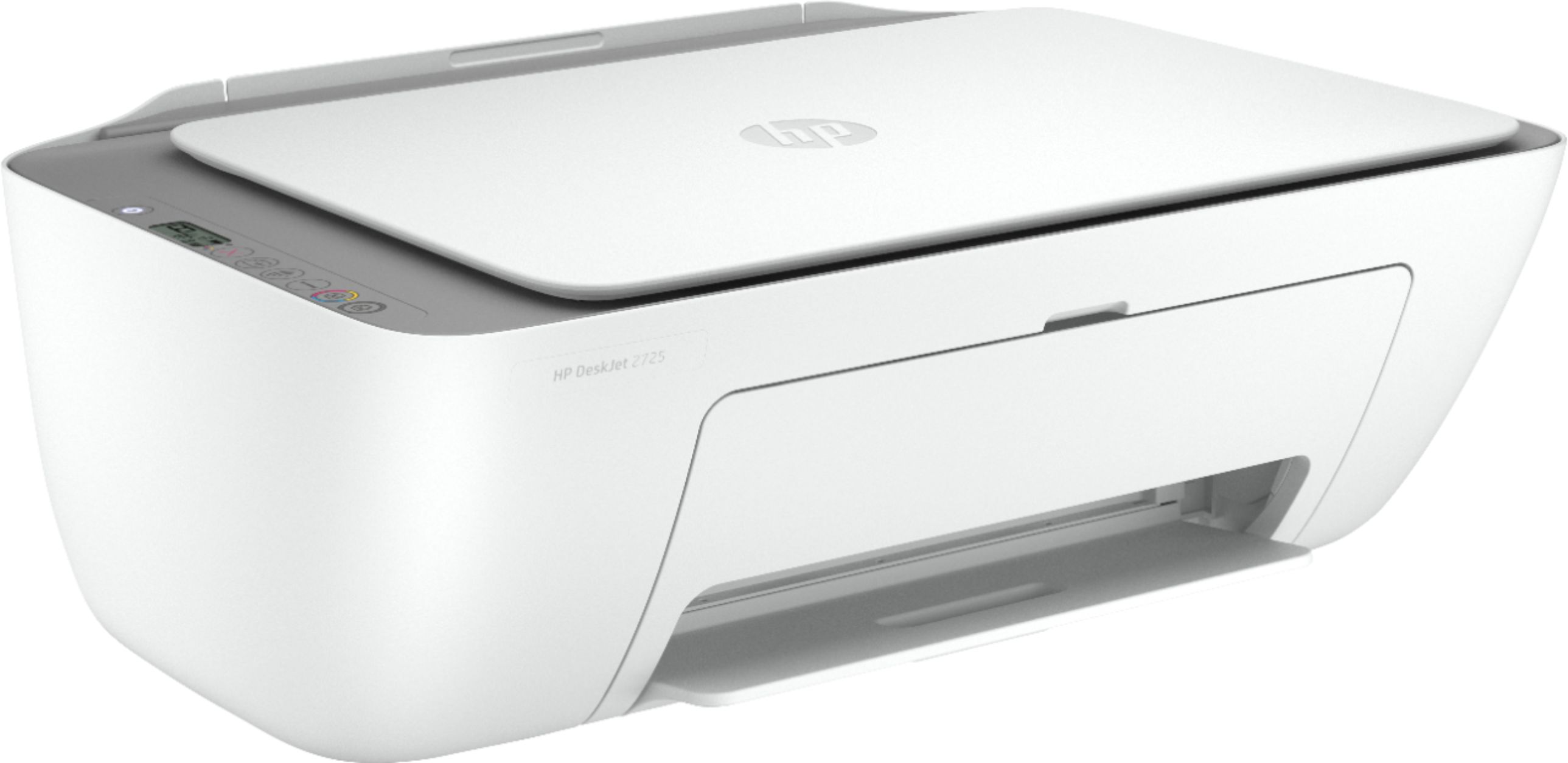
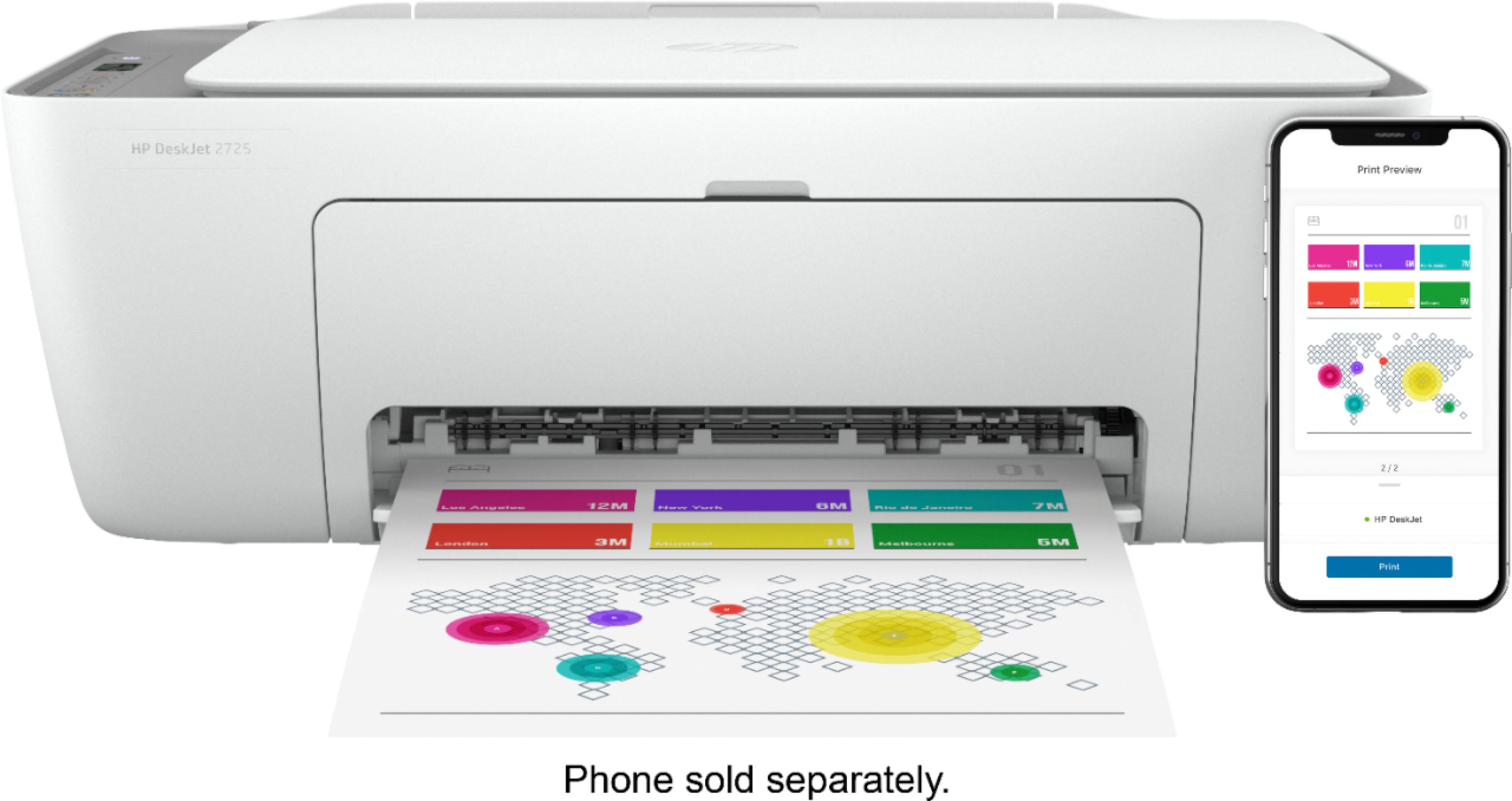
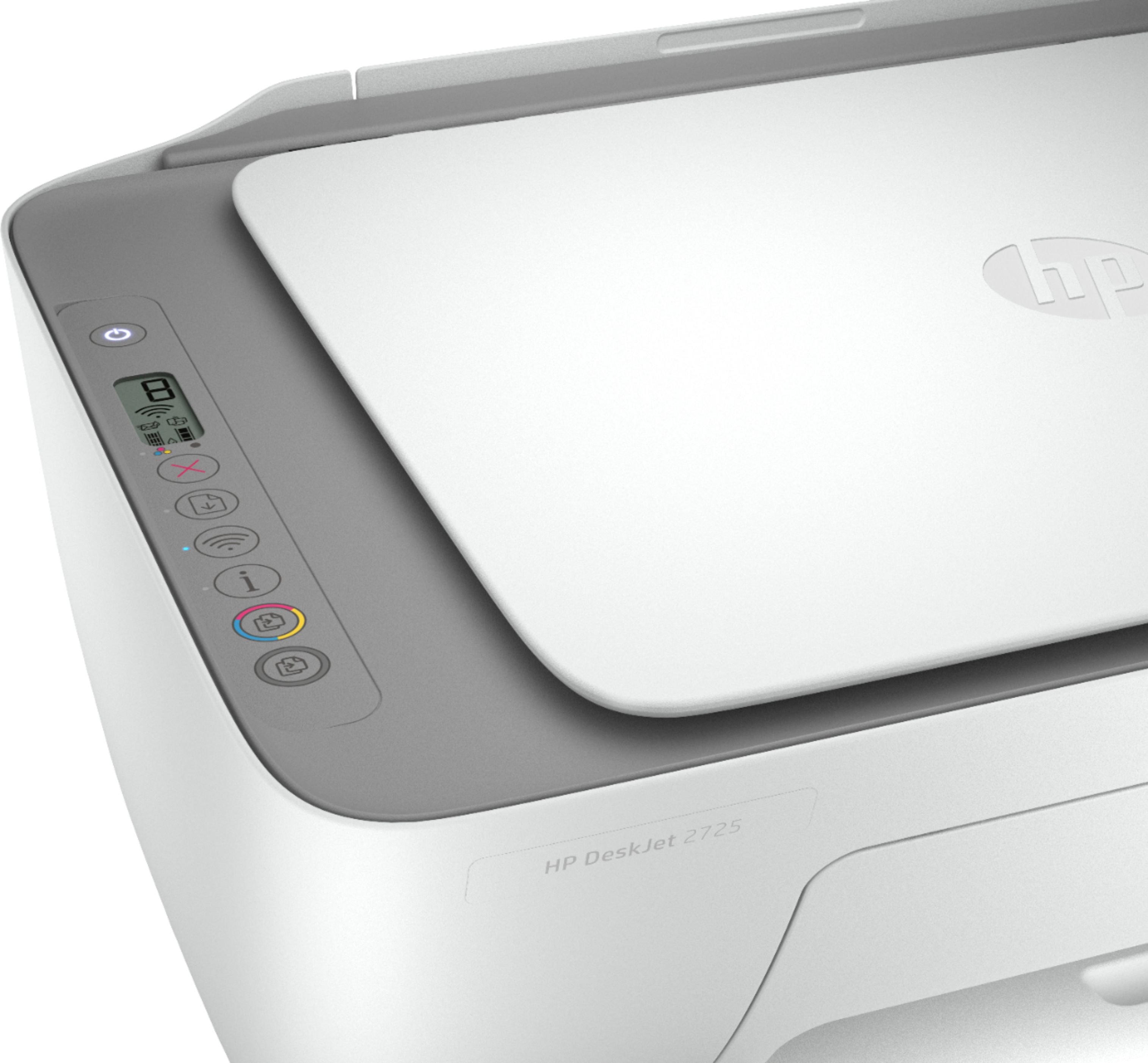
A:AnswerOnly the power cable is included. The USB cable would be a separate purchase. This printer comes with setup cartridges in the box. The yield of setup cartridges varies by model but tends to be enough to get the average user through setup and initial printing jobs. You can learn more about Ink and Toner by the model at https://bit.ly/3cQrnaN
A:AnswerYes, this printer will work with the Chrome operating system. Here are some instructions on how to set up the printer on the Chromebook: https://support.hp.com/us-en/document/c04122530 and a YouTube video: https://youtu.be/Mf6LUKTMw9c
A:AnswerThe printer does not need to be connected to WiFi for setup. But you will need to download and install the drivers. This link has setup instructions for the DeskJet 2725. https://support.hp.com/us-en/printer-setup/hp-deskjet-2700-all-in-one-printer-series/29378157/model/38056354
A:AnswerThis printer comes with setup black and tricolor ink cartridges in the box. The yield of setup cartridges varies by model but tends to be enough to get the average user through setup and initial printing jobs. You can learn more about Ink and Toner by the model at https://bit.ly/3cQrnaN
A:AnswerSo sorry I think I forgot to paste the link
https://www.bestbuy.com/site/hp-deskjet-2725-wireless-all-in-one-instant-ink-ready-inkjet-printer-white/6421533.p?skuId=6421533