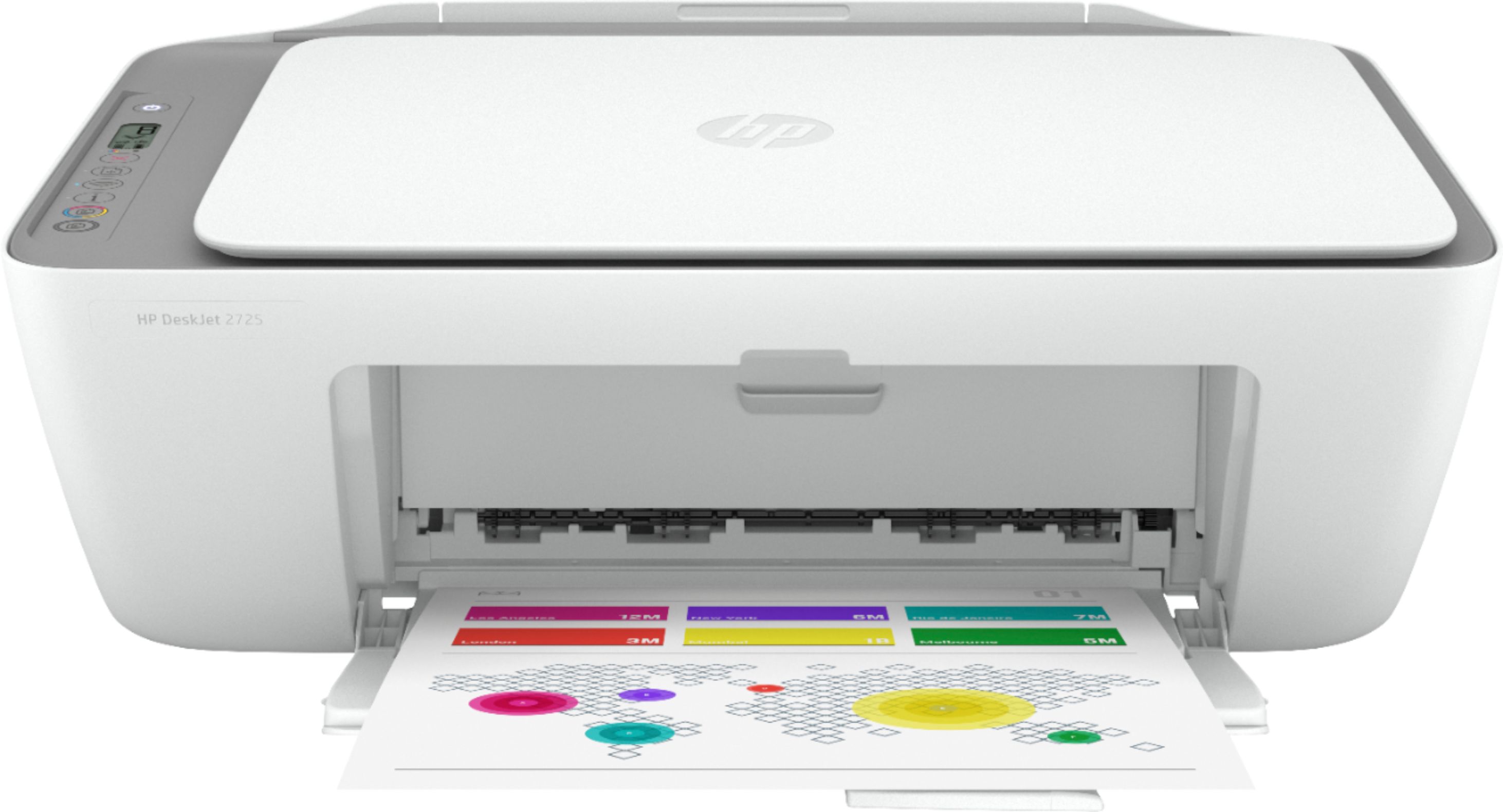
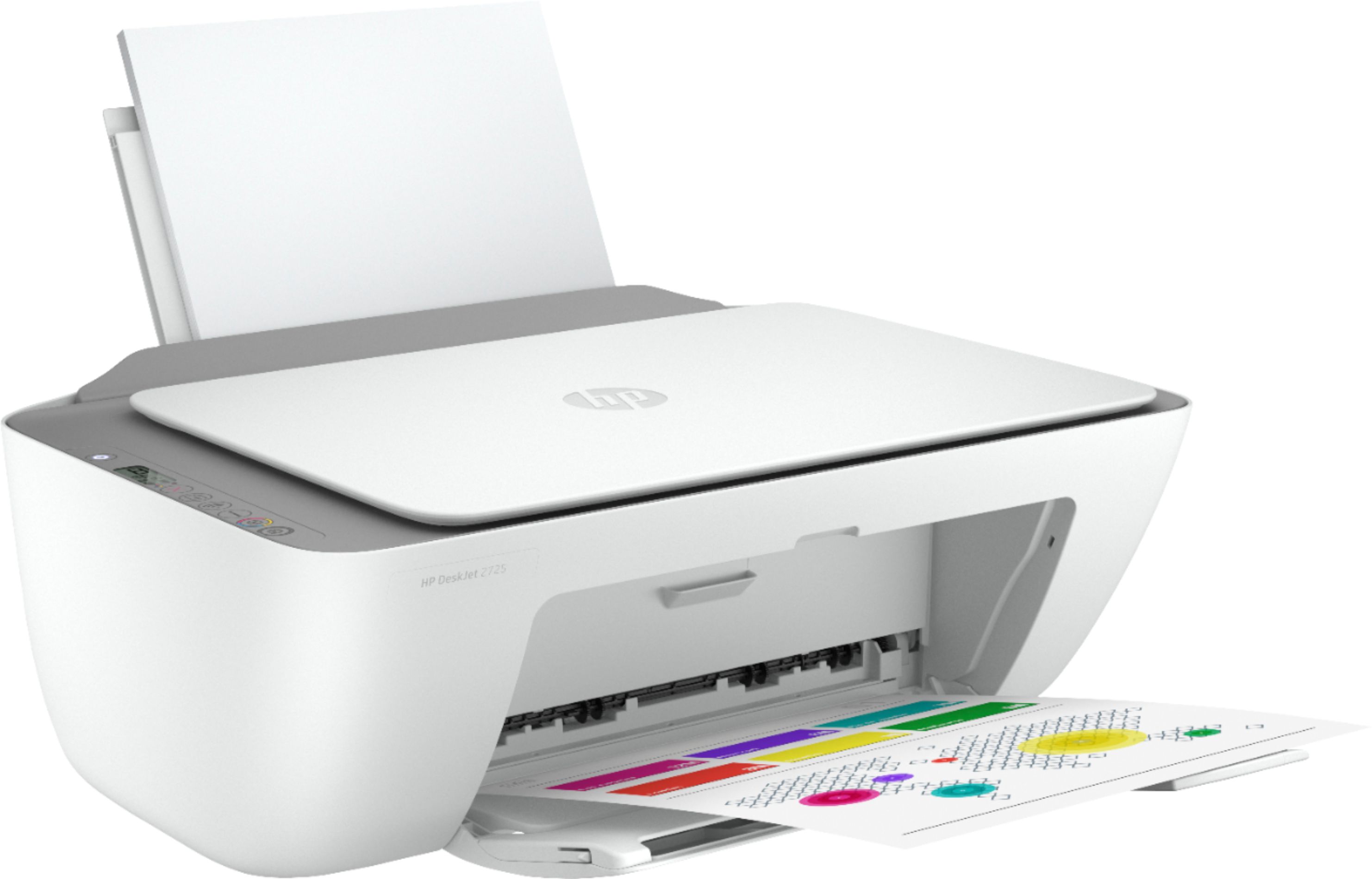
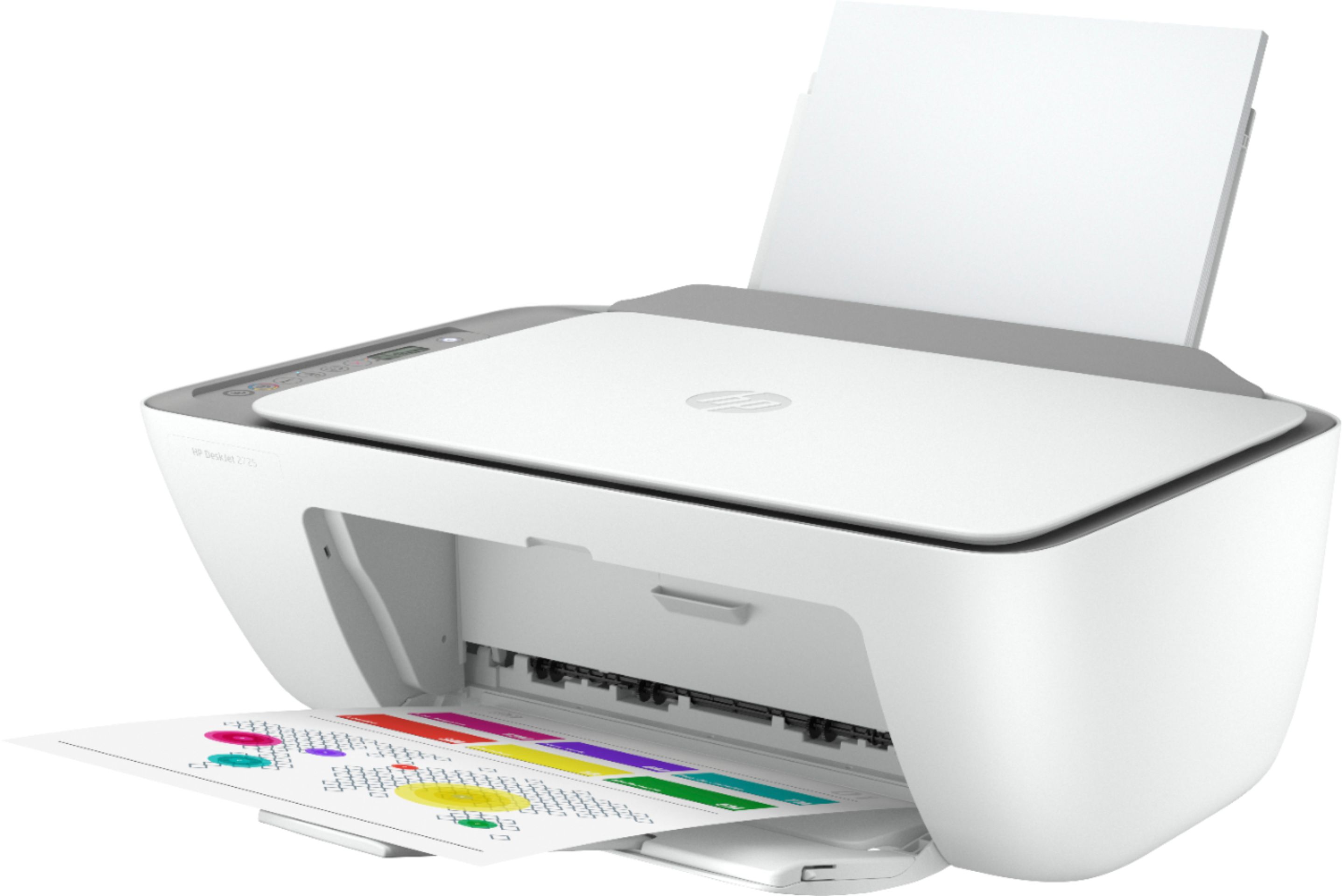
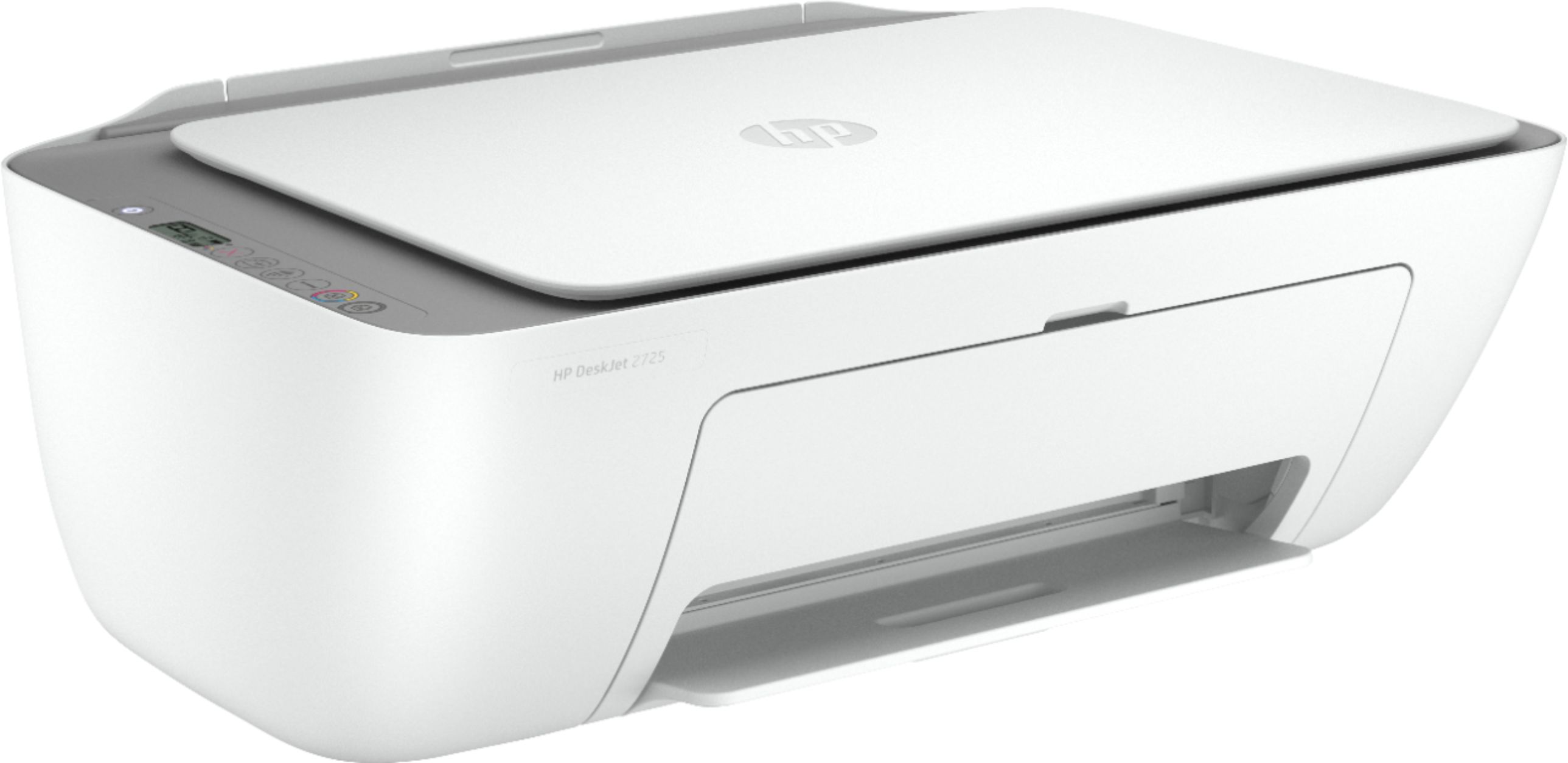
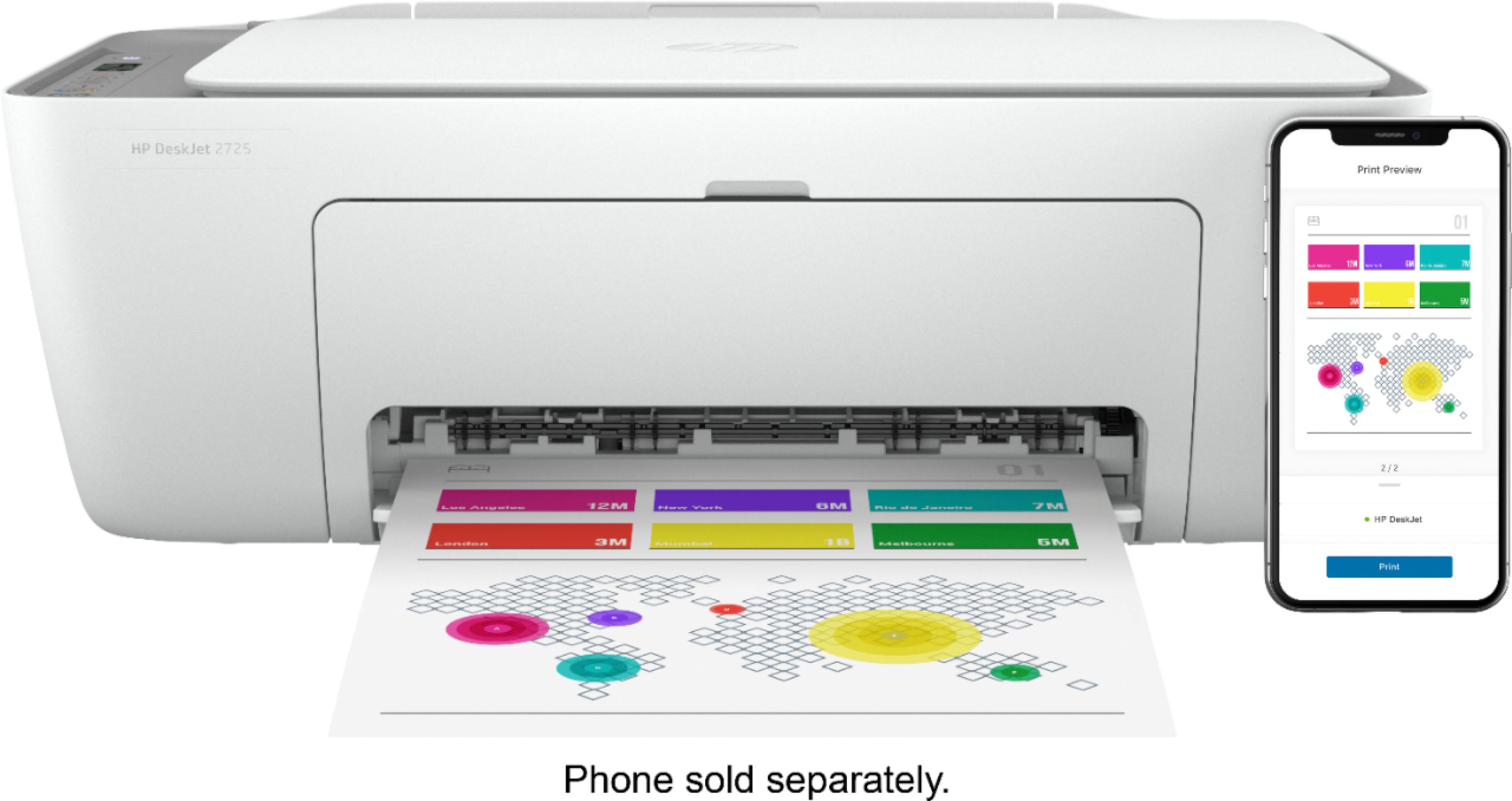
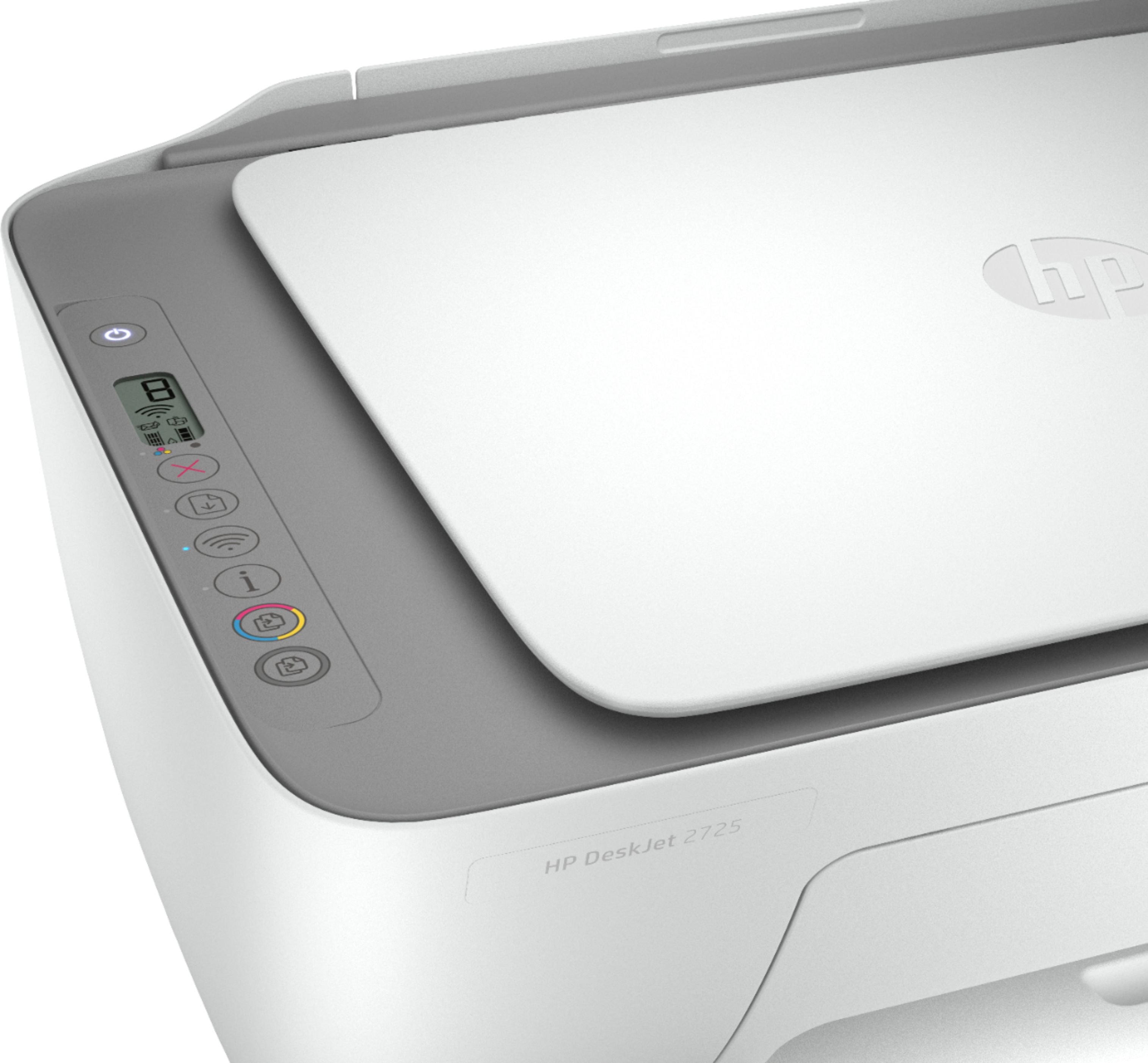
A:AnswerThe USB cable is not included with this printer. If you are connecting this printer to your wireless network, the USB cable is not needed for the setup.
A:AnswerThis printer does not have an SD card slot. This printer connects to the WiFi network. We recommend reaching out to Canon in regards to printing from the camera to a printer.
A:AnswerYou can use HP ePrint with this printer that allows you to make an email address for the printer. Here are instructions: https://support.hp.com/us-en/document/c03721293
A:AnswerNo, here are the minimum requirements for MacOS: Sierra v10.12 (previously OS X), macOS High Sierra v10.13, macOS Mojave v10.14, macOS Catalina v10.15
A:AnswerThe HP Deskjet 2725 printer uses the HP 67 or 67XL black and tricolor ink cartridges. HP 67 black yields about 120 pages. HP 67 tricolor yields about 100 pages. HP 67XL black yields about 240 pages. HP 67XL tricolor yields about 200 pages.
A:AnswerIt will be tight, but it should fit. With the input tray extended the printer is about 10" high and the paper will still up two or three inches above that, so I'd estimate you'll have about an inch and a half clearance.