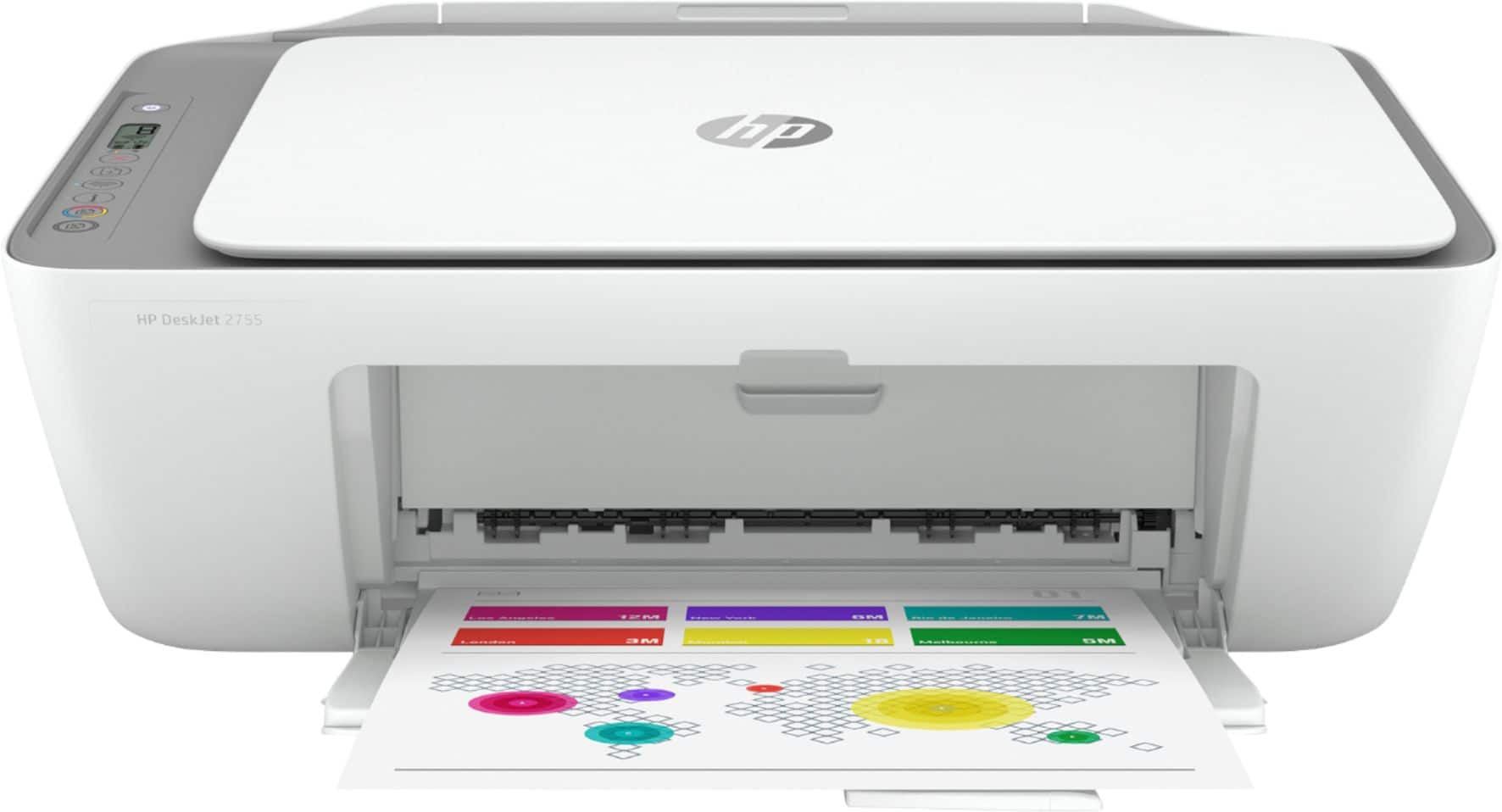
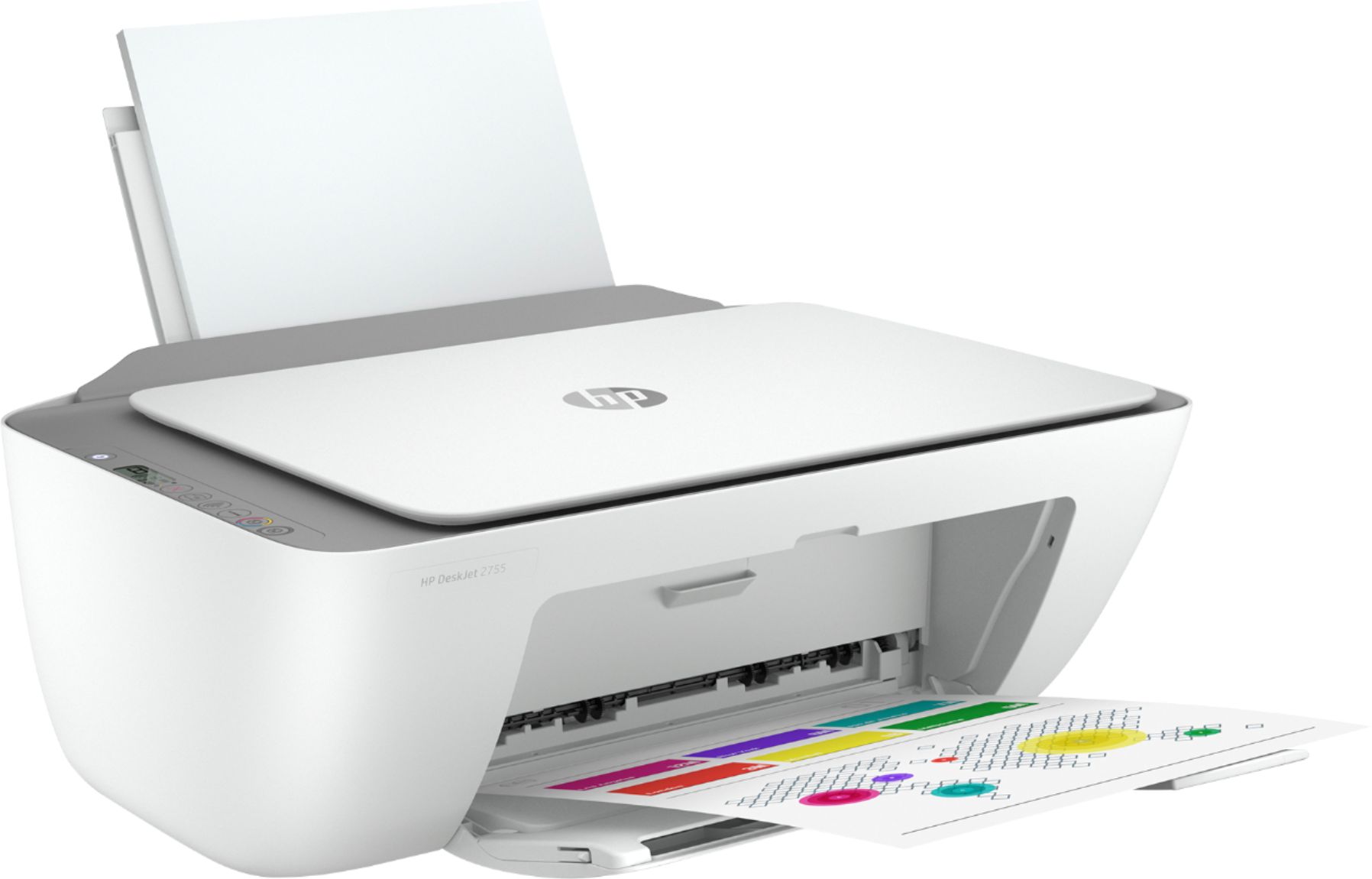
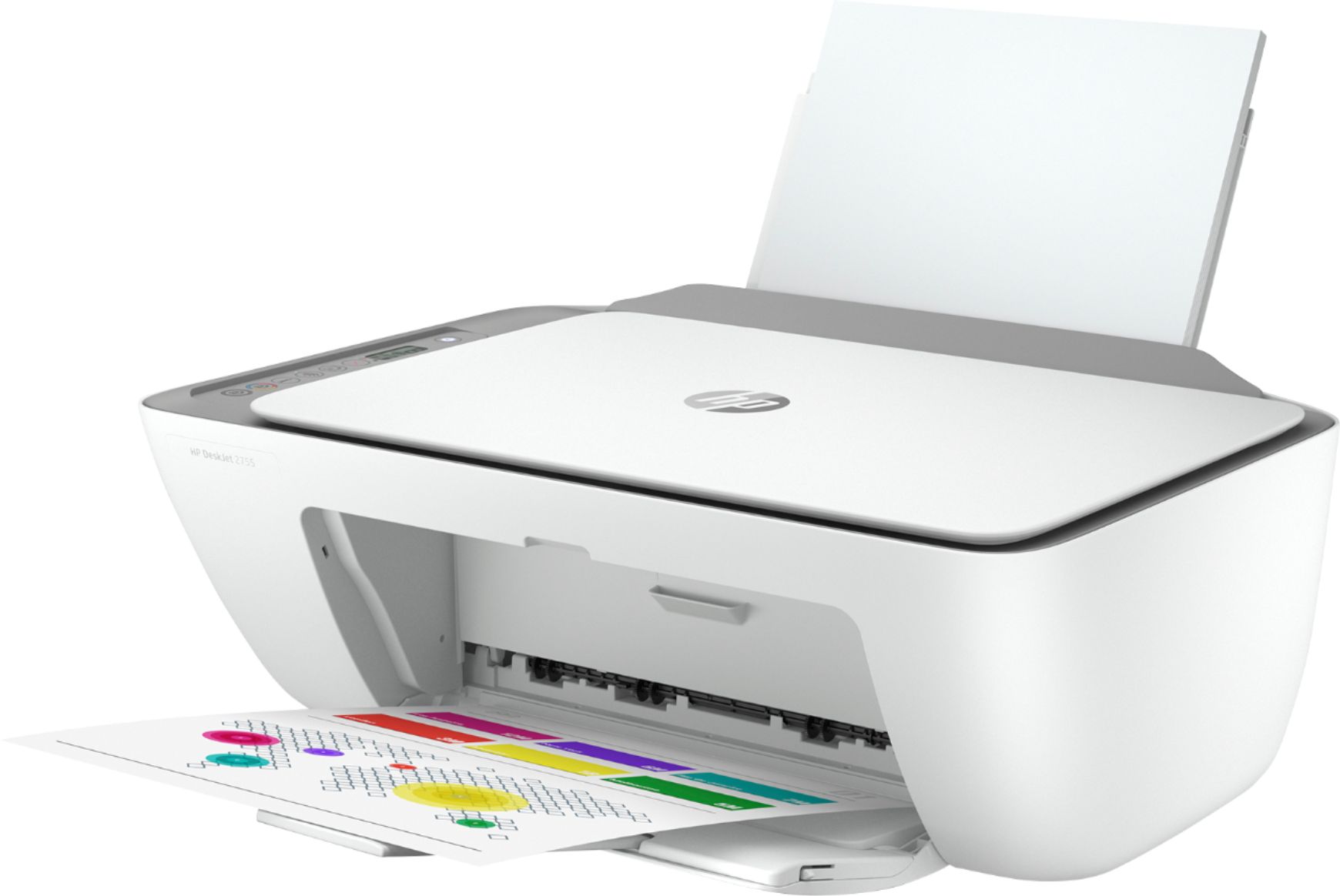
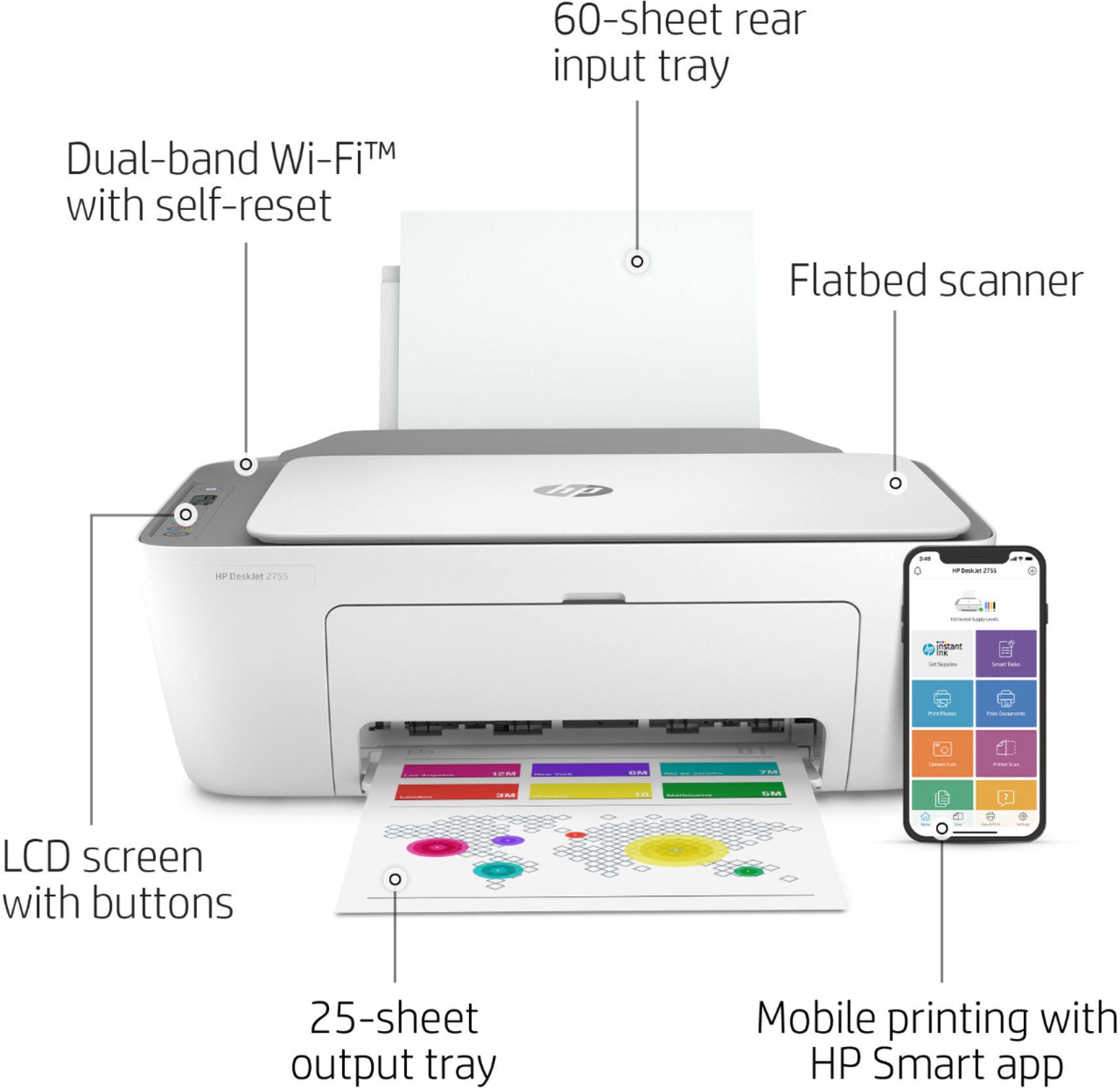
A:AnswerThank you for the question. Yes, the DeskJet 2755e has a USB-B port for connecting your USB cable to your computer. With regard to your F300 printer, have you tried updating the print driver? (Feel free to reach out to Support.hp.com for assistance with that).
A:AnswerThank you for the question. The DeskJet 2755e has a one year warranty, with the option for a second year of warranty for free when you opt in to HP+ at setup. The printer comes with set-up black and tri-color cartridges. This printer also offers free ink coverage for six months, sent from HP Instant Ink. You can redeem that offer when you set up the printer.
A:AnswerYes, it's absolutely compatible with that Windows 10 notebook. The standard 67 ink cartridges are rated at 120 pages for the black and 100 for the color. The high-capacity 67XL cartridges will do about twice that number of pages. The cost of the cartridges can vary over time, so there's really no way to quote you a price.
A:AnswerHello, yes the HP DeskJet 2755e is AirPrint compatible. Remember to sign up for your Instant Ink and HP+ program during the set-up process so you do not forfeit the free promotions! Thank you for being an HP customer!
A:AnswerHello. Thanks for your question. Yes, you can use this HP Deskjet 2755e printer with the Lenovo Chromebook. We recommend using the HP Smart app to setup the printer on your Chromebook.
A:AnswerHi Angie, thank you question. If you prefer to use a USB Type-A to USB-Type B cable, you can install the printer using the software downloadable at 123.hp.com. You can also use the HP Smart App on your computer.
A:AnswerThank you for the question. Yes, the DeskJet 2755e is compatible with computers using Windows 7, Windows 10 and Windows 11, as well as Macintosh devices. It is also compatible with IOS and Android Smart devises using the HP Smart App.
A:AnswerThank you for your question! Please check with your bank to see if they require the use of MICR toner, regular toner, or regular ink to be used on checks. This printer uses regular ink but is compatible with most check-printing software.
A:AnswerThank you for the question. Yes, the DeskJet 2755e will be compatible with your laptop using the Windows 7, Windows 10, or Windows 11 operating systems.