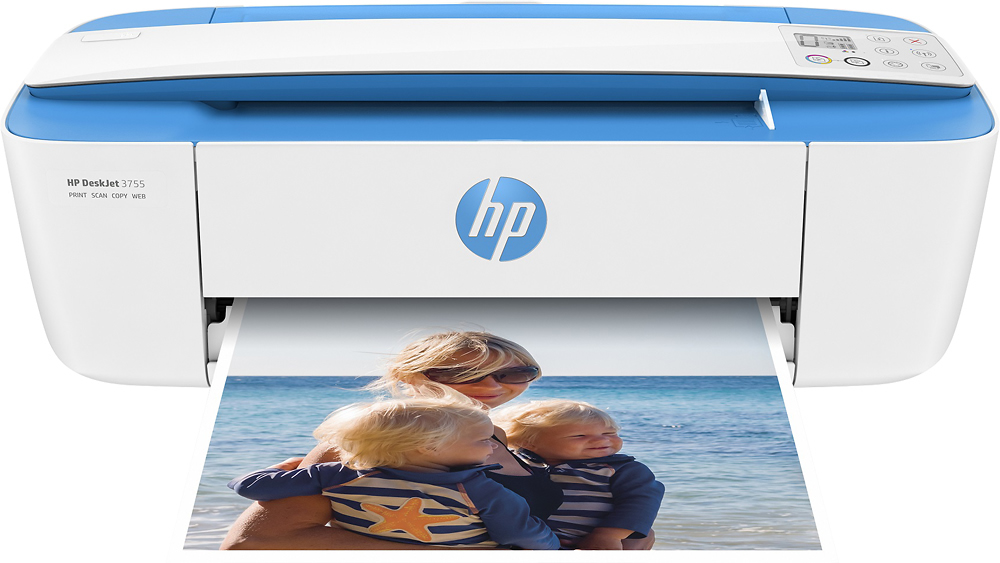
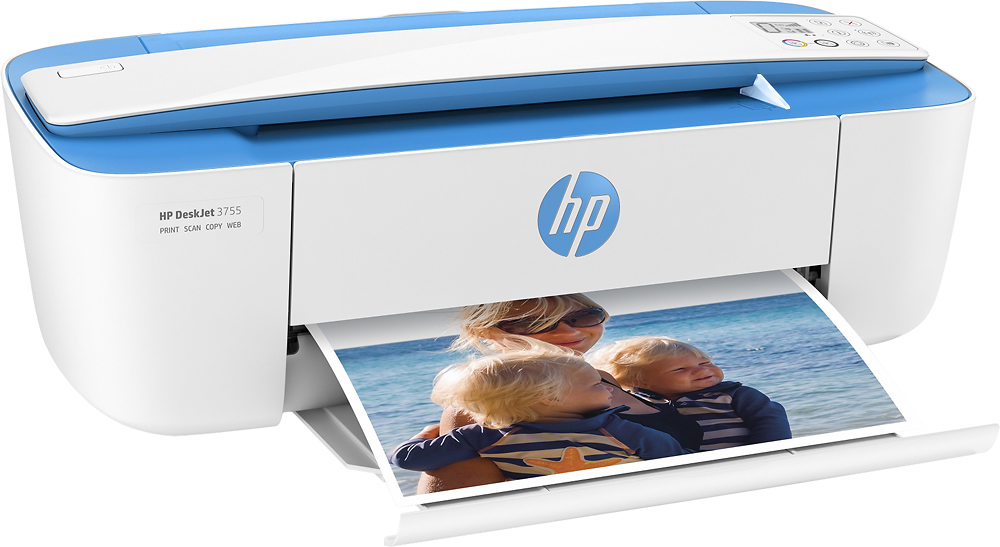
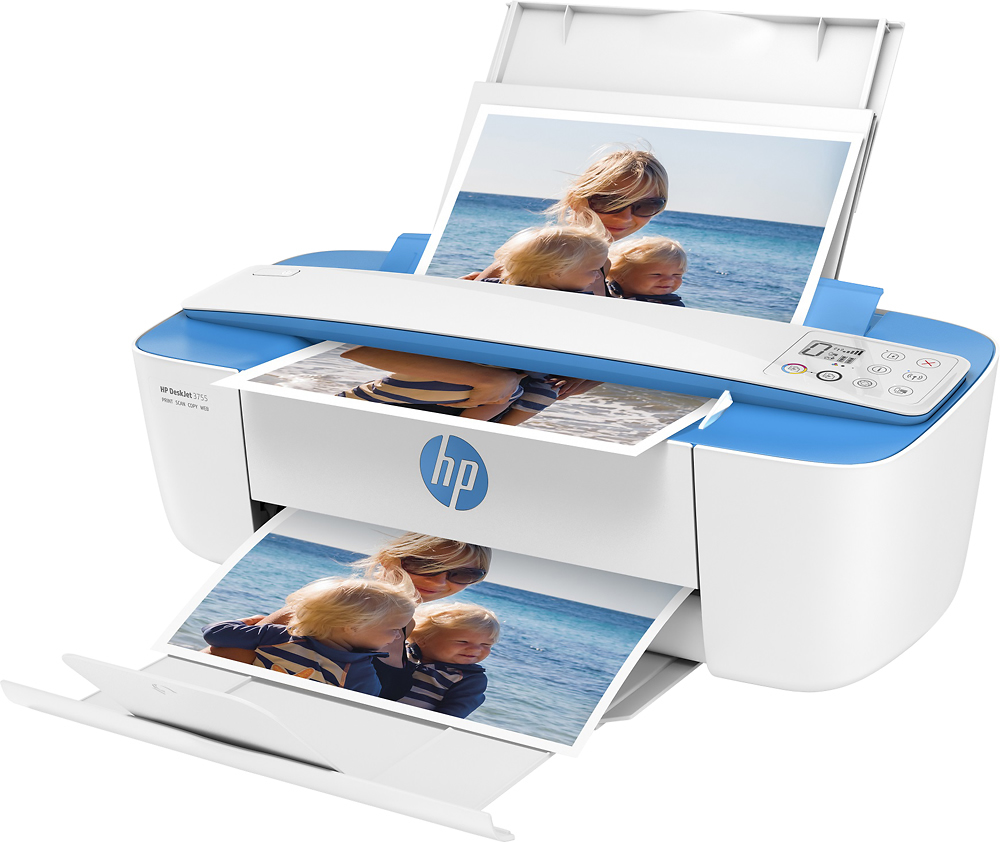
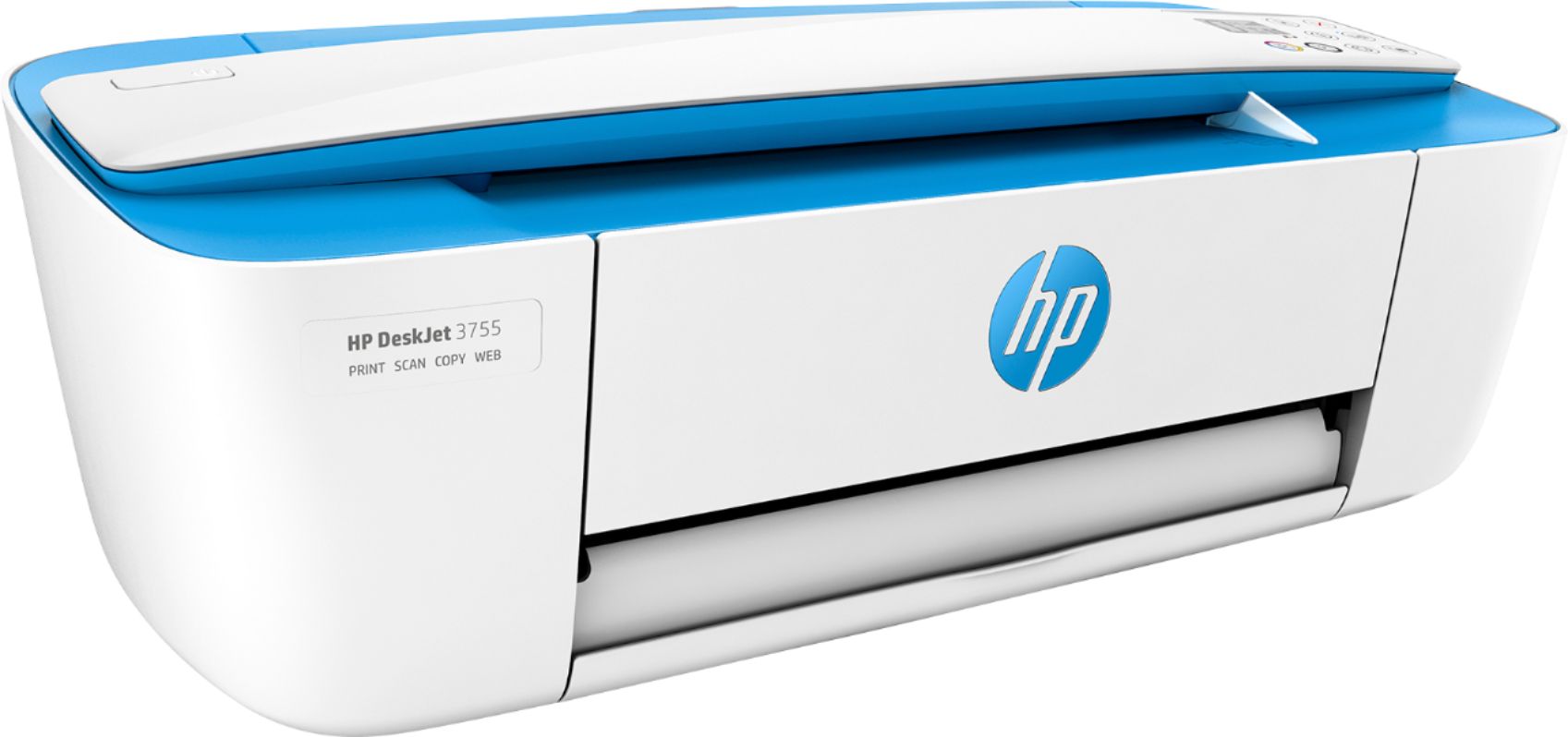
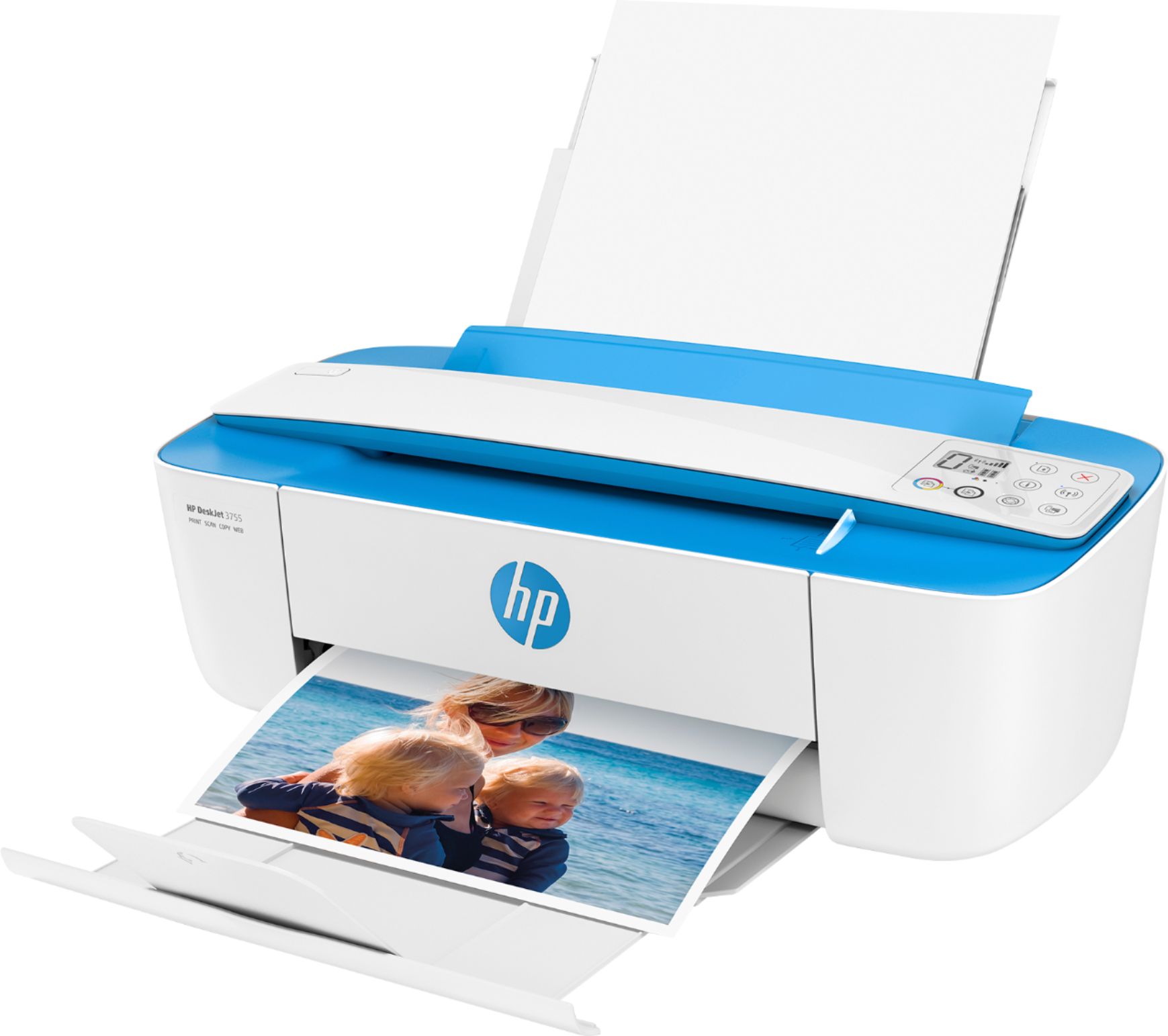
A:AnswerI am sorry that your experience with this printer is not positive. HP Support has the knowledge, training, and tools to look into why your printer is not printing your documents to the fullest.
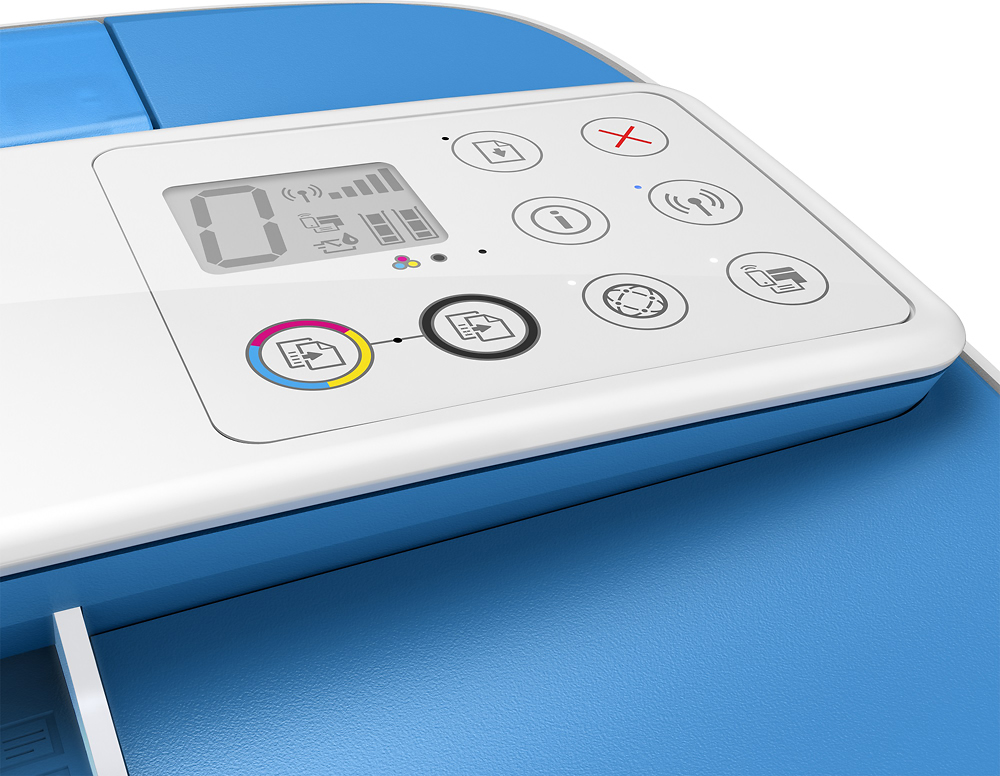
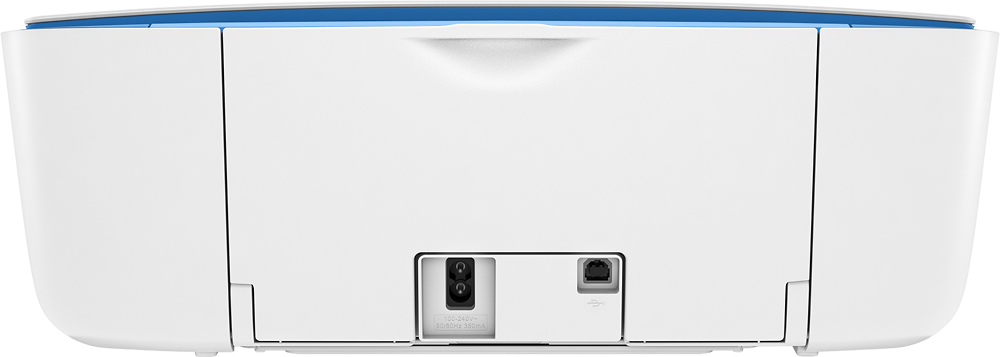
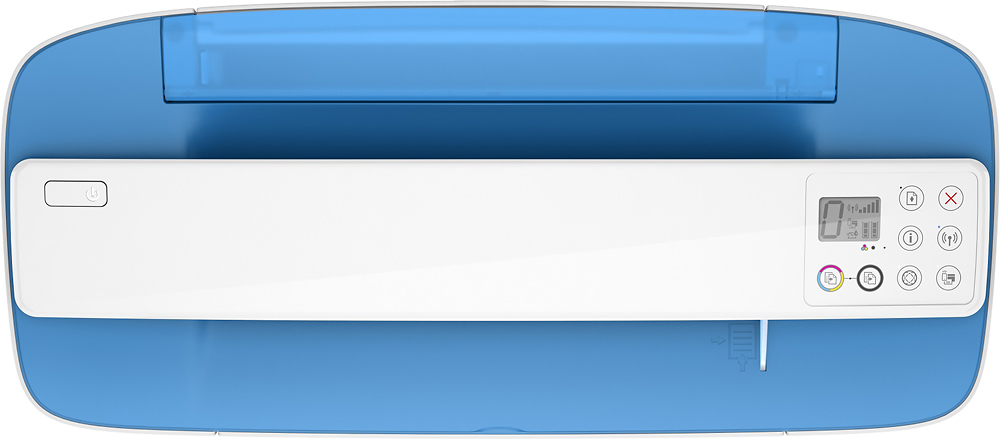
A:AnswerYou will have to manually scan it with the buttons on printer from what I read in the manual.
So you put your document in first then press the button for scanning for it to be processed.I haven’t used this myself so it could be different