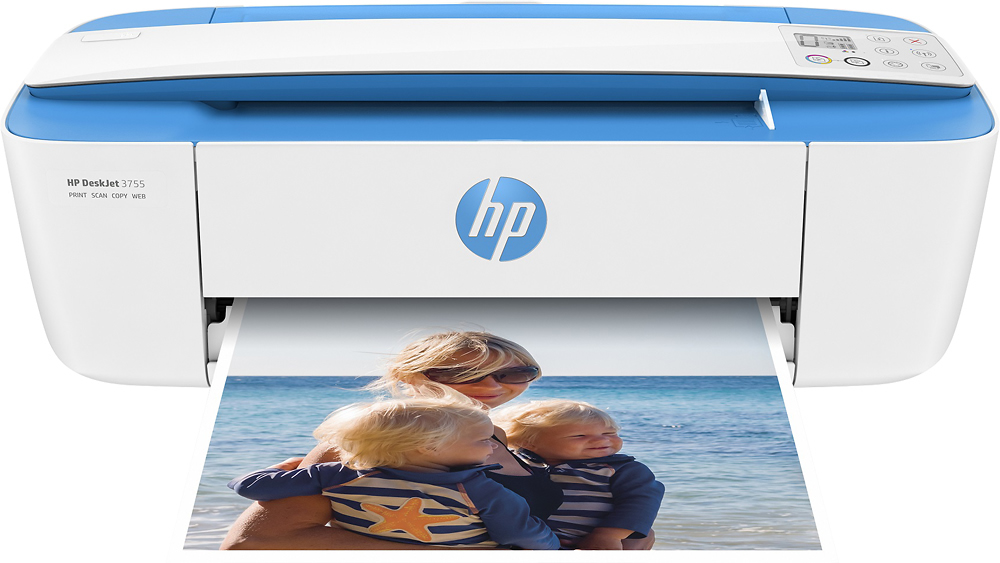
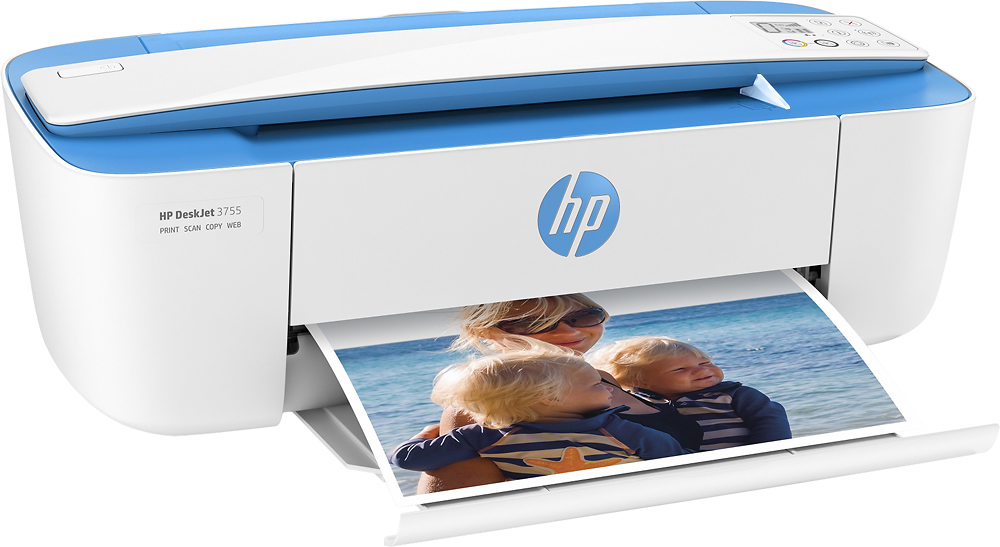
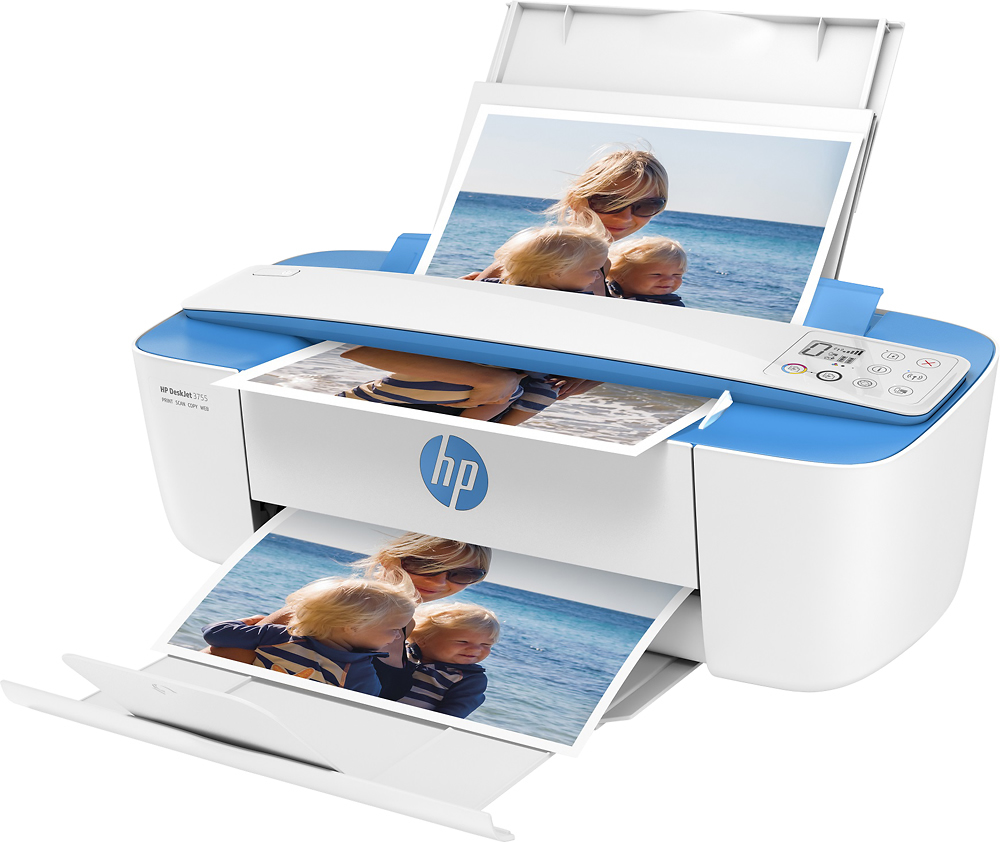
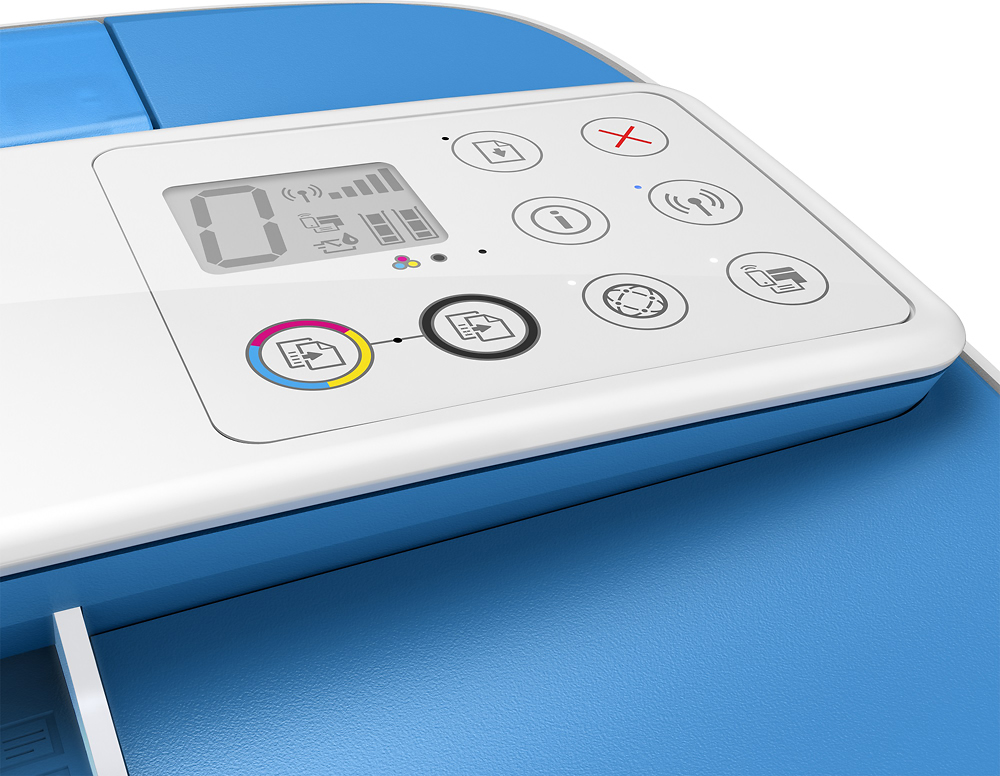
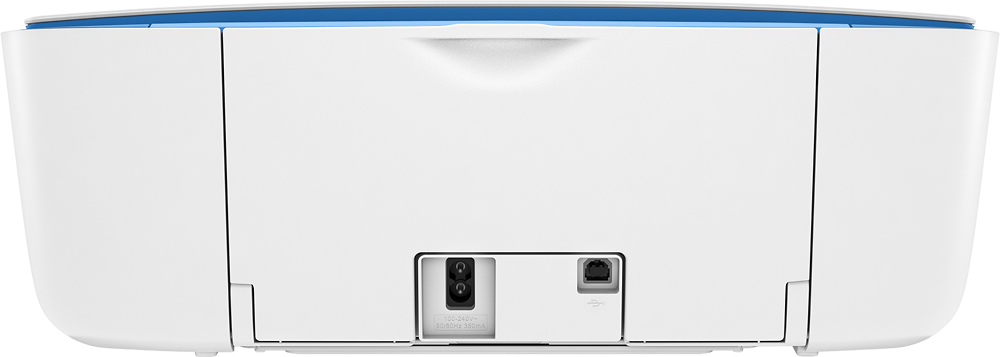
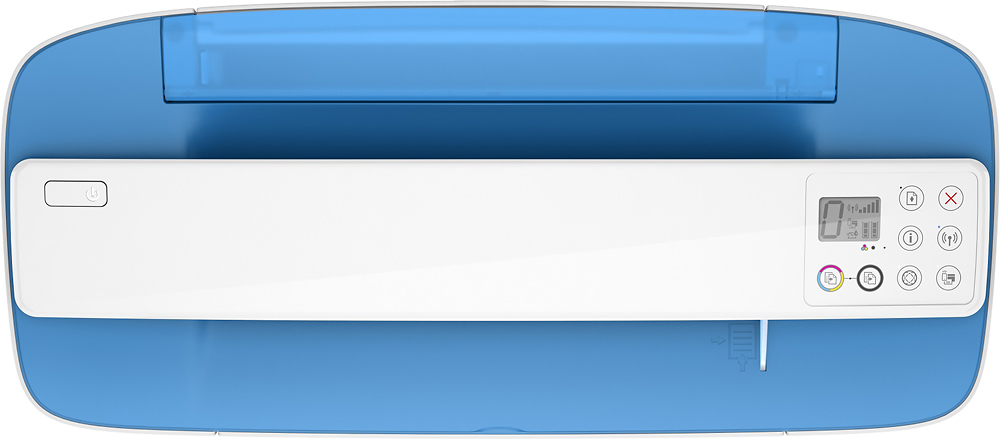
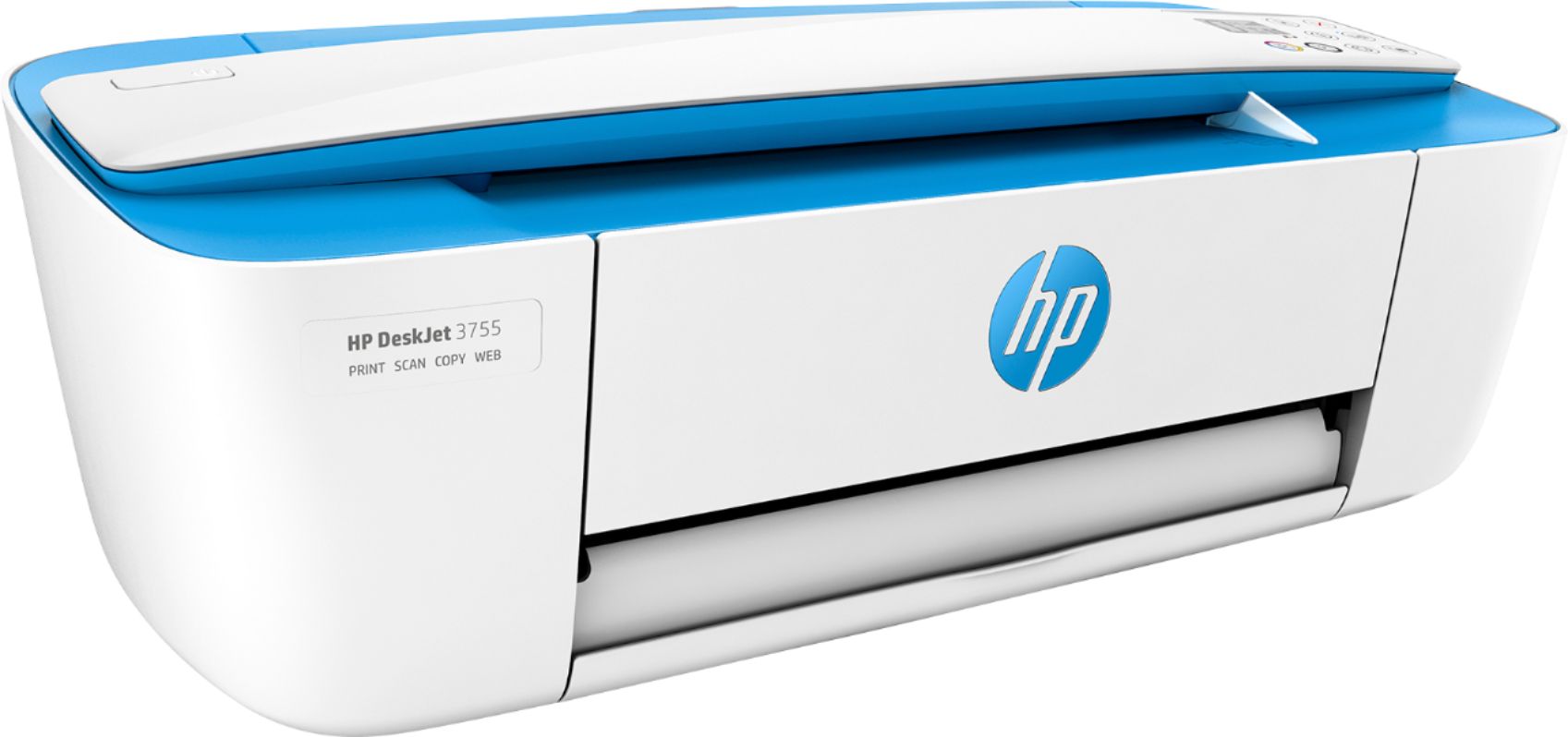
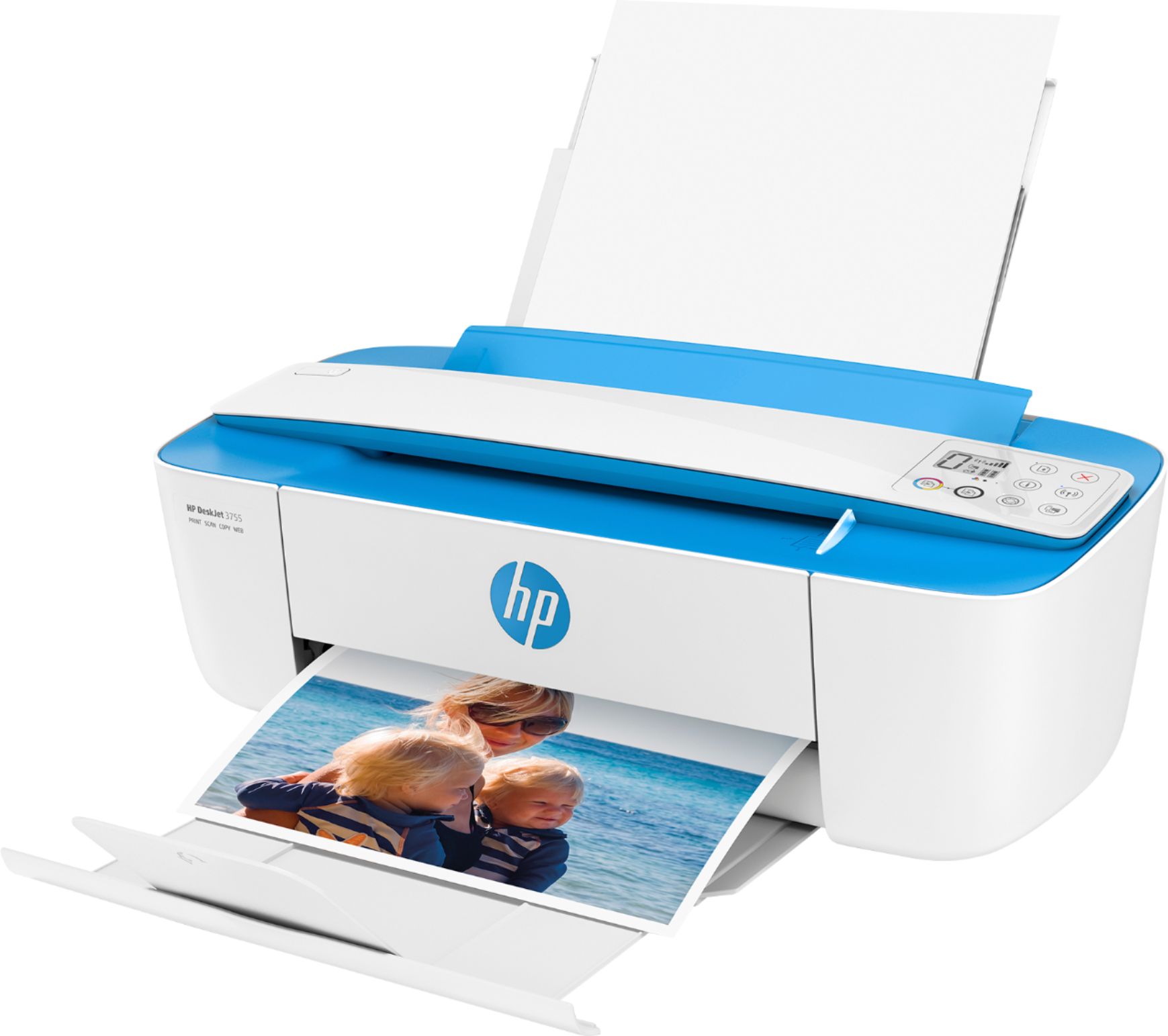
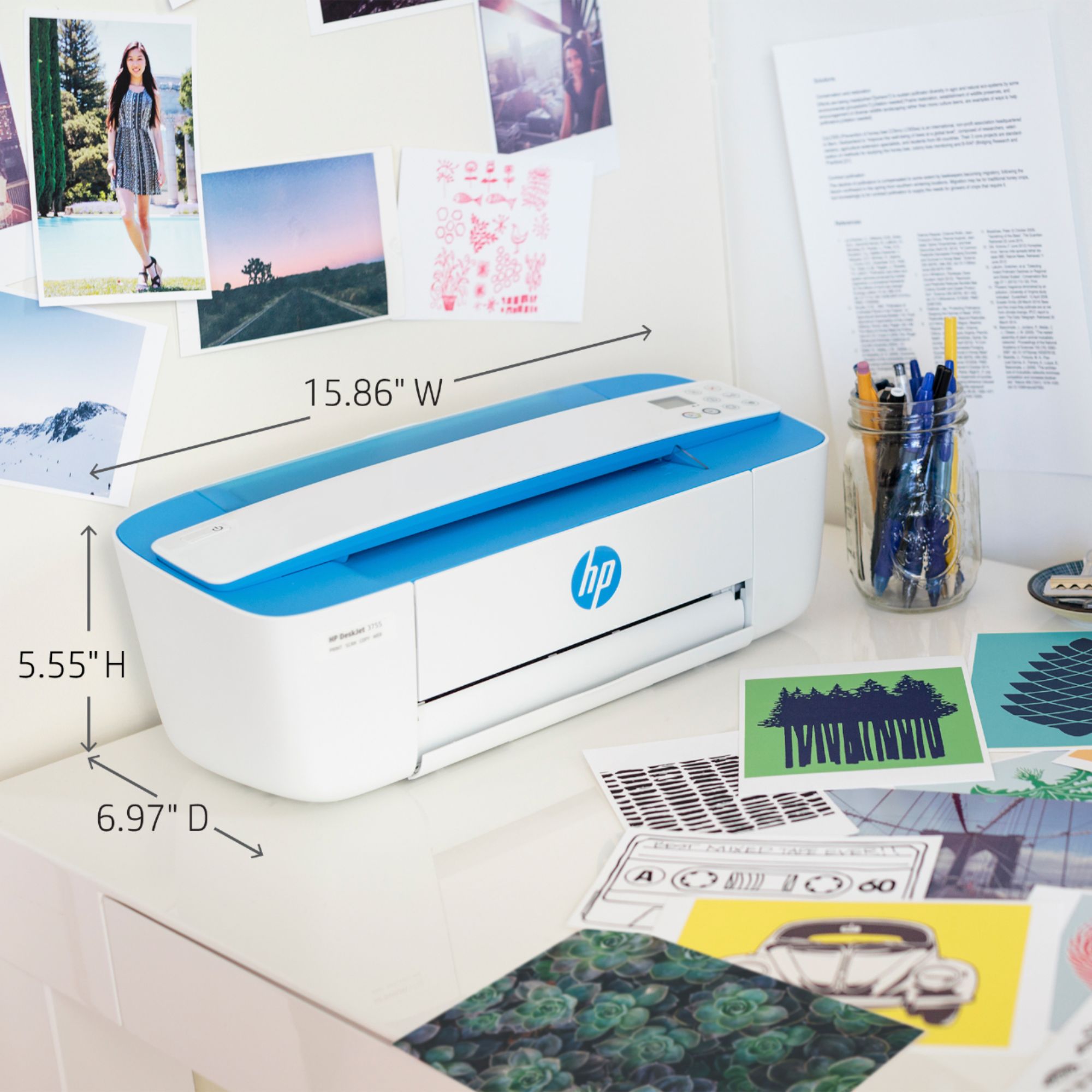
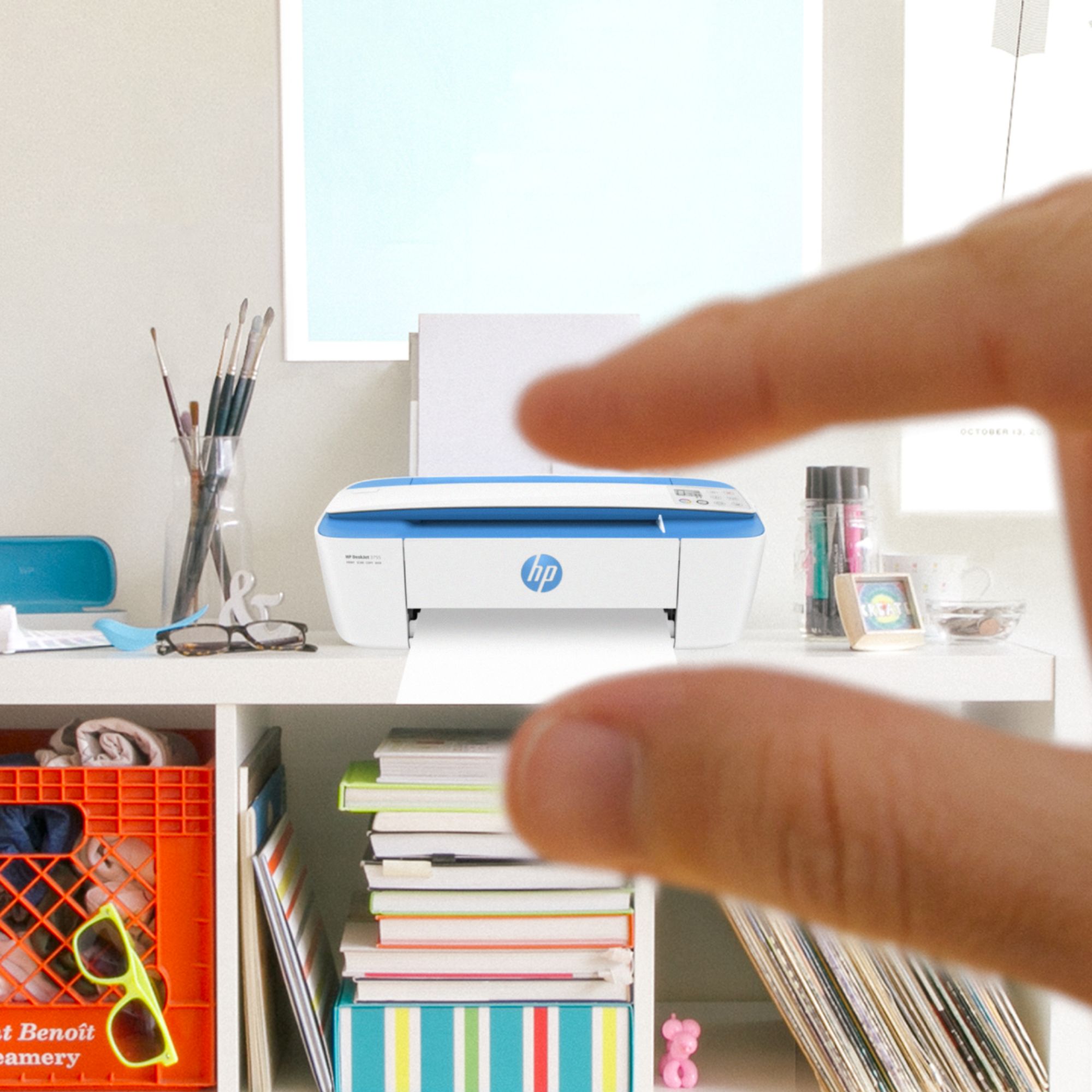
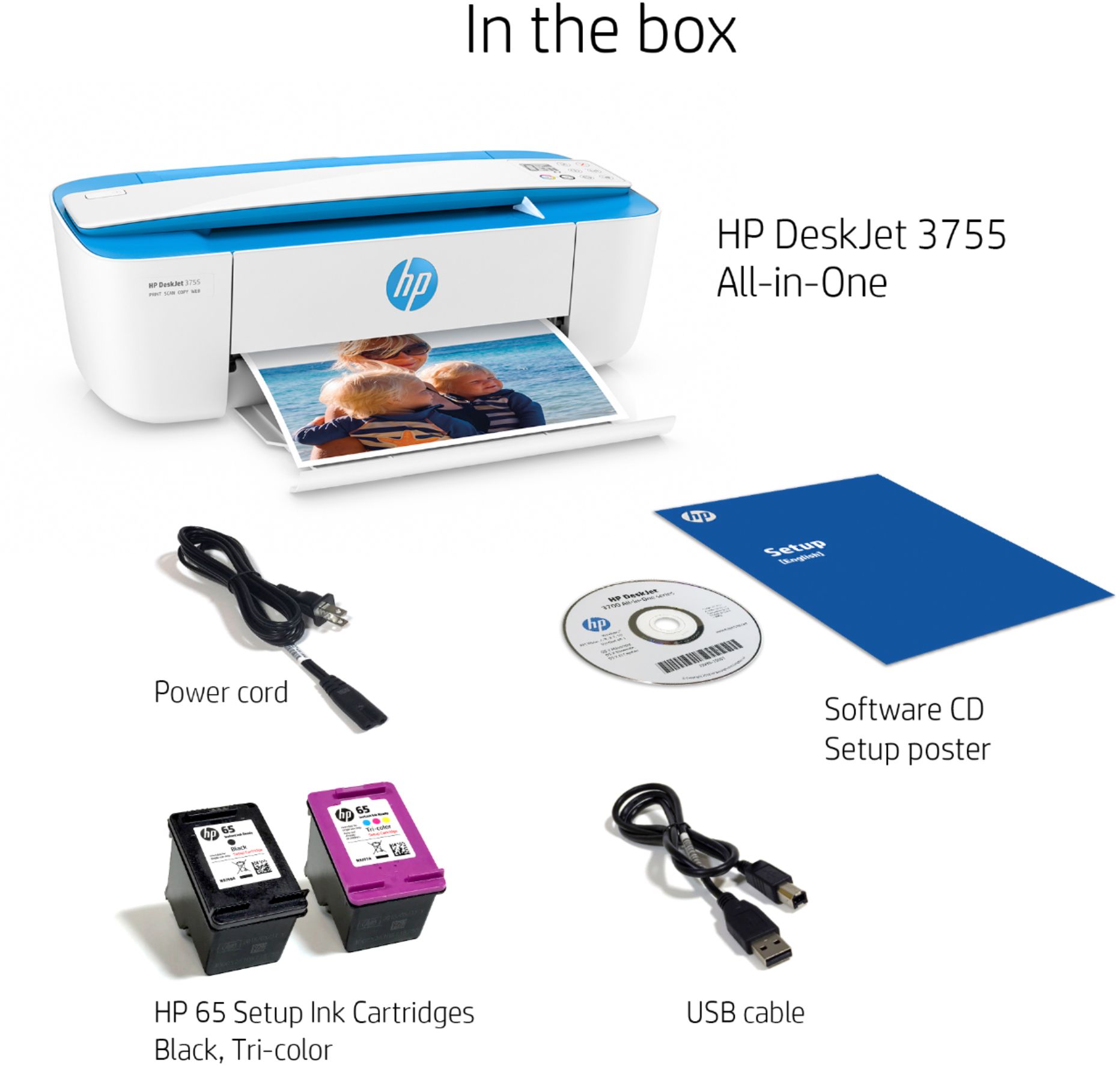
A:AnswerThank you for question! The HP DeskJet 3755 All-in-One Printer is compatible with Chromebooks. You will need to the Google Play Store to download the HP Smart App. HP DeskJet 3755 All-in-One Printer is able to print on heat transfer paper as long as the paper is compatible with inkjet printers.
A:AnswerInto the front of the HP3755 printer (& only when powered on) ,the setup instructions show exactly how to do it. If you don't have the serup instructions available then there are youtube videos you can watch ☺
A:AnswerHello. Thanks for your question. Hello. Thanks for your question. If your HP Envy laptop has Windows 7, 8, 10, or 11, you can use this HP Deskjet 3755 printer.
A:AnswerUnfortunately the printers now only work for PCs now Windows 10 or 11, since the format is different. and it's hard to find a windows 7 pc these days... that's why I recently bought my windows 11 pc. Because for windows 7 there is no longer how to do updates.
A:AnswerThank you for the question. The DeskJet 3755 does not have fax capability. If you are using a landline to connect, you'll want to review the OfficeJet Pro models.
A:AnswerThank you for the question. Yes, the OfficeJet Pro 8025, 8034, 9015, and 9025 all have landline fax capability. If you occasionally only send faxes, you can do that with the HP Smart App and the Envy Inspire printers, DeskJet 4155 and 2755 models, as well as the OfficeJet Pro printers. See the OfficeJet Pro 8025 printer here: https://www.bestbuy.com/site/hp-officejet-pro-8025e-wireless-all-in-one-inkjet-printer-with-6-months-of-instant-ink-included-with-hp-white/6450663.p?skuId=6450663