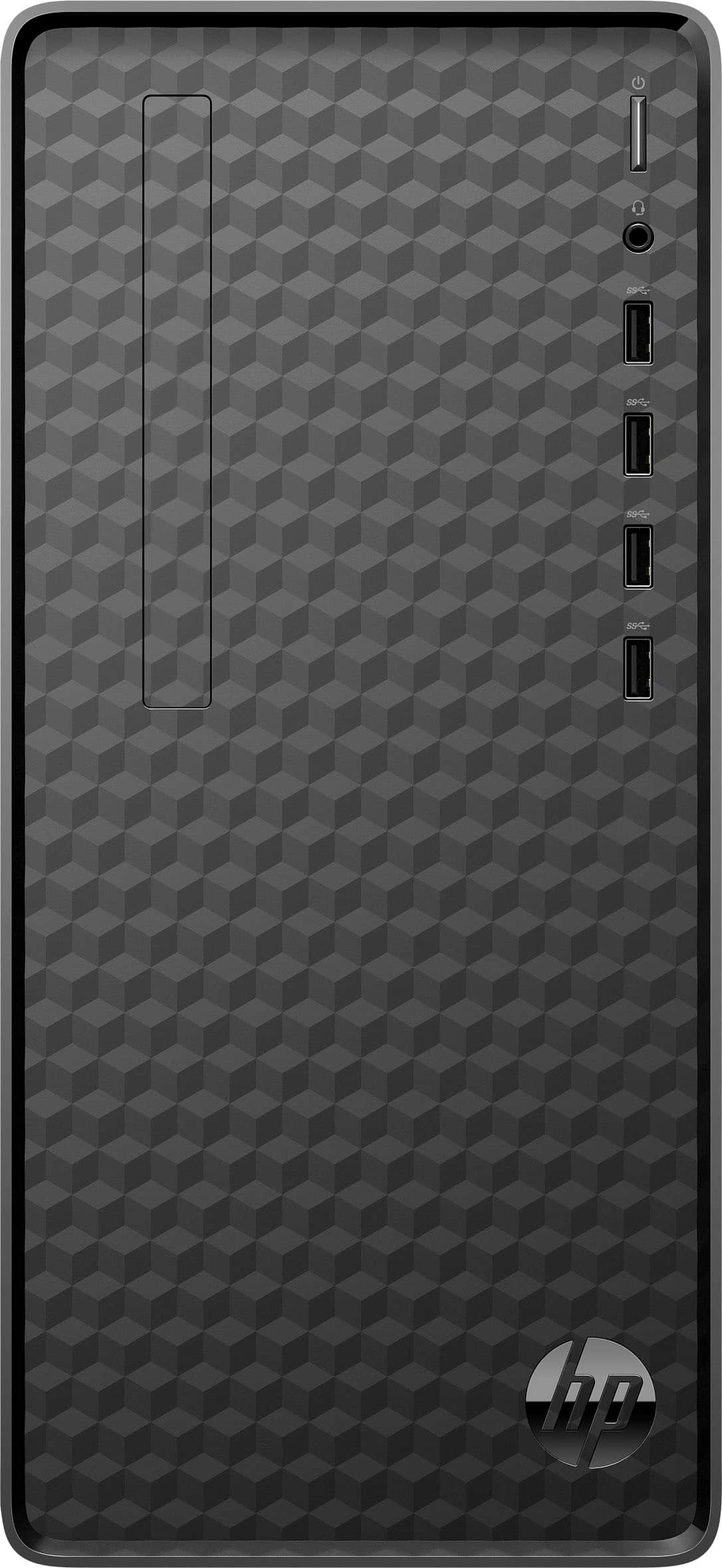
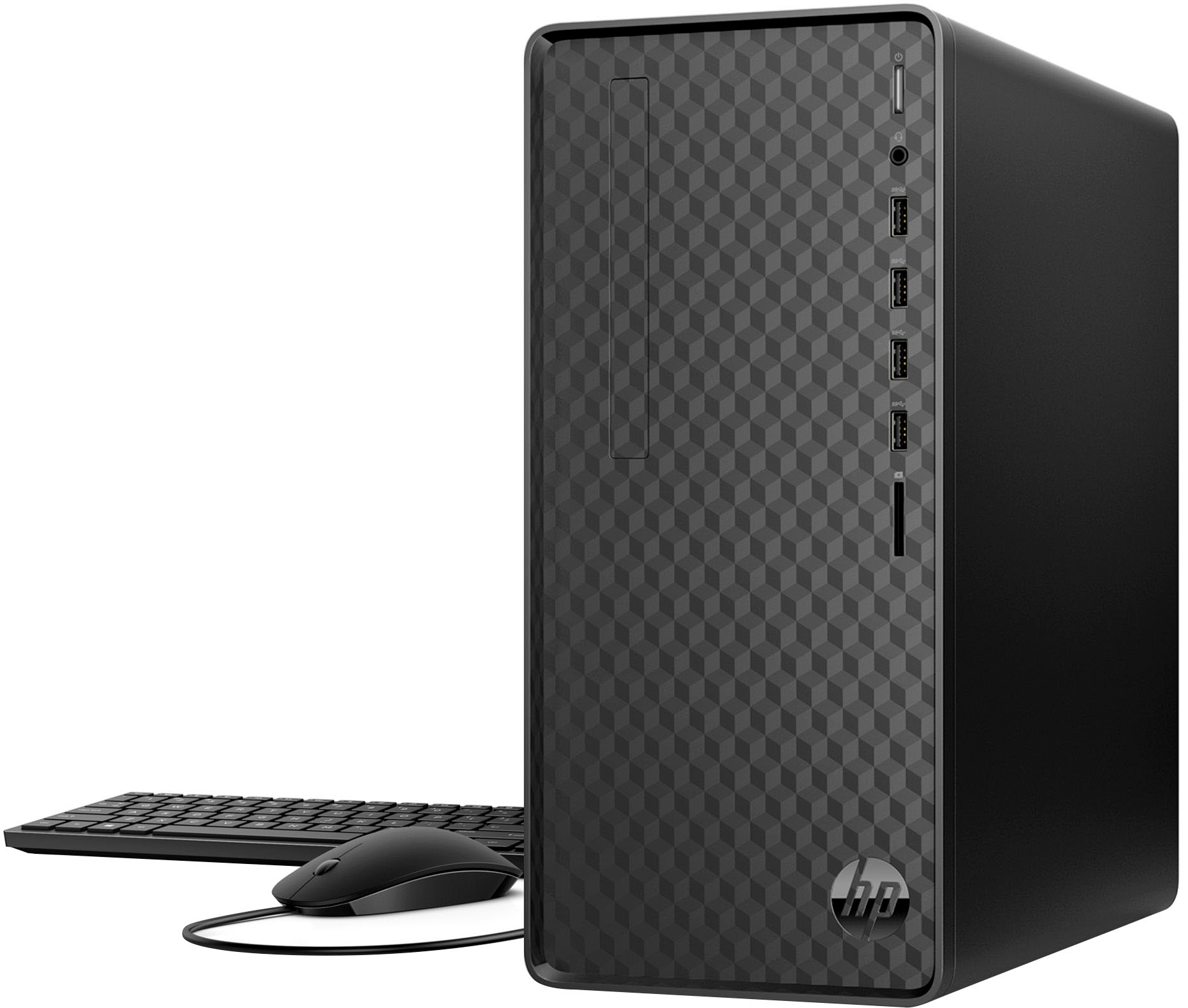
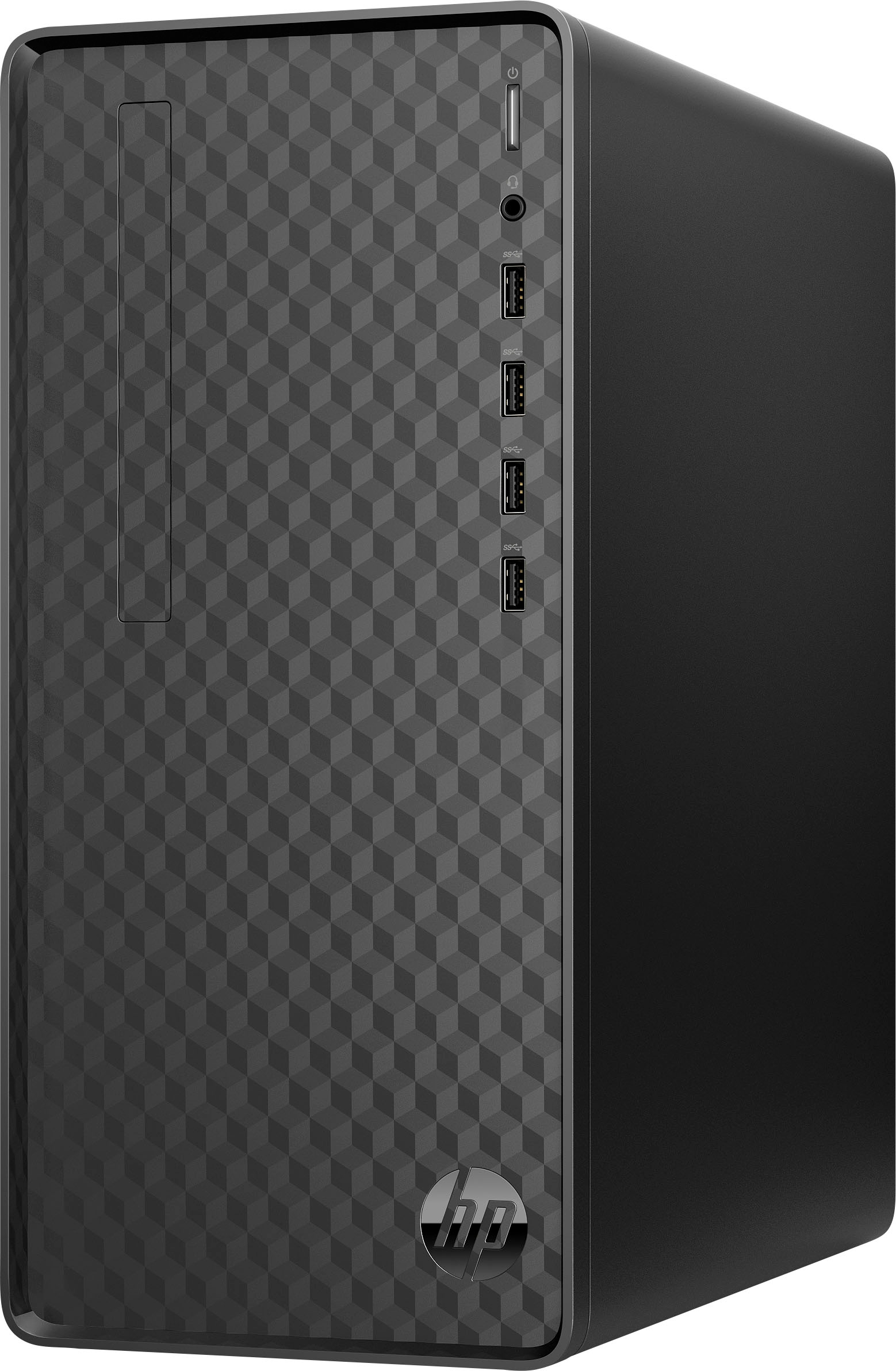
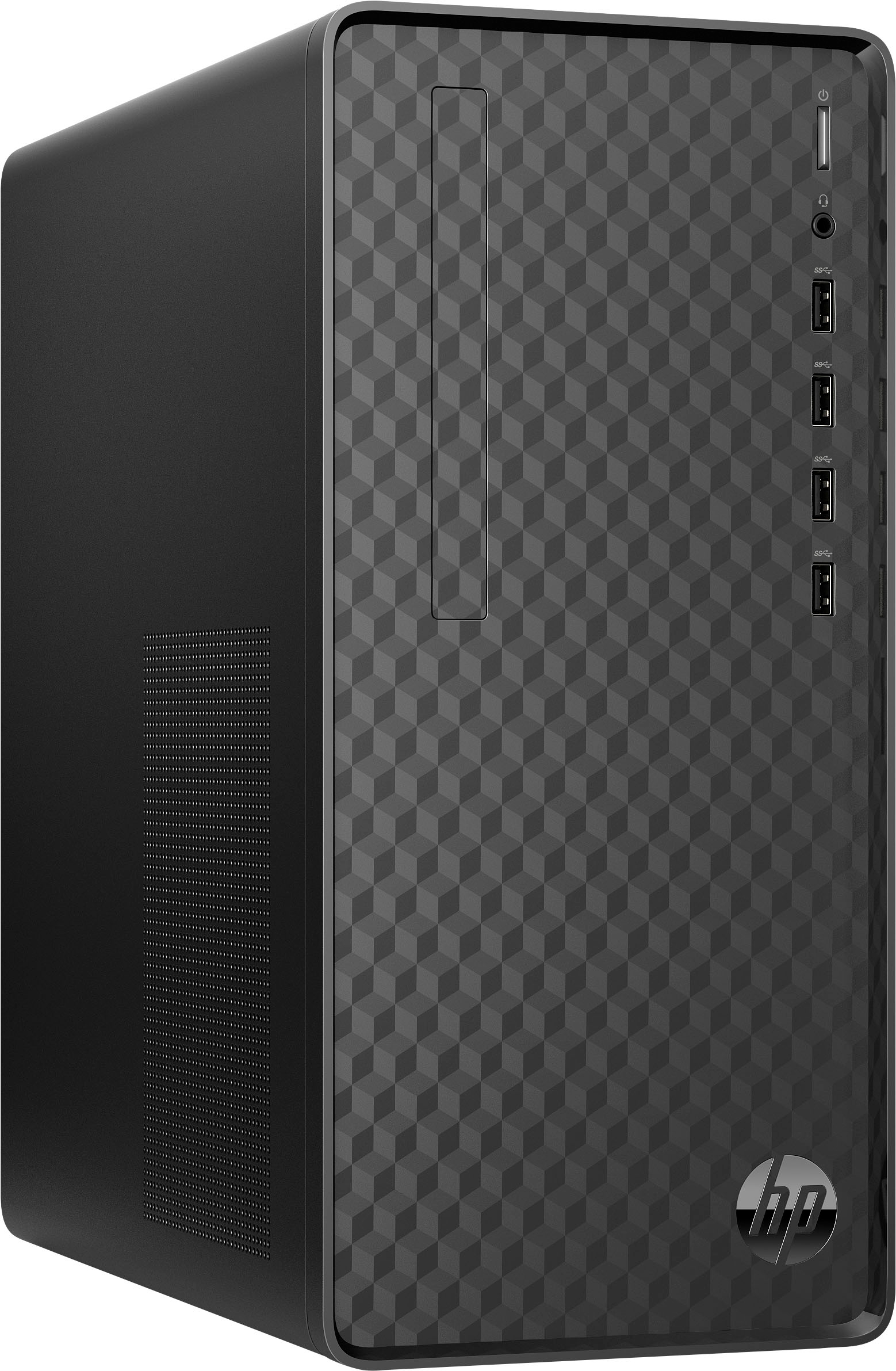
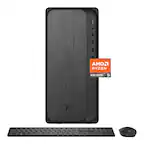
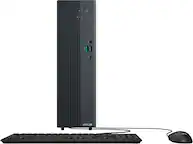
A:Answer Hello, Dan. Thanks for your question. This HP Desktop Computer has 1 VGA and 1 HDMI port. You would connect the 1st monitor to the computer with the included HDMI cable. The 2nd monitor would connect to the VGA port on the computer. Here are some instructions on how to set up dual monitors: https://support.microsoft.com/en-us/help/4340331/windows-10-set-up-dual-monitors
If you need further assistance, we recommend reaching out to HP Support: https://support.hp.com or the HP customer service team, https://www.hp.com/us-en/contact-hp/contact.html for further assistance.
You can also reach out to the Geek Squad at Best Buy for further assistance.