Questions & Answers
- Model:
- M01-F1114
- |
- SKU:
- 6454564
Highly rated by customers for: Speed, Performance, Ease of use
Page Showing 81-92 of 92 questions
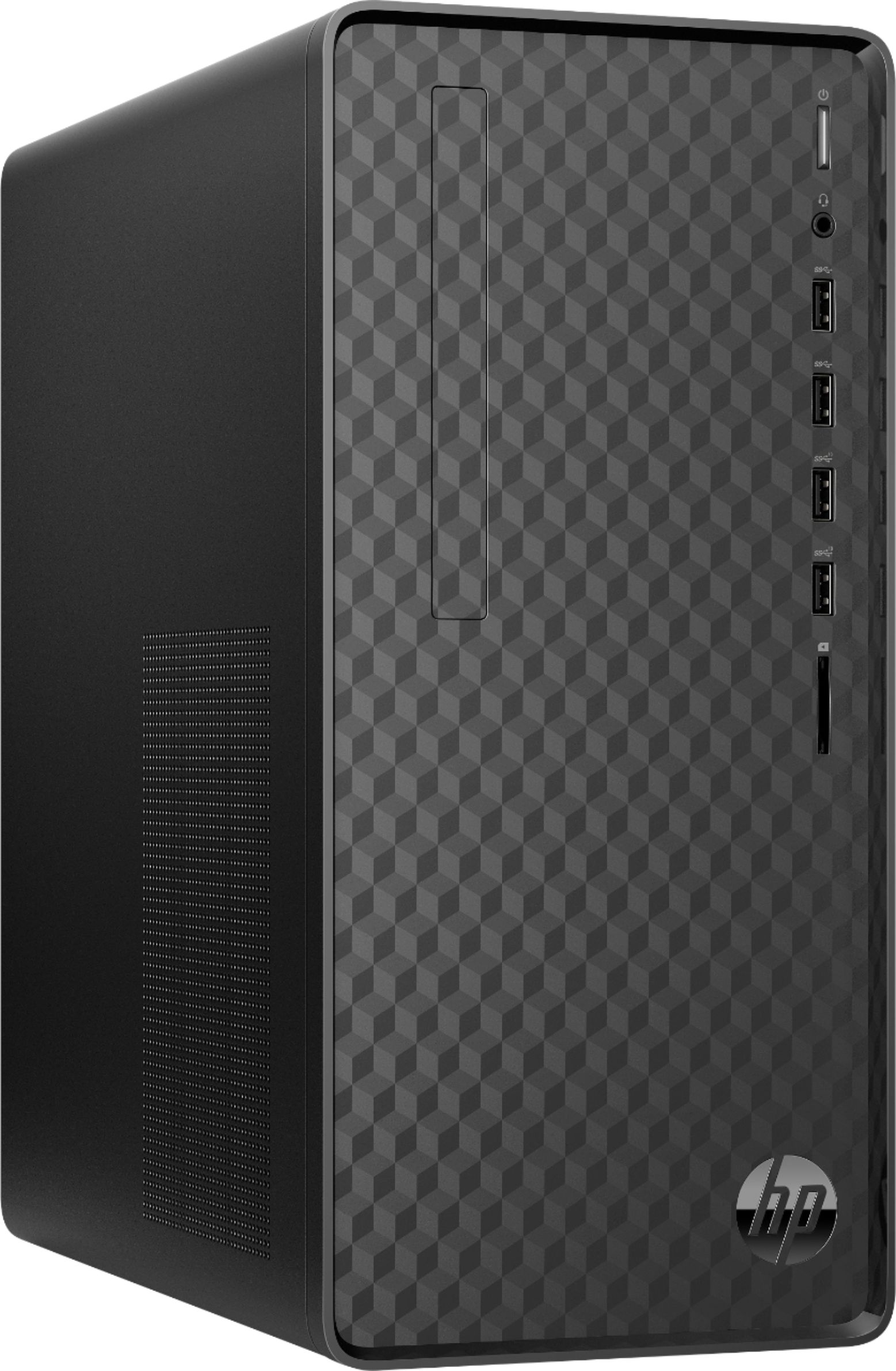
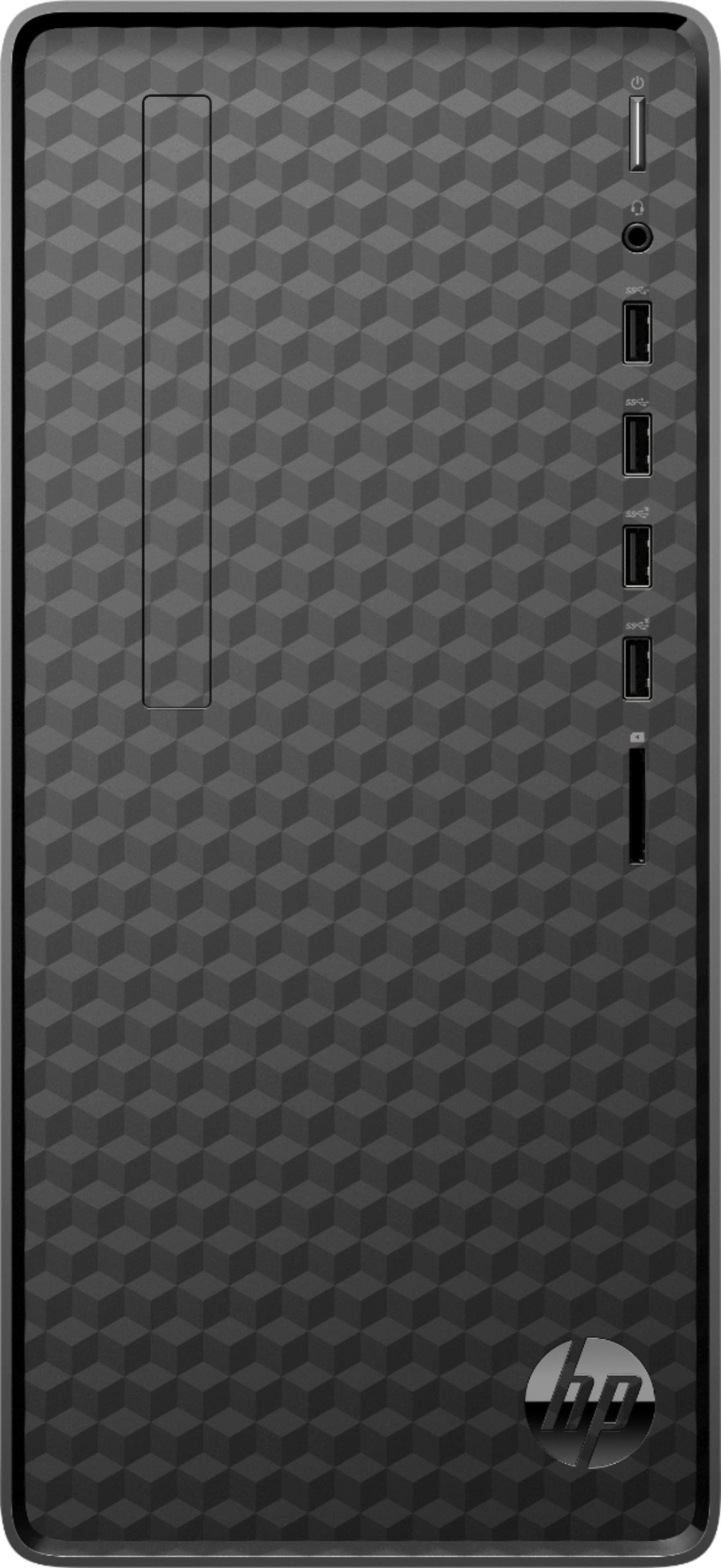
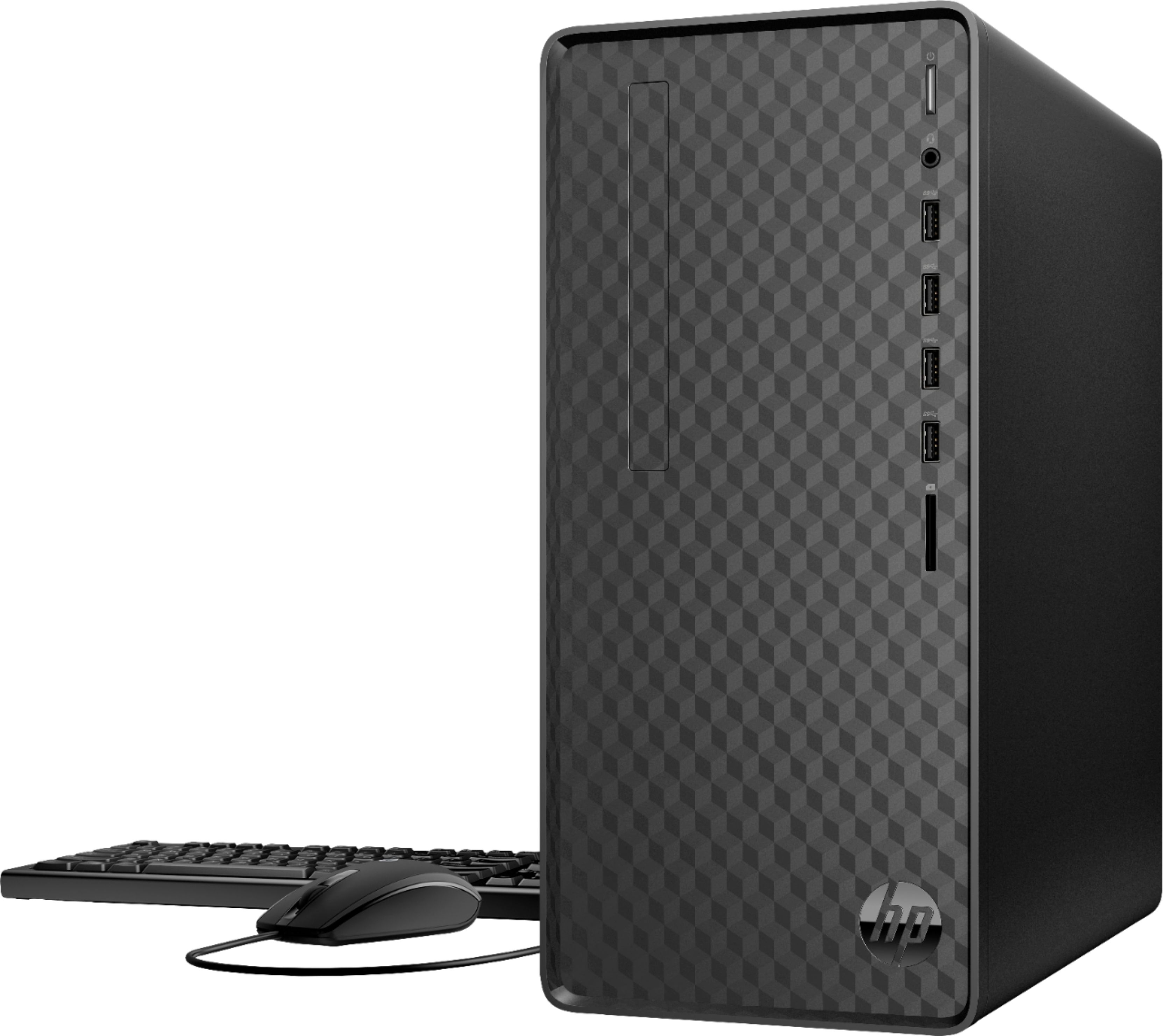
Q: QuestionHello. The external case appears to have the outline for a dvd/cd rom drive. Is it possible to add an internal dvd drive to this system? Thank you.
Asked by Ed.
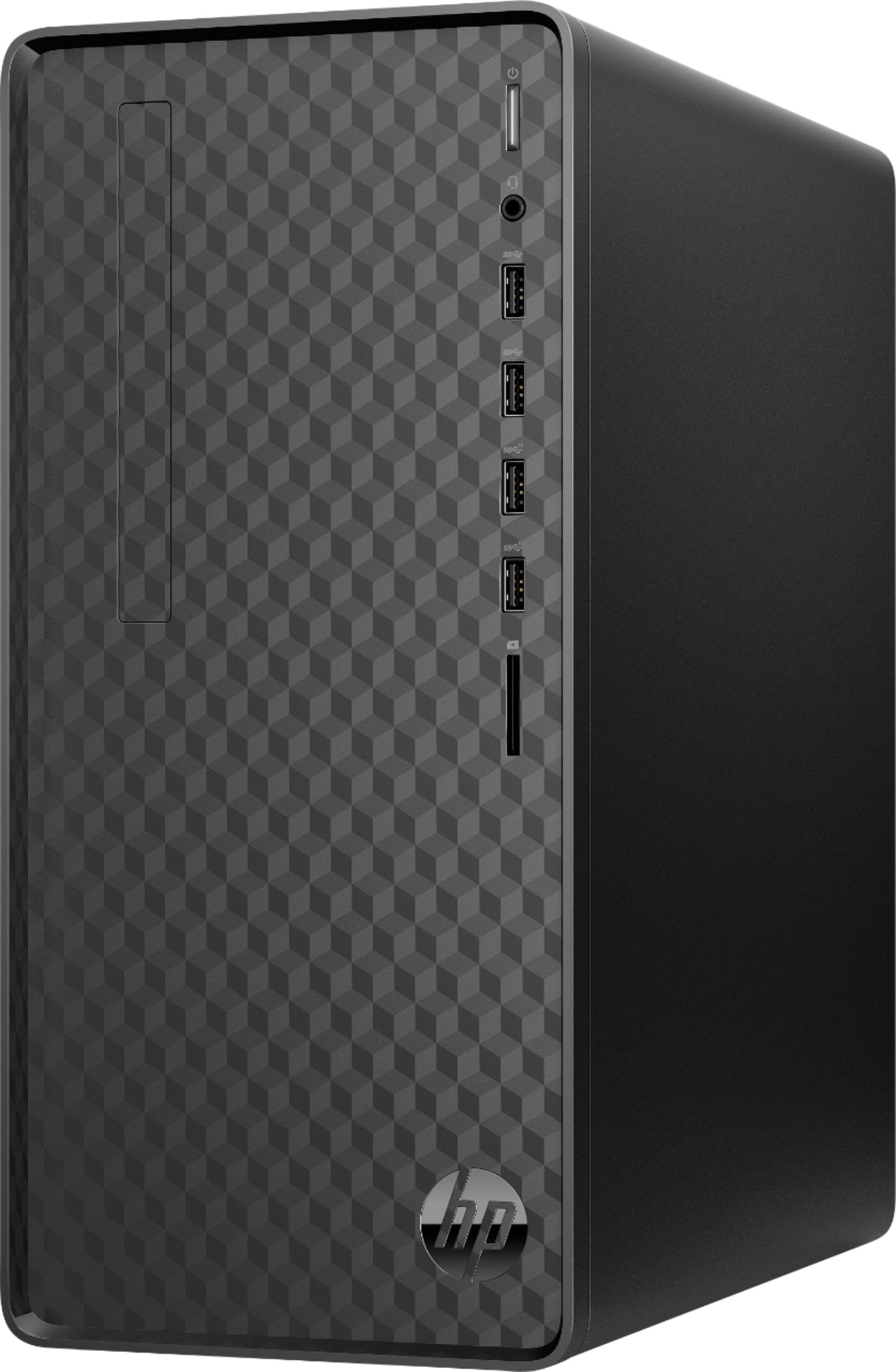
- A:Answer Hi Ed and thanks for asking. Yes, there is an internal space for an Optical Drive: 1 x 9.5 mm slim (available). You would need to punch out or cut out the cover on the bezel for the drive.
Answered by HP Team

Q: Questionis there no cd dvd reader/writer included. must you purchase external?
Asked by bubba.
- A:Answer Thanks for your question Bubba! This HP Desktop does not come with an internal DVD drive.
Answered by HP Team

Q: QuestionIs this particular computer available at the Holland, Michigan location?
Asked by Anonymous.
- A:Answer Hello. For future reference, questions about product availability at a particular Best Buy store can be answered by finding the 'Pickup' category just above the 'Add To Cart' button and clicking on the link that says 'See All Pickup Locations'.
Answered by HP Team

Q: QuestionWhat is the panel on the front that looks like a disk drive? And how do I open it?
Asked by TheHenkinator.
- A:Answer Hello. Thanks for your question. Unfortunately, this HP Desktop M01-F1114 computer does not have a CD/DVD drive. You can use an external USB CD/DVD drive with this computer.
Answered by HP Team

Q: QuestionCan I connect 3 monitors? 1 hdmi, 1 dp, 1 vga?
Asked by DN.
- A:Answer SPECS SAY 1 VGA 1 HDMI No display port for this model. what is the correct answer?
Answered by Napz
Q: QuestionDoes this computer have a VGA, HDMI, or both? The listing says VGA only but I'm seeing questions with answers that say HDMI only.
Asked by confused.
- A:Answer Thank you for the question. Per the HP specification, the M01-F1114 desktop has one HDMI 1.4 video connector.
Answered by HP Team

Q: QuestionThis PC according to specs there are 2 expansion slots (one for WLAN and one for SSD) One M.2 Socket 1 Key A other One M.2 Socket 3 Key M (2280/2242) purchased SSD Card M.2 2280 but no slot to be found to install this ssd in other than original main
Asked by MEDIAVOYAGER.
- A:Answer Although the specs seemed a bit confusing, well for me it did, I thought there was an extra slot for an extra SSD memory card but there wasn't so instead installed a SATA Drive had which worked right away with no issues and did not have to get any extra cables as they were already inside the case. Took myself about 2 minutes to install the extra drive
Answered by MEDIAVOYAGER
Q: QuestionCould I reload this ssd with an image of my (currently working 32bit) Win7 Pro HD so I'd be able to keep all my old data and use all my custom software but now have a faster machine and become less likely for HD failure going into the future? If so, how?
Asked by Willy.
- A:Answer Install virtual machine software and run your Windows 7 from a virtual machine. You will likely need more memory unless you are using your virtual machine for very basic functions. I used to run lubuntu on my PC with VISTA running in a virtual machine. Do a search for Windows 11 (10) and running virtual machines.
Answered by KfromFlorida
Q: QuestionCan this be used as a gaming computer?
Asked by gaming.
- A:Answer For me, it is very good. I play minecraft and it's clean and more fast than my old one, that's all I can tell you because I don't know about any other games but it is has a 3.8ghz processor So it's pretty good for gaming
Answered by Promom5
Q: QuestionDoes this tower/motherboard allow adding a gpu?
Asked by Forrest.
- A:Answer Hello. Yes, it is possible to add a GPU/graphics card to this desktop model, however there are two major factors (among others) you'll need to consider when choosing a GPU: 1. Will the length of the graphics card/GPU fit in the space/tower frame; 2. What are the power requirements of the GPU you wish to add and will the built-in power supply be enough to handle those requirements. Add-on graphics cards can be very power hungry and take up a lot of space. So those are factors that will need to be considered no matter what desktop tower model you wish to upgrade.
Answered by HP Team

Q: Questioncan it be used for gaming
Asked by Anonymous.
- A:Answer Hi, thank you for the question. Unfortunately, the HP M01-F1114 Desktop can not run games because it does not have a dedicated graphics card.
Answered by HP Team

Q: QuestionCan this system handle a discrete graphics card? I already have a Sapphire RX 590 that I would like to continue to use.
Asked by Brian.
- A:Answer I was asking if this computer could handle an add-in graphics card - Sapphire Nitro+ RX 590 (https://pcpartpicker.com/product/nLNv6h/sapphire-radeon-rx-590-8-gb-nitro-video-card-11289-01-20g) - I have one that I would like to use again in this new system.
Answered by Brian
Most-viewed items
- $1,299.99$1,299.99The price was $2,999.99
- $329.99$329.99The price was $469.99
- $149.00$149.00The price was $399.00
- $249.99$249.99The price was $379.99
- $159.99$159.99The price was $179.99