A:AnswerHello, there are many variables when factoring the FPS but the approximate FPS for the AMD Ryzen 5 4000 series is 29-35 FPS. Each game changes the variables as well. You can check on this information directly on the AMD website. Thank you for being an HP customer!
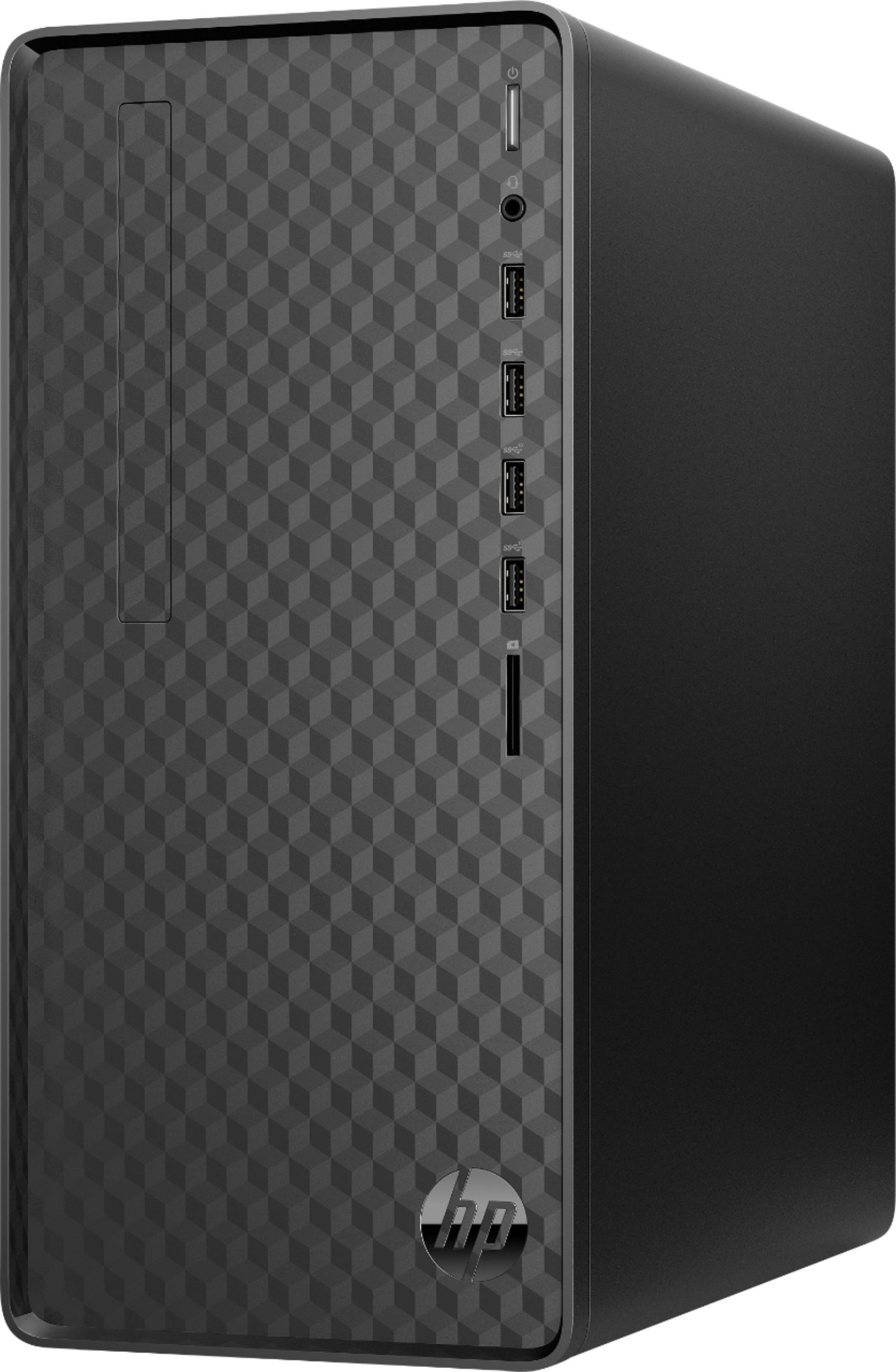
A:AnswerThank you for asking. There is no microphone jack on the rear of the M01-F0024 - it's on the front. Rear ports are: VGA and HDMI ports, Ethernet port, a power supply port and four USB ports. Apologies if you have an unidentifiable opening on the rear. Please contact HP Support for assistance : 800-474-6836.
A:AnswerHello and thanks for asking. No, you can remove and replace the existing SSD with a higher capacity model and you can also add a Hard drive or SATA SSD.
A:AnswerThank you for your question. This desktop has one HDMI port and one VGA port that you could use to connect a total of two monitors. You'll need to make sure that one monitor has an HDMI connection available and the second monitor can use a VGA connection. Adapters do exist from other plugs to these connections if necessary.
A:AnswerNo, stereo out only. The only exception is if you have something that can take 5.1 over HDMI, which it could do. Otherwise, you'll need a sound card.
A:AnswerHello. This HP desktop model uses a Micro ATX form factor power supply. However, there is nothing in the documentation for this desktop that mentions whether you can or cannot upgrade the power supply. As such, doing so is not recommended by HP.
A:AnswerThis link will take you to the manuals for this AMD Ryzen 5 desktop.
https://support.hp.com/us-en/product/hp-desktop-pc-m01-f0000a/38096274/model/30973231/manuals
A:AnswerThanks for your question Ernie and apologies for your troubles. An SSD hard drive with 12GB of RAM should be booting faster than that. Please contact HP support for help in troubleshooting your Desktop.
A:AnswerI don't own this computer but don't underestimate integrated graphics too much. I have seen this game running on weaker APUs than this on https://www.youtube.com/c/LowSpecGamer/videos. you may not be running at max settings or getting 60FPS though. if 30FPS works it may be fine. suggest going through those videos to get an idea of what APU's can do that reviewer frequently uses this game as a benchmark.
A:AnswerThank you for your question! I recommend getting in touch with HP Support, who can look up your model and serial number to see if there is a compatible internal DVD drive available. You can reach them at https://support.hp.com/us-en/ and you can speak to your local Geek Squad about installation services!