A:AnswerIt operates on a DC voltage, and has a transformer in-line with the AC power cord. If you could find a power cord with a transformer that outputs the same values (in volts and amps, or more likely milli-amps) as the USA version does, and conforms to the country's standards overseas (eg 240 or 250 volts), then you're golden. Should be a fairly easy google search.
A:AnswerTHIS IS THE LAPTOP YOU ARE REFERRING TOO.YOUR FIRST RESPONSE WAS CORRECT. THIS LAPTOP IS IN THE CURRENT AD AND GOES OFF SALE ON DECEMBER 29,
2015
.
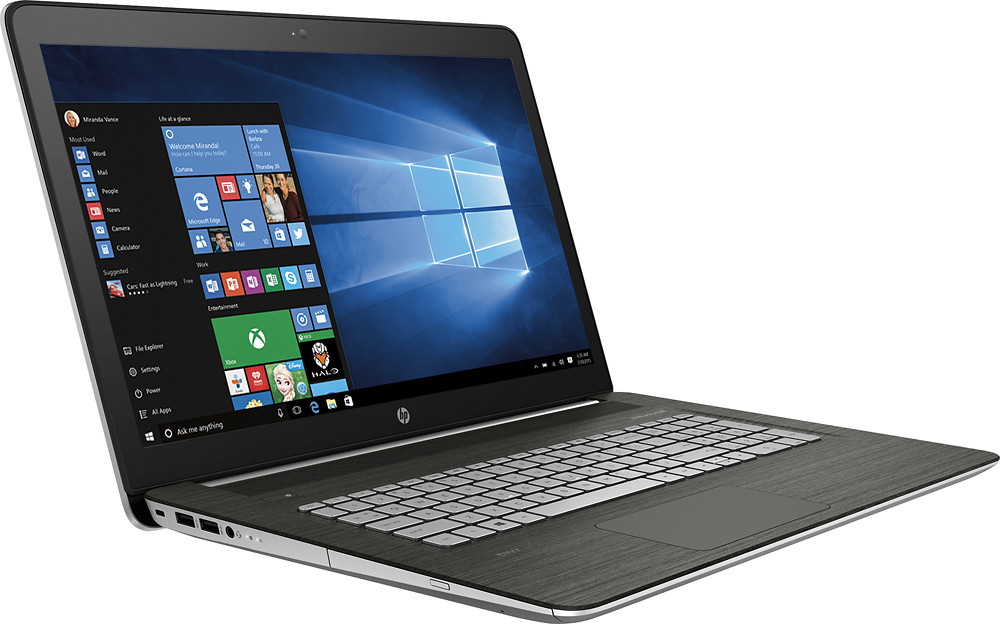
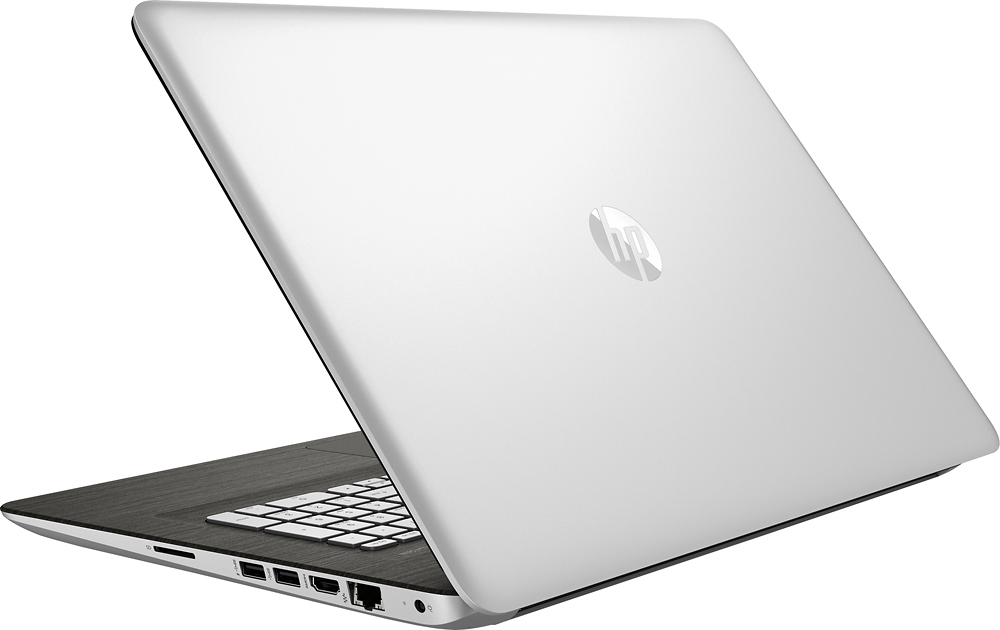
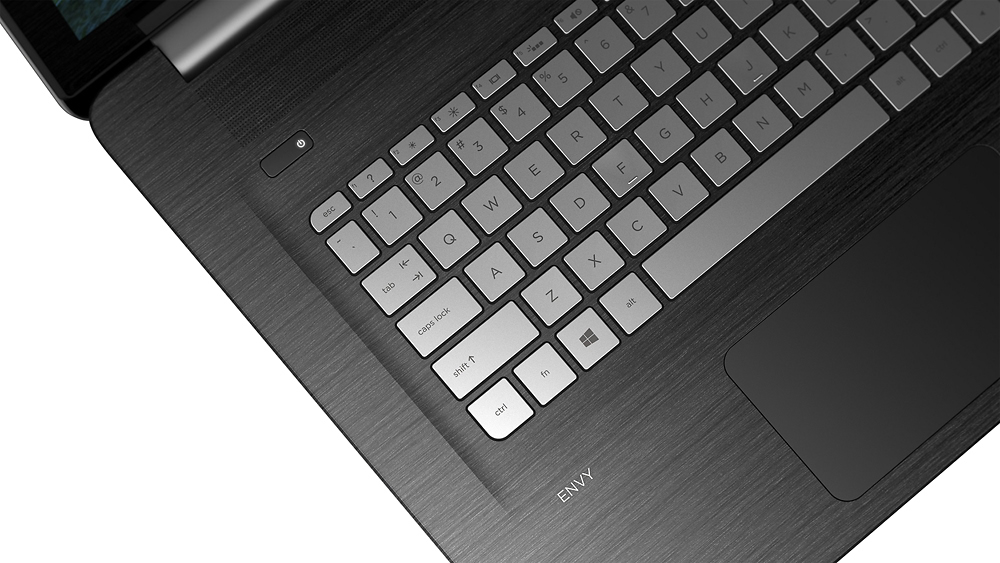
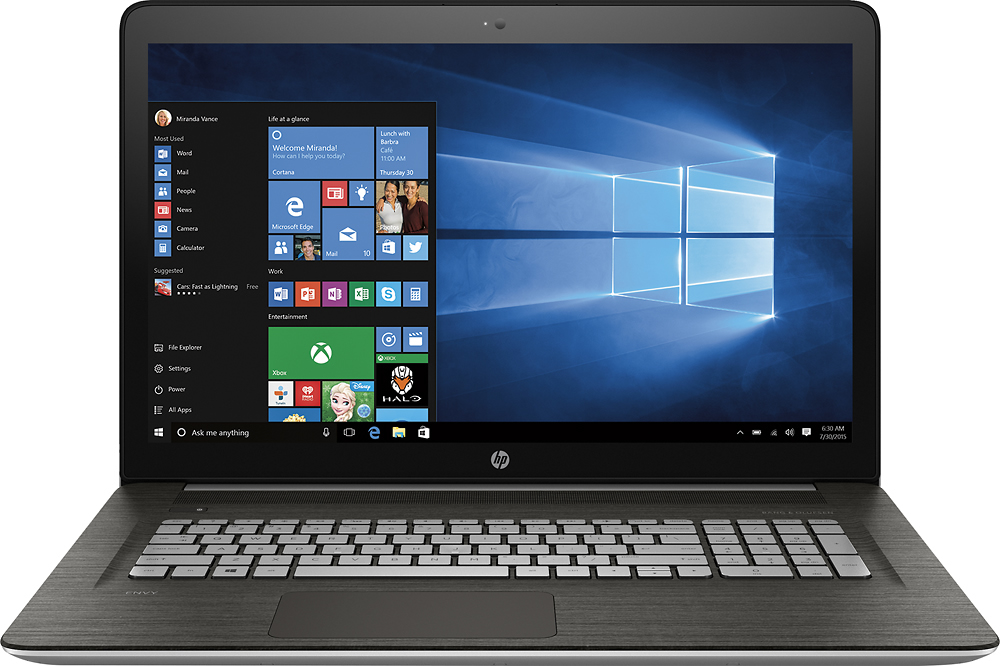
HP - ENVY 17.3" Touch-Screen Laptop - Intel Core i7 - 16GB Memory - 1TB Hard Drive - Silver
Model: m7-n109dx
SKU: 4632100
A:AnswerGood question. This computer is a great option for games because it has a powerful processor, lots of RAM and storage space, and the best part is it has a dedicated 2 GB NVIDIA GeForce 940M graphics card.
You will be able to run many games smoothly and efficiently on this laptop. For more details about this laptop, please visit the following link: http://www8.hp.com/h20195/v2/GetPDF.aspx/c04929558.pdf
I hope this helps.
A:AnswerYes you can have two monitors attached, but you have to buy a USB device to do that. I have a Diamond Display link and am able to use one HDMI monitor and one DVI monitor using it, so I have three monitors including the laptop (an older HP Envy 17in model). Dell also sells a device to control multiple monitors over USB3.
A:AnswerGreat question. Yes, this laptop has a 17.3"diagonal FHD IPS anti-glareWLED-backlit touchscreen (1920x1080p).
For more details on this PC, please visit the following link: http://www8.hp.com/h20195/v2/GetPDF.aspx/c04929558.pdf
I hope this helps.
A:AnswerKing,
I meant not the 2.5" Drive Bay, although you could buy a caddy and lose your DVD drive. I was referring to the M.2 slot that sits to the right side of the case IIRC. That is what hardware the service manual stated that was available in the computer, however HP chose to disable it on the laptops that are now on clearance from BB the model M7-n109dx. That model envy, and I assume most others (since the boards are probably the same) all have a M.2 SSD drive bay in them. What my question was again directly to HP ( who I might add to date has not answered this post, though we know they monitor this section) WILL YOU JUST POST THE BIOS THAT ALLOWS THE M7- N109DX to use that piece of hardware? No response on your (HP) part just condemns you to the guilty truth that your service and support are subpar.
Respectfully a former HP user...and i might add never again.
SGCloud
A:AnswerGood question. This computer has a dual core Intel Core i7 processor.
Here is a link with specifications on the processor itself: http://ark.intel.com/products/88194/Intel-Core-i7-6500U-Processor-4M-Cache-up-to-3_10-GHz
I hope this helps.