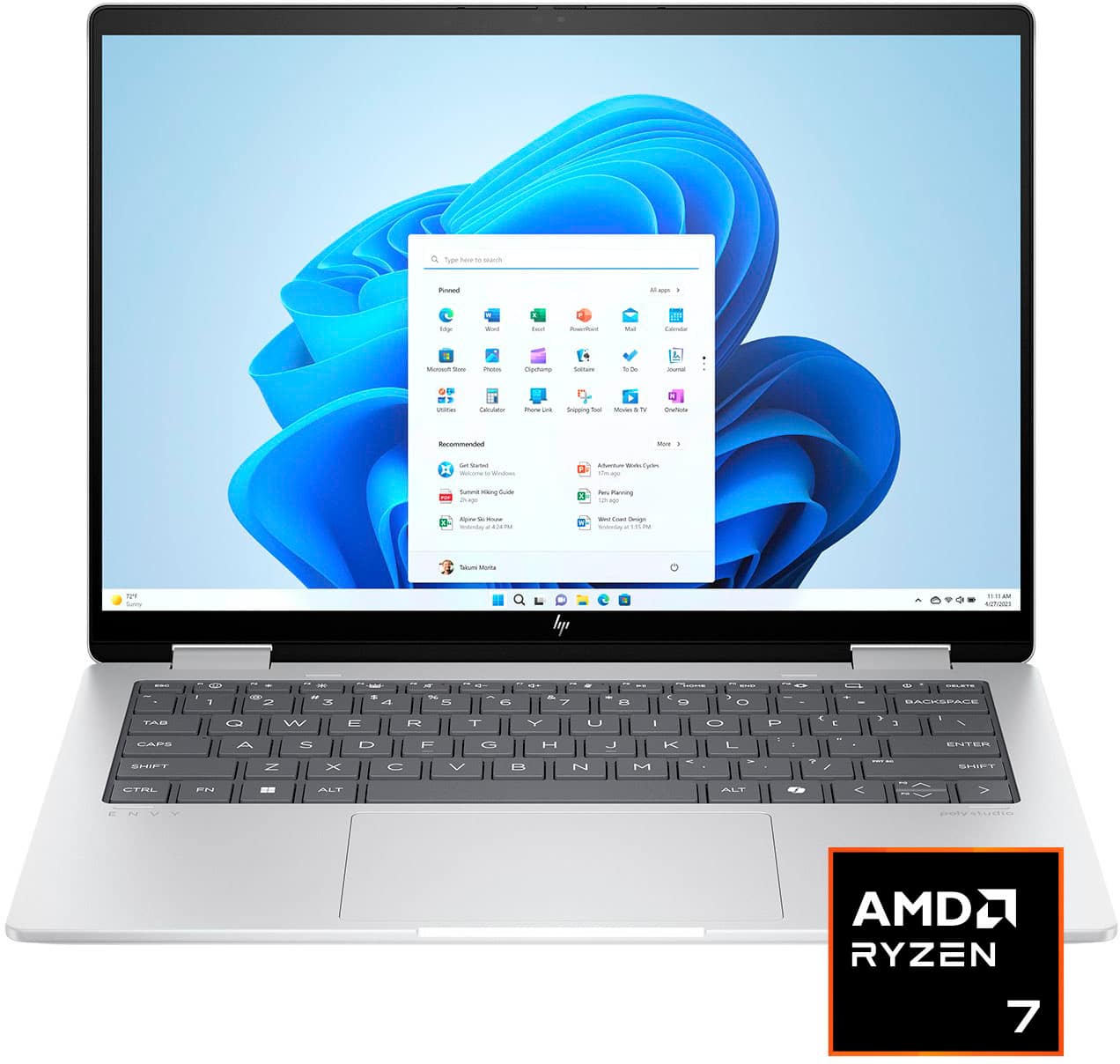
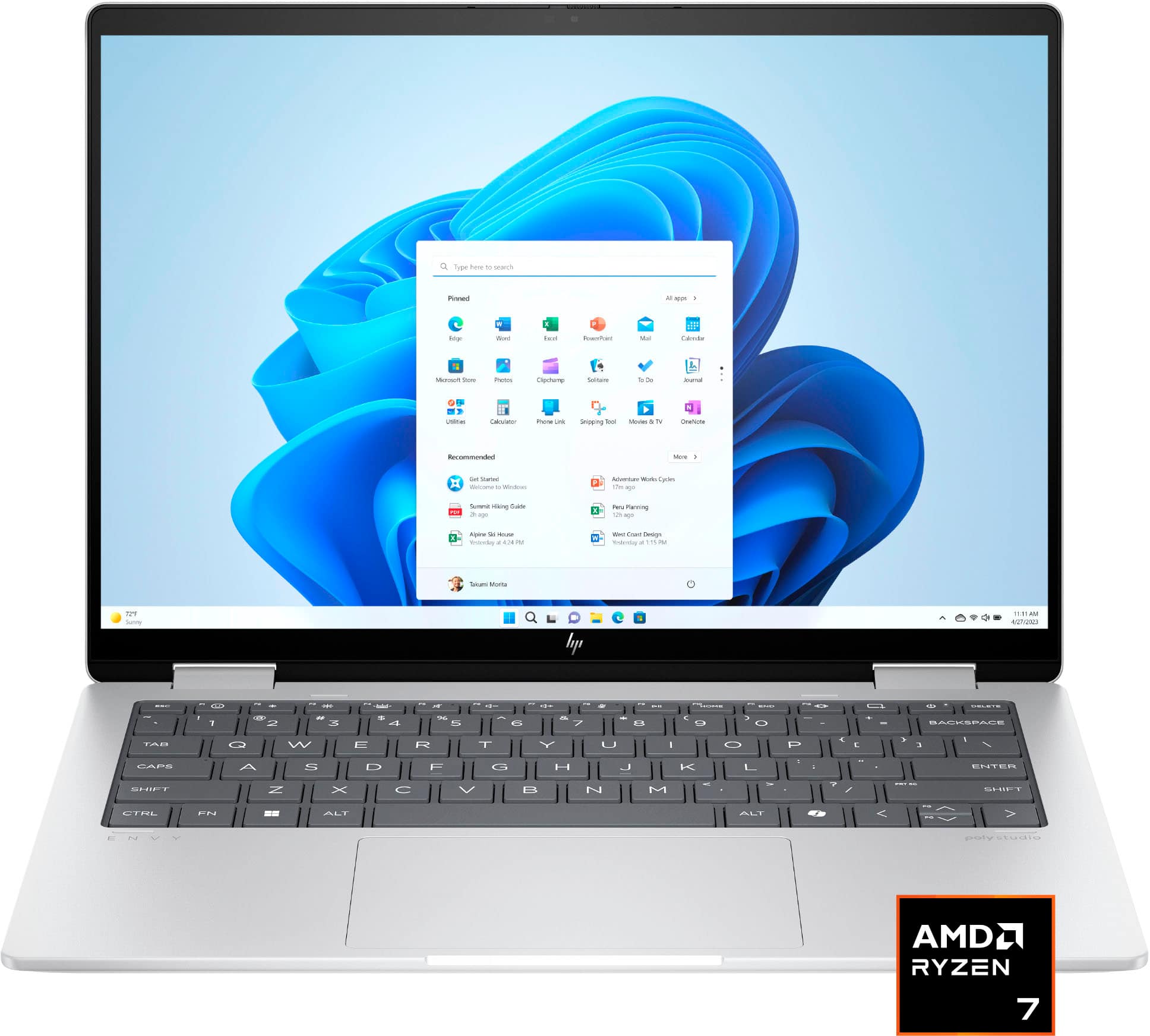
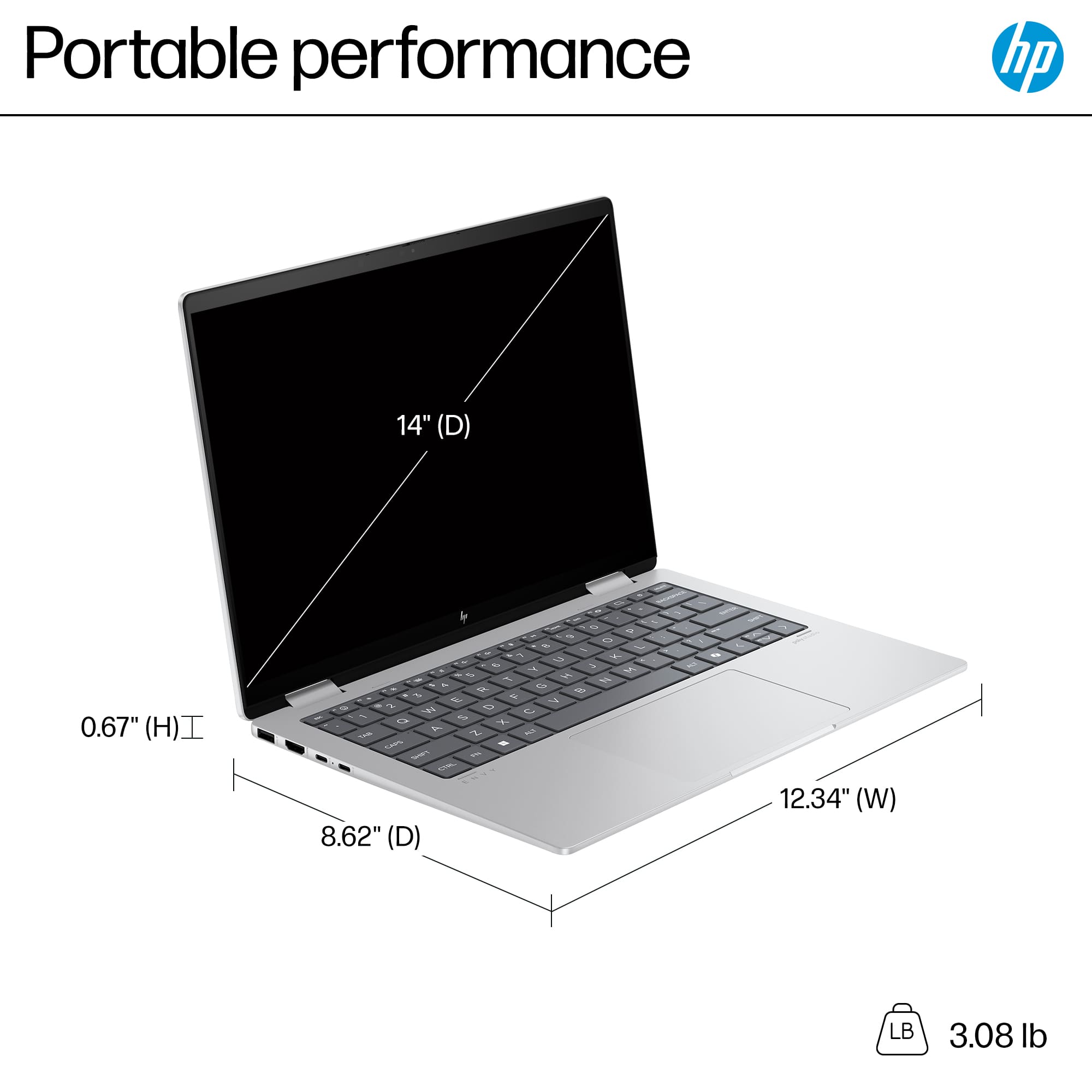
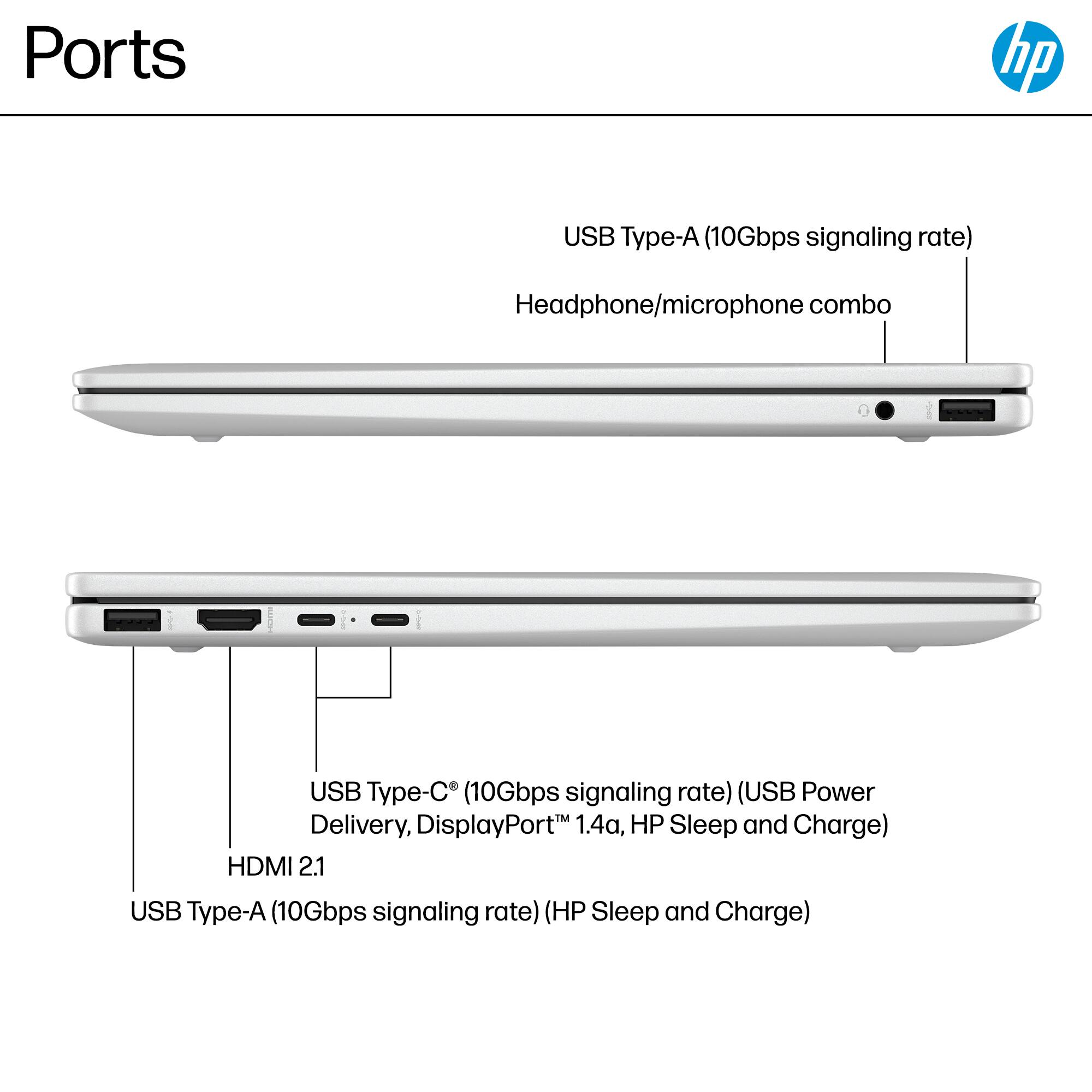
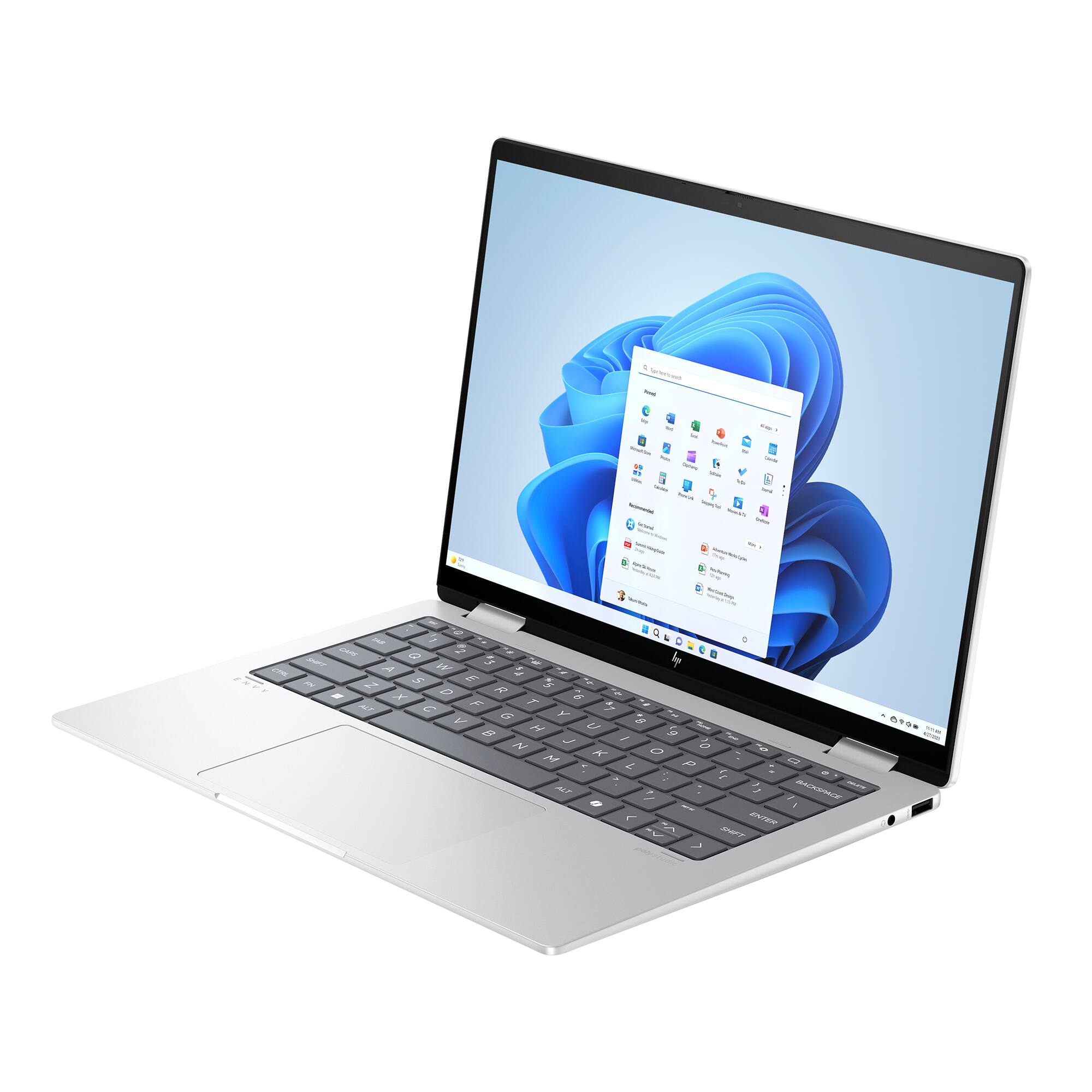
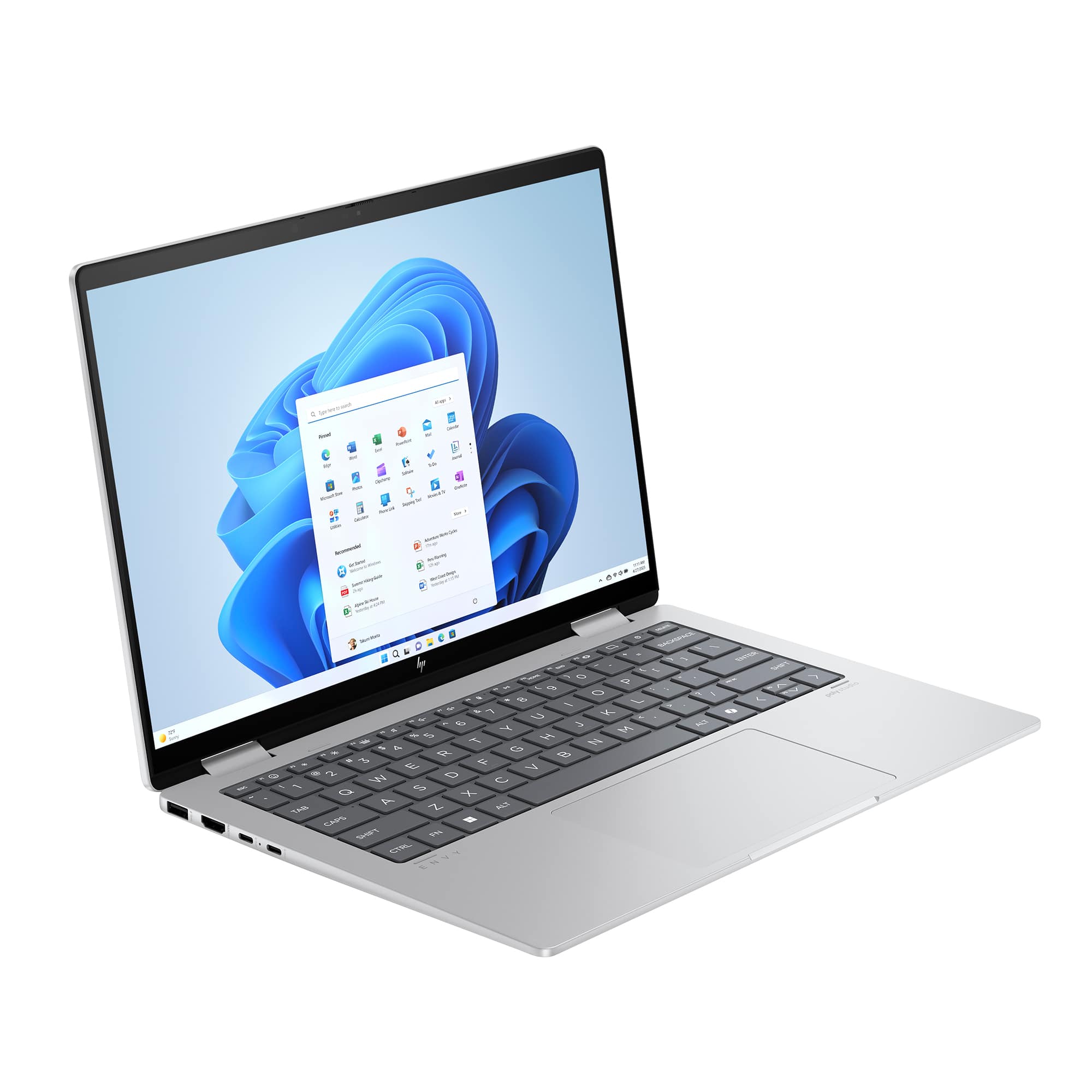
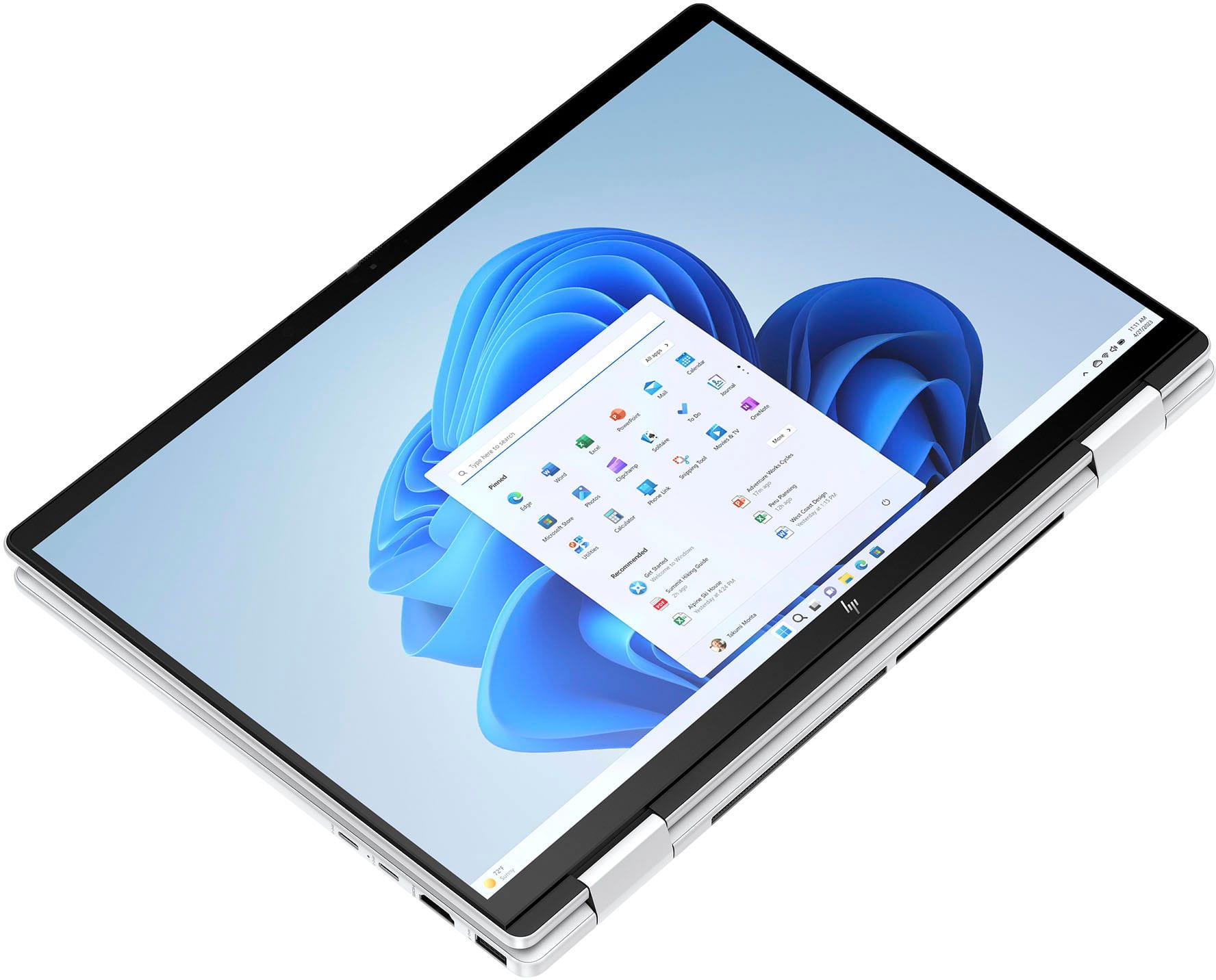
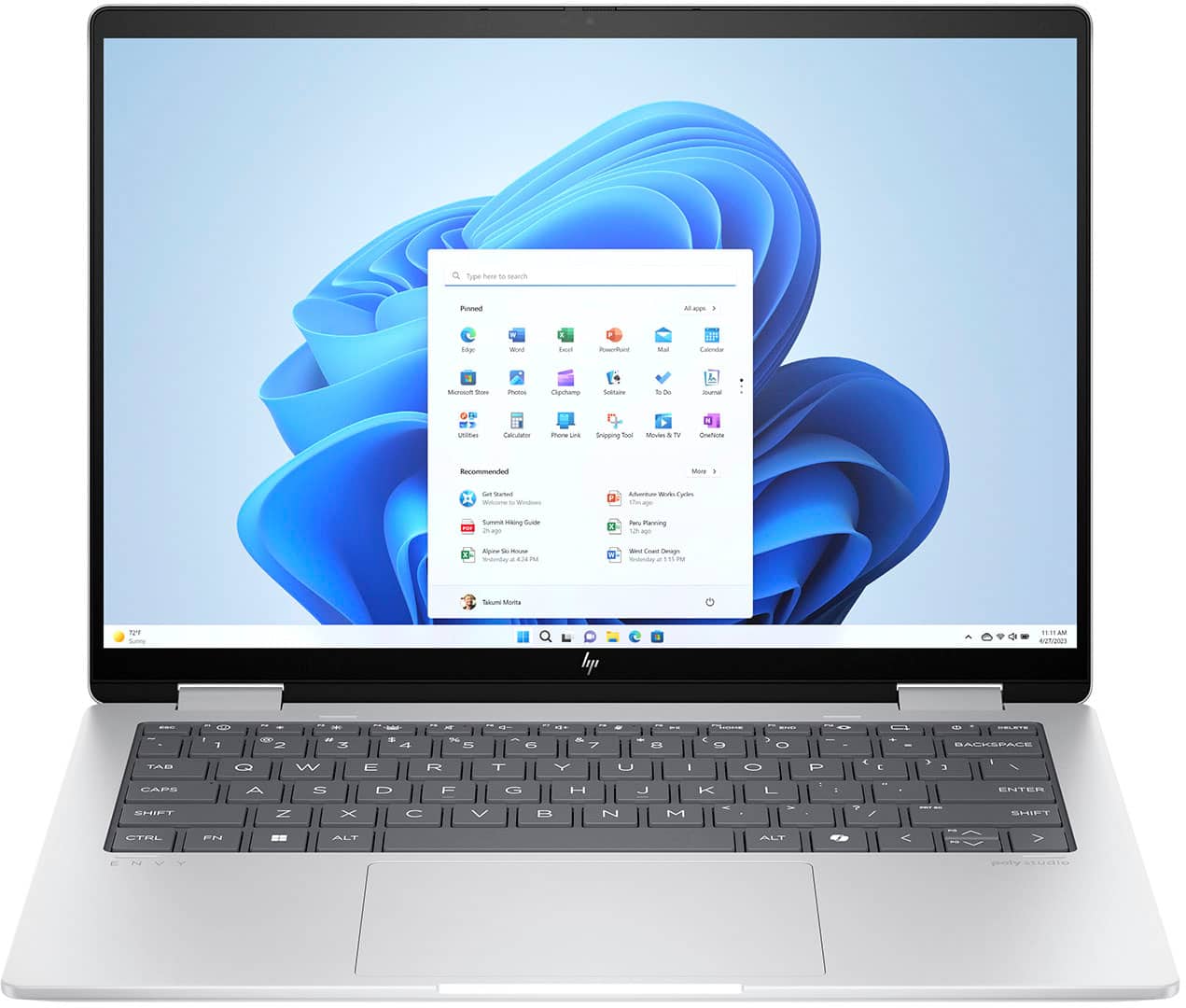
A:Answer Yes, you can extend the display to external monitors using the USB-C ports on your laptop with the Caldigit Thunderbolt 3 Mini Dock, as long as:
1. Your laptop supports video output over USB-C (DisplayPort Alt Mode): Check your laptop's specifications to confirm if its USB-C ports support video output.
2. Dock Compatibility: The Caldigit Thunderbolt 3 Mini Dock is designed to handle multiple displays, so ensure it's properly connected to the laptop.
3. Monitor Setup: Connect the external monitors to the dock's HDMI or DisplayPort ports, as available, and configure them in your laptop's display settings:
Go to Settings > System > Display.
Click Detect Displays and select the monitors to extend the display.
If you're having issues, ensure your laptop has the necessary GPU support and update your graphics drivers. If problems persist, consult the dock's user manual or your laptop's manufacturer for further troubleshooting.