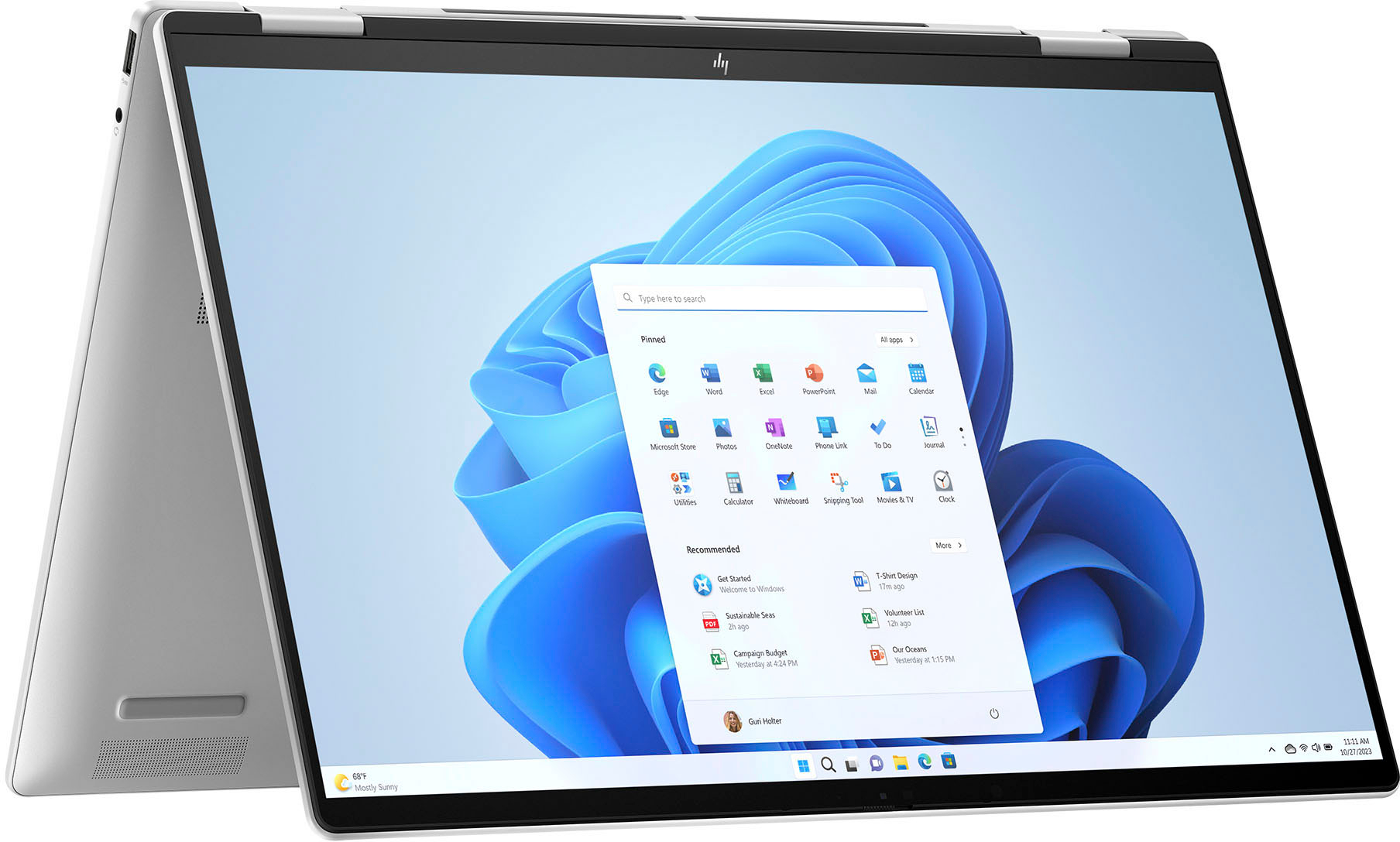
A:AnswerWindows 11 should come already installed when you first purchase and turn on the laptop. If not, then the system should update to the latest Windows version once it is connected to WiFi or an internet connection and you verify the OS update.
A:AnswerThank you for your question! Yes, you can turn off the touchpad and use a wireless mouse instead. To turn off the touchpad it should be in system settings, under 'Bluetooth & Devices' > 'Touchpad.'
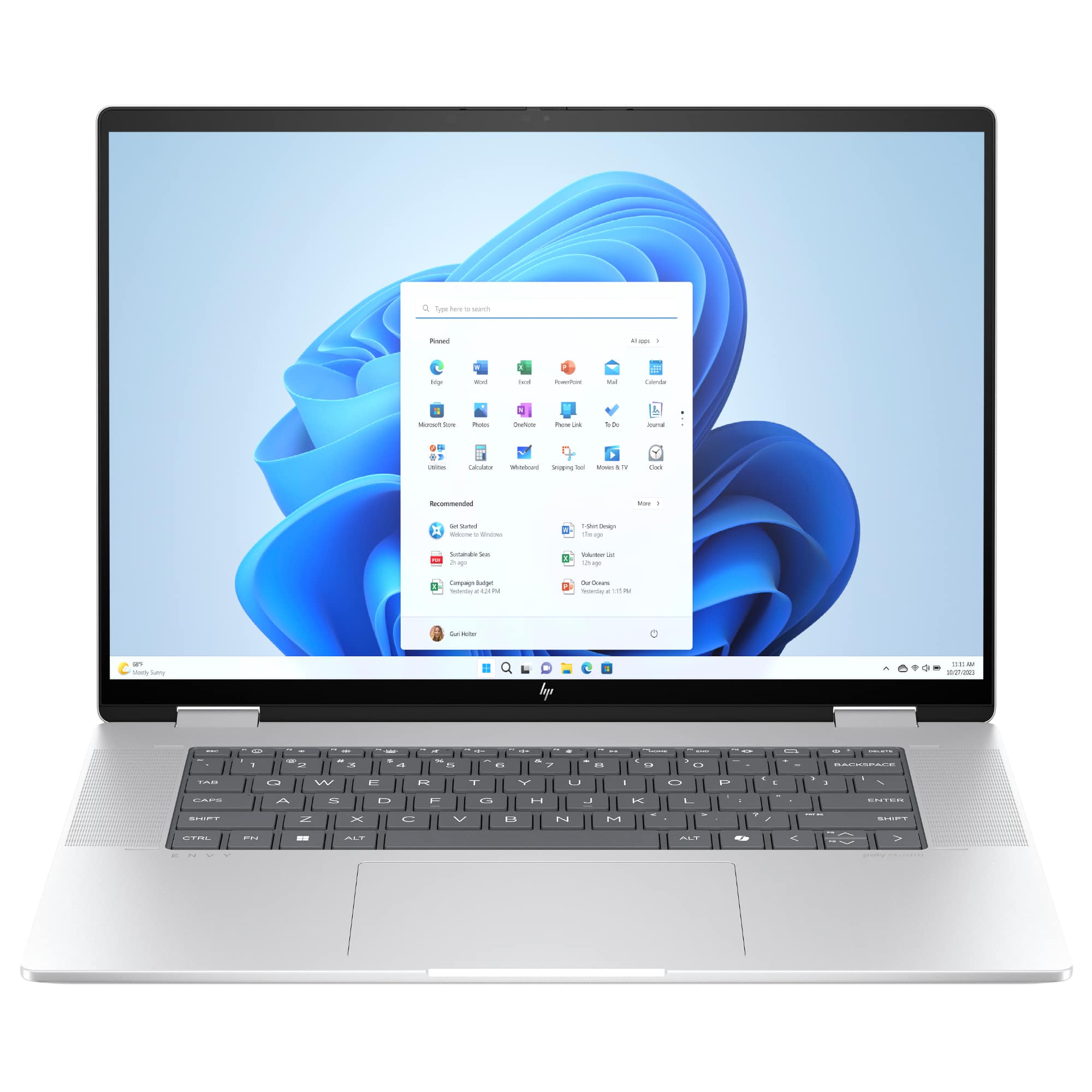
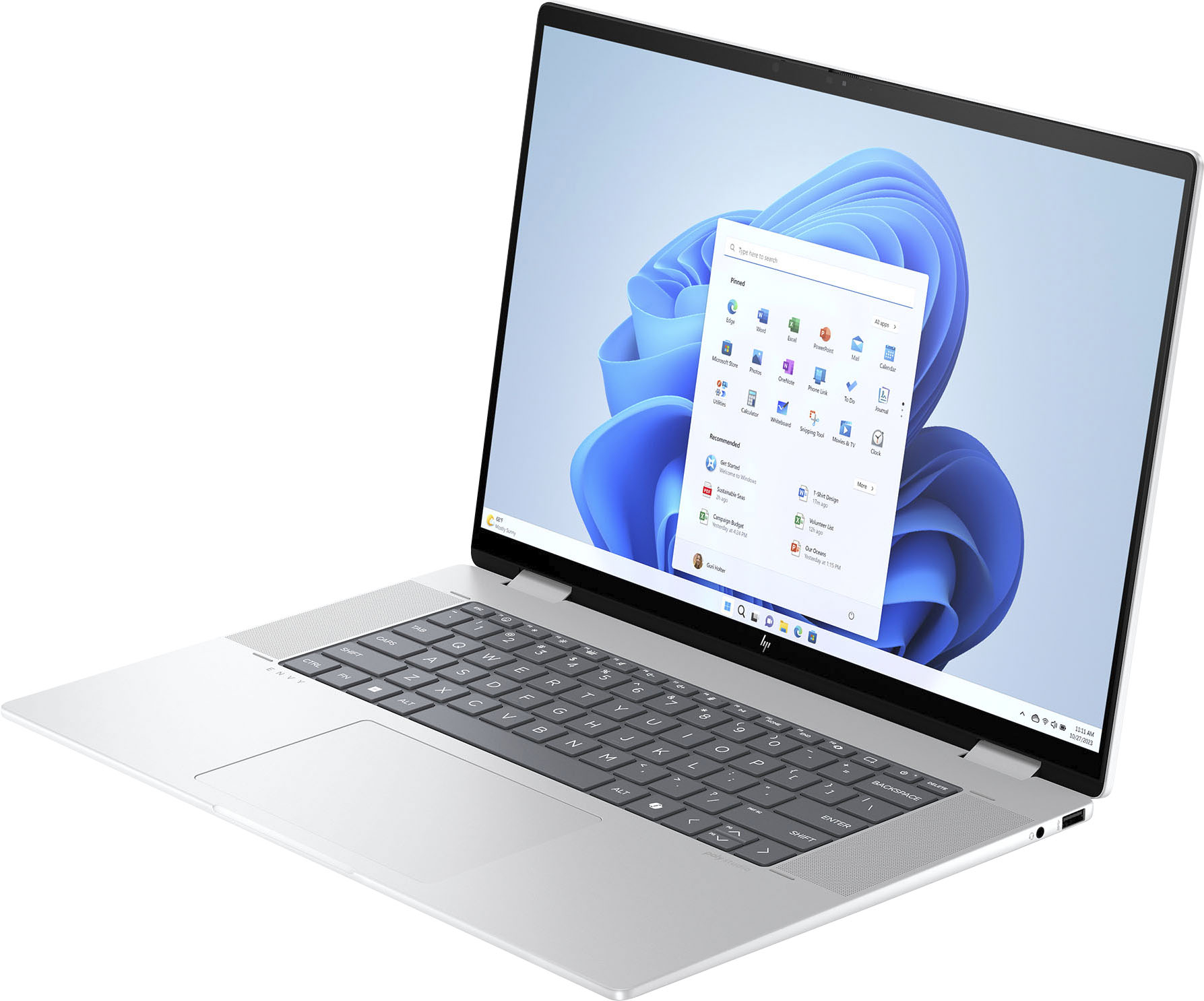
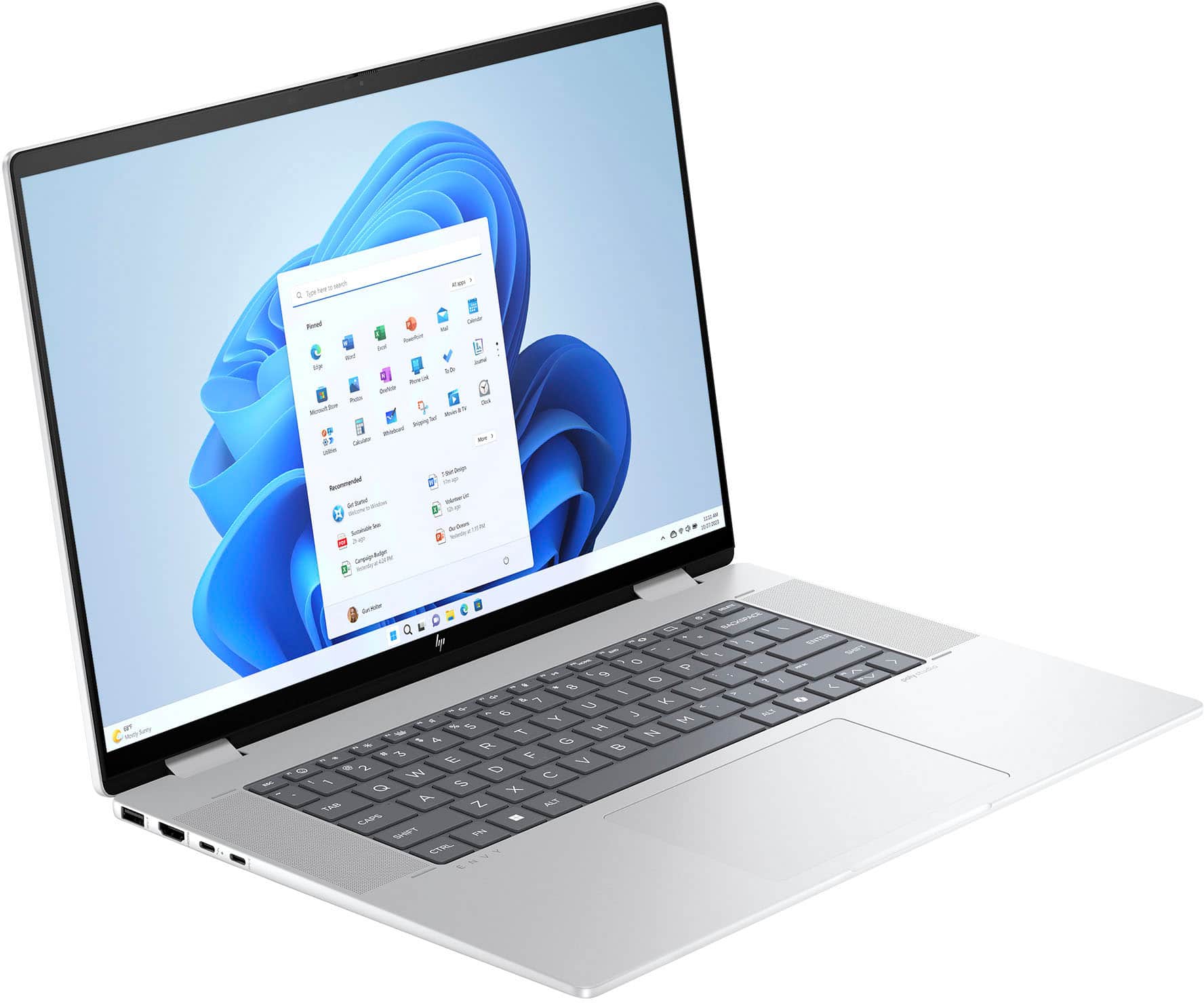
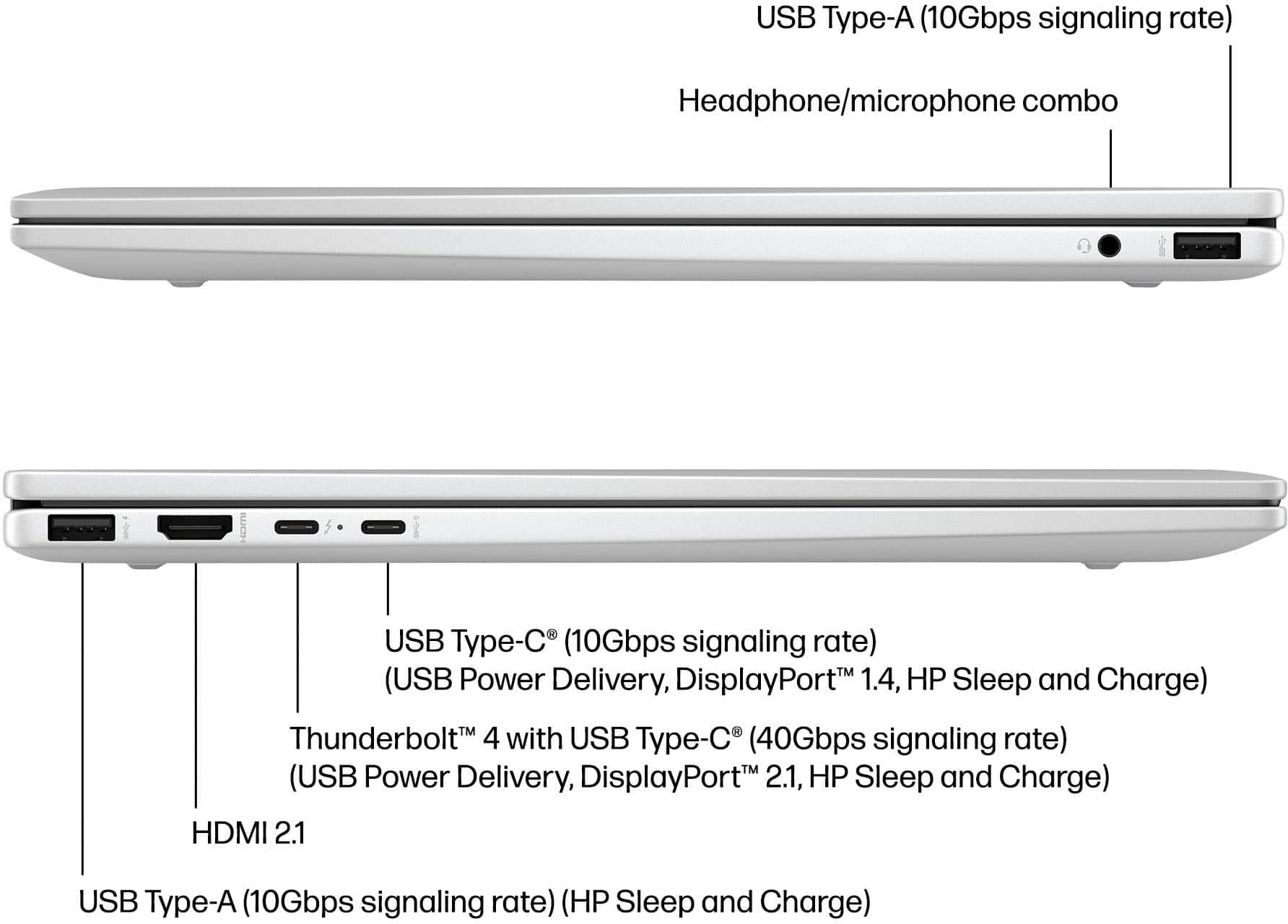
A:AnswerThank you for your question. The Envy 2-in-1, 16-ac0013dx can support up to two external monitors. This is facilitated through its HDMI and USB-C ports.
A:AnswerThanks for your question! You can connect an external keyboard and use it, with this HP Envy 2-in-1 16" 2K Touch-Screen Laptop (model 16-ac0013dx).
A:AnswerHello and thnak you for asking. The HP Envy 16-ac0013dx supports Thunderbolt 4, which can be used with a Thunderbolt 4 docking station, which can support two 4K 60HZ displays.
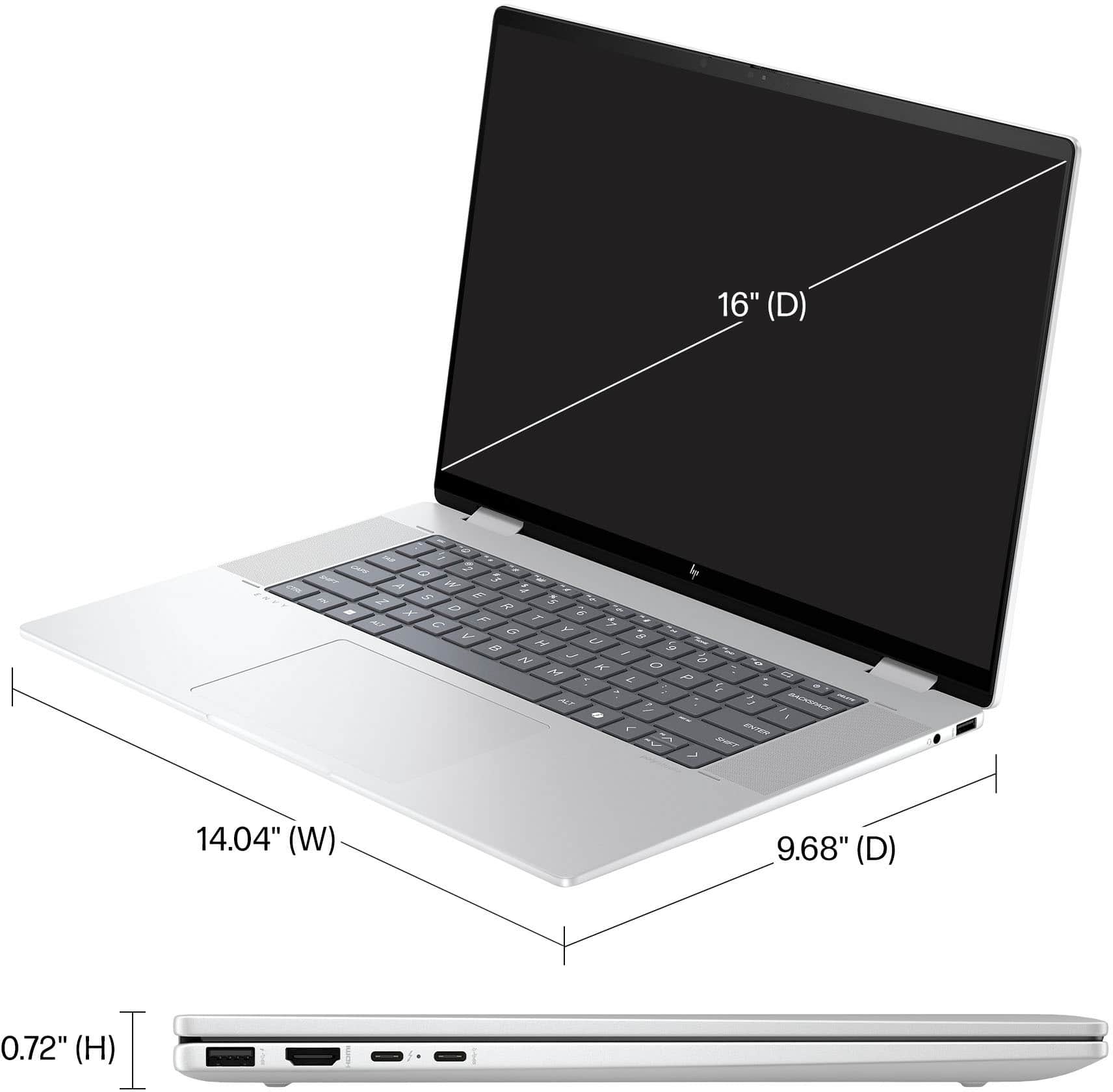
A:AnswerThank you for bringing this to our attention. We will ask Best Buy to change their headline. The Envy 16-ac0013dx does not have a 2K display. It's WUXGA (1920 x 1200 resolution).
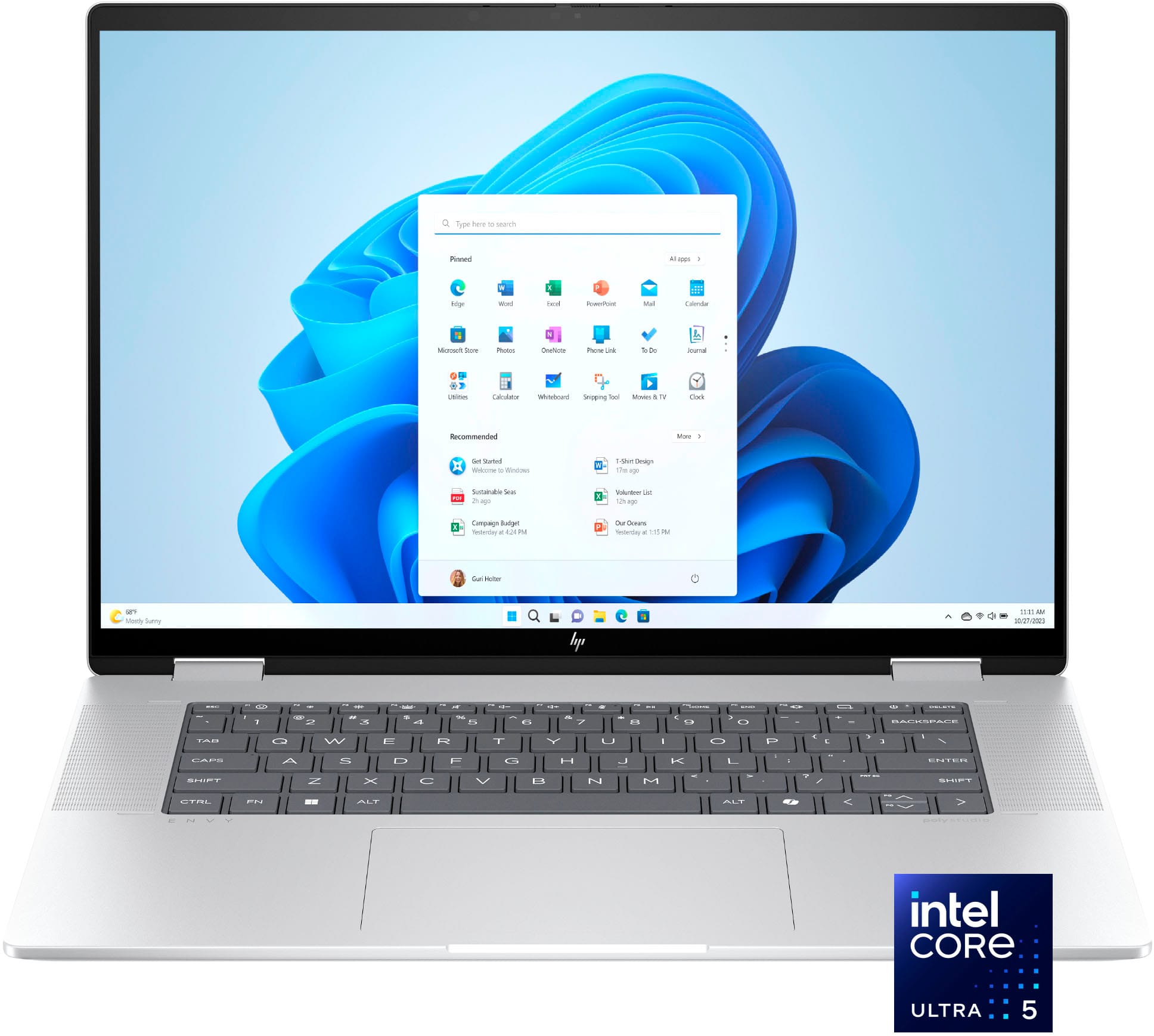
A:AnswerThank you for the question. The Envy 16-ac0013dx has an Intel® Core™ Ultra 5 125U with a base frequency of 1.3 GHz (boosting up to 4.3 GHz) on the P cores, and 0.8 GHz (boosting up to 3.6 GHz) on the E cores. Low Power Efficiency cores have a bast of 0.7 GHz (and boosting up to 2.1 GHz).